


DJ Software article
Dj Software Explained: Features, Types and Tips
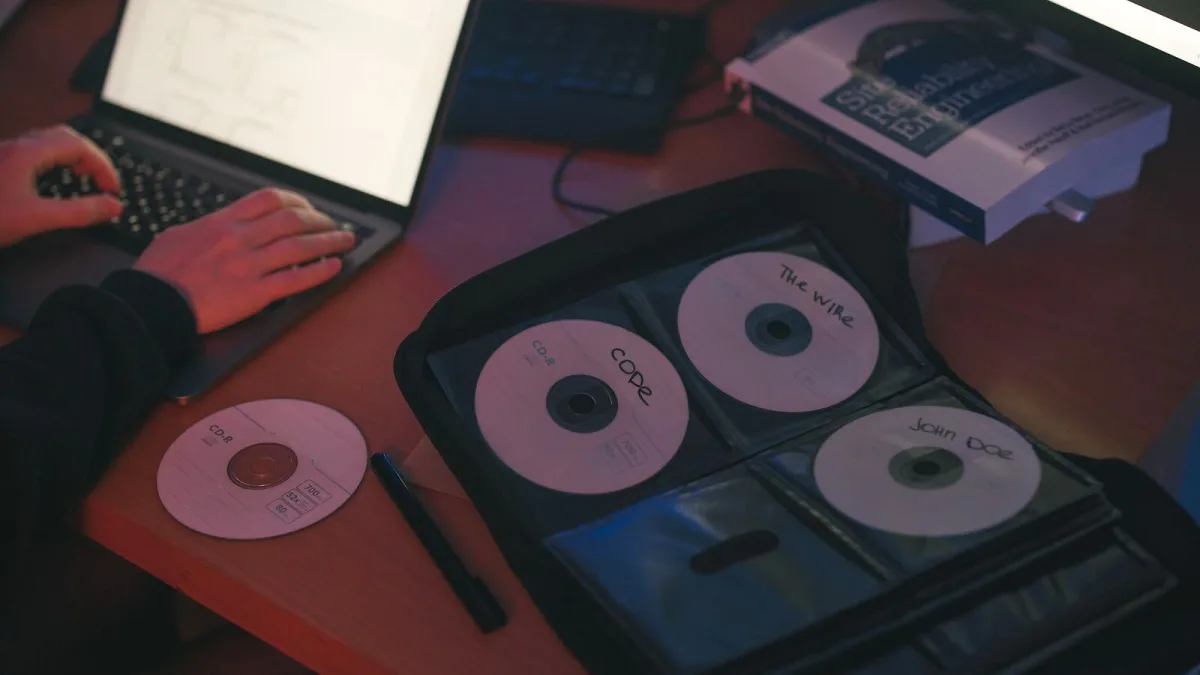
DJ software has become the beating heart of modern electronic music, transforming how producers and performers shape sound in real time. Whether you're playing at a packed festival, mixing tracks for a wedding or crafting remixes in your bedroom, understanding what DJ software actually does—and why it matters—separates casual playlists from genuinely compelling performances.
What DJ software really is
DJ software sits at the intersection of preparation and performance. On one side, it's a meticulous library tool: importing tracks, analysing their tempo and musical key, building beatgrids so sync works reliably, and marking cue points for drops, breakdowns and vocal entrances. On the other, it's a live performance environment where two or more virtual decks meet a mixer, effects and instant access to your entire music collection at your fingertips.
Most people focus on the decks and crossfader, but that's only half the story. The software that doesn't prepare your tracks properly leaves you vulnerable during a set: sloppy beatgrids mess up sync, missing cue points steal seconds you don't have, and an unorganized library means searching for the right track when the energy should be climbing. Modern DJ software recognises this duality and dedicates serious engineering to both sides.
The core features you need to know
When you load a track into professional DJ software, the application immediately begins analysing it. It detects the beats per minute, identifies where the beat sits in the bar, measures the musical key (useful for harmonic mixing), and displays a waveform showing the track's peaks and troughs. These basics form the foundation of everything that follows.
The mixer is where personality emerges. Channel gain controls let you set input levels precisely; the channel fader controls individual deck volume; and the crossfader blends between decks. Three-band EQ—bass, mid, treble—lets you sculpt the frequency balance during transitions. A filter typically emphasises or strips away frequencies around a particular point, creating dramatic sweeps during breakdowns. Beyond the basics, effects like echo, reverb, delay and beat-repeat add texture and drama.
Hot cues—saved trigger points within a track—deserve special mention. Mark the first beat, the vocal entrance, the drop: anything that matters for your performance. Once marked, a single button press jumps you there instantly. A well-cued track is a DJ's security blanket.
The five platforms that shape the scene
The DJ software landscape splits roughly into five major ecosystems, each with a distinct culture and workflow.
rekordbox is closely intertwined with Pioneer DJ club hardware—CDJ players, XDJ systems and controllers from AlphaTheta. If you're preparing USB drives for club decks or gigging regularly at venues running Pioneer equipment, rekordbox makes sense. Its preparation database stores everything: beatgrids, cue points, loops, key analysis and phrase information.
Serato DJ Pro has carved out a reputation in scratching and turntable communities, partly through its strong DVS (Digital Vinyl System) support—letting you control digital files with vinyl timecode records. The eight cue points per track are industry-standard for scratch DJs. Serato DJ Lite offers a beginner-friendly entry point.
Traktor Pro, by Native Instruments, appeals to electronic-music DJs drawn to four-deck mixing, creative effects and Remix Decks—which chop loops into playable pads. If you like deep effects chains and want tools that blur the line between DJ and producer, Traktor's ecosystem is compelling.
VirtualDJ emphasises compatibility and versatility. It supports an exceptionally wide range of controllers and mixers, works with video and karaoke tracks, and is free for home use. It's become popular with mobile and wedding DJs, and anyone learning without expensive hardware.
djay leads in mobile and tablet-based performance. The interface is touch-optimised, streaming integration is seamless, and features like Neural Mix (AI-powered stem separation) highlight its modern approach. It's where mobile DJing is heading.
Stem separation: the modern game-changer
Stem separation—using artificial intelligence to isolate vocals, drums, bass and other elements in real time—has become a defining feature of contemporary DJ software. It opens creative possibilities: you can drop just the drums from a track, swap vocals between songs instantly, or build rapid mashups that would have required careful cueing and effects chains in the past.
The catch is nuance. Separation quality varies by track and algorithm. Sometimes artifacts become audible, or processing demands CPU power you don't have during a busy set. It's a tool, not magic.
Making the software choice
Asking "which is the best DJ software?" misses the point because the answer depends entirely on your workflow. Club DJs using Pioneer hardware should explore rekordbox. Scratch and turntable-focused performers will likely gravitate toward Serato. Electronic producers hungry for creative tools gravitate to Traktor. Mobile performers, wedding DJs and beginners often find VirtualDJ's broad compatibility attractive. Phone and tablet users should look at djay.
Hardware locks you in partly—a Numark controller might work best with certain software—but never make software choice based on a single feature. Consider your music library, your controller, the venues you'll play, whether you need video mixing, and whether you prefer a subscription or a one-time purchase.
The invisible foundation: backups and library management
The most overlooked aspect of professional DJing is that your preparation data—all those beatgrids, cue points, loops and playlists—may live in a proprietary database, not in your music files. Copying your track folder to a backup drive is not enough. You also need to export or back up the software's database. Losing your library means losing months or years of careful preparation.
A robust workflow includes consistent file naming, correct tags (artist, title, album, genre), organised playlists by mood or energy level, regular analysis checks, and critical backups of both your audio and your software's library data. Treat your music collection like the professional asset it is.
Conclusion: DJ software is your creative partner
Modern DJ software is far more sophisticated than the turntable emulators of the early 2000s. It's a library manager, a performance tool, a creative instrument and a technical foundation all at once. Which platform serves you best depends on your hardware, your performance style, your music collection and your workflow preferences—not on any universal ranking. The professionals in each DJ community have chosen their platform because it fits their needs and their ear. Your job is to understand those ecosystems and pick the one that fits yours.






Comments