


DJ Software article
Common Dj Software Mistakes to Avoid
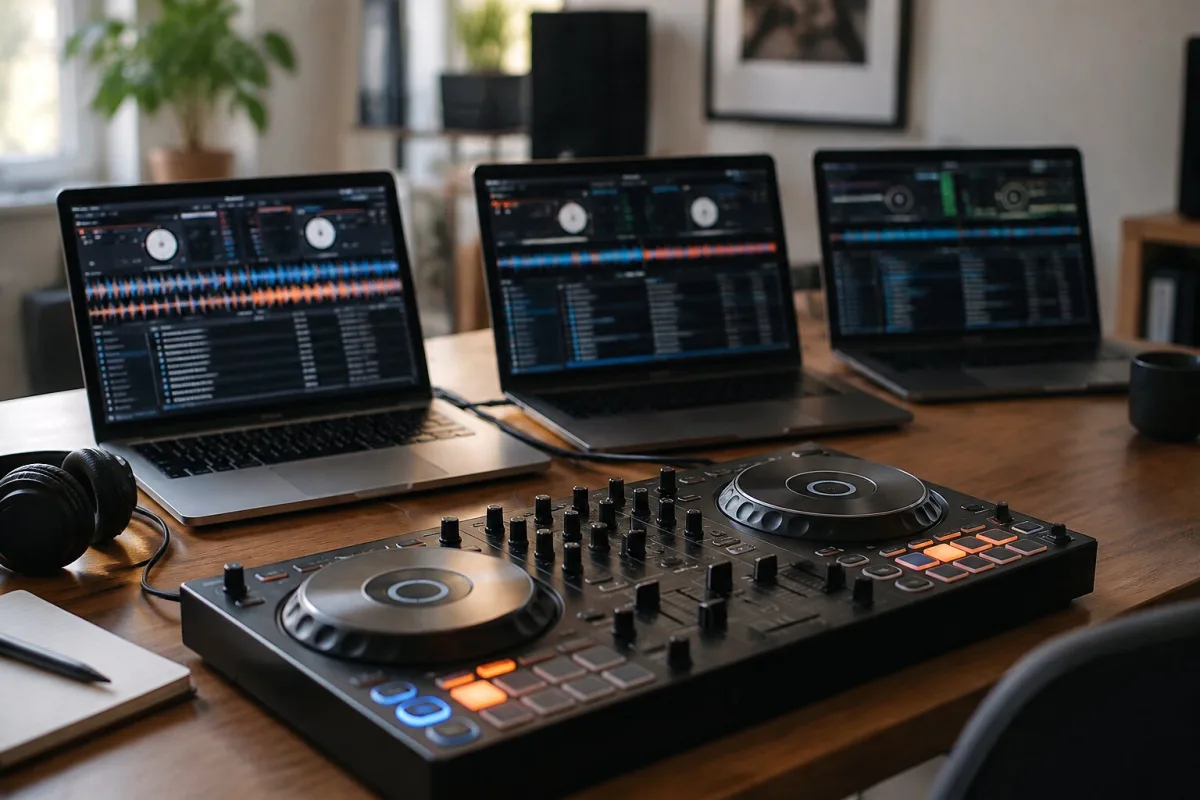
Every DJ I've watched at Brighton's clubs has made the same rookie mistakes at some point. The difference between the ones who kept getting gigs and the ones who disappeared is that the good ones learned fast and stopped doing the obviously dumb stuff. If you're using DJ software—whether you're playing a festival main stage or your bedroom at 2am—here are the mistakes that will sink you, and how to dodge them completely.
Mistake 1: Trusting automatic beatgrid analysis blindly
Your software scans a track and instantly generates a beatgrid. Brilliant, right? Wrong. Automatic analysis is spectacularly unreliable on certain tracks. Live drums, tempo changes, poorly tagged files, weird time signatures, or even just weak transients (the initial attack of a beat) can trick the analyser. You'll load the track expecting sync to work smoothly and instead watch it lag, drift or outright fail.
The fix is simple: inspect every beatgrid before a performance. Most major software displays the grid visually over the waveform. If it doesn't line up perfectly—especially in the first eight bars and at drops—correct it manually. Spend 30 seconds per track fixing this. It prevents disaster during a set.
Mistake 2: Building a massive library without curating ruthlessly
You discover a brilliant new artist and immediately download their entire discography. Multiply that by 50 artists and suddenly you've got 8,000 tracks. During a performance, you're paralysed, unable to decide what to play. The crowd senses hesitation and the energy drops. You're scrolling frantically through an enormous library when you should be mixing.
Keep your active library small and curated. For clubs, 500-1,500 carefully chosen tracks is plenty. For weddings or mobile events, even 300 tracks will suffice. You can maintain a larger archive for future exploration, but your performance library should be compact and intimate. Know it so well you can grab the right track instantly.
Mistake 3: Ignoring backup strategy until it's too late
Your preparation data—all those beatgrids, cue points, loops and playlists you've spent months building—lives in a proprietary database. It's not embedded in your music files; it's locked inside the software. Hard drive crashes happen. Software corrupts. Laptops get stolen. If your only copy of that database vanishes, so does years of work.
Export your playlists regularly. Back up your software's entire database to an external drive. Maintain cloud backups of critical preparation data. Don't learn this lesson the hard way, sitting in a venue an hour before a gig realising your entire library has evaporated.
Mistake 4: Running too many background applications during a set
Your laptop is playing a Spotify playlist, you've got three Chrome tabs open, email notifications are pinging, an update is installing silently in the background. DJ software is resource-intensive. Add other applications and you're begging for CPU spikes, audio dropouts and the software to lock up mid-set. It's not just unprofessional; it's a nightmare.
Close everything before a performance. Every. Single. Thing. Disable notifications. Turn off auto-updates. Unplug unnecessary USB devices. Restart the laptop if you can. Run only DJ software, nothing else. That one simple discipline prevents 90% of technical disasters.
Mistake 5: Skipping the audio routing check
You arrive at a venue, plug in your laptop, load your first track and hit play. Nothing comes out of the speakers. Panic. You check the software's master volume—it's fine. You check your mixer—it's fine. What's wrong? Audio routing is misconfigured. Your laptop is sending sound to your built-in speakers instead of the venue's mixer. Or worse, it's sending to a USB headphone adapter. Ten minutes of chaos to fix something that took 30 seconds to prevent.
Check audio routing before every single set. Open System Preferences (Mac) or Sound Settings (Windows). Verify that your DJ software is outputting to the correct audio interface. On a foreign mixer, ask the technical operator to walk you through the routing. Five minutes of preparation saves a catastrophe.
Mistake 6: Not testing the whole setup before the event
You've tested your software. You've tested your controller. But have you tested them together in the actual venue, through the actual mixer, with the actual sound system, playing an actual track? Until you do, you're gambling. Latency spikes. Jog wheels behave strangely. Headphone cue doesn't work. Effects cut in and out. These disasters reveal themselves only in the real environment, not in your bedroom.
Arrive early. Plug in. Run through your setup completely. Load a track, test both decks, verify headphone monitoring, check all your effects, confirm the master output is clean. It takes 15 minutes and it's the difference between a bulletproof performance and a white-knuckle panic.
Mistake 7: Updating software the day before a major gig
A new version of your software drops and it's packed with features. You update immediately. The next evening you've got a 500-person wedding to DJ. The update introduced a bug. Your favourite effect doesn't work. Hotkeys are remapped. Everything is just slightly different and you're thrown off rhythm. Disaster.
Update software at least two weeks before any important performance. Test the new version thoroughly. If something breaks, you have time to downgrade or solve it. Never—and I mean never—update software within 48 hours of an event.
Mistake 8: Relying entirely on sync without learning manual beatmatching
Sync is brilliant. It works most of the time. But it fails occasionally on unusual time signatures, tempo changes, or peculiar audio. If you've never manually beatmatched a track, when sync fails you're helpless. The show grinds to a halt while you panic.
Spend time practising manual beatmatching, even though sync usually handles it. Learn to watch the waveforms, listen to the bass, and adjust tempo with your ears. When sync inevitably fails at a critical moment, you'll glide through smoothly while other DJs scramble.
Mistake 9: Overusing effects and drops
That reverb sweep sounds so cool. You use it every transition. By minute 20 of your set, the crowd has stopped noticing it. By minute 40, it's actively irritating. Effects are power. Power used constantly is noise. Restraint sounds professional. Restraint means an effect hit hard at the right moment has impact. Use effects maybe 20-30% of your transitions. Save them for moments that matter.
Mistake 10: Not backing up your music files separately
Your laptop is your entire music and library system. If it dies, you lose everything. External hard drives are cheap. Maintain a backup drive with all your audio files (without the software database). If your laptop fails two days before a gig, you can recover all your tracks onto another computer and rebuild library data quickly. Without this backup, you're out of business.
Conclusion: the professionals do these things automatically
Every experienced DJ you've seen nail a set religiously checks beatgrids, maintains backups, tests their setup in advance and keeps their laptop clean before performance. These aren't extra steps—they're the foundation of reliability. Do them once and they become automatic. Skip them once and you'll understand why professionals never do.






Comments