


DJ Software roundup
Dj Software: A Complete Buyer's Guide
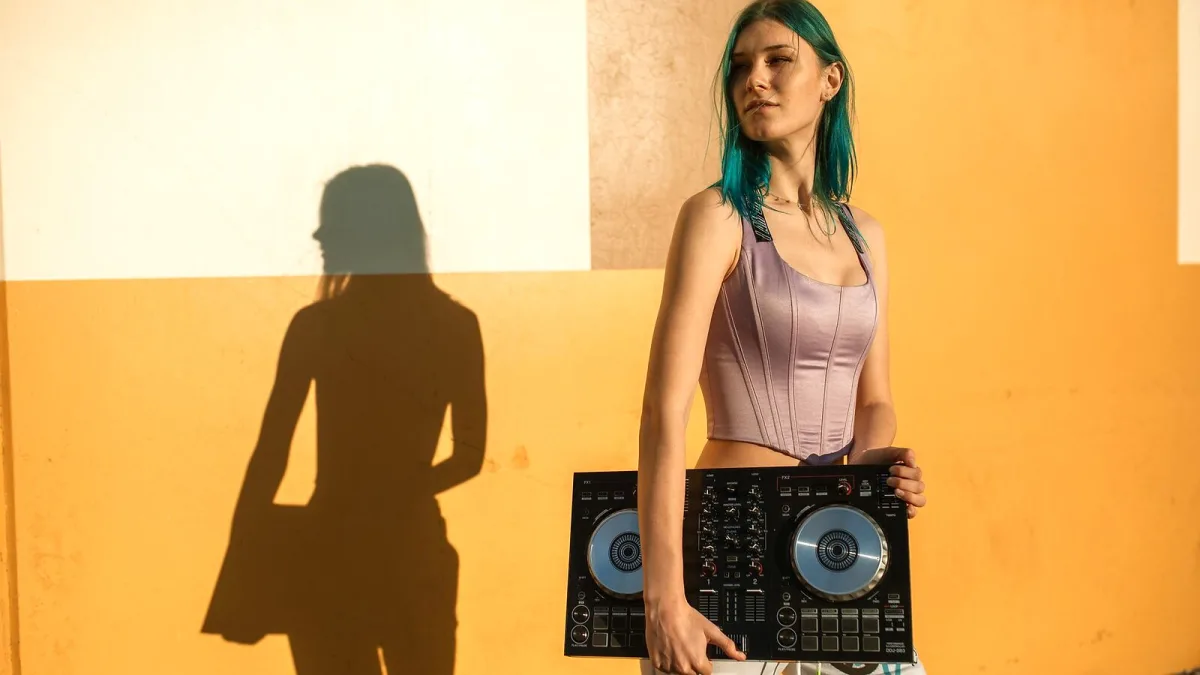
Buying DJ software is less about finding the universally "best" option and more about finding the right match for your workflow, your hardware and your musical goals. I've spent years in Sheffield's electronic music scene, and the clearest pattern I've noticed is that every professional DJ I've met uses software that fits their specific setup—not the software everyone else is using. If you're ready to invest in serious software, here's how to make that decision without overspending or ending up with a platform that frustrates you.
Why your hardware choice locks you in
This is the first thing to understand: your DJ controller or mixer often influences which software makes the most sense. Buying software first and hardware second is backwards. A Numark controller might work best with Serato or VirtualDJ. A Pioneer controller practically expects rekordbox. A Native Instruments setup naturally runs Traktor. Yes, most software supports many controllers, but compatibility doesn't mean integration is seamless. Button mappings, jog-wheel response, pad functions and DVS support vary widely. Before spending money on software, research what controllers experienced users pair with it.
Understanding the licensing models
DJ software doesn't all cost the same, and the pricing structure matters for your long-term commitment. Rekordbox, Serato DJ Pro and Traktor Pro typically charge a one-time perpetual license—you pay once and keep the software indefinitely, though you might buy yearly updates optionally. VirtualDJ uses a perpetual license for full features or a free tier for home practice. Subscription models are emerging, particularly for djay and some entry-level offerings. The key question: do you want to own the software permanently or rent it annually? Perpetual licenses feel better long-term, but subscription models offer flexibility and lower upfront cost. Neither is inherently wrong; it depends on your commitment level.
Entry-level vs professional editions
Nearly every major platform offers a cheaper entry-level version. Serato DJ Lite costs less than Serato DJ Pro but removes advanced features like some effects and full DVS support. Similarly, older editions of Traktor or rekordbox cost considerably less than the latest versions. Entry-level is brilliant for learning—you're not committing a large amount of money while you develop your ear and your workflow. The catch is that you'll eventually outgrow it or discover you need a feature the lite version doesn't include. Budget accordingly: many hobbyists never need to upgrade, but enthusiastic learners often do within 12-24 months.
The five main platforms and their strengths
rekordbox (Pioneer DJ) costs around £100-150 for a perpetual license, though prices vary by region and promotion. Its strength is integration with Pioneer club hardware and its meticulously organised preparation database. If you're gigging at venues running Pioneer CDJ systems or planning to prepare USB drives for club playback, rekordbox's workflow is unmatched. The software also works standalone with controllers from other manufacturers, but it's designed around the Pioneer ecosystem.
Serato DJ Pro is similarly priced, around £250-300 for a perpetual license (Serato DJ Lite is £100-150). Its reputation rests on scratch performance, DVS support and a loyal community in hip-hop, turntablism and urban music genres. If scratching is central to your style or you're building a DVS setup, Serato's integration is excellent. The eight-cue-point standard and responsive jog control are tailored for scratch DJs.
Traktor Pro 4 runs about £200-250 perpetual. Its appeal lies in four-deck mixing, a deep effects chain, Remix Decks and creative tools that blur DJ and producer workflows. If you love electronic music, effects chains and experimental performance, Traktor's ecosystem is worth exploring. Hardware-wise, Native Instruments' own controllers work beautifully, but Traktor supports broad compatibility.
VirtualDJ is free for home use or a paid license (typically £50-100) for commercial use and advanced features. Its genius is breadth: it supports an enormous range of controllers and mixers, includes video mixing and karaoke features, and requires no external hardware to start learning. If you're on a tight budget or want to experiment before committing, VirtualDJ is extraordinarily generous.
djay works across phones, tablets and desktops with a freemium model—free basic access or a subscription (usually £60-100 annually) for full features. Neural Mix stem separation is a major draw if you want modern AI-powered creative tools. The mobile-first design appeals to bedroom DJs and learners who prioritise portability and streaming integration.
Key features worth paying for
Not every feature costs extra, but some justify the upgrade from entry-level to professional editions. Look for four-deck mixing if you like complex layering. DVS support if turntables matter to your style. Video mixing if you're playing events beyond pure audio venues. Stem separation if you want to build mashups and vocal transitions. Robust MIDI mapping if you'll use non-standard hardware. Loop and effect precision if you're doing remix work. Make a list of the features you'll actually use regularly, not features that sound impressive in marketing copy.
The backup and portability question
Rarely discussed but critically important: your preparation data—beatgrids, cue points, cue markers, playlists—may be stored in a proprietary database that doesn't export cleanly to other platforms. If you ever want to switch software, migrating that library is painful, sometimes impossible. This doesn't mean you shouldn't switch, but understand the cost. Budget time to re-prepare your library if you're thinking long-term across multiple platforms. Some DJs maintain dual setups (Serato and rekordbox, for example) to avoid this lock-in, though that's expensive. Always back up your software's database and exported playlists, not just your music files.
Testing before buying
Most platforms offer a free trial or trial mode with limited features. Use this ruthlessly. Install the software, set it up with the controller you're considering, and see if the workflow feels natural. Does the interface make sense to you? Is the learning curve gentle or steep? Does the forum community seem helpful? Software that looks brilliant on video can feel awkward when you're actually using it. Spend at least a few hours with any platform before committing financially.
My honest recommendation
If you don't yet own a controller: start with VirtualDJ's free version. No financial risk, broad compatibility with future hardware, and plenty of depth for serious learning. If you're a scratching or turntable DJ: Serato DJ Lite is the natural starting point, with a path to Serato DJ Pro if you need advanced features. If you love electronic music and effects: Traktor Pro offers creative depth and four-deck mixing. If you're committed to club gigs on Pioneer hardware: rekordbox's integration is worth the cost. If you want maximum portability and modern features: djay's mobile-first design and Neural Mix are compelling. The best software is the one you'll actually use and whose workflow matches your ear and your hardware. Buy based on that logic, not hype.
Conclusion: the right software is an investment
DJ software is never cheap, but it's an investment in years of creative work. Take time choosing, test before buying, and prioritise platforms whose ecosystem matches your hardware and performance style. The professional DJs you admire didn't necessarily choose the most expensive option; they chose the one that lets them work fastest and sound best. That same logic will serve you well.






Comments