


Steinberg Audio Interface Buying guide
Steinberg Audio Interface: A Complete Buyer's Guide
A practical guide to selecting a Steinberg audio interface based on your budget, recording needs, and technical requirements—covering specs that matter, common pitfalls, and realistic price tiers.
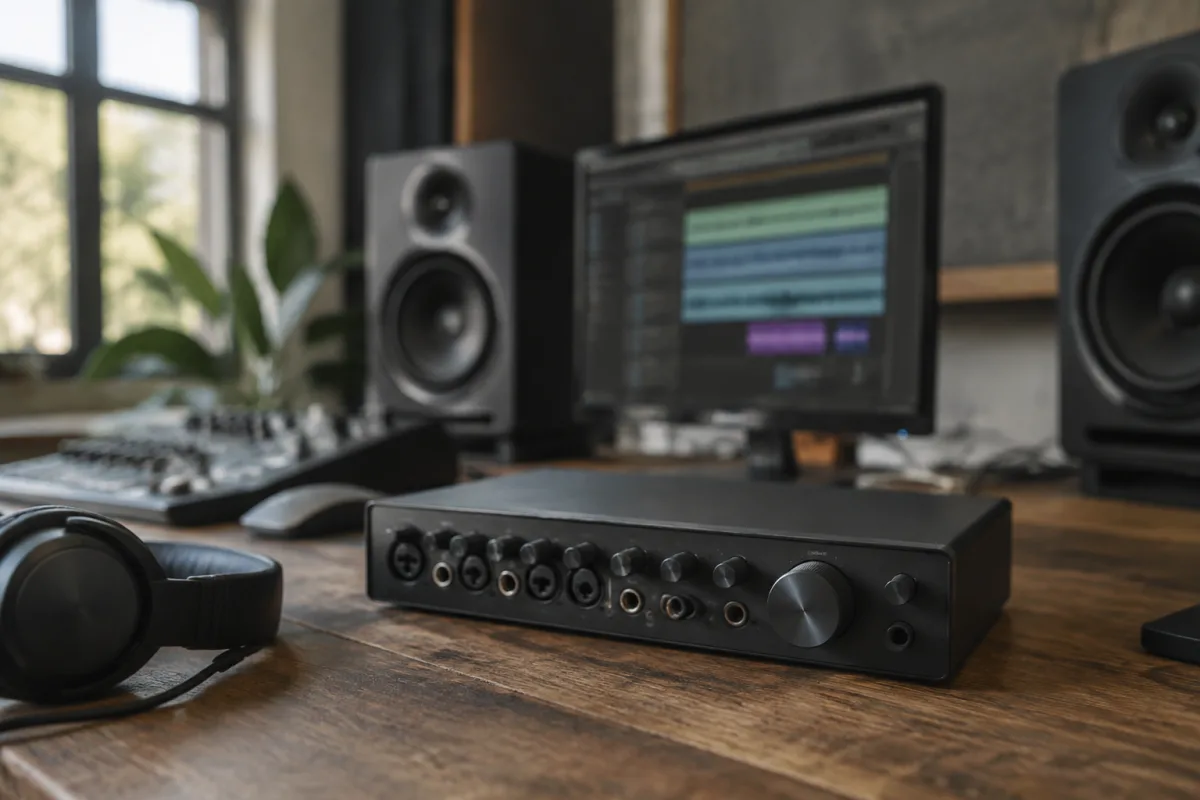
Picking the right Steinberg audio interface can transform your home studio setup, but the choice hinges on understanding what you actually need rather than chasing the most expensive option. This guide walks through the key specs, common pitfalls, and realistic price tiers so you can choose with confidence.
Understanding Your Budget Tiers
Steinberg audio interfaces slot neatly into three tiers, each serving a distinct need. Entry-level models (£150–350) suit bedroom producers and hobbyists: think the UR22C or UR44C. Mid-range units (£350–800) work for serious amateurs and small professionals; the UR824 and UR-RT2 sit here. Premium interfaces (£800+) target full-time studios and live engineers—models like the UR824XL or the MR816X. Your budget should match your actual recording volume and professional ambition, not your wishful thinking.
The Core Specs That Actually Matter
Don't get lost in marketing jargon. What truly defines a Steinberg audio interface for your needs comes down to four things.
Input and Output Count
How many microphones, instruments and speakers can you connect at once? A Steinberg interface with two mic preamps handles vocals and a guitar simultaneously. If you're recording a four-piece band, you need at least eight inputs. Look at XLR mic inputs, line inputs, and instrument inputs separately—they're not interchangeable. Count the outputs too: do you need stereo mains plus a separate headphone mix?
Preamp Quality and Gain Range
The preamps are where the magic starts. Steinberg preamps generally offer clean, transparent gain with low noise, which is precisely what you want. Check the gain range: can it handle both very quiet sources and hot line signals? The best Steinberg interfaces include a pad switch to safely record loud sources without distorting.
Connectivity
Most Steinberg interfaces connect via USB (fast and universal), but some use Thunderbolt (slightly lower latency, mac-friendly). Older models might use FireWire—avoid those unless you have legacy gear. Check whether your computer supports the interface's connection type before purchasing. A £500 interface is worthless if your laptop can't talk to it.
Latency and Driver Stability
Latency—the delay between playing and hearing your signal—matters most during recording. Steinberg interfaces typically deliver excellent latency performance, especially in the UR and MR ranges. However, driver stability varies by your operating system. Windows users should check forum reports; Mac users generally have smoother experiences. Before you buy, search for your specific model and OS combination online.
Interface Categories Within Steinberg's Range
Steinberg organises its range into distinct product lines, each with a personality.
| Range | Best For | Typical Price | Key Feature |
|---|---|---|---|
| UR-C Series | Bedroom producers and podcasters | £150–300 | Compact USB, portable, budget-friendly |
| UR-RT Series | Singer-songwriters and small studios | £350–500 | Retro styling, warm tone, balanced I/O |
| UR824 Series | Professional home studios | £600–900 | Eight inputs, mixing desk feel, expansion slots |
| MR Series | Mobile recording and mastering | £400–1200 | Ultra-portable, pristine preamps, rack-mount options |
Common Pitfalls to Avoid
Buyers often stumble at the same hurdles. First, counting inputs incorrectly: that eight-input interface looks brilliant until you realise only two XLR inputs exist for microphones. The rest are line or MIDI—not what you need. Second, ignoring your cable situation: if you're a guitarist, you need instrument cables and a DI box or a proper instrument input; if you're using condenser mics, budget for XLR cables, phantoms power and mic stands separately. Third, buying too much: a £1000 interface with 16 inputs is overkill for podcast recording and sits underused, frustratingly complex. Match your gear to your workflow, not the other way round.
One more: assuming software is included. Steinberg interfaces ship with Cubase LE or Artist (limited), but you may need to budget for the full DAW later. Check what's in the box before you commit.
Expansion and Future-Proofing
Some Steinberg interfaces (particularly the UR824 and MR range) accept optional expansion cards for extra I/O or specialist connectivity. This matters if you think you'll outgrow the base config. A UR824 can grow from eight to twelve inputs; you can't do that with a UR22C. If you're just starting, don't pay for expansion you don't need yet. If you're building a semi-professional studio, the option is worth considering.
Driver support is also crucial. Steinberg maintains its interfaces well, but older models sometimes fall behind on OS updates. Buying a current-generation model (within the last two or three years) is safer than hunting bargains on five-year-old gear that might not run on your next OS version.
Shopping Tips and Real-World Advice
Read forum threads and YouTube reviews, but weight them carefully: someone complaining about latency on Windows 10 might be running outdated drivers or a USB hub that's choking bandwidth. Check multiple sources and look for patterns, not isolated complaints.
If you already own Cubase, a Steinberg interface makes sense because they integrate seamlessly. If you use Logic Pro or Pro Tools, that's not a dealbreaker—they work fine—but you won't get the tighter integration Cubase users enjoy.
Buy from a retailer with a good return policy, even online. Your studio is personal: what works brilliantly for a friend might feel wrong for your setup. A 30-day trial period is worth more than a £50 discount.
For more detailed context on the broader topic, read our complete guide to Steinberg audio interfaces, which covers the technology and history in depth.
Conclusion
Buying a Steinberg audio interface boils down to matching the interface's capabilities to your actual recording needs and workflow. Start with your input count and budget, check the preamp quality and latency performance, then verify driver stability for your system. Avoid overspending on features you won't use, and ignore marketing hype in favour of real technical specs. A well-chosen Steinberg interface will serve you reliably for years.


Comments