


Nearfield Monitors article
Nearfield Monitors for Beginners: A Complete Guide
Nearfield monitors are essential for accurate mixing. This beginner guide explains how they work, what specs matter, how to position them, and how to choose your first pair without guesswork.
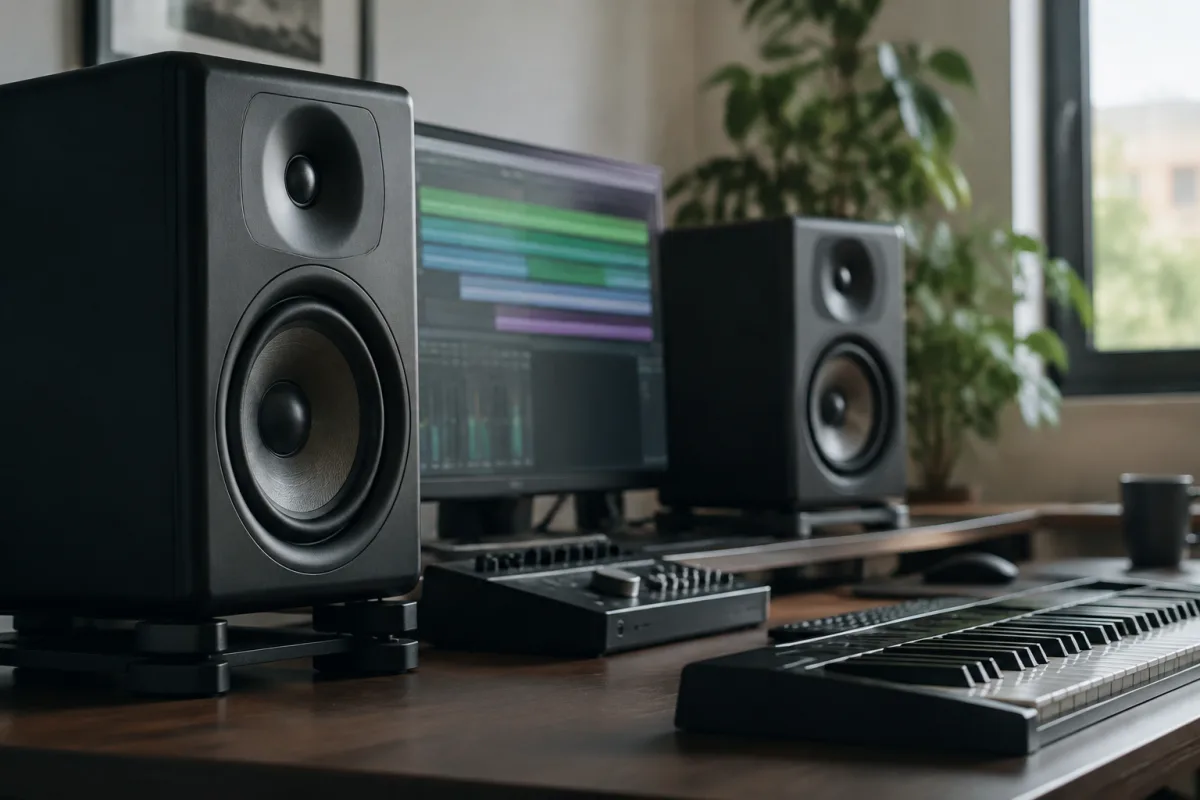
When you start recording music or mixing in a home studio, one of the first questions is: what speakers do I need? The answer for most beginners is nearfield monitors—compact speakers designed to sit at arm's length from you and deliver accurate sound in small to medium spaces. But "nearfield monitors" is a broad category, and choosing your first pair can feel overwhelming. This beginner's guide demystifies nearfield monitors and guides you toward your first purchase with confidence.
What Nearfield Monitors Are (And Why You Need Them)
A nearfield monitor is a small, accurate speaker that sits close to you (typically 30–90 cm away) on your desk or on stands beside your listening position. Unlike hi-fi speakers or home theatre systems designed to fill a room with sound, nearfield monitors prioritise accuracy over bass and volume. They help you hear your recordings truthfully—not coloured, not exaggerated, just real.
The benefit is enormous: when you hear your mix accurately, you can fix problems and make good decisions. Without nearfield monitors, you're mixing blind, hoping that what you hear on cheap speakers will translate to professional systems.
Nearfield Monitors vs. Other Speaker Types
Understanding the differences helps you make the right choice:
- Nearfield monitors: Compact, accurate, positioned close to your ears. Ideal for recording, mixing, and mastering in small studios. The best choice for beginners.
- Midfield monitors: Larger speakers positioned 1–2 metres away. Better for bigger rooms and more accurate bass reproduction. Overkill for most home setups.
- Farfield speakers: Room-filling speakers designed to work at 3+ metres distance. Most common in larger professional studios or concert halls. Not suitable for home studios.
- Hi-fi or consumer speakers: Designed for listening pleasure, not accuracy. They colour sound with bass boost and presence peaks, making them unsuitable for mixing. Avoid for studio work.
For a beginner home studio, nearfield monitors are the only sensible choice.
Key Specs to Understand
When shopping for nearfield monitors, you'll encounter these specs:
- Woofer size (driver size): Nearfield monitors typically have 4–8 inch woofers. Larger woofers reproduce deeper bass, but take up more space. For small rooms, 4–5 inch is common; 6–8 inch for larger spaces.
- Frequency response: This tells you the range of frequencies the monitor reproduces. Good nearfield monitors reach 50 Hz (or lower) to 22 kHz or beyond. Specs like "50 Hz–22 kHz ±3 dB" indicate excellent flatness.
- Powered (active) vs. passive: Nearly all modern nearfield monitors are powered, meaning they have built-in amplifiers. You plug them into power and your interface—no external amp needed. This simplicity is why powered nearfield monitors dominate home studios.
- Maximum SPL: How loud the monitors can go. For mixing, 100–108 dB SPL is typical and plenty. Higher numbers matter only in very large rooms.
- Room correction: Some nearfield monitors include DSP controls to adjust bass and presence for your specific room. Helpful if your space is untreated, but not essential.
- Connectivity: Most accept XLR (balanced) and/or RCA (unbalanced) connections. Check that your audio interface has the right outputs.
Choosing Your First Nearfield Monitors: A Beginner Roadmap
Follow this simple process:
- Decide on woofer size: If your studio is smaller than 20 m², choose 4-inch nearfield monitors. If it's 20–30 m², go 5-inch. Larger rooms can handle 6-inch or bigger, but they're overkill for beginners.
- Set your budget: Beginner pairs start around £150–300 total. Mid-range pairs (£500–1,500) are excellent value. Premium brands exceed £2,000 per pair. For your first purchase, don't agonise over premium options.
- Read reviews focused on accuracy: Look for reviews mentioning "flat response," "minimal colouration," and "good for mixing." Avoid reviews obsessed with bass or "punchiness"—those indicate colouration.
- Check inputs and outputs: Ensure the nearfield monitors match your interface's outputs. If your interface has only RCA outputs, don't buy monitors with only XLR inputs. Adapters exist but introduce complexity.
- Read the manual or spec sheet: Verify that the frequency response is flat across the range you care about. Bass should be accurate (50 Hz or lower), not exaggerated.
- Listen to them if you can: The best nearfield monitors sound honest and neutral to your ears. If you can audition a pair before buying, do so on material you know well.
Common Beginner Mistakes
Avoid these traps:
- Buying monitors that are too large for your room: Oversized nearfield monitors (8-inch woofers in a tiny bedroom) will sound boomy and inaccurate. Match size to space.
- Choosing bass over accuracy: Nearfield monitors with exaggerated bass feel fun but betray you when mixing. You'll add too much bass to your mixes, and they'll sound terrible on car stereos and headphones.
- Skipping acoustic treatment: Nearfield monitors sit close to you, so they're somewhat immune to room problems—but not entirely. A rug, some absorptive panels, and basic treatment hugely improve accuracy. Don't buy monitors expecting them to fix a bad room.
- Placing monitors poorly: Position nearfield monitors at ear level, equidistant from your head, and at least 30 cm away. Poor placement ruins even excellent monitors. Spend time on positioning.
- Assuming "studio" means accurate: Any speaker calling itself a "studio monitor" isn't necessarily accurate. Check specs and reviews. Budget brands sometimes misuse the term.
- Ignoring impedance matching: Your interface and monitors should work well together. Most powered nearfield monitors are forgiving, but check compatibility if you're unsure.
- Buying a single monitor: You need a stereo pair for proper mixing. A single monitor is useless for mixing and painful for music listening. Always buy in pairs.
Budget-Friendly Nearfield Monitor Options
Quality doesn't require bankruptcy. Here's what to expect at different price points:
- Under £200 per pair: Entry-level nearfield monitors that work for learning. Sound isn't pristine, but adequate for gaining experience.
- £200–500 per pair: Good, reliable nearfield monitors from reputable brands. This tier offers excellent value and is where most beginners should focus.
- £500–1,500 per pair: Excellent nearfield monitors with superior accuracy and build. Great for serious mixing and mastering.
- £1,500+ per pair: Premium and reference-grade nearfield monitors. Overkill for beginners; consider only if professional work demands it.
For a first pair, targeting the £300–600 range delivers solid performance without overspending.
Setting Up and Positioning Your Nearfield Monitors
Once you've chosen your pair, setup matters enormously:
- Position at ear level: Nearfield monitors should point directly at your ears, forming an equilateral triangle (each monitor 30+ cm from your head).
- Angle slightly inward: A 15–20 degree inward angle creates a cohesive stereo image at the listening position.
- Isolate from surfaces: Use monitor stands or isolation pads to decouple monitors from your desk. This reduces vibration and improves accuracy.
- Keep them away from walls: Position at least 30 cm from side walls to avoid acoustic reflections that colour the sound.
- Set levels carefully: Nearfield monitor volume should be comfortable but not loud—typically 85–90 dB SPL at your listening position (measure with a smartphone app if you're curious).
Next Steps After Your First Purchase
Once you're comfortable with your first pair, you may later add a subwoofer for extended bass, upgrade to larger or more accurate monitors, or treat your room acoustically. But your first nearfield monitors are your foundation. Choose wisely, position them carefully, and learn to trust their sound.
For deeper knowledge about nearfield monitor technology, how to interpret frequency response curves, and advanced setup techniques, explore our comprehensive nearfield monitors guide.
The Bottom Line
Nearfield monitors are essential for accurate recording and mixing. Choose a pair matched to your room size (4–5 inch for most home studios), position them at ear level, and focus on flat accuracy rather than bass or volume. Budget £300–600 for a solid first pair. Within a few weeks, you'll trust their sound and make better mixing decisions. Your first nearfield monitors are an investment that transforms your studio from guesswork to confidence.


Comments