


Iloud Studio Monitors Buying guide
Iloud Studio Monitors: A Complete Buyer's Guide
iLoud studio monitors combine portability with professional-grade room correction. This buyer's guide helps you decide whether iLoud's unique features match your workflow and mixing requirements.
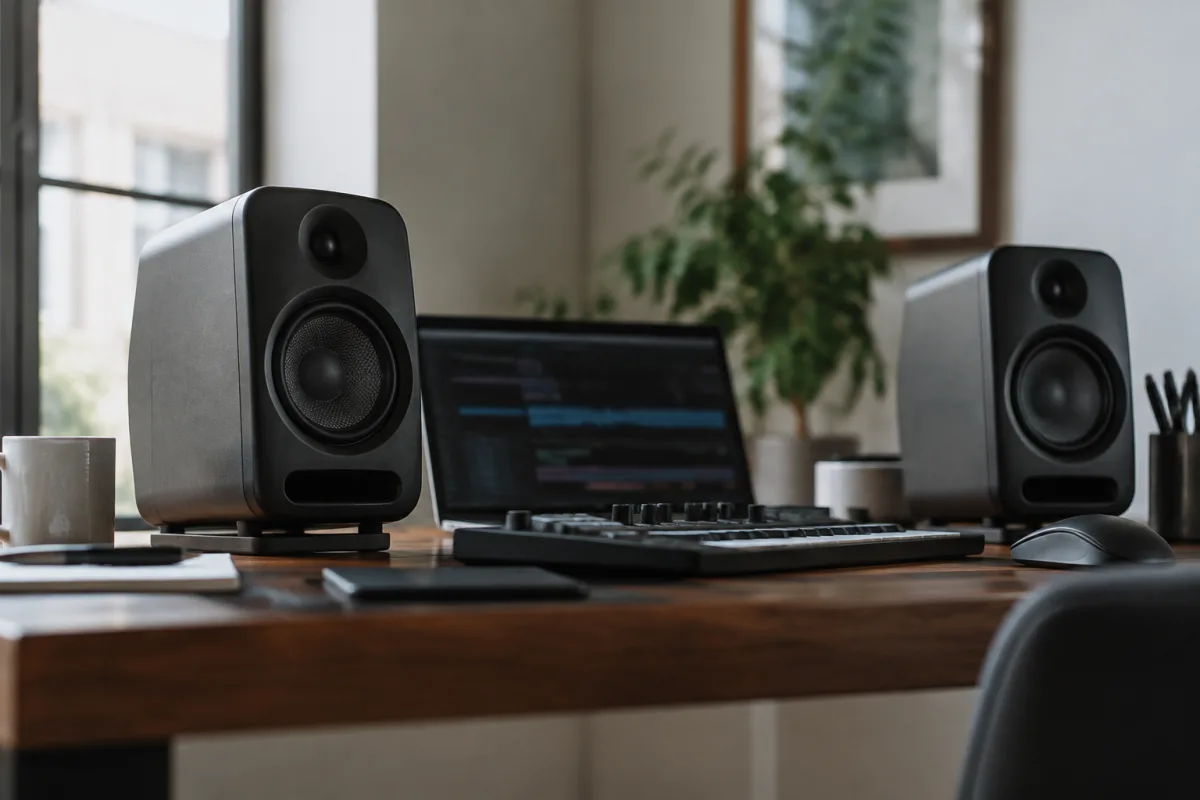
iLoud studio monitors from iK Multimedia occupy a unique niche: they're compact enough to travel with, powerful enough to mix seriously, and priced between budget and premium options. If you're working in a small space, juggling a home studio and tour setup, or simply want monitors that don't dominate your desk, iLoud's design philosophy appeals directly to your needs. But are they the right choice for you? This buying guide explains what makes iLoud monitors distinctive, helps you compare their different models, and shows you how to decide whether iLoud is the ideal choice for your specific recording and mixing needs.
What Makes iLoud Studio Monitors Different
iLoud monitors aren't traditional studio monitors. They're designed by iK Multimedia, a company known for portable audio software and hardware, and that background shows in how iLoud approaches the monitor market:
- Compact form factor: iLoud monitors are genuinely small compared to traditional studio monitors. The MTM (Micro Tri-Amped Monitor) line fits comfortably on a desk without requiring extra furniture or taking over your space. If you work in a bedroom or small apartment, iLoud's compact size is a real advantage.
- Portable design: Unlike traditional monitors, iLoud includes built-in batteries on some models, making them usable away from AC power. You can carry them to a friend's studio, a rehearsal space, or even use them outdoor for field recording monitoring. This portability is rare in studio monitors and appeals to engineers who travel.
- DSP room correction included: All iLoud models include sophisticated digital signal processing for room acoustic compensation. Out of the box, they adapt to your specific room, automatically correcting bass bloat and other acoustic problems. This is a feature usually reserved for premium-priced monitors and is genuinely valuable.
- All-in-one design: Everything you need is built in: amplifiers, DSP, room correction, and even optional Bluetooth connectivity. You don't need an external audio interface or complex setup—just plug in power and audio.
- Price positioning: iLoud monitors typically cost less than comparable Neumann or ADAM models but more than Mackie or Behringer. They represent value for specialists who need portability and room correction over traditional monitor design.
Understanding iLoud Models and Specifications
iK Multimedia offers several iLoud variants. Understanding their differences helps you pick the right one:
- iLoud Micro MTM: The most compact and affordable option. Smallest driver size, moderate power, and genuine portability thanks to battery operation. Ideal for travel, small rooms, or portable setups. Trade-off is bass extension—not ideal for mixing bass-heavy music alone, but exceptional for the size.
- iLoud MTM Precision: Standard iLoud offering with mid-range driver size, adequate power for small to moderate rooms, and professional DSP room correction. The most popular choice for home studios and travel-friendly setups.
- iLoud Precision: Larger driver size, more power, and extended bass response compared to MTM models. Better for mid-sized rooms and bass-intensive mixing. Sacrifices some portability but retains relative compactness.
- Specifications to understand: iLoud monitors typically specify power output (watts per channel), frequency range (usually 50 Hz or lower to 20 kHz for larger models), and connectivity options. More power and lower frequency extension cost more but limit portability.
Key Buying Considerations
These factors should guide your iLoud purchase decision:
- Will you actually use portability? If you never leave your studio, iLoud's portability advantage disappears. You might get better specifications per pound from a traditional monitor brand. But if you travel, work in multiple spaces, or need to demo mixes in different rooms, iLoud's portable design is invaluable.
- Your room size and treatment: iLoud's built-in room correction is powerful, but it works best in rooms with basic acoustic treatment. A completely untreated concrete garage will defeat any monitor's room correction. If your room has some absorption (furniture, curtains, carpet), iLoud's DSP can effectively compensate.
- The music you're mixing: Smaller iLoud models (Micro MTM) excel at voice, podcasts, and acoustic music. They're less ideal for mixing trap, bass-heavy EDM, or other bass-forward genres where precise low-frequency response is critical. Larger iLoud models handle this better but lose some portability.
- Budget constraints: iLoud monitors position between affordable (Mackie) and premium (Neumann) tiers. If you're absolutely budget-constrained, traditional monitors offer more speaker per pound. If portability matters, iLoud's premium is justified.
- Setup simplicity: iLoud's all-in-one design means less cabling, fewer components, and simpler setup. If you value "just works" simplicity over maximum flexibility, iLoud excels here. If you want to add external processors or complex routing, traditional monitors offer more options.
Technical Specifications Comparison
| Model | Driver Size | Frequency Range | Power per Channel | Battery Option | Best For |
|---|---|---|---|---|---|
| Micro MTM | 1.2 inch | 80 Hz–20 kHz | 20W | Yes | Travel, podcasts, small rooms |
| MTM Precision | 2 inch | 50 Hz–20 kHz | 40W | Optional | Home studios, versatile use |
| Precision | 3.5 inch | 40 Hz–20 kHz | 80W | No | Serious mixing, larger rooms |
Room Correction: A Major iLoud Advantage
Most studio monitors arrive with fixed frequency response. iLoud's built-in room correction (called iLoud Micro Calibration or similar, depending on the model) uses microphone measurements to automatically adapt to your room. Here's how this matters:
- Your room has acoustic problems: Bass frequencies bounce unpredictably, creating peaks and nulls (spots where bass sounds exaggerated or missing). Traditional monitors don't compensate; they just show you what your room does. iLoud's DSP measures your specific room and corrects for these problems in real time.
- Automatic calibration saves time: Instead of manually tweaking bass and treble controls, iLoud does it automatically. Place the included measurement microphone on your mixing chair, run calibration, and the monitors adapt. This is genuinely useful and saves hours of guesswork.
- You still need some room treatment: Room correction doesn't replace acoustic treatment. It compensates for modest problems, not chaos. If your room is concrete with glass windows and nothing else, iLoud's correction has limits. But in a typical room with furniture and some absorption, room correction works brilliantly.
Common Buying Mistakes
These errors lead to disappointment or wasted money on iLoud monitors:
- Buying for portability you'll never use: iLoud's premium is justified by portability. If you never leave your studio, spend less on traditional monitors and allocate the savings to room treatment or other gear.
- Expecting room correction to eliminate acoustic problems: Room correction is powerful but not magical. In severely untreated rooms, no monitor (iLoud or otherwise) will sound accurate. Basic acoustic treatment is still essential.
- Choosing too small a model for your needs: A Micro MTM in a large room feels underpowered and struggles with bass. Match the model to your room size and the music genres you'll mix. Err toward larger if uncertain.
- Forgetting isolation and positioning: Even iLoud monitors need proper isolation and positioning. Desk isolation pads, angled toward your mixing position at ear level, are non-negotiable. Don't skip this step because you're using smaller monitors.
- Assuming room correction replaces proper seating position: You still need to sit at the apex of an equilateral triangle formed by the two monitors for accurate stereo imaging. Room correction handles frequency response; it doesn't handle spatial positioning.
- Buying connectivity features (like Bluetooth) you won't use: Some iLoud models include Bluetooth. It's convenient for wireless monitoring but not essential for serious mixing. Don't pay extra for features you won't use regularly.
Alternatives to Consider
iLoud monitors aren't the only choice in their niche. Consider these alternatives:
- Traditional compact monitors (Mackie CR series): Cheaper, less sophisticated, but adequate for small rooms. No room correction, no portability, but simpler and more affordable.
- Genelec Smart Series: Similar all-in-one philosophy with built-in room correction, but pricier and less portable. Best if you're stationary and want premium quality.
- Dynaudio Lyd series: Professional compact monitors with excellent accuracy. More expensive than iLoud, less portable, but renowned for sound quality.
Your choice depends on what features matter most: portability, room correction, price, or absolute accuracy. iLoud excels when you need multiple of these simultaneously.
Making Your Decision
Ask yourself these questions: Do I travel with my audio equipment? Will room correction meaningfully improve my mix accuracy? Is space-saving design important to my studio? Is simplicity and all-in-one design valuable? If you answer yes to most of these, iLoud is worth serious consideration. If you mostly care about absolute accuracy in a stationary room, traditional monitors might serve you better.
For an exhaustive overview of iLoud monitors, their history, and detailed model comparisons, see the complete guide to iLoud studio monitors. But when you're ready to buy, use this guide's practical framework to decide whether iLoud's unique strengths match your actual needs.
The Right Monitor for Your Workflow
Choosing studio monitors is personal. iLoud's combination of portability, room correction, and compact design appeals to specific workflows and setups. If that matches your reality, iLoud monitors are genuinely excellent. If your needs lie elsewhere, other options serve you better. Make your decision based on your actual workflow, not marketing promises.


Comments