


3 Inch Studio Monitors Buying guide
3 Inch Studio Monitors: A Complete Buyer's Guide
Choosing 3 inch studio monitors requires understanding their strengths in midrange accuracy and weaknesses in bass extension. This buying guide helps you determine if compact monitors suit your needs and find quality options.
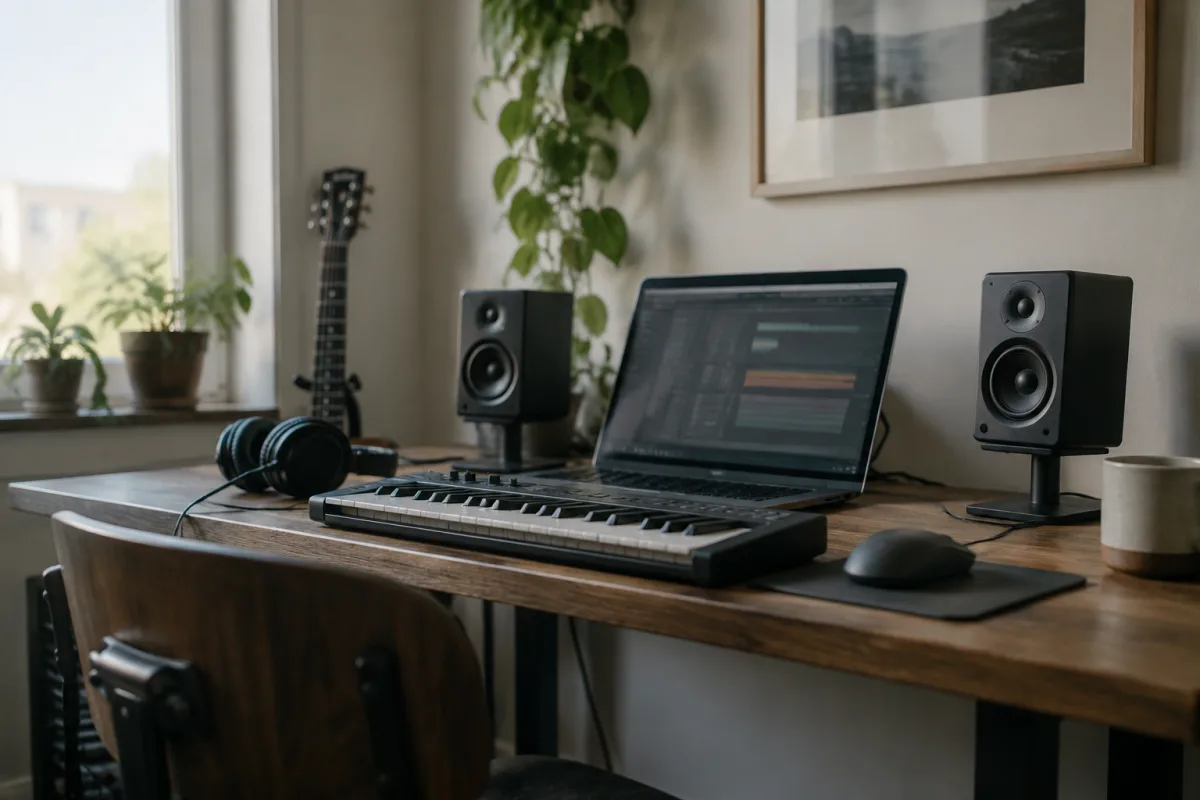
Buying 3 inch studio monitors represents a pragmatic choice for certain recording environments—compact bedrooms, portable studios, and mixing situations where space is genuinely limited. But choosing the right 3 inch monitor requires understanding their inherent strengths and weaknesses, recognising which specifications actually matter at this size, and avoiding the common misconception that small monitors compromise only on bass. This buying guide walks you through the essentials, helping you determine whether 3 inch monitors suit your needs and find models that deliver professional results despite their compact footprint.
Understanding 3 Inch Monitor Capabilities and Limitations
Before you shop, let's be honest about what 3 inch studio monitors can and cannot do. These compact designs excel in specific applications but aren't universal solutions. Understanding this reality prevents disappointing purchases.
The primary limitation is bass extension. A 3 inch woofer physically cannot reproduce extremely low frequencies that larger monitors handle effortlessly. The lowest frequency most 3 inch monitors can reliably produce sits around 80-100Hz. This means they don't give you full information about bass guitar, kick drum, or sub-bass elements. For mixing music intended for larger speaker systems or headphone playback, this is a significant compromise.
However, 3 inch monitors excel at revealing midrange and upper-frequency issues. Since most mix translation problems occur in the midrange and highs (not the bass), mixing on 3 inch monitors often yields productions that translate remarkably well to other playback systems. Professional mix engineers routinely use compact monitors as a secondary check, not because they're limited but because they're genuinely useful.
Critical Specifications for 3 Inch Studio Monitors
When evaluating 3 inch monitors, focus on these specifications that directly affect performance at this compact size:
- Frequency Response Honesty: Published specs claiming 40Hz-20kHz are misleading on 3 inch monitors—they typically can't reliably produce 40Hz. Look for realistic specifications (typically 80Hz-20kHz) or manufacturer transparency about their bass limitations. Honesty about spec is a good sign.
- Tweeter Quality: With a smaller woofer handling less range, tweeter quality becomes critical. Look for specifications mentioning silk dome, fabric, or precision-engineered tweeters. A cheap tweeter makes 3 inch monitors sound harsh and fatiguing.
- Amplifier Efficiency: Smaller monitors need efficient amplification to reach useful listening levels. Look for mentions of Class AB or Class D amplifiers providing at least 50 watts combined power. Underpowered compact monitors can't achieve proper mixing levels.
- Cabinet Resonance Control: Small cabinets are prone to vibration and resonance. Premium manufacturers use internal bracing, damping materials, or specially designed enclosures to control this. Check reviews for any mention of boomy or resonant behaviour.
- Input Sensitivity and Controls: Verify the monitor accepts balanced XLR inputs and offers broad volume control range. Some compact models have limited input sensitivity that forces you to run your interface at dangerously high levels.
- Low-Frequency Filtering: Most professional 3 inch monitors include adjustable high-pass filters (often labelled "bass roll-off" or similar). This feature is invaluable for adapting the monitor to your room and compensating for placement limitations.
Room Considerations for 3 Inch Monitors
3 inch monitors are wonderfully forgiving regarding room placement. They work well on desks, shelves, or stands because their smaller size means less bass buildup in room corners. This flexibility is one reason professionals favour them for portable setups.
Optimal placement remains roughly one to two metres from your listening position, with at least 30 centimetres clearance from walls. However, unlike larger monitors, 3 inch monitors can be positioned much more liberally without triggering acoustic disasters. This flexibility is genuinely valuable for small spaces.
Acoustic treatment becomes less critical with 3 inch monitors than with larger ones. Since bass modes are the primary room acoustic issue, and 3 inch monitors don't reproduce those frequencies heavily, modest treatment (wall absorbers, soft furnishings) is often sufficient. You don't need expensive bass traps to make 3 inch monitors sound good.
Common Pitfalls When Buying 3 Inch Studio Monitors
Treating them as full-range alternatives to larger monitors. They're not. Use 3 inch monitors with realistic expectations about bass reproduction. For reference mixing on sources you know well, they're excellent. For mixing bass-heavy content you've never monitored before, they're incomplete. Know the difference.
Assuming compact means low quality. Some 3 inch monitors from established manufacturers deliver remarkably professional results. The size limitation doesn't imply inferior engineering. Judge each model on its merits, not on its dimensions.
Skipping isolation platforms. Small monitors sitting directly on desks transmit vibration into your furniture. A simple isolation platform (£20-50) often improves perceived clarity more dramatically than upgrading monitor models. This is one of the best value improvements possible.
Ignoring midrange presence peaks. Some 3 inch monitors boost the midrange to compensate for their limited bass. This sounds impressive during casual listening but becomes fatiguing during long mixing sessions. Check reviews for mention of tonal character before buying.
Buying stereo pairs without proper placement verification. 3 inch monitors work best with consistent stereo imaging. Your listening position matters enormously—sit off-axis and the stereo field collapses. Verify placement in your actual space before committing.
3 Inch Studio Monitor Price Tiers
| Price Range (GBP per Pair) | Quality and Features | Ideal For |
|---|---|---|
| £150-300 | Basic design, limited tweeter quality, single input option, modest amplification, no EQ controls | Budget-conscious beginners, portable setups, reference checking only |
| £300-600 | Better tweeter design, improved cabinet construction, balanced inputs, adjustable bass roll-off, moderate amplification | Serious hobbyists, small studio secondary monitors, podcast/video production |
| £600-1,200 | Premium tweeters, sophisticated enclosure design, full control options, professional amplification, heritage design | Professional studios using compact monitors as reference, mastering suites, mobile recording |
| £1,200+ | Exceptional tweeter quality, hand-crafted enclosures, extensive EQ and room correction, professional-grade components | High-end installations, critical reference monitoring, professional mastering use |
Evaluating Sonic Character and Honesty
The most important evaluation is listening to 3 inch monitors at the volume levels you actually work at—typically 75-85dB, not concert levels. Pay attention to:
- Whether the tweeter sounds clear and detailed or harsh and fatiguing
- How well the midrange translates compared to reference material you know well
- Whether the bass roll-off (if present) is smooth or abrupt
- How the monitors behave at low volumes—do they maintain clarity?
- Whether any specific frequency resonates unpleasantly (boomy, thin, harsh)
Real-World Application: When 3 Inch Monitors Make Sense
Consider 3 inch monitors if:
- You have severe space constraints (small bedroom, apartment, mobile studio)
- You already have a larger monitor setup and need a portable secondary reference
- You primarily work with material that doesn't require critical bass monitoring (vocals, acoustic instruments, dialogue)
- You're mixing music intended for small speaker systems or earbuds
- You need a failsafe translation reference alongside headphones
Don't choose 3 inch monitors if you're mixing bass-heavy electronic music or cinematic work where low-frequency content is critical. In these cases, larger monitors with proper bass extension are necessary, not optional.
Complementary Equipment and Setup Costs
Budget for more than just the monitors themselves:
- Isolation platforms: £20-50 per pair
- XLR cables: £15-30
- Basic acoustic treatment: £30-100
- Monitor stands (if required): £30-80 per pair
Total realistic investment: £250-800 including monitors and essentials. This positions 3 inch monitors as an affordable professional setup option.
Your Final Decision
Start by honestly assessing whether 3 inch monitors suit your primary work—they're excellent for specific applications but not universal solutions. Next, audition models in the price range that fits your budget. Finally, plan to use them alongside headphones or a secondary monitor for complete mix translation verification. When used appropriately, 3 inch monitors deliver professional results despite their compact size.
For more comprehensive exploration of compact monitor options and detailed technical comparisons, see the ultimate guide to 3 inch studio monitors.


Comments