


Focusrite Scarlett article
Focusrite Scarlett for Beginners: A Complete Guide
An audio interface feels like complex gear but the basics are genuinely straightforward. A Focusrite Scarlett lets you record properly.
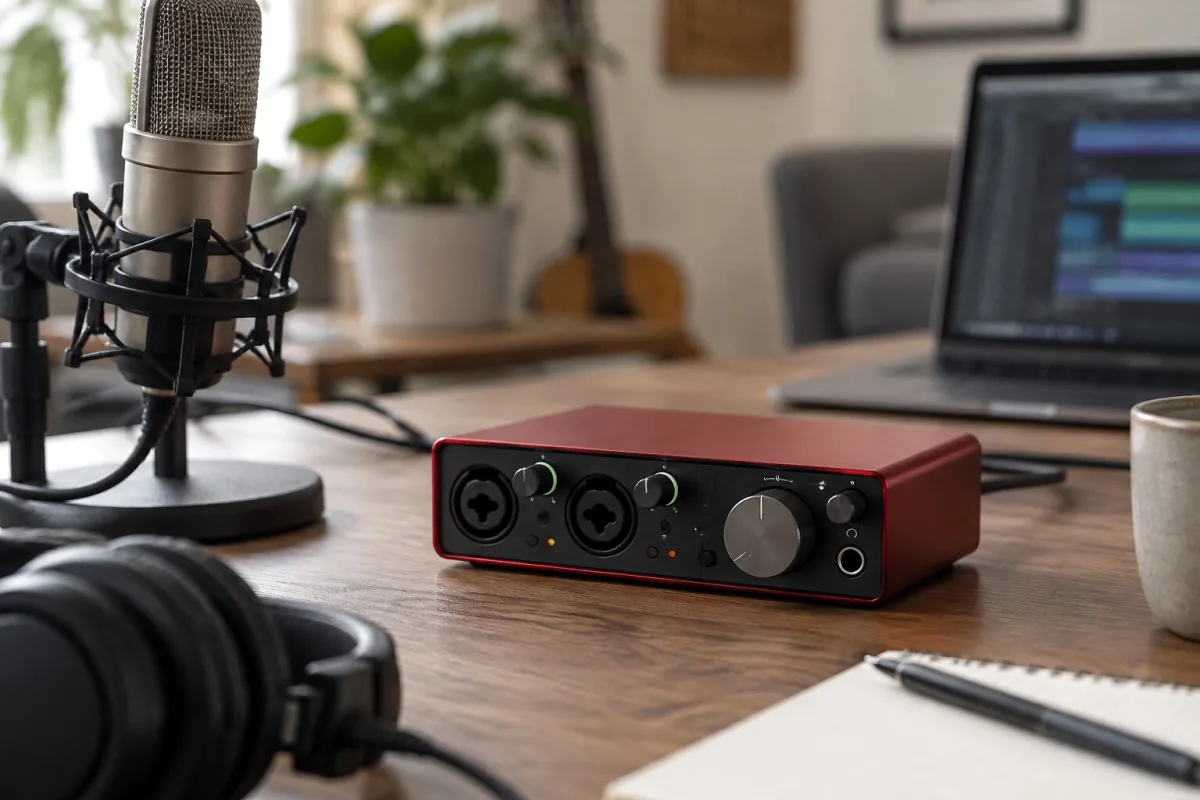
An audio interface feels like complex gear but the basics are genuinely straightforward. A Focusrite Scarlett does one job: let you record properly instead of through your laptop microphone. This guide walks you through what a Scarlett actually does, how to set it up without panic, and how to start recording without overthinking the technical details.
What a Scarlett Actually Is
Your guitar or microphone produces an analogue signal—physical vibrations converted to tiny electrical signals. Your computer only understands digital information—ones and zeros. A Scarlett sits in the middle, converting analogue to digital so your computer can record it, and converting digital back to analogue so you can hear playback. That's the whole job.
Connecting a Scarlett: The Practical Bits
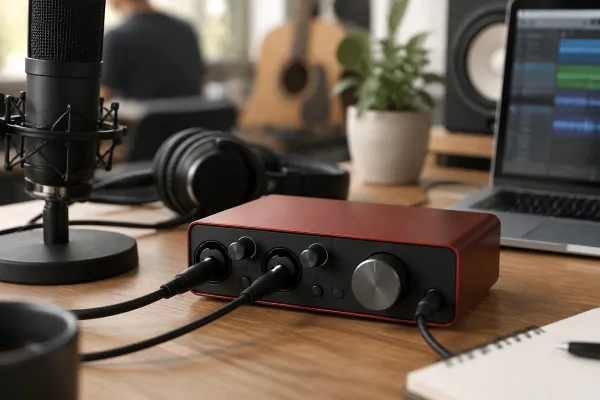
Connect your Scarlett to your computer with USB. Connect your microphone to the XLR input or your guitar to the instrument input. Connect headphones to the headphone output. That's it. Three cables and you're connected.
Installing Drivers: Less Scary Than It Sounds
The Scarlett needs drivers—software that lets your computer talk to the interface. Download drivers from Focusrite's website, install them, restart your computer. Modern drivers install smoothly and rarely cause problems. This isn't as complicated as it sounds.
Setting Gain: The Important Bit
You'll see a knob labelled "Gain" with LED meters next to it. These meters show your input level. Turn the gain knob until the signal is loud but the green LEDs don't constantly light up red. You're aiming for a healthy level that leaves headroom—loud but not right at maximum.
This matters because if your level is too quiet, you'll have to crank everything else. If it's too loud, you get distortion. Getting gain right makes everything downstream work better. Spend time getting this right.
Direct Monitoring: Hearing Yourself While Recording
You'll see a knob labelled "Mix" that balances between hearing your input and hearing playback from your computer. Set this somewhere in the middle so you can hear both what you're playing and any backing tracks your recording software is playing. This lets you stay in time and play confidently.
Your Recording Software: DAW Basics
Focusrite includes a lite DAW—recording software. Open it, create a new project, select your Scarlett as the input device, arm a track to record, press record and play. The basic workflow is straightforward. Spend time just recording and playing things back to get comfortable with the process before worrying about effects or advanced features.
Common Beginner Mistakes to Avoid
Don't panic about technical settings. Gain, sample rate and buffer size are the only things you need initially. Leave everything else at defaults. Don't record at maximum volume—you'll clip and distort. Don't change multiple settings at once because you won't know what caused what. Give yourself permission to learn gradually.
First Recording: Keep It Simple
Record your guitar or yourself singing. Playback the recording. Adjust gain if it's too quiet or clipping, record again. That's learning recording. Nothing more complicated needed initially. Get comfortable with basic workflow before exploring advanced features.
Conclusion: Scarlett Makes Recording Approachable
A Focusrite Scarlett lets you record at a quality level far above your laptop microphone. The technical parts are less scary than they look. Set gain properly, plug things in correctly, install drivers, and start recording. That's sufficient to begin. You'll learn more as you go, and recording becomes genuinely fun quickly once you get past the initial confusion.





Comments