


Focusrite Scarlett article
Common Focusrite Scarlett Mistakes to Avoid
The most common mistake with Scarlett interfaces is not understanding the few critical setup steps that actually matter.
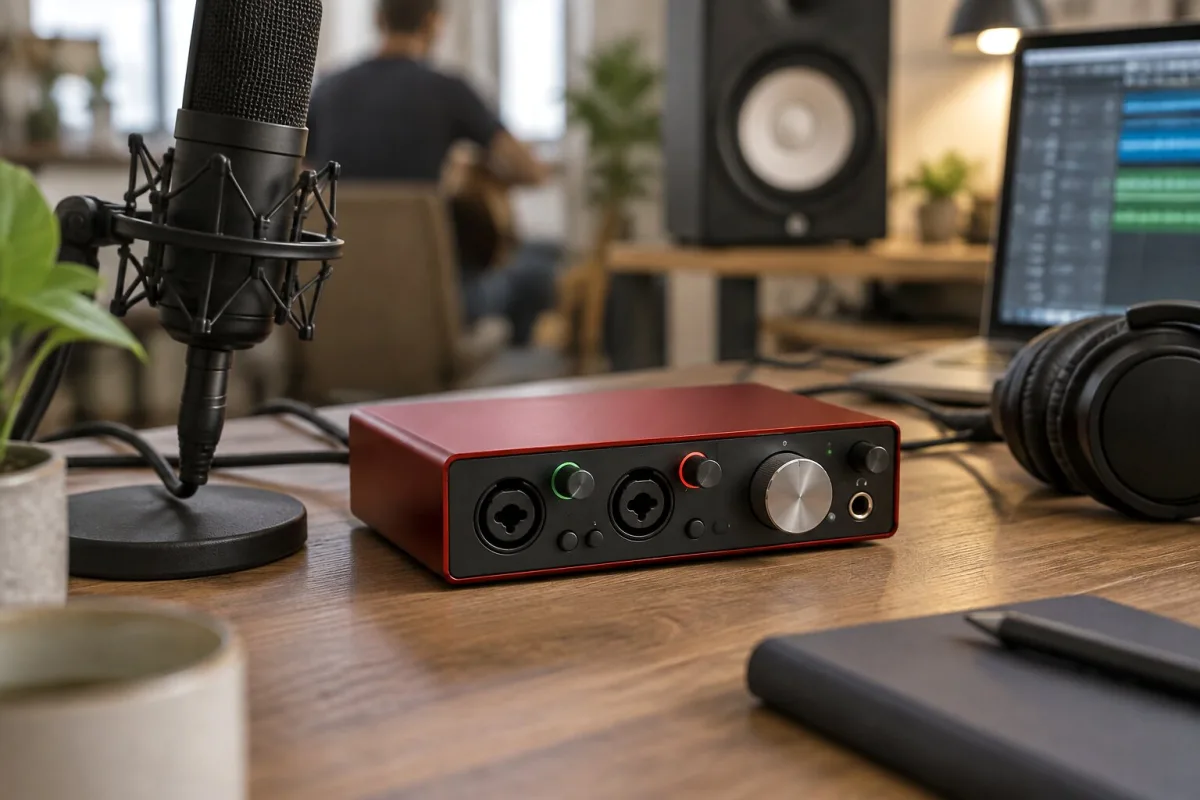
I watched someone set their Scarlett gain to maximum and then complain that everything sounded terrible and distorted. The interface was fine. They didn't understand gain staging, which made everything that came after it worse. That's the most common mistake with Scarlett interfaces—not understanding the few critical setup steps that actually matter. Avoid the obvious pitfalls and your Scarlett will serve you brilliantly.
Mistake One: Setting Gain Too High
This is the biggest one. Turn gain to maximum thinking "more is better" and your signal distorts from the moment it enters the interface. The LED meters show red constantly. Everything you record sounds compressed and clipped. This isn't the interface failing—it's gain staging failing.
Set gain so the loudest parts of your input peak in the green zone on the meters, not constantly in red. Leave headroom. This is non-negotiable for sounding good.
Mistake Two: Ignoring Latency Without Understanding It
Some people complain that monitoring through their DAW is impossible because of latency delay. Instead of understanding what latency is and how to manage it, they give up. Enable direct monitoring on the Scarlett and latency disappears—you hear yourself through the interface with no computer delay.
Direct monitoring exists specifically to solve this problem. Use it. That's the entire point.
Mistake Three: Assuming Higher Sample Rates Sound Better
Your recording doesn't sound worse at 44.1 kHz than at 96 kHz if your microphone technique and gain staging are correct. Higher sample rates capture more information, but if your microphone is a budget USB mic or your room is noisy, that "extra information" is just noise and detail you don't need.
Use 44.1 kHz or 48 kHz. Upgrade sample rates when you have professional microphones and treated recording spaces, not before.
Mistake Four: Placing the Scarlett in an Awful Location
People put their USB interface next to their computer's cooling fans, next to WiFi routers, in electrically noisy environments. Then they get noise and interference in their recordings. The Scarlett isn't the problem—placement is.
Keep your Scarlett away from noise sources. USB cables matter—use proper USB cables, not cheap damaged ones. Keep the interface away from electrical interference. Simple cable management prevents most problems.
Mistake Five: Not Checking Recording Levels Before Sessions
People plug in a different microphone and forget to adjust gain. They record an entire take at terrible levels and have to rerecord. Check your input levels before starting every session. It takes 30 seconds and prevents frustration.
Mistake Six: Confusing Scarlett Output With Interface Input
The Scarlett has input and output. Input levels don't directly control output volume. The mix knob controls what you hear in your headphones. Your DAW controls what you're recording. These are separate controls and confusing them causes problems.
Understand the signal flow: guitar/mic → input and gain → what you record. Headphone output and mix knob → what you hear monitoring. These are separate paths.
Mistake Seven: Assuming Expensive Gear Is Required
People buy a Scarlett Solo, then assume they need to spend thousands on a professional microphone and preamp to make recordings sound good. Microphone technique, gain staging, and recording in a reasonable acoustic space matter far more than expensive gear.
Learn recording fundamentals with budget gear first. Upgrade based on actual limitations you discover, not on gear marketing.
Conclusion: Scarlett Works When You Set It Up Right
A Focusrite Scarlett is genuinely reliable gear. Most problems come from gain staging, cable quality, environmental noise, or misunderstanding signal flow, not from the interface failing. Avoid obvious pitfalls and your Scarlett will serve you brilliantly for years.





Comments