


Akai Keyboard Buying guide
Akai Keyboard: A Complete Buyer's Guide
Selecting an Akai keyboard requires understanding key features and matching them to your use case. This buying guide covers key counts, touch action, sound quality, effects, build quality, price tiers, and common buyer mistakes.
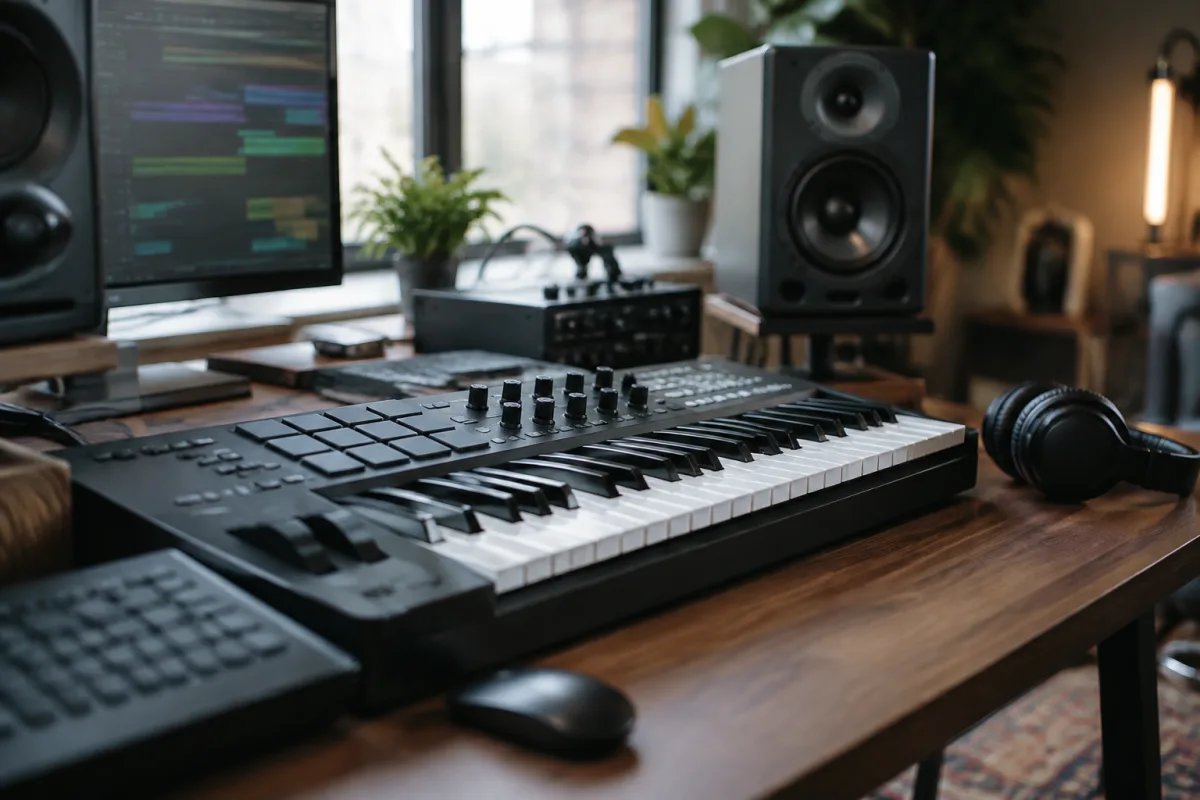
Akai makes keyboards for almost every budget and use case—from compact USB controllers for bedroom producers to full 88-key weighted instruments for touring musicians. Choosing the right Akai keyboard requires understanding what different models offer and matching that to your actual needs. This buying guide cuts through the options and shows you exactly what matters at every price point.
Understanding Akai's Keyboard Range
Akai produces several keyboard categories. USB controllers are compact, affordable, and designed for music production software on computers. Portable keyboards are standalone instruments with built-in sounds and effects. Weighted keyboards have hammer-action keys that simulate acoustic piano touch. Performance keyboards are packed with features and polyphony for gigging musicians. Understanding which category fits your needs is the first real step. A bedroom producer creating electronic music probably needs a USB controller, while someone wanting to play classical piano benefits from weighted keys. Be honest about your actual use case before considering specs.
Key Count: 25, 49, 61, or 88 Keys?
Akai keyboards come in multiple key counts. 25 keys are ultra-portable and great for travel or compact setups. 49 keys give you more range without excessive bulk. 61 keys cover most musical ranges comfortably. 88 keys match a full piano keyboard and are necessary if you play classical or jazz. For production and composition, 49 or 61 keys are usually ideal. For performance musicians, 88 keys are standard. Consider how you'll actually transport and use the keyboard. If it stays on your desk, extra keys aren't a burden. If you're taking it to rehearsals or gigs, smaller is often better. Smaller keyboards are also cheaper and take up less space.
Touch and Action Type
Akai keyboards use different key mechanisms. Unweighted keys are light and responsive—ideal for electronic music production but don't feel like a real piano. Semi-weighted keys offer some resistance and feel more substantial. Fully weighted, hammer-action keys simulate piano action and are excellent for players transitioning from acoustic pianos. Which matters depends on your purpose. Electronic musicians often prefer unweighted or semi-weighted keys because they're responsive and playable for fast passages. Classical or jazz pianists appreciate weighted keys for realistic touch. Keyboard players working with samples or synthesisers usually prefer unweighted keys because they allow faster, more expressive playing.
Sound Library and Built-In Sounds
Entry-level Akai keyboards often have basic, digital-sounding presets. Mid-range models include better-quality sounds and more of them. Professional models offer extensive sound libraries with realistic instruments and premium samples. Test the sounds before buying if you can. YouTube demos show what each model sounds like in real playing situations. If you plan to connect to a DAW and use software instruments, the built-in sounds matter less. If the keyboard is your primary sound source, quality matters significantly. Listen to the piano sounds specifically—if they sound cheap and tinny, playing will be less enjoyable.
Connectivity and Software Integration
Modern Akai keyboards include USB connectivity for MIDI control of music production software. Some models include popular software like Ableton Live Lite or other DAWs. Check what's included and whether it matches software you already use or want to learn. Older or simpler models might lack USB MIDI out, which limits their usefulness in contemporary music production. If you plan to use the keyboard as a controller for software, USB MIDI is essential. Bluetooth connectivity is increasingly common and useful for wireless connection to tablets and phones.
Polyphony and Voice Count
Polyphony is how many notes the keyboard can play simultaneously. Lower polyphony (32 or 48 notes) is fine for basic playing but limits complex arrangements. 64 or higher is standard for modern keyboards and gives you plenty of room. Voice count is how many different sounds are available. 500 voices sounds impressive, but quality matters more than quantity. Ten excellent sounds are better than 500 mediocre ones. Check reviews from users describing which voices they actually use and whether they sound realistic.
Effects and Editing Capabilities
Akai keyboards offer varying degrees of effects and sound editing. Basic models have preset effects with limited control. Advanced models let you stack effects, edit parameters deeply, and create custom sounds. For composition and production, deeper editing capabilities are valuable. For playing cover songs or using presets as-is, simpler models are fine. Test the interface for editing sounds. Some Akai keyboards have confusing menu systems that make editing tedious. Others have intuitive controls that make experimentation fun. Interface design matters for long-term enjoyment.
Build Quality and Durability
Check the keyboard's construction material and reviews from users about long-term durability. Plastic bodies are lighter and cheaper but feel flimsy. Models with metal chassis and reinforced key frames feel more professional. Read user reviews specifically mentioning durability over time. Some keyboards develop unresponsive keys after a year or two; others last decades. Budget keyboards sometimes have issues; premium models are generally more durable. Warranty coverage matters here—a longer warranty suggests the manufacturer is confident in quality.
Price Tiers and What You Get
Under £100: Basic controllers with minimal features. Good for budget-conscious beginners but with compromises in sound quality and feel. £100-250: Entry-level keyboards with better sounds and more keys. Ideal for learning and early composition. £250-500: Mid-range models with quality sounds, good feel, and useful effects. This tier offers excellent value. £500-1,000: Professional keyboards with extensive features, better build quality, and superior sounds. £1,000+: High-end instruments for touring musicians and serious producers. They offer cutting-edge features and premium construction.
Common Buyer Mistakes to Avoid
Buying based on key count alone is a common error. An 88-key keyboard you never use is wasted space; a 49-key instrument you play daily is perfect. Choose based on your actual use case. Another mistake is ignoring sound quality. No amount of features matters if the keyboard sounds terrible to you. Always listen to demos before buying. Specifications don't capture how the keyboard actually feels to play. Choosing purely for features over playability is another pitfall. A simpler keyboard that feels great to play beats a feature-packed keyboard that feels awkward. Finally, forgetting to budget for stands, cables, and sustain pedals is common. These aren't expensive but are essential for comfortable playing.
Testing Before You Commit
If possible, try the keyboard at a shop before buying. Even 10 minutes playing can reveal whether the key action feels right to you. If ordering online, check return policies so you can send it back if it doesn't suit you. Read reviews from musicians in your genre who describe playing experience in detail. Watch video demos comparing multiple Akai keyboards side-by-side so you hear the differences clearly.
Expanding Your Setup Later
Most Akai keyboards work well as part of a larger rig. You can connect multiple controllers, add synthesisers or drum machines, and grow your setup over time. Choose your first keyboard based on immediate needs, knowing you can expand and refine your setup as your skills and knowledge develop.
Choosing an Akai keyboard is about honestly assessing your needs, testing whenever possible, and respecting what different price tiers actually deliver. Skip the cheapest options and the most expensive features you don't need. Focus on keyboards that feel good to play and produce sounds you genuinely like. For comprehensive information on everything Akai keyboards offer, explore our complete guide to Akai keyboards.


Comments