


Waveform DAW Buying guide
Waveform Daw: A Complete Buyer's Guide
Waveform DAW offers a compelling combination of low price and genuine features. This buying guide helps you decide whether it's worth your money and if the unique workflow suits your production style.
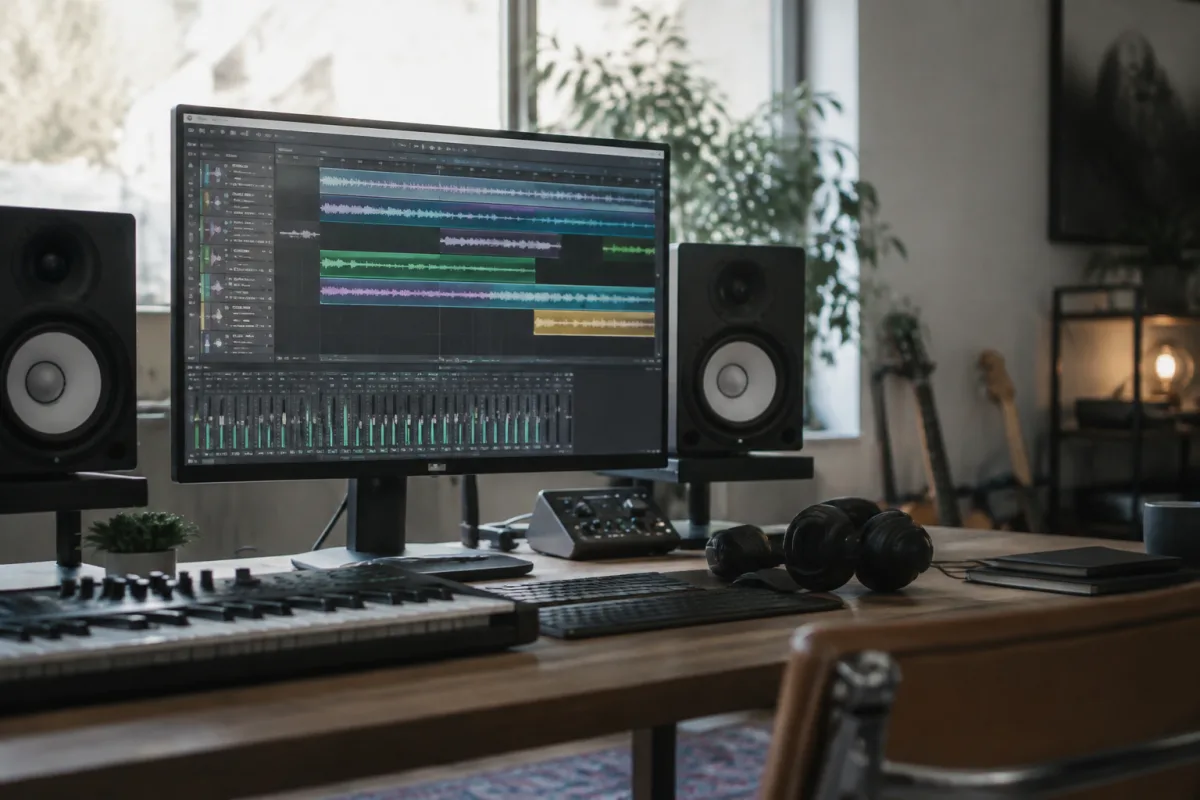
If you're hunting for a DAW that won't demand your mortgage payment but still packs professional features, Waveform DAW deserves a close look. This buying guide cuts through the noise and tells you exactly what Waveform DAW offers, how its pricing stacks up and whether it's the right choice for your budget and workflow.
What You Get With Waveform DAW
Waveform DAW (formerly Tracktion) is a cross-platform digital audio workstation designed around a unique, mixer-free workflow. Instead of the traditional channel strip arrangement you'll find in Logic or Ableton, Waveform DAW organises your tracks in a single, unified window. For some producers, this is revelatory; for others, it's a dealbreaker. The only way to know is to understand what Waveform DAW actually does differently.
The core Waveform DAW engine includes a respectable collection of built-in instruments and effects, unlimited audio and MIDI tracks, full VST/AU plugin support, and robust time-stretching and pitch-shifting tools. It's also the only DAW that offers a genuine free tier—Waveform DAW Free Edition is not a trial, not a stripped-down lite version, but a fully functional DAW with a few ceiling limits.
Waveform DAW Pricing: What You're Actually Paying For
Waveform DAW's business model is radically different from Logic or Cubase, and understanding it is crucial when you're deciding whether to buy.
| Edition | Cost | Key Limitation | Best For |
|---|---|---|---|
| Waveform DAW Free | £0 | Max 20 tracks; features otherwise complete | Learning the workflow; hobby projects; testing before spending |
| Waveform DAW Pro (annual) | £8/month (£96/year) | None; unlimited tracks and all plugins | Serious hobbyists and indie producers who want updates |
| Waveform DAW Pro (perpetual) | £250–£300 (one-time) | Forfeits future updates but keeps the version you bought | Budget-conscious producers who value owning outright |
Here's where Waveform DAW gets interesting: there's no Professional or Studio tier. You're not paying thousands for functionality you don't need. A Waveform DAW Pro subscription (annual or perpetual) gives you everything the same—unlimited tracks, all included plugins, no artificial limits.
Key Specs to Check Before You Buy Waveform DAW
Beyond pricing, here are the technical specifications that matter when choosing Waveform DAW:
- Audio engine sample rates: Waveform DAW handles up to 192 kHz—overkill for most projects but useful if you're working with high-res masters. Most producers never exceed 96 kHz.
- Plugin formats supported: VST 3, AU, and AAX (if you're on a Mac). If your favourite third-party synths are older VST 2 only, Waveform DAW's VST 3 support won't help; check compatibility before buying.
- Built-in instruments: Waveform DAW includes over 40 instruments (synths, samplers, drum machines). They're decent but not industry-leading. Third-party plugins will extend your sound library dramatically.
- Audio I/O: Supports any ASIO (Windows) or Core Audio (Mac) device. No restrictions on interface count or track count (except the free tier's 20-track ceiling).
- CPU efficiency: Waveform DAW is notably light on CPU compared to Logic or Studio One, especially if you load heavy third-party plugins. This matters if you're working on older hardware.
Common Pitfalls and Deal-Breakers
Before you commit to Waveform DAW, know these potential frustrations:
- Mixer-free workflow: Waveform DAW's unique track view is a feature, not a bug, but if you absolutely need a traditional mixer with faders and sends in a separate window, you'll fight the software constantly. Try the free version first—spend a day using Waveform DAW before deciding it doesn't suit you.
- Smaller community: Waveform DAW has an active user base, but not the vast ecosystem of tutorials and third-party content you'll find for Ableton or Logic. If learning through YouTube tutorials is your style, Waveform DAW might frustrate you.
- VST 2 plugins won't load: Waveform DAW dropped VST 2 support in favour of VST 3. If you've invested in older, unmaintained synths, Waveform DAW won't recognise them. Check your plugin shelf before buying.
- macOS version slightly behind: The Windows version of Waveform DAW sometimes gets updates first. It's usually only weeks, but if you're on Mac and waiting for a critical fix, you might be frustrated.
Who Should Buy Waveform DAW?
Waveform DAW is the right buy if you:
- Want to avoid vendor lock-in and like owning software outright (the perpetual licence option lets you do this).
- Are on a strict budget but refuse to compromise on features—Waveform DAW Pro at £96/year or £250–£300 outright is genuinely cheap for a full DAW.
- Work on older or lower-spec computers and need a DAW that won't crush your CPU.
- Have read the Waveform DAW complete guide to understand the philosophy and architecture and you're genuinely excited by it.
- Already use Tracktion Studio (the more expensive tier if you ever considered buying it). The core Waveform DAW Free and Pro are the same engine.
Who Should Look Elsewhere
You might prefer another DAW if you:
- Absolutely must have a traditional mixer-based workflow. Waveform DAW's unified view is core to its design; you cannot opt into a traditional layout.
- Depend on a specific plugin that's VST 2 only and unmaintained. Waveform DAW will not load it.
- Need tight integration with a particular hardware controller. Waveform DAW's control surface support is functional but not as mature as Ableton's or Logic's.
- Require real-time collaboration features. Waveform DAW has no built-in remote session sharing.
Making the Decision
The lowest risk way to test Waveform DAW is to download the free version—there's genuinely no limit beyond 20 tracks, and no watermark or nagware. Use it for a week or two on a real project. If the workflow clicks for you, the Pro upgrade at £8/month or £250 outright is a bargain compared to Logic (£200 one-time) or Ableton Live (£480). If it doesn't click, you've lost nothing but time.
Price, specs, and philosophy all matter when choosing a DAW. Waveform DAW excels on price and philosophy, and the specs are competitive—but only if the unified workflow works for you. Try before you buy, and Waveform DAW will reveal whether it's your next creative home or a well-intentioned experiment.


Comments