


Waveform DAW article
The Ultimate Guide to Waveform Daw
Waveform DAW offers a capable free edition with unlimited tracks and a professional Pro version. Learn what makes its single-window workflow different and whether it's right for your music.
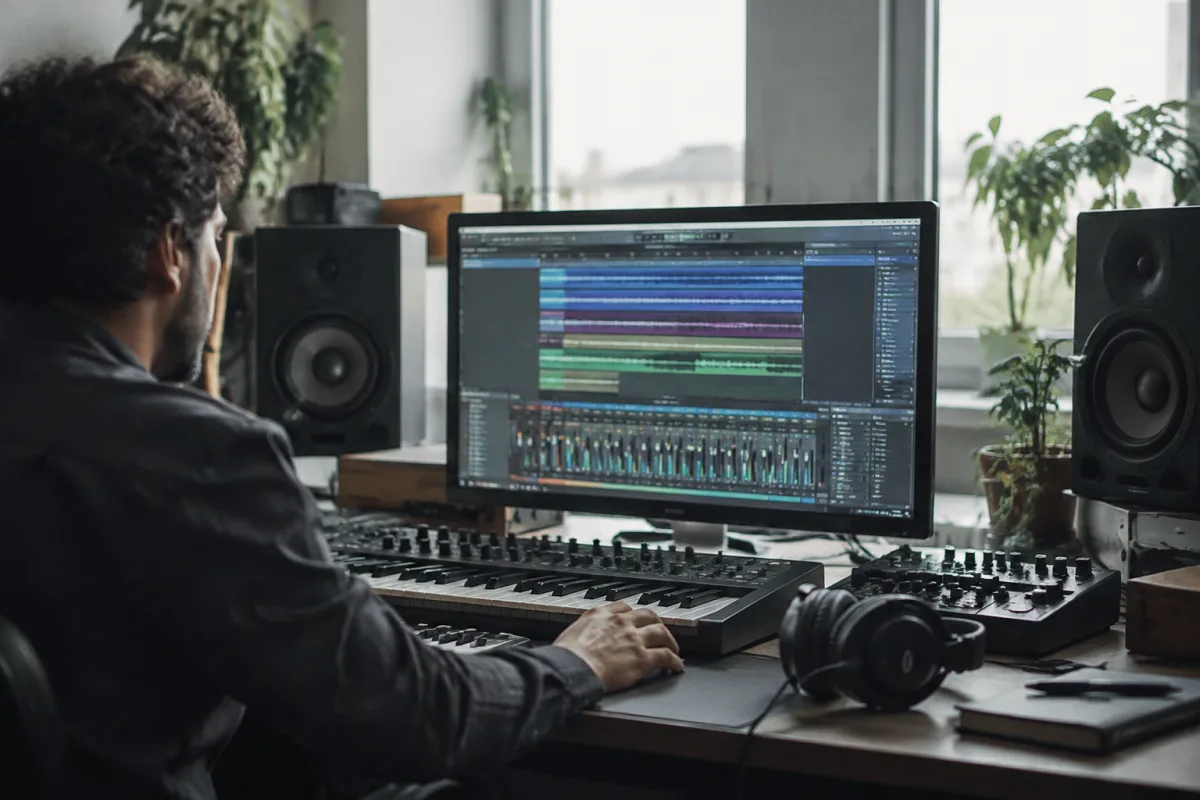
Waveform is Tracktion's cross-platform digital audio workstation, and it occupies an unusual position in a crowded field: a feature-rich free edition with unlimited tracks sits alongside a professional Pro version, and both share a philosophy that prioritises flexible, single-window workflows over the channel-strip conventions of older DAWs. If you've been working in Logic Pro or Cubase, Waveform will feel refreshingly different—sometimes intimidatingly so. If you're new to production, Waveform's free tier offers a remarkably complete entry point.
Version 14, released in June 2026, brought significant updates: a redesigned interface, a rewritten audio engine, expanded ARA2 support for integration with tools like Melodyne, and an AI Assistant. These changes make Waveform a stronger contender in a space increasingly focused on modern workflows and intelligent assistance.
Waveform Free: The Generous Reality
Waveform Free is not a demo or a limited trial. It's a fully functional digital audio workstation with unlimited audio tracks, MIDI recording, a clip-oriented workflow, built-in instruments and effects, and comprehensive editing tools. You can record a full band, arrange a complete song, mix it and export the result—all without paying anything.
What you don't get in Waveform Free includes some advanced features reserved for the Pro edition: certain specialised effects, extra instruments, the clip launcher, expanded ARA2 integration, and some advanced sound-design capabilities. But the core question—can you make music?—is answered with a decisive yes.
This generosity with the free edition makes Waveform particularly compelling for beginners, hobbyists and anyone testing the DAW before committing money. The unlimited-track model is a significant advantage over many restricted free DAWs. You can make expansive projects without artificial constraints.
Waveform Pro: What You Gain
Waveform Pro adds the features that make serious production faster and more creative. You get a collection of professional instruments and effects, including Auto-Tune, Melodyne Essential and Elastique Pro (advanced time-stretching). The clip launcher opens up non-linear, loop-based production workflows that feel similar to Ableton Live but operate within Waveform's philosophy. Modular plug-in racks allow complex custom signal chains. Expanded ARA2 support means deeper integration with specialised editing tools. Multichannel audio routing enables film, game and immersive production.
Tracktion prices Waveform Pro from £249, with upgrades available from £149. Optional feature and sound-content expansions—genre-specific packs for hip-hop, techno, house, drum and bass, electronic and band production—are sold separately.
The Pro edition becomes attractive once you've outgrown the free version and want to work more efficiently or access specific professional tools. It's not essential for hobbyists, but it removes barriers for working professionals or serious enthusiasts.
What Makes Waveform Different: The Single-Window Philosophy
If you're accustomed to Cubase's fixed mixer view or Logic Pro's separate arrangement and piano-roll windows, Waveform's single-window paradigm takes adjustment. Rather than separating recording, editing, mixing and arranging into distinct workspaces, Waveform keeps most operations on the main timeline.
This design reduces window switching and can speed up workflow once you're familiar with it. Mixing happens at the track level directly on the timeline. Automation is drawn inline. Clip-level editing is immediate. Some users find this liberating; others find it initially confusing. The learning curve is real, but the payoff—faster experimentation and fewer mouse clicks—appeals to many producers.
Recording, MIDI and Electronic Production
Waveform is equally adept at traditional band recording and beat-making. Multitrack recording, comping, audio editing and arrangement are handled intuitively. MIDI editing includes step clips and pattern-oriented tools that appeal to electronic producers. The clip launcher—in Pro only—supports non-linear production, letting you trigger and arrange clips as you experiment without being locked to a linear timeline.
For genres like electronic dance music, hip-hop, ambient and experimental production, Waveform offers workflow advantages. Its step-sequencer clips, probability tools and macro systems make sound design and beat-making efficient and enjoyable. The modular plug-in racks in Pro mode are particularly powerful for building reusable instrument racks and vocal-processing chains.
Plug-In Compatibility and Integration
Waveform supports VST, VST3 and Audio Units (on macOS), so your third-party plug-in collection is compatible. A major feature of version 14 is expanded ARA2 support, which allows deeper integration with compatible tools like Melodyne Essential. ARA2 integration can significantly improve workflow when editing vocals or polishing timing and tuning—no more bouncing audio to external editors and back.
DAWproject import and export is another significant addition in version 14. This interchange format allows project sharing with other compatible DAWs, useful for collaboration. However, as with all interchange formats, transfer is not necessarily lossless—unsupported plug-ins, automation modes and proprietary devices may be affected during transfer.
Cross-Platform Strength
Waveform runs on Windows 10+, macOS 13+ and has supported Linux in previous versions (check current system requirements). For users working across multiple operating systems or in mixed-platform studios, this cross-platform stability is a genuine asset. A project started on Windows can move to macOS without rework.
Who Should Use Waveform?
Beginners and hobbyists: Start with Waveform Free. It's capable, honest and costs nothing. You'll quickly discover if you want to invest in production or if it's simply a passing interest.
Electronic music producers: Waveform's clip launcher, step clips and modular racks make electronic production feel natural. If you already use Ableton Live or REAPER, Waveform Pro deserves a trial.
Band recording and mixing: Waveform's audio recording, editing and arrangement tools are solid. The single-window workflow means less switching between interfaces. It's a practical choice for songwriters and small studios.
Sound designers: The modular racks and macro system in Pro support complex instrument design. Expanded ARA2 integration supports detailed editing and tuning workflows.
Cross-platform users: If you work on Windows, Mac and Linux, Waveform's stability across platforms is valuable.
The AI Assistant and Future Direction
Waveform 14 introduced an AI Assistant powered by large-language models. The full capabilities and privacy implications require clarification from Tracktion—whether data is uploaded externally, whether internet connection is required, and which specific models or services power it. Early reports suggest it can assist with workflow questions and production advice, but the scope of its abilities for generating audio, MIDI or arrangements remains unclear. If you're privacy-conscious, investigate its implementation before relying on it.
The Bottom Line
Waveform Free is a genuine entry point that doesn't waste your time with artificial limitations. Waveform Pro becomes valuable when you've outgrown the free version and want professional tools, ARA2 integration and expanded creative features. The single-window workflow is distinctive—not universally loved, but powerful once you adapt. If you've been intimidated by DAW choices or frustrated by other options, Waveform is worth a serious trial.





Comments