


Pro Tools DAW Software Buying guide
Pro Tools Daw Software: A Complete Buyer's Guide
Pro Tools has shifted to subscription-based pricing. This buying guide helps you choose the right subscription tier, understand true costs, and evaluate whether Pro Tools DAW software fits your budget and workflow.
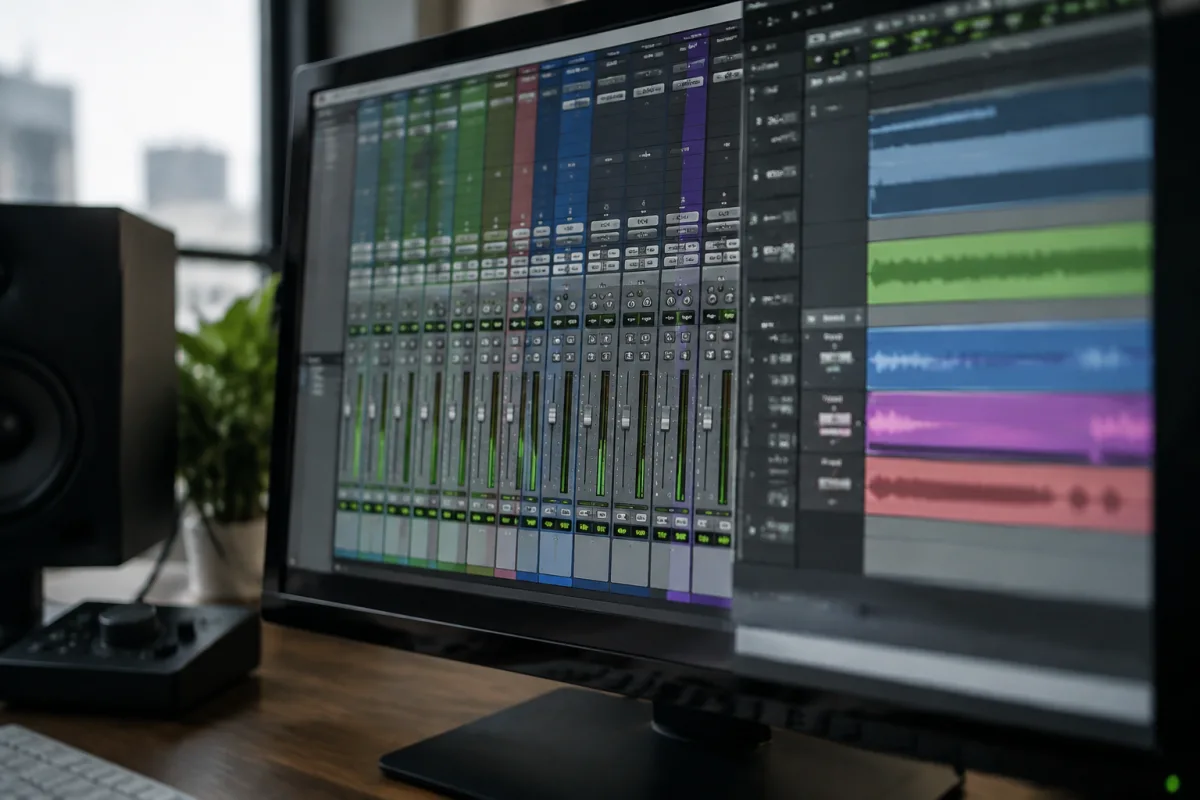
Avid's Pro Tools DAW software dominates professional studios worldwide, but choosing the right Pro Tools subscription has become more complicated than ever. The shift from perpetual licences to cloud-based subscriptions means your purchasing decision now involves evaluating monthly or annual costs, feature limitations, and whether Pro Tools is worth choosing over increasingly competitive alternatives. This buyer's guide walks you through the decision-making process, subscription tiers, and hidden costs you need to consider before committing.
Pro Tools Subscription Models Explained
Pro Tools has moved entirely to subscription-based licensing, eliminating the option to buy permanent licences outright. Understanding these tiers is essential for making a cost-effective choice.
Pro Tools Studio (Single User) is the full-featured DAW subscription at £14.99 per month or £149.99 annually if paid upfront. This tier includes unlimited tracks, the complete plugin library, and advanced features like Dolby Atmos support. It's the choice for professional mixing engineers, producers, and serious home studio operators.
Pro Tools Grow costs £9.99 monthly and represents a middle ground. You get 64 tracks (instead of unlimited), a limited plugin bundle, and access to basic Pro Tools features. This tier suits emerging producers who don't need the full creative arsenal but want genuine Pro Tools functionality beyond entry-level limitations.
Pro Tools Intro is the free version, offering 16 tracks, a limited plugin set, and reduced file compatibility. It's genuinely useful for learning Pro Tools or evaluating whether this DAW suits your workflow before spending money.
Pro Tools Perpetual Licensing is no longer available for new purchases, but Avid still supports existing perpetual licences with maintenance plans. If you already own Pro Tools, switching to subscription requires careful financial analysis—many long-term users find the rental model more expensive over time.
Feature Comparison Table
| Feature | Pro Tools Intro (Free) | Pro Tools Grow (£9.99/mo) | Pro Tools Studio (£14.99/mo) |
|---|---|---|---|
| Recording Tracks | 16 | 64 | Unlimited |
| Plugins Included | Limited bundle | Core bundle | Full Creative Suite |
| Collaboration Tools | No | Yes | Yes |
| Video Scoring | No | No | Yes |
| Surround Sound | No | No | Yes (Dolby Atmos) |
| Offline Mode | Requires login | 2 hours/month | 30 hours/month |
True Cost of Ownership
Monthly subscription prices mask the real lifetime cost of using Pro Tools DAW software. A Studio subscription costs £179.88 annually or £1799 over 10 years. That's significantly more than a permanent licence cost before Avid eliminated them. If you're comparing Pro Tools to one-time-purchase competitors like Reaper (£60 perpetual) or Studio One Professional (£399 perpetual), the maths shifts dramatically over time.
Additionally, consider hidden expenses. The Creative Suite included in Studio comes with advanced plugin collections, but serious engineers often supplement with third-party plugins—Melodyne, FabFilter, Soundtoys, and more. These add £200–£1500 annually depending on your toolkit. Hybrid subscriptions (DAW plus plugin subscriptions) can exceed £400 monthly quickly.
Storage costs are another consideration. Pro Tools encourages cloud collaboration via Connected Mixer and Splice integration. These add-ons cost £6.99–£9.99 monthly beyond your core subscription. If you're using Pro Tools in a commercial studio where multiple engineers and producers log in, you might need multiple subscriptions—doubling costs instantly.
When Pro Tools Makes Financial Sense
Pro Tools DAW software is worth choosing in specific scenarios:
- Professional Studios: Studios charging clients hourly rates or by project quickly recoup Pro Tools costs. Your clients expect Pro Tools compatibility, session interoperability, and the professional polish it provides. The subscription is a business expense that enhances marketability.
- Mixing and Mastering Engineers: Professionals who need unlimited tracks, advanced metering (included in Studio), and Dolby Atmos compatibility find Pro Tools essential. The full Creative Suite includes professional-grade tools that justify ongoing costs.
- Post-Production and Film Sound: Pro Tools' integration with film workflows, video scoring capabilities, and sync-to-picture precision make it industry standard. If you're doing soundtrack work, the subscription is non-negotiable.
- Educational Settings: Universities and music colleges offer institutional Pro Tools subscriptions at heavily discounted rates. Students learning in Pro Tools environments benefit from industry familiarity post-graduation.
- Collaborative Remote Work: Pro Tools Studio's collaboration features and cloud integration are superior to many competitors. If your workflow involves multiple remote contributors, the ecosystem justifies costs.
When You Might Choose Alternatives
Pro Tools DAW software isn't universally the best choice. Consider alternatives if:
- You're a solo hobbyist or home studio producer with no client work—Reaper (£60 perpetual, fully featured) or Studio One Professional (£399 perpetual, excellent sound design) offer better value long-term.
- You produce electronic music and need advanced automation, flexible MIDI handling, and sound design tools—Ableton Live or FL Studio may suit your workflow better.
- You need comprehensive video and MIDI capabilities without perpetual licensing concerns—Bitwig Studio offers modern feature parity with better pricing.
- You're learning music production and want a risk-free entry point—the free Pro Tools Intro tier is worthwhile, but the Pro Tools Grow tier (£9.99/mo) costs only slightly less than a perpetual licence over two years. Trying alternatives first makes financial sense.
Avoiding Pro Tools Buying Mistakes
Several decisions trip up engineers evaluating Pro Tools DAW software:
- Ignoring Offline Limitations: Studio subscriptions allow only 30 hours monthly offline work. If your internet is unreliable or you record live instruments frequently without connectivity, the offline limit becomes frustrating and costly if you need to upgrade.
- Underestimating Session Compatibility: Pro Tools sessions often require specific plugin versions and sample rates. If clients send Pro Tools sessions, you may need matching plugins or face compatibility headaches. Budget for this reality.
- Forgetting Iiyama or Hardware Lock-in: Pro Tools works best with Avid-certified hardware interfaces. Using off-brand interfaces introduces potential stability issues. Factor hardware choices into your Pro Tools ecosystem planning.
- Locking into Subscriptions Too Early: Try Pro Tools Intro (free) extensively before purchasing Grow or Studio. Many engineers discover that workflow differences between Pro Tools and competitors matter more than they expected.
- Cancellation Costs: Pro Tools subscriptions renew annually if you purchase yearly plans. Cancellations require explicit action; automatic renewal catches many users off-guard. Mark calendar reminders if cost is a concern.
Making Your Decision
Choosing Pro Tools DAW software requires honest assessment of your actual workflow, client expectations, and budget. Professional studios and engineers doing client work find Pro Tools' cost justified by marketability and compatibility. Solo producers and hobbyists should evaluate the cumulative cost against feature-equivalent alternatives before subscribing. For more context on Pro Tools' role in modern production, see our complete guide to Pro Tools DAW software.
Take advantage of the free Pro Tools Intro tier to audition the software extensively. Real-world experience using Pro Tools DAW software matters far more than subscription prices when deciding whether this platform is right for you.


Comments