


Sampler Plugin article
Everything You Need to Know About Sample Plugins
Sampler plugins turn recordings into playable instruments. Discover time-stretching, sample slicing, granular synthesis and the best sampler tools for your production workflow.
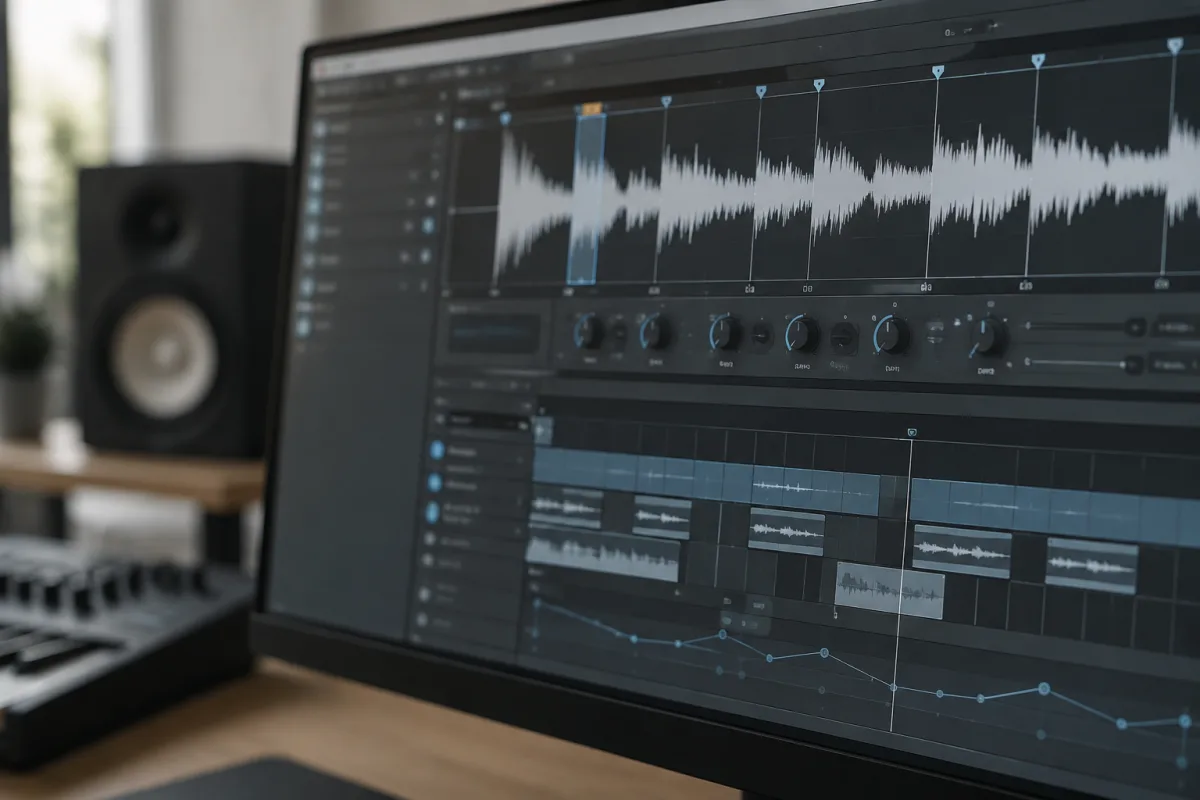
A sampler plugin lets you record sounds, slice them, pitch-shift them, layer them, time-stretch them, and rebuild them into something completely new. It's the core tool of electronic music production, hip-hop, sample-based composition, and sound design. From Bristol garage samples to modern lo-fi beats, from orchestral stabs to deconstructed ambient textures, sampler plugins are where raw recordings become instruments. The difference between a basic DAW and a serious production setup often comes down to sampler quality.
What Is a Sampler Plugin?
A sampler plugin takes audio—either recorded or imported—and maps it across your MIDI keyboard. Play different keys, each key triggers a different sample or a different pitch of the same sample. That's the basic idea. But modern samplers do far more: time-stretching without pitch shifting, granular synthesis, sample slicing, layer combination, effects processing, all within one plugin. You're not just playing samples; you're manipulating them into new instruments.
Sampler plugins are distinct from sample libraries (like Kontakt packs). A sampler is the software instrument; sample libraries are the sounds it plays. Though many samplers come with included sample packs that demonstrate their capabilities.
Key Sampler Plugin Features
Time-Stretching and Pitch-Shifting
Record a sample at one tempo; time-stretch it to your project tempo without changing pitch. Or keep the original tempo but shift pitch to any key. Modern algorithms do this transparently. This is essential—otherwise, every sample is locked to its original speed and key.
Sample Slicing
Automatically detect transients (hits) in a sample and slice it into individual beats. Now you can rearrange the beats, apply effects to each one, trigger them independently. A drum loop becomes individual drum samples. A vocal phrase becomes separate words.
Granular Synthesis
Split samples into tiny grains and randomise their playback speed, position, and duration. This creates evolving textures, glitchy effects, and ambient soundscapes from mundane source material. Granular samplers are beloved by sound designers and experimental musicians.
Multisampling
Layer multiple samples across your keyboard. A piano sampler typically maps different recordings across octaves (lower octave sounds different from higher). This realism is impossible with single-sample playback.
Effects and Modulation
Built-in filters, effects, LFOs, and envelopes let you shape sample tone without leaving the sampler. Layer a sample with its filtered twin, modulate the filter frequency, and you've got movement without external processing.
Sampler Plugin Types
Playback Samplers
Simple and direct: load samples, map them to keys, play. Native Instruments Sampler, Logic Alchemy (playback mode), Studio One Sampler. These prioritise usability over complex features. Perfect for straightforward sample manipulation.
Granular Samplers
Focus on grain-based manipulation. Sonic Bloom (Spitfire), Samplism (Audiomodern), Qubit Elektroded. These excel at texture and ambient sound design. Less useful for rhythmic sample chopping, more for evolving soundscapes.
Performance Samplers
Optimised for live playback and real-time control. Roland TR-808, 909 emulations, Synthmaster Sampler. These prioritise responsiveness and loop playback over advanced editing.
Comprehensive Samplers
Do everything: playback, slicing, granular, modulation, effects. Native Instruments Kontakt Player, Bitwig Sampler, Studio One Sampler Pro. These are fully featured production instruments.
Popular Sampler Plugins Compared
| Plugin | Type | Price | Best For |
|---|---|---|---|
| Native Instruments Sampler | Playback / slicing | £20–£40 | Drum loops, sample chopping |
| Kontakt (Player) | Comprehensive | £99–£699 | Professional production, libraries |
| Spitfire Sonic Bloom | Granular | £100–£150 | Texture, ambient, sound design |
| Bitwig Sampler | Comprehensive | Bitwig subscription | Advanced editing, modulation |
| Studio One Sampler | Playback / slicing | Included with Studio One | Quick sampling, loop editing |
Sampler Workflow: From Sample to Instrument
Recording and Importing Samples
Record audio directly into the sampler or import samples from your computer. Most samplers auto-detect tempo and key. Some struggle with polyphonic material (multiple instruments); monophonic samples (single voice/instrument) usually work cleanly.
Slicing and Timing
If slicing, let the sampler detect transients automatically. Refine if needed. Now your one-shot loops become individual samples. You can trigger them individually, rearrange them, or apply effects to specific slices.
Mapping and Layering
Map samples across your keyboard—one per key, or use velocity ranges to trigger different samples at different volumes. Layer multiple samples per key for depth.
Sound Shaping
Use the sampler's filter, effects, and envelopes to shape tone. Add modulation (LFO controlling filter frequency, for example) for movement.
Creative Sampling Techniques
Pitch Harmonies and Chords
Record a sample and transpose it across your keyboard in different pitches. Play chords using one sampled loop. This is how hip-hop producers flip samples into chords.
Granular Manipulation
Turn a voice sample into stuttering texture by enabling granular mode. Randomise grain size and position for evolving, ethereal effects.
Reverse and Time-Manipulation
Reverse samples for ambient texture. Time-stretch to extreme tempos—slow breakbeats to 60 BPM for cinematic effect, speed them to 180+ for frenetic energy.
Layering Samples with Synthesis
Some sampler plugins include oscillators for subtractive synthesis. Layer a sampled drum with a synthesised bass underneath. Modulate both together for complex textures.
Sampler vs. Sampler Libraries
A sampler plugin is the instrument itself. Sampler libraries (like Kontakt packs) are pre-made instruments already loaded into samplers. You need a sampler to load libraries; the libraries are content for it. Most samplers ship with some included samples as examples.
Budget Considerations
DAW-included samplers (Studio One Sampler, Logic Alchemy) are genuinely capable for beginners. Native Instruments Sampler (£20–£40) adds sophistication. Comprehensive tools like Kontakt (£699 full version) or Bitwig Sampler are professional investments. Most producers start with what their DAW includes and upgrade when they hit limitations.
Making Your Choice
If you're starting, use your DAW's sampler. It's free and entirely capable. As you grow, upgrade to a comprehensive sampler plugin if you find limitations. For granular sound design, invest in a granular specialist. For serious sample library work (orchestral, piano, world instruments), Kontakt is the industry standard.
Conclusion
Sampler plugins are the bridge between raw recordings and finished instruments. Whether you're chopping breaks, layering strings, designing textures, or rebuilding vocal phrases, a capable sampler is essential to modern production. Start with what your DAW includes, explore its depth, and upgrade thoughtfully as your needs become clear. The right sampler for you is the one that matches your workflow and musical goals.





Comments