


Cinematic VST article
Everything You Need to Know About Vst Cinematic
Cinematic VSTs let you create orchestral and film score sounds in your DAW. This guide covers what to look for, system requirements, and how to get professional results.
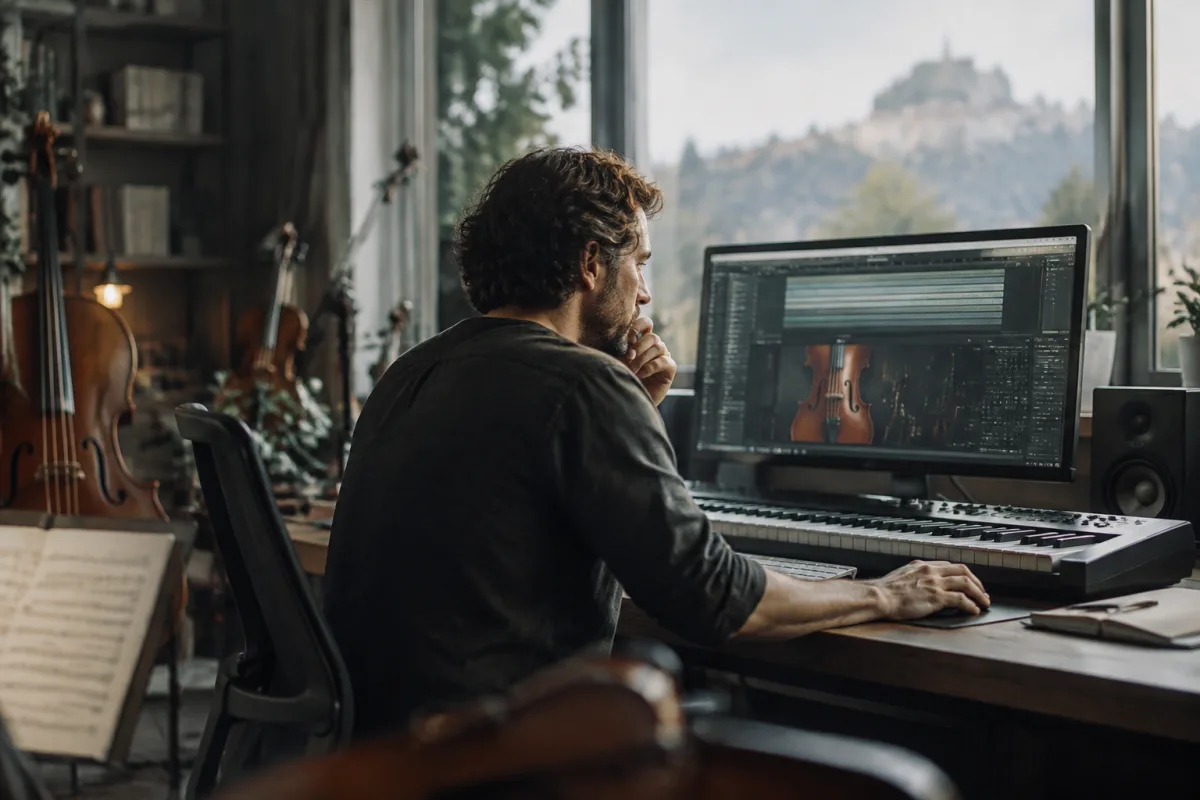
Cinematic VSTs are virtual instruments designed to create orchestral and film score sounds within your digital audio workstation. They layer samples, synthesis and effects to replicate the grandeur and emotion of live orchestras, making them essential tools for any producer working in film, television, gaming or composing orchestral music. This guide covers what these instruments offer, how to choose one that matches your workflow, and how to get professional results from them.
Understanding the Instrument
A cinematic VST is fundamentally different from a simple string or brass sampler. These are comprehensive instruments that combine multiple orchestral sections—strings, woodwinds, brass, percussion—often with built-in articulation switching, dynamic layering and effects processing. When you trigger a note, the tool doesn't just play a single sample; it selects the appropriate velocity layer, applies the right articulation, and blends multiple microphone perspectives to create depth and realism.
The best examples are built on hundreds or thousands of hours of recording real orchestras. Developers mic up orchestras from multiple angles—close microphones, room mics, stereo ambience—and layer these perspectives so you can blend them to taste. This multi-mic approach gives you control over how dry or spacious your orchestral sound feels.
Key Features to Look For
When evaluating this type of instrument, certain features separate the capable tools from the exceptional ones:
- Articulation flexibility — Can you easily switch between staccato, legato, pizzicato, tremolo and other playing styles? The best examples let you assign articulations to MIDI keyswitches or automatically detect them from note length and velocity.
- Microphone mixing — Can you blend close, room and ambient microphones? This is crucial for shaping tone and space. Some tools offer dozens of mic positions to choose from.
- Dynamics and velocity response — Does the instrument respond naturally to velocity changes? Real orchestras play differently at different volumes, and good design captures this through multiple velocity layers.
- Breath and humanisation — Do string sections have natural vibrato and bow noise? Do wind sections include breath sounds? These details make the difference between sterile and lifelike.
- Low CPU overhead — Orchestral samples are heavy. Can the tool run efficiently, or does loading a full orchestra bring your system to a crawl?
Integrated Tools vs. Full Orchestral Libraries
You might wonder whether to buy a cinematic VST or assemble individual instruments—a string library, a brass library, woodwind samples, and percussion tools. The advantage of an integrated approach is consistency and workflow speed. Every section is voiced to work together, tuned to the same acoustic space, and ready to mix. You're not patching together libraries from different developers with incompatible tonal characters.
However, a full orchestral toolkit built from best-of-breed libraries often yields more flexibility and sometimes better sound. The trade-off is complexity and cost. For most composers starting out or working on moderate budgets, a single comprehensive instrument is the smarter choice.
Integration with Your DAW
The best tools integrate deeply with your workflow. Look for instruments that support:
- MIDI learn so you can assign controllers to the parameters you tweak most
- Expression maps or articulation set-ups that match your DAW's conventions
- Saved preset chains so you can recall a full orchestral setup instantly
- Sidechain inputs for ducking or compression tricks
- Detailed documentation and video tutorials, because orchestral production is genuinely complex
CPU and System Demands
These are some of the most demanding software instruments you can run. A full orchestra patch might load several gigabytes of samples into memory and require substantial CPU to handle all the layering and effects. Before committing to a cinematic VST, check whether it runs on your system. Most require:
- At least 16 GB of RAM, ideally 32 GB or more
- Solid-state storage for sample libraries (mechanical drives will struggle)
- Modern multi-core processors
- Enough CPU headroom to run multiple instances without freezing
Some tools offer "light" or "compact" versions with fewer microphone perspectives and smaller file sizes. These are worth considering if you're resource-constrained.
Workflow Tips
Getting great results takes practice. Start by spending time with the included presets, not to use them directly but to understand how the instrument layers different articulations and microphone perspectives. Tweak the settings, listen to how changes affect the tone, and develop intuition for the tool.
Write your orchestration as you would for a real orchestra. Avoid assigning every melody to the first violins; spread the workload across sections. Use rests and rhythmic variety. A cinematic VST sounds most convincing when you respect orchestral logic rather than demanding unrealistic voicings.
Record your MIDI performances with subtle tempo and dynamics variations. Perfectly metronomic MIDI sounds lifeless even with the best orchestral sounds. Add natural timing variations and velocity shaping as you perform or edit.
Budget Considerations
These instruments range from free or low-cost entry options to premium tools costing several hundred pounds. You don't need to spend a fortune to get excellent results. Many respected orchestral options are available for under £100, and some of the best free alternatives rival commercial competitors.
However, expect to invest in sample libraries. A single cinematic VST might cost £50 to £400, and if you want diversity—perhaps a full strings library, a brass specialist tool, and a percussion toolkit—you'll spend more. Most professional composers have multiple options to handle different musical styles and aesthetic goals.
Learning Curve
Don't rush to use a cinematic VST on a real project. Spend hours exploring it. Load individual sections and learn their character. Understand how the microphone blending affects tone. Experiment with different articulation patterns. Watch tutorials from other composers using the same tool. The learning curve is steep, but once you've mastered the instrument, you'll create orchestral music far more convincingly.
Conclusion
A cinematic VST is an investment that can transform your ability to create orchestral and film score music from your home studio. The best tools combine sampled orchestral recordings, sophisticated articulation systems and intuitive interfaces into instruments that make orchestral composition accessible and enjoyable. Choose one that fits your system, matches your musical style, and comes with learning resources. Invest time in mastering it, and you'll discover it's one of the most rewarding tools a modern composer can use.





Comments