


Cinematic VST Buying guide
Cinematic Vst: A Complete Buyer's Guide
Cinematic VSTs range from £50 to £3,000+. Discover how to evaluate sound quality, assess CPU efficiency, and match articulation variety to your composing style.
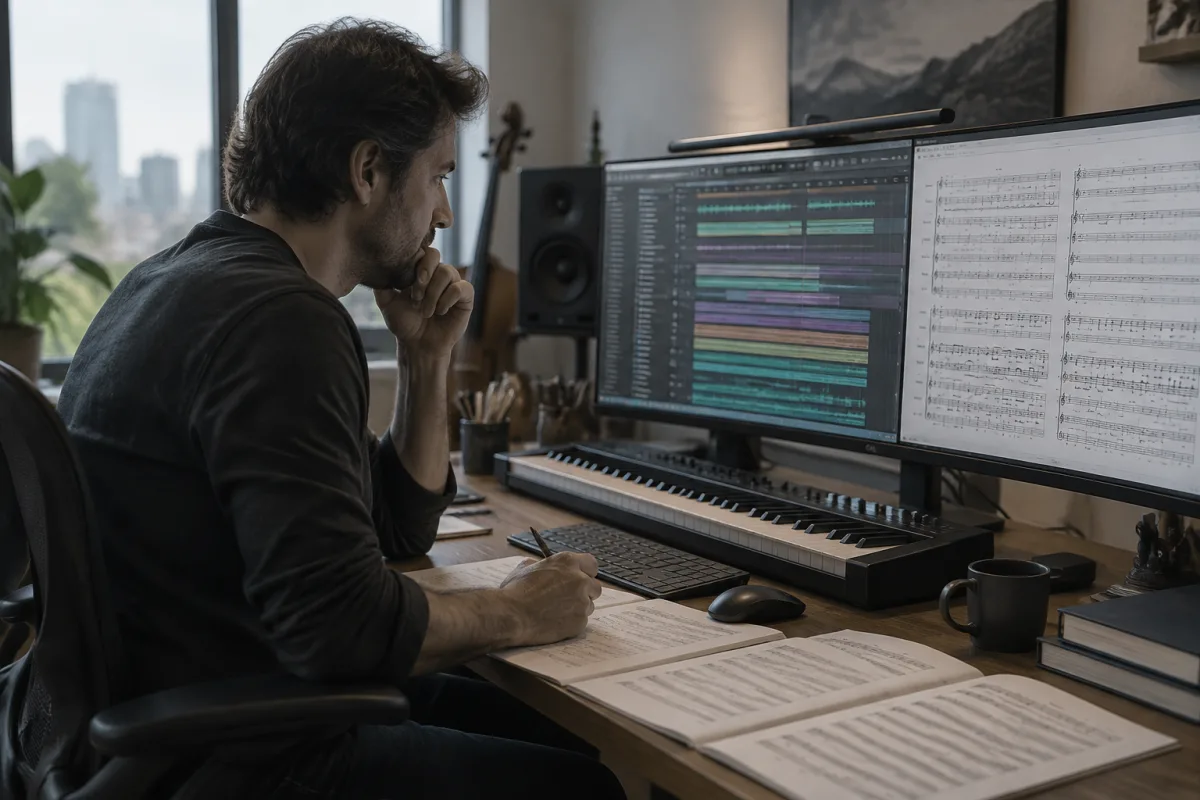
Selecting a cinematic VST for film, television, or game scoring is a high-stakes decision. These instruments define your compositional possibilities, constrain your CPU budget, and establish your sonic palette for months or years. A cinematic VST purchase commits significant financial and artistic investment. Understanding what separates professional cinematic instruments from oversold hype prevents expensive disappointments and ensures your tool genuinely supports your creative vision.
Defining "Cinematic" Authentically
The term "cinematic" is abused in marketing. Many VSTs claim cinematic qualities whilst delivering generic orchestral sounds. True cinematic instruments excel at emotional expression, dramatic dynamics, and convincing orchestral realism. They provide articulations that match how orchestral musicians actually play: sustained notes, staccato, pizzicato, tremolo, swell, and complex hybrid articulations (half-harmonic pizzicato, sul ponticello bowing). Absence of these articulations reveals a "cinematic-marketed" VST that's actually orchestral-generic.
Cinematic VSTs prioritise playability and musicality for composers working under deadline pressure. You're not hunting mathematical accuracy; you're hunting instruments that respond intuitively to your creative input, produce convincing results quickly, and inspire confidence in your mockups.
Evaluating Sound Quality at Different Price Points
Cinematic VSTs range from £50 to £3,000+. This vast price range correlates loosely with sound quality and inversely with CPU usage. Free and budget cinematic VSTs (under £100) sound decent for lo-fi mockups but reveal artificiality under scrutiny. Mid-range cinematic VSTs (£200–600) suit professional film composers and game sound designers, balancing quality, cost, and practicality. Premium cinematic VSTs (£800+) deliver orchestral realism competitive with live recording but demand significant CPU resources and investment.
Listen to walkthrough videos where experienced composers use the cinematic VST in actual projects. Notice whether sustained strings sound natural (free options often sound plasticky), whether staccato articulations feel responsive, and whether combined instruments blend cohesively. YouTube demos are often cherry-picked; professional review channels provide more balanced insight.
Articulation Breadth vs. Usability
Premium cinematic VSTs include dozens of articulations per instrument section. Simultaneously, they create a paradox: overwhelming choice paralysed decision-making during composition. An instrument with 50 articulations sounds more flexible in theory but slows your workflow in practice. Conversely, cinematic VSTs with 10–15 well-selected articulations per instrument often inspire faster, more confident composition.
Evaluate whether the VST's articulation selection matches your compositional style. Film composers emphasise legato, swell, and sustain. Game composers require fast-switching articulations and responsive staccato. Hybrid composers need balanced breadth. Some cinematic VSTs excel for one style whilst frustrating others. Identify your primary use case and prioritise accordingly.
CPU Efficiency and Session Size
Cinematic VSTs consume wildly different CPU resources. Budget options might demand 20 percent per instance; premium options demand 40–60 percent or more, especially with extended articulation sampling. A cinematic VST is useless if running three instances crashes your system. Before purchasing, calculate whether your machine can sustain your intended session size (typically 20–40 simultaneous instruments for film scoring).
Test CPU consumption on your actual system during trials. Marketing claims about efficiency are often optimistic. Real-world CPU usage running full orchestral mockups reveals practical limitations before you're financially committed.
Recognising Price Tiers and Value
| Price Tier | Sound Quality | Best For |
|---|---|---|
| Free to £100 | Decent but plastic-sounding, limited articulations | Learning composition, rough sketches, hobbyist mockups |
| £150–400 | Professional, convincing, solid articulations, good workflow | Independent film composers, game audio, professional production on budget |
| £400–800 | Excellent sound, extensive articulations, advanced playback modes, superior UI | Professional film/TV composers, competitive scoring, sophisticated mockups |
| £800+ | Hollywood-grade realism, unlimited articulations, bespoke workflow features | Commercial film composers, major studios, award-season productions |
Most independent composers find the £250–500 range optimal—genuine professional quality without the expense of ultra-premium options. The jump from free to £250 is dramatic and worthwhile; diminishing returns accelerate beyond £800.
Interface and Workflow Considerations
Cinematic VSTs present orchestral instruments in fundamentally different ways. Some group instruments by section with straightforward articulation selection. Others prioritise deep sound design and customisation, requiring significant workflow learning. During trials, compose an actual mockup (not just test notes). Notice whether the interface accelerates or impedes your compositional flow.
Consider whether the VST matches your DAW workflow. Some cinematic instruments integrate deeply with specific DAWs, providing key-switching automation, expression mapping, and articulation selection via MIDI modulation. Others remain generic across platforms. Integration isn't essential, but it accelerates professional work.
Presets and Learning Curve
Factory presets matter significantly for cinematic VSTs. Exceptional presets provide immediate, usable sounds whilst teaching you the instrument's capabilities. Poor presets waste your time and frustrate learning. Browse the preset list during trials. Are they organised logically? Do they sound musically appropriate? Do they inspire actual compositions?
Some cinematic VSTs demand steep learning curves; others prioritise intuitive playability. Beginners often benefit from instruments emphasising playability over customisation. Professionals sometimes prefer deeper control despite complexity.
Common Purchasing Pitfalls
- Buying the most expensive option assuming superiority: Premium cinematic VSTs are excellent but often overkill for hobbyist composers. Define your actual requirements before equating price with fitness.
- Neglecting CPU budget: A cinematic VST demanding 50 percent CPU per instance limits your orchestration depth. Verify CPU efficiency matches your intended session complexity before purchasing.
- Ignoring playability for articulation breadth: A VST with 100 articulations you navigate awkwardly frustrates workflow. Playability matters more than breadth. Prioritise intuitive usability.
- Purchasing without testing entire mockups: Single-note demo videos don't reveal workflow reality. Create actual film sketches during trials. Does the VST inspire or frustrate your compositional process?
- Assuming expensive = Hollywood-ready: Premium cinematic VSTs sound excellent but still require mixing, EQ, and reverb to sit convincingly in film soundtracks. No VST eliminates mixing responsibility.
- Overlooking alternative instruments: Hybrid setups combining mid-range cinematic VSTs with specialised instruments (dedicated string libraries, percussion expansions) often outperform single premium VSTs, especially for budget-conscious composers.
Your Strategic Purchasing Approach
Begin with a mid-range cinematic VST (£250–400) that respects your budget and CPU capacity. Use it for actual film projects. Notice which articulations and features you genuinely use; which frustrate your workflow. After 20–30 hours of real composing, you'll know whether upgrading makes sense or whether your current instrument serves you perfectly.
Many successful film composers maintain one primary cinematic VST (used for 80 percent of work) plus specialised instruments for specific needs (dramatic strings library, authentic percussion expansions). This pragmatic approach balances quality, cost, and efficiency.
For detailed comparisons and sound examples of specific cinematic VSTs, explore our complete cinematic VST guide.
Your cinematic VST is a long-term creative partner. Invest time genuinely understanding your needs, test exhaustively during trial periods, and prioritise playability and sound over features and price. The instrument that inspires regular composition is always the best purchase, regardless of cost or specifications.


Comments