


Autotune Plugin Buying guide
Autotune Plugin: A Complete Buyer's Guide
With dozens of autotune plugin options ranging from free tools to professional-grade software, understanding what distinguishes one from another is essential for making an informed purchase decision.
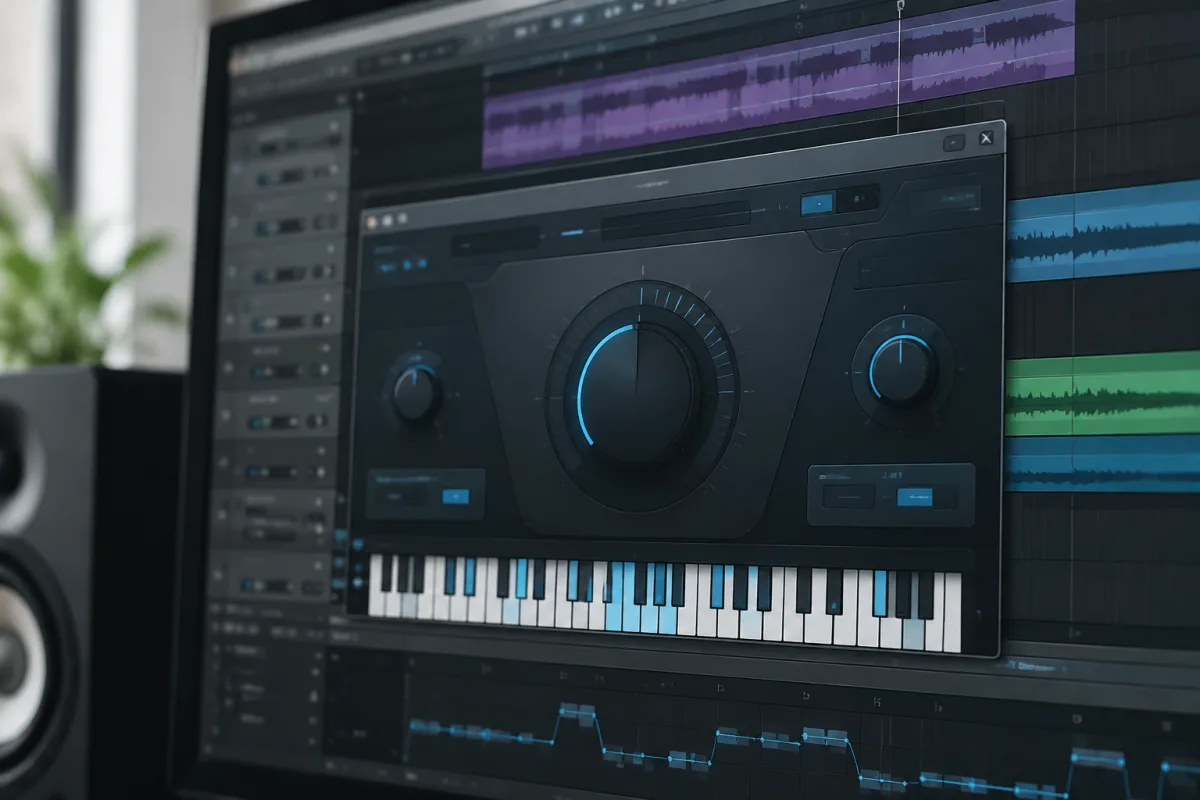
Choosing the right autotune plugin can significantly impact your vocal production, whether you're correcting pitch imperfections or creating intentional vocal effects. With dozens of options ranging from free tools to professional-grade software, understanding what distinguishes one autotune plugin from another is essential for making an informed purchase decision. This guide walks you through the specifications, features, and considerations that matter when selecting an autotune plugin for your specific needs.
Understanding the Autotune Plugin Market
The autotune plugin market has expanded dramatically over the past decade, giving producers and engineers more choices than ever. From the legendary Antares Auto-Tune to countless alternatives, each plugin brings different strengths to vocal correction and processing. Before diving into specific products, it's worth understanding how autotune plugins work and where they fit in your production workflow. For comprehensive technical information about autotune technology and specific plugin options, you may want to explore our detailed guide to autotune plugins.
Autotune Plugin Categories and Price Ranges
Autotune plugins fall into several categories, each serving different production needs and budgets:
| Category | Price Range | Best For | Typical Features |
|---|---|---|---|
| Free/Budget Autotune | Free-£50 | Learning, basic correction | Simple interface, standard pitch correction, limited customisation |
| Mid-Range Autotune | £50-£300 | Semi-professional production, small studios | Improved algorithms, more scale options, MIDI integration |
| Professional Autotune | £300-£800 | Professional studios, mixing engineers | Advanced correction, multiple modes, real-time performance tuning |
| Premium/Specialty Autotune | £800+ | Top studios, special effects work | Highest-quality algorithms, extensive customisation, proprietary features |
Essential Features to Compare
When evaluating autotune plugins, focus on these key specifications that directly affect usability and sonic quality:
Correction Speed and Algorithm Quality
The speed at which an autotune plugin detects and corrects pitch determines whether your vocals sound natural or processed. Faster correction algorithms work better for aggressive pitch fixing, whilst slower algorithms preserve vocal nuance and character. Premium autotune plugins typically employ more sophisticated algorithms that distinguish between intentional pitch variations and genuine tuning errors, resulting in more musical results.
Scale and Key Selection
Most autotune plugins allow you to specify the musical key and scale, constraining pitch correction to appropriate notes. Quality plugins offer extensive scale options including chromatic, major, minor, pentatonic, and custom scales. Some even provide automatic key detection, which can save valuable production time.
Workflow and Interface Design
A confusing interface wastes time and frustration during recording sessions. Look for plugins with intuitive layouts, clear labelling, and logical parameter organisation. Some producers prefer minimalist interfaces that show only essential controls, whilst others appreciate comprehensive options. Consider which approach suits your workflow.
Real-Time vs. Non-Real-Time Processing
Some autotune plugins process audio in real-time (suitable for live use), whilst others require offline processing. Real-time capable plugins offer flexibility for live performance tuning, whilst non-real-time versions sometimes offer higher-quality processing. Determine which capability matters for your specific use case.
Formant Preservation
Premium autotune plugins preserve formants (the resonant frequencies that give voices their characteristic tone) during pitch correction, preventing the robotic quality that cheap tuning produces. If natural-sounding vocals matter to your production, prioritise formant preservation.
Common Pitfalls When Choosing Autotune Plugins
Avoid these frequent mistakes that lead to poor plugin choices or buyer's remorse:
Overlooking compatibility requirements: Autotune plugins require specific DAW compatibility and system specifications. Always verify your software and operating system meet the plugin's minimum requirements before purchasing.
Prioritising price over functionality: Free autotune plugins rarely match professional quality, but expensive plugins aren't always necessary for your needs. Honestly assess your production level and choose accordingly.
Ignoring the learning curve: Premium autotune plugins offer powerful features but often require significant time to master. If you have limited setup time, mid-range plugins offering simpler workflows might serve you better.
Forgetting about trial periods: Most professional autotune plugin developers offer trial versions. Always test before purchasing to ensure the interface and workflow match your preferences.
Neglecting CPU requirements: Complex autotune plugins can consume substantial processing power, particularly when stacking multiple instances. Check CPU requirements, especially if you're using older computer systems.
Specific Use Cases and Plugin Selection
Your production context heavily influences which autotune plugin makes sense for your investment:
For Live Performance
If you're correcting vocals during live performances, prioritise real-time capable plugins with predictable, fast correction algorithms. Latency becomes a critical factor—look for plugins specifically designed for live use with minimal processing delay.
For Studio Recording
Studio production allows more creative flexibility. Consider plugins with extensive customisation options and advanced correction algorithms. The ability to preserve vocal character whilst correcting pitch becomes increasingly important in professional contexts.
For Intentional Vocal Effects
Creating the classic robotic "autotune effect" requires different specifications than natural pitch correction. Look for plugins that enable deliberate artefacts and processed sound, offering parameters that emphasise the algorithmic nature of the correction.
For Learning Music Production
Beginners benefit from straightforward, affordable autotune plugins that teach fundamental pitch correction concepts without overwhelming complexity. Free options provide excellent learning tools without financial commitment.
Evaluating Plugin Quality: What to Listen For
Quality varies dramatically between autotune plugins. During trial periods, pay attention to these sonic characteristics:
- Naturalness: Does corrected audio sound like authentic singing, or does it exhibit processing artifacts?
- Responsiveness: Does the plugin correct pitch errors at appropriate speed, or does it lag behind vocal delivery?
- Artefact generation: Do unwanted noises or digital artifacts emerge during processing?
- Timbre preservation: Does corrected audio retain the singer's unique vocal character?
- Scale adherence: Does the plugin stay within specified scales without deviating to unintended notes?
New vs. Used Autotune Plugins
Most autotune plugins are purchased as digital downloads, but some studios buy and resell licenses. When considering used copies, verify that the license transfers legally and that activation codes remain valid. Purchasing from authorised resellers ensures you receive legitimate software with proper support.
Budget Allocation Strategy
Consider how autotune plugins fit within your overall music production investment. Many successful producers use mid-range autotune plugins rather than premium options. Don't feel obligated to purchase the most expensive plugin—instead, match your choice to your production level and specific requirements.
Final Recommendations for Your Purchase
Take advantage of trial periods before committing financially. Download demo versions of plugins that interest you, record sample vocals, and evaluate both sonic quality and workflow integration. The right autotune plugin for you depends on your production context, budget, and personal preferences—not on brand reputation or price alone.
Remember that autotune plugin technology continues evolving, with new options emerging regularly. Stay informed about updates and new releases, as today's budget-friendly plugin might match tomorrow's premium competitors. Ultimately, the best autotune plugin is the one that serves your production workflow reliably, delivers sonic results you're satisfied with, and fits comfortably within your budget constraints.



Comments