


Music Transcription Software article
The Ultimate Guide to Transcription Software Music
Music transcription software uses artificial intelligence to convert audio recordings into sheet music, MIDI, or chord charts. Learn how to choose the right tool and expect better results.
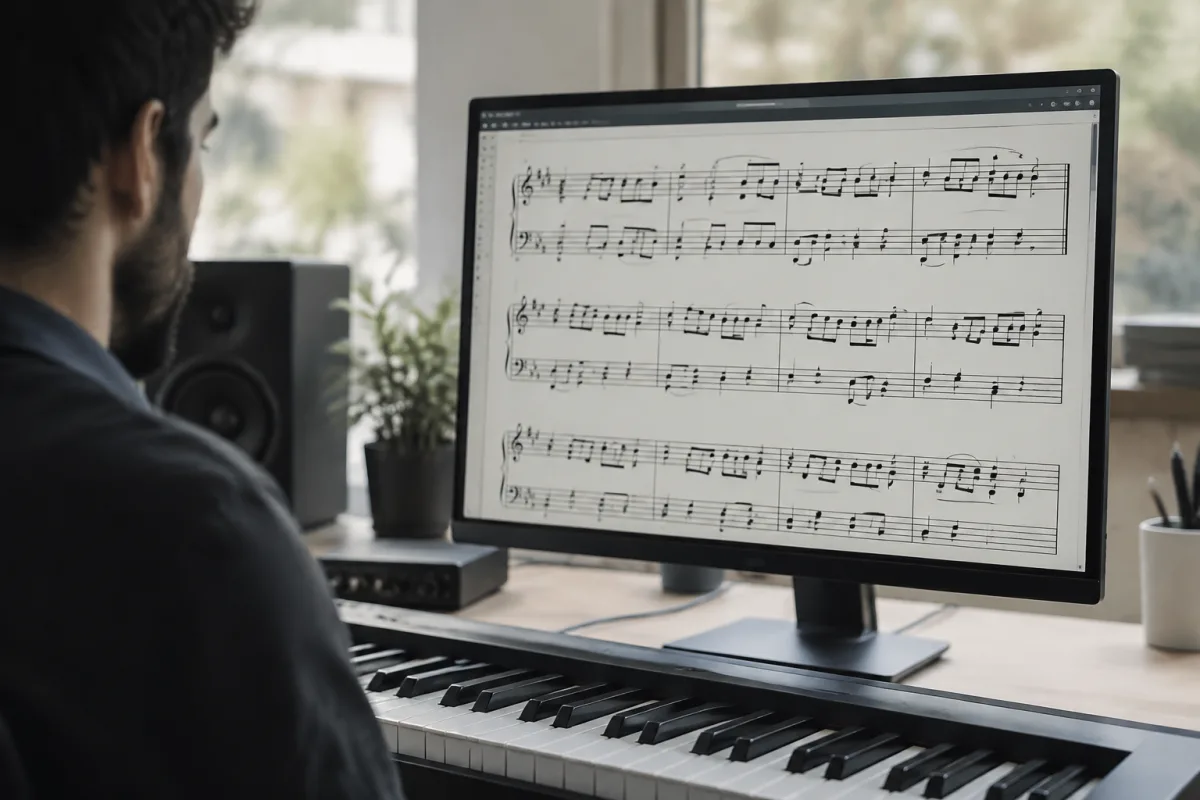
If you've ever tried to learn a piece of music by ear or transcribe a complex arrangement, you know how painstaking it can be. Modern music transcription software transforms that process from gruelling to manageable. These tools automatically detect notes, chords, and drum patterns from audio, saving hours of manual listening and writing. Whether you're a student, composer, or musician sharpening your ear, the right music transcription software makes all the difference.
What Is Music Transcription Software?
Music transcription software is a digital tool that listens to an audio recording and converts the musical content into written notation or MIDI. Rather than sitting with a pencil and staff paper for hours, rewinding constantly, this software uses artificial intelligence and digital signal processing to identify pitch, timing, rhythm, and often harmony from a song.
The best music transcription software offers several formats for output: standard sheet music notation, MIDI files for editing in your DAW, chord charts, or plain text descriptions. Some tools focus exclusively on melody lines; others can identify entire chord progressions or drum kit voicings. The accuracy varies widely, so choosing the right application for your needs matters.
How Music Transcription Software Works
At its heart, music transcription software uses machine learning trained on millions of audio samples. When you upload an audio file or point the tool to a YouTube link, the software:
- Separates the vocal and instrumental tracks (or attempts to) using source separation algorithms
- Analyzes the frequency spectrum to identify which notes are playing
- Tracks timing and onset detection to place notes precisely on the beat grid
- Recognizes harmonic structure to suggest chord progressions
- Optionally identifies the tempo, key signature, and instrument family
No transcription tool is perfectly accurate—especially with complex polyphonic music (multiple instruments at once) or heavily produced tracks with heavy processing. However, even a 70–80% accurate transcription saves enormous time compared to starting from silence.
Key Features to Look For
When selecting music transcription software, prioritize these capabilities:
| Feature | Why It Matters |
|---|---|
| Polyphonic transcription | Handles multiple instruments simultaneously, not just melody |
| Drum transcription | Identifies drum patterns and individual drum hits |
| MIDI export | Lets you edit and refine the transcription in your DAW |
| Chord recognition | Automatically suggests chord progressions and voicings |
| Sheet music output | Exports standard notation for printing or sharing with musicians |
| Batch processing | Transcribes multiple files without manual intervention |
| Stem separation | Isolates vocals, bass, drums, and other instruments |
| Real-time input | Transcribes live audio or microphone input |
Music Transcription Software for Different Use Cases
Your ideal choice depends on what you're transcribing and why. Learning musicians often need melody and basic chords; music students might want full polyphonic notation; composers working with orchestral arrangements require precise, editable output.
Browser-based music transcription software offers speed and convenience—no installation needed—but may sacrifice accuracy or features compared to desktop applications. Standalone DAW plugins integrate directly into your workflow, whilst standalone applications offer the deepest feature sets. Some services operate on a freemium model with limited transcriptions per month; others charge a one-time fee or annual subscription.
Real-time music transcription software (tools that respond to live audio or microphone input) is particularly useful for transcribing vocals or live performances. However, accuracy typically drops with live material compared to studio recordings, as background noise and microphone proximity affect the algorithm's precision.
Accuracy and When to Expect Corrections
Even the best music transcription software requires human verification and correction. Complex jazz harmonies, microtonal music, or highly syncopated rhythms often need tweaking. Similarly, music with layered vocals, heavy effects, or unusual instrumentation can confuse the algorithms.
The software excels at:
- Straightforward pop, rock, and acoustic music with clear instrumentation
- Simple melodic lines and obvious bass patterns
- Music recorded in a professional studio with clean separation
It struggles with:
- Heavily processed or lo-fi recordings with murky frequency balance
- Polyphonic classical or jazz music with complex harmonies
- Extreme distortion, reverb, or other effects that obscure pitch
- Multiple vocalists singing together or rapid vocal runs
View music transcription software as a starting point, not a finished product. A good tool should save you 70–80% of the work, leaving the final polish to your ear and musical judgment.
Choosing the Right Tool for Your Workflow
Before investing time or money in music transcription software, consider: Are you transcribing solo instruments or full arrangements? Do you need sheet music, MIDI, or both? How much time can you dedicate to manual corrections? Is batch processing important, or will you work on one song at a time?
Testing is worthwhile—many providers offer free trials or limited free tier access. Upload a short sample of your target material and see whether the output quality meets your standards. Look for user reviews from musicians in your genre; hip-hop enthusiasts may have different priorities than classical musicians, for example.
Integration with your existing tools also matters. If you compose in Ableton, Logic, or Reaper, choosing music transcription software that exports flawlessly to your DAW will smooth your creative workflow considerably.
The Bottom Line
Music transcription software has transformed what was once a tedious, time-consuming skill into a semi-automated process. Modern tools powered by AI can handle melody, chords, and drum patterns with impressive accuracy—particularly on clear, well-produced recordings. Whilst human judgment and correction remain necessary, a good music transcription software package can slash your transcription time from hours to minutes, freeing you to focus on the creative and interpretive aspects of learning and arranging music. Choose a tool aligned with your genre, budget, and workflow, test it thoroughly, and embrace it as a collaborator rather than a replacement for musical intuition.





Comments