


Music Transcription Software Buying guide
Music Transcription Software: A Complete Buyer's Guide
Transcription software accuracy varies wildly depending on instrument type and audio quality. This buying guide covers key specs, price tiers, common pitfalls, and how to choose the right tool for your transcription needs.
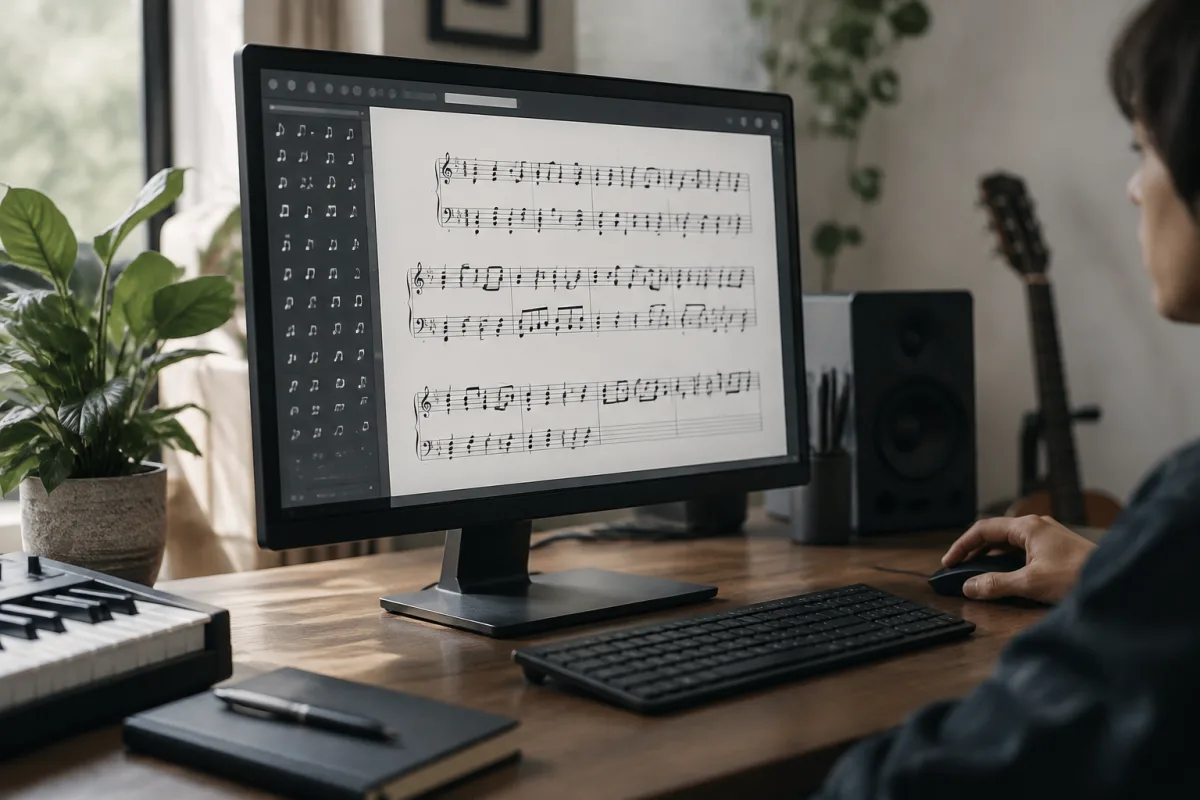
Choosing music transcription software feels straightforward until you actually start comparing options. Free tools exist alongside expensive subscription services. Some specialise in melody, others in chords, and a few attempt full multi-instrument transcription. The accuracy varies wildly depending on the audio quality, the instrument type, and what the software promises versus what it actually delivers. For anyone learning to play by ear, helping students develop listening skills, or creating sheet music from existing recordings, selecting the right transcription tool directly impacts your workflow and results. This buying guide cuts through the marketing claims and shows you exactly what to evaluate, which tools excel at specific tasks, where to avoid wasting money, and what price tiers actually deliver. For comprehensive technical information about transcription software capabilities, see our ultimate guide to transcription software.
The Core Spec That Determines Everything: Accuracy
Accuracy in music transcription means the software correctly identifies the notes being played. This isn't binary; it's contextual. Accuracy depends on:
- Audio quality: Clean, isolated instrument recordings transcribe more accurately than muddy, compressed commercial mixes. A software tool might transcribe a solo cello perfectly but struggle with piano in a dense orchestral mix. Know what the software specialises in.
- Instrument type: Some tools excel with solo instruments (violin, flute, voice) but fail with polyphonic sources (piano, guitar with multiple strings sounding together). Others handle percussion poorly but transcribe keys accurately. Specialisation matters enormously.
- Note density: Fast passages with many notes challenge every transcription tool. Slow, sparse music transcribes more accurately. Evaluate tools using source material that matches your actual needs.
- Tempo consistency: Variable tempos confuse transcription algorithms. Music with inconsistent timing (live recordings, rubato playing) transcribes less accurately than metronomic performances.
Before buying any transcription software, test it with material identical to what you'll actually transcribe. Free trials exist for good reason; use them.
Key Evaluation Specs When Comparing Tools
Output formats: Can the software export to standard music notation (MusicXML, PDF, MuseScore files), or does it lock you into its own ecosystem? Standard formats mean flexibility; proprietary formats create future problems. Prioritise tools supporting MusicXML or direct integration with notation software you already use.
Instrument support: Does the tool recognise all instruments you'll transcribe? Some excel with monophonic instruments (single note at a time); others handle polyphonic sources (multiple simultaneous notes). Budget transcription software often recognises only a handful of instruments. Professional tools support dozens. Verify your needed instruments are supported.
Editing capabilities: No transcription is perfect. Can you edit individual notes, fix timing, adjust octaves? Some tools offer comprehensive editing; others force you to export and manually correct in notation software. Editing efficiency directly impacts your workflow time. Evaluate this practically before buying.
Batch processing: If you'll transcribe multiple files, batch processing saves hours. Budget tools force you to process one file at a time. Professional subscriptions offer batch capabilities. Scale this spec to your volume.
MIDI versus notation: Do you need MIDI output (for virtual instruments, DAWs) or sheet music notation? Some tools specialise in one; others offer both. Choose based on your end use. Notation software won't satisfy someone needing MIDI; MIDI tools won't help someone needing printed sheet music.
Common Buying Pitfalls
Pitfall 1: Buying based on marketing claims alone.** Software companies claim 95% accuracy, but rarely specify under what conditions. 95% accuracy on clean solo recordings is different from 95% on dense commercial mixes. Read user reviews describing actual accuracy with your material types before committing.
Pitfall 2: Choosing tools designed for different use cases.** Some software targets music educators (focusing on visualisation); others target producers (prioritising MIDI accuracy). A tool brilliant for teaching might be useless for your DAW workflow. Understand each tool's primary purpose before buying.
Pitfall 3: Paying for features you'll never use.** Premium tiers often include features like batch processing, advanced editing, or instrument separation that many users never need. Assess your actual workflow. Paying for professional features you won't use wastes money.
Pitfall 4: Underestimating the editing requirement.** Transcription software rarely achieves 100% accuracy. Most tools require manual editing, sometimes extensive. If a tool's editing interface is clunky, you'll spend hours correcting transcriptions. Test the editing workflow before buying.
Pitfall 5: Not accounting for subscription costs over time.** A tool costing £5 per month seems cheap; over five years that's £300 plus price increases. Compare subscription tools against one-time purchases accounting for your expected usage duration. Some solutions make sense as subscriptions; others justify single purchases.
Transcription Software Buying Tiers
| Price Category | Typical Accuracy | Best For | Limitations |
|---|---|---|---|
| Free tools | 50–70%, highly variable | Casual learners, testing workflows, solo instruments | Poor polyphonic accuracy, limited editing, slow processing, features restricted |
| Budget (one-time £20–50) | 60–75%, improving tools | Hobbyists, music students, learning by ear | Limited instrument support, basic editing, no batch processing |
| Professional (£50–200 one-time) | 75–90%, context-dependent | Musicians, educators, small studios, DAW integration | Still requires editing, polyphonic accuracy varies, instrument limits |
| Subscription (£5–15/month) | 75–95%, continuously updated | Professional musicians, regular transcription work, batch processing needs | Recurring costs, account dependency, feature changes beyond control |
| Enterprise/Professional (£300+/year) | 85–98%, specialised tools | Recording studios, transcription services, research institutions | Expensive, overkill for casual users, steep learning curves |
Decision Framework: Choosing Your Tool
Ask yourself: How often will you transcribe? Occasional transcription (once monthly) might justify free or budget tools. Regular transcription (weekly) justifies a professional purchase or subscription.
What instruments will you transcribe most? Identify the three instruments you'll use most. Verify that any tool you consider handles them well. Don't pay for support for instruments you'll never use.
Do you need MIDI or sheet music? This determines tool categories. MIDI-focused tools output to DAWs. Notation-focused tools create printable sheet music. Hybrid tools cost more but offer both.
How important is editing efficiency? If the software consistently makes major errors on your material, editing will consume more time than manual transcription. Test thoroughly before committing.
Single purchase or subscription? Subscriptions suit professionals with constant workflow. One-time purchases suit occasional users. Calculate your actual cost over your expected usage period.
Where to Buy and Trial Strategy
Most transcription software offers free trials. Use them intelligently:
- Download the trial version
- Transcribe material that exactly matches your needs (not generic examples)
- Evaluate accuracy on your material, not the developer's showcase examples
- Test the editing workflow; time how long typical corrections take
- Confirm output format compatibility with your workflow
This realistic testing reveals whether the tool suits you far better than reading marketing claims or watching promotional videos. Most purchasing mistakes happen because people buy based on features rather than testing actual accuracy on their specific material.
Final Buying Thoughts
Music transcription software is transformative when you choose the right tool, but disappointing when you choose the wrong one. Accuracy on your material type matters far more than headline accuracy claims. Test before buying, understand your actual workflow (not hypothetical future needs), and don't overpay for features you won't use. The best transcription tool for you is the one that produces accurate output for your instruments with an editing workflow that saves time rather than wastes it.



Comments