


Ear Training App Buying guide
Ear Training App: A Complete Buyer's Guide
Choosing the right ear training app depends on your musical level, training goals, and budget. This buying guide covers features that matter, pricing models, and how to select an app you'll actually use.
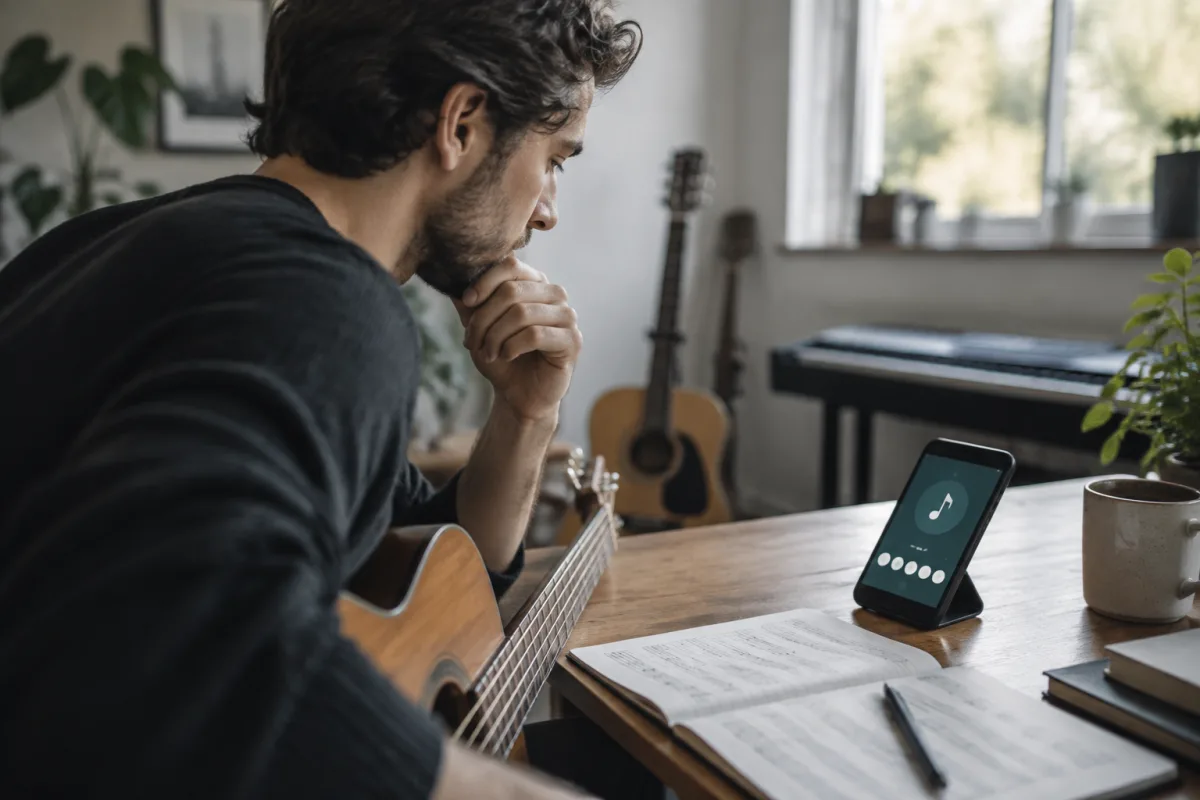
Developing a trained ear is one of the most valuable skills in music. You don't need perfect pitch—most musicians don't have it—but you need to hear intervals, chords, scales, and melodic contours accurately. Ear training apps make this possible through focused, gamified practice. But dozens of apps exist, ranging from free tools to subscription services costing hundreds annually. Which one should you choose? This buying guide walks you through the features that matter, the pricing models you'll encounter, and how to select an ear training app that fits your musical goals and budget.
Understanding Ear Training App Categories
Ear training apps focus on different skills. Understanding these categories helps you pick an app matching your needs:
- Interval recognition: Learn to hear and identify the distance between two notes (a major third, perfect fifth, etc.). This is foundational. Nearly every ear training app covers this because it's essential.
- Chord identification: Hear a chord and identify what type it is (major, minor, dominant seventh, etc.). This builds on interval training and is crucial for musicians working with chords.
- Scale and mode recognition: Identify which scale or mode (Ionian, Dorian, Phrygian, etc.) a phrase uses. More advanced, useful for jazz musicians and composers.
- Melodic dictation: Hear a melody and transcribe it. Advanced skill, takes serious practice.
- Rhythm training: Identify rhythmic patterns, time signatures, and complex rhythmic concepts. Valuable for drummers and rhythmically-focused musicians.
- Relative pitch games: Broader skills including note identification, chord recognition, and melodic relationships. Often presented as games that make practice entertaining.
- Instrument-specific training: Apps designed for singers, guitarists, or pianists that integrate ear training with their specific instrument.
Most professional musicians benefit from interval and chord identification training above all else. Start there if you're unsure.
Key Features to Evaluate
When comparing ear training apps, these features significantly affect your learning experience:
- Speed adjustment: Can you control how fast exercises present? Professional musicians need fast recognition. Beginners benefit from slower tempos. Apps letting you adjust speed allow you to progress naturally.
- Different exercise types: Variety prevents boredom and ensures balanced development. An app offering only interval identification gets stale. Multiple exercise types maintain engagement and develop more well-rounded ears.
- Immediate feedback: After answering, does the app immediately tell you if you're correct? Instant feedback is essential for learning. Delays undermine the learning process.
- Progress tracking: Can you see your improvement over time? Visible progress is motivating. Some apps track accuracy percentage, streak lengths, and skill levels. This gamification keeps you engaged.
- Customisable instruments and tones: Do exercises use piano, guitar, or realistic instrument sounds? Apps limiting you to one instrument get boring. Variety using different timbres challenges your ear and keeps it fresh.
- Offline capability: Can you use the app without internet? This matters for practicing during commutes or in locations without reliable wifi.
- User interface quality: Is the app pleasant to use? Poor design makes practice feel like work. Good design makes five minutes of practice feel like fun.
- Difficulty progression: Does the app adapt to your skill level, or does it force the same exercises repeatedly? Good apps present challenges slightly above your current level, a sweet spot for learning.
Pricing Models for Ear Training Apps
Understanding different pricing approaches helps you budget appropriately:
- Free apps with optional upgrades: Free version offers basic exercises; paid upgrades unlock advanced features or remove ads. Cost: £0–50 one-time or subscription. Good for exploring whether ear training appeals to you.
- Subscription models (monthly or annual): Pay monthly (£5–15) or annually (£30–100) for full access. Subscriptions suit dedicated musicians who'll practice regularly. The ongoing cost keeps you motivated to actually use what you've paid for.
- One-time purchase (premium apps): Pay once (£5–30) and own the app forever. No ongoing costs. Less common now but valuable if you prefer owning software rather than renting it.
- Freemium with limited daily exercises: Free with restrictions (only 5 exercises daily), paid unlimited version. Low commitment to try before paying.
- Premium courses or memberships: High-end apps (£100–500 annually) with structured courses, live instruction, or personal feedback. Overkill for most beginners but valuable if you're seriously investing in musical education.
Most people start with free or low-cost options, then upgrade if they're actually using the app regularly after a month.
Common Ear Training App Types
Different apps suit different musical paths:
Interval-focused apps: Perfect for beginners starting from scratch. Builds the foundation everything else uses. Most musicians benefit from 2–4 weeks of serious interval training to establish basic recognition.
Chord-focused apps: For musicians who already identify intervals comfortably. Jazz musicians, songwriters, and producer benefit most. Focus here if chord identification matters for your music.
Game-style apps: Disguise ear training as games—you earn points, unlock levels, build streaks. Effective for casual practice because they're fun. Less structured than purpose-built ear training but more likely to keep you engaged.
Instrument-specific apps: Designed for guitarists, singers, or pianists. Integrate your instrument into exercises. Excellent if your instrument is central to your music-making.
Comprehensive platforms: Cover intervals, chords, scales, rhythm, melodic dictation, and more in one app. More expensive but reduce app clutter if you want everything in one place.
Selection Strategy by Musical Level
Your experience determines the best app choice:
Complete beginner (can't identify intervals by ear yet): Start with a free app focusing on interval recognition. Commit to 10–15 minutes daily for two weeks. Don't upgrade until you're comfortable with all intervals. Budget £0–15.
Intermediate (identify some intervals and chords): Choose a comprehensive app covering intervals, chords, and scales. Look for one with good progress tracking and multiple exercise types to stay engaged. Budget £20–60 for annual subscription.
Advanced musician (comfortable with intervals and chords, developing melodic and rhythmic skills): Invest in a comprehensive platform or specialised app matching your weak areas. If you're working toward professional goals, a premium subscription (£50–150 annually) is justified.
Common Buying Mistakes
These errors waste money or lead to abandoned apps:
- Paying for premium before trying free version: Most good apps offer free versions. Try before paying. Your ear training needs are unique—what works for someone else might not engage you.
- Buying the comprehensive app when you need focused training: If you're struggling with intervals, buying a complex app covering everything is overwhelming. Start narrow, expand later.
- Choosing based on aesthetics alone: A beautiful-looking app you'll abandon is worthless. Functional design that engages you matters more than visual polish.
- Expecting results without consistent practice: An app can't train your ear in five minutes weekly. Ear training requires at least 15–20 minutes daily for meaningful progress. If you won't commit, don't pay for an app.
- Ignoring exercise variety and getting bored: Many people buy apps but abandon them after a month because they're doing the same exercises repeatedly. Choose apps offering multiple exercise types and difficulty progression.
- Choosing an app without trying the free version: This can't be overstated. Free trials exist for a reason. Use them before committing money.
- Expecting ear training alone to improve your music: Ear training is one tool among many. Combine it with regular instrument practice, music theory learning, and listening to quality recordings. Ear training alone won't make you a better musician.
Feature Comparison Table
| Feature | Why It Matters | Must-Have? |
|---|---|---|
| Interval training | Foundation for all ear training | Yes |
| Chord identification | Essential for musicians working with harmony | Yes |
| Speed adjustment | Allows progression from slow to fast recognition | Yes |
| Multiple exercise types | Prevents boredom and ensures balanced development | Yes |
| Progress tracking | Motivation and visible improvement | Recommended |
| Different instruments/tones | Challenges ear with variety | Recommended |
| Offline capability | Practice anywhere without wifi | Nice-to-have |
| Scale/mode training | Advanced skill, not needed immediately | Optional initially |
Making Your Choice
Start by trying two or three free apps for a week each. Identify which feels most engaging and which exercise types you enjoy. Then commit to one app for at least a month of regular practice before deciding whether to upgrade to premium features or switch. Consistent practice with one app beats scattered attempts across many apps.
For a comprehensive overview of ear training apps, detailed feature comparisons, and how they fit within broader musical education, explore the complete guide to ear training apps. But when ready to commit, use this buying guide's framework to select an app matching your musical level and training goals.
Invest in Your Ears
Your ear is a learnable skill. Ear training apps make the process accessible, affordable, and often genuinely fun. By choosing an app suited to your level and committing to consistent practice, you'll develop an invaluable musical asset over weeks and months. The £20–60 investment pays dividends for years.


Comments