


DAW for Mac article
Free Daw for Mac: A Complete Guide
Choosing the right DAW for Mac is crucial to your workflow and creative success. Compare top options and find the platform that suits your musical style and budget.
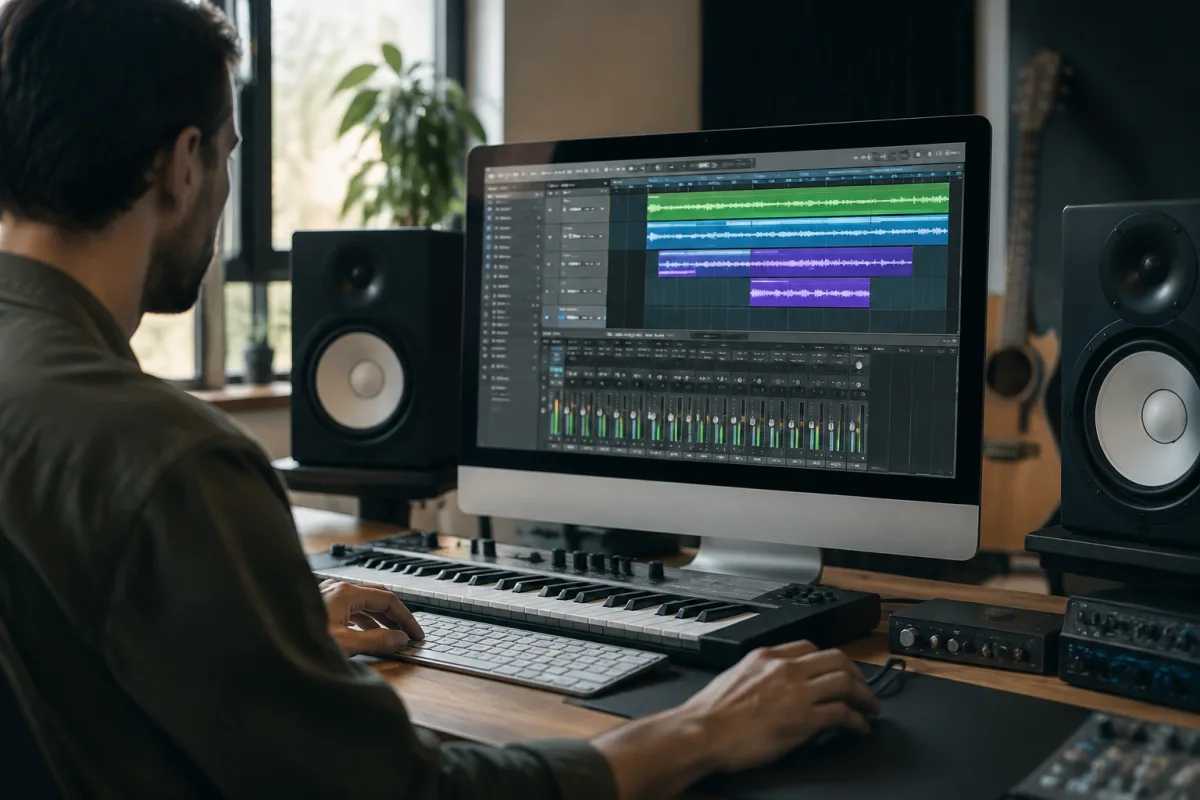
If you produce music on a Mac, choosing the right software is your first major decision. The platform has evolved into one of the most popular recording environments, with world-class software options at every price point. Whether you're a beginner or professional, understanding what's available and how different DAWs for Mac compare will help you select the platform that matches your workflow, budget and creative ambitions.
What Makes a Good DAW for Mac?
This should integrate smoothly with macOS, taking advantage of the operating system's efficient design. It should offer low-latency recording, intuitive editing, comprehensive mixing tools and a thriving plugin ecosystem. Performance matters—your software should run stably on your machine without constant crashes or CPU overload, even with dozens of plugins and tracks.
Beyond technical stability, the best software suits your creative style. Some producers prefer clip-based workflows; others want arrangement-focused environments. Some need deep MIDI editing; others prioritize audio manipulation. A great software adapts to your thinking rather than forcing you into a predetermined approach.
Leading DAWs for Mac
| DAW | Price | Best For |
|---|---|---|
| Logic Pro (DAW for Mac) | £200 one-time | Mac users wanting professional features; best value |
| Ableton Live | £510–£680 | Electronic music, live performance, experimentation |
| Pro Tools | Subscription (~£60/month) | Professional studios, film scoring, heavy editing |
| Studio One | £300–£400 | Modern workflow, intuitive mixing, creative solutions |
| Cubase | £200–£540 | MIDI production, scoring, mixing depth |
| GarageBand | Free (included with Mac) | Beginners, quick sketches, learning production basics |
Logic Pro: The Mac Native Advantage
Logic Pro is the most popular software users, and for good reason. As Apple's own professional audio software, it's optimized for macOS at a fundamental level. It offers world-class plugins, excellent MIDI tools, a comprehensive sampler, and deep mixing features. For a one-time purchase of £200, you get everything a professional producer needs.
The learning curve is gentle, and the workflow feels native to Mac. Keyboard shortcuts, menu structure and interface design follow macOS conventions, making it intuitive for longtime Mac users. Logic Pro dominates in home studios and professional facilities across the UK and beyond.
Ableton Live: For Electronic Music and Performance
This favoured by electronic producers, Ableton Live excels at improvisation and experimentation. Its session view lets you arrange clips non-linearly, perfect for sketching ideas and building loops. Live's warping feature stretches audio to any tempo without quality loss, a genuine innovation that simplifies workflow.
Live also bridges production and performance—many artists use the same Live set on stage and in the studio. This unity is unique. If you make electronic music or want one that encourages experimentation, Live is exceptional.
Pro Tools: Professional Standard
Pro Tools remains the industry standard in professional recording studios, especially for dialogue editing, film mixing, and precision audio work. This built around post-production, it excels at organization, detailed editing, and collaboration. However, it's expensive (subscription-based, around £60/month) and overkill for home producers unless you specifically need its professional features.
Studio One: Modern Workflow Excellence
Studio One from PreSonus represents fresh thinking in DAW design. Its drag-and-drop file browser simplifies importing samples. The drag-and-drop mixing (dragging audio onto mixer channels) feels modern and efficient. For one that prioritizes intuitive, creative workflow, Studio One is outstanding and relatively affordable at £300–400.
Cubase: MIDI and Scoring Power
Cubase excels at MIDI production, virtual orchestration and film scoring. Its step sequencer, MIDI tools and notation features are exceptionally deep. This with decades of development, it's powerful but also complex. If your primary focus is MIDI and scoring, Cubase's investment in these areas is incomparable.
GarageBand: Free Starting Point
GarageBand comes free with every Mac and is a surprisingly capable software beginners. It includes loops, virtual instruments, good quality reverb and compression, and a straightforward interface. You can produce complete songs in GarageBand. It's not a professional platform, but as a learning tool and quick sketching environment, it's invaluable.
Choosing Your First DAW for Mac
Start with your musical style and budget. Electronic producers should demo Ableton Live. If you make traditional music (rock, pop, singer-songwriter), Logic Pro offers unmatched value. For film or podcast work, Pro Tools is industry-standard but expensive. If you want modern workflow and flexibility, try Studio One. MIDI-focused musicians should explore Cubase.
Most DAWs offer 30-day free trials. Use them. Spend time with each platform—what feels best depends on how your brain works, not objective specifications. Some producers thrive in Logic; others need Ableton's open-ended approach. There's no wrong choice, only mismatches between your workflow and your tool.
Workflow Considerations
- MIDI vs. audio focus: Some DAWs prioritize MIDI editing; others shine with audio. Match your primary creative activity.
- Mixing approach: Some offer track-by-track mixing; others emphasize mixing console design. Choose what suits you.
- Plugin ecosystem: Third-party plugins matter. Ensure your chosen software has access to the plugins you need.
- Learning resources: Popular DAWs have massive tutorial libraries. Less popular choices can leave you isolated.
- Stability on your Mac: Newer Macs with Apple Silicon perform best with native-compiled DAWs. Logic Pro is fully native; others are still optimizing.
Mac Hardware Considerations
Modern MacBook Pro and Mac mini machines are powerful enough for serious music production. However, Apple Silicon (M1, M2, M3) is still new, and some older plugins lack native support—running them under Rosetta 2 works but consumes more resources. If you're buying a new Mac for production, research which DAWs and plugins are native-compiled.
RAM and storage matter more than CPU on Mac. 16 GB of RAM is the minimum for serious production; 32 GB is better. Fast SSD storage ensures smooth plugin loading and sample streaming.
Conclusion
This is your creative home for years to come, so invest time in choosing carefully. Logic Pro offers unbeatable value for Mac users, but Ableton Live, Studio One, and Cubase each serve different creative minds brilliantly. Try trials, watch workflow videos, and trust your gut feeling. The best software is the one you'll actually use and enjoy—spend your money there, then focus on writing great music.





Comments