


DAW for Mac Buying guide
Daw For Mac: A Complete Buyer's Guide
Choosing the right DAW for Mac means understanding your workflow first, then evaluating which software matches your needs and budget. This guide walks you through the key specs, price tiers and common mistakes so you pick a DAW for Mac you'll actually use.
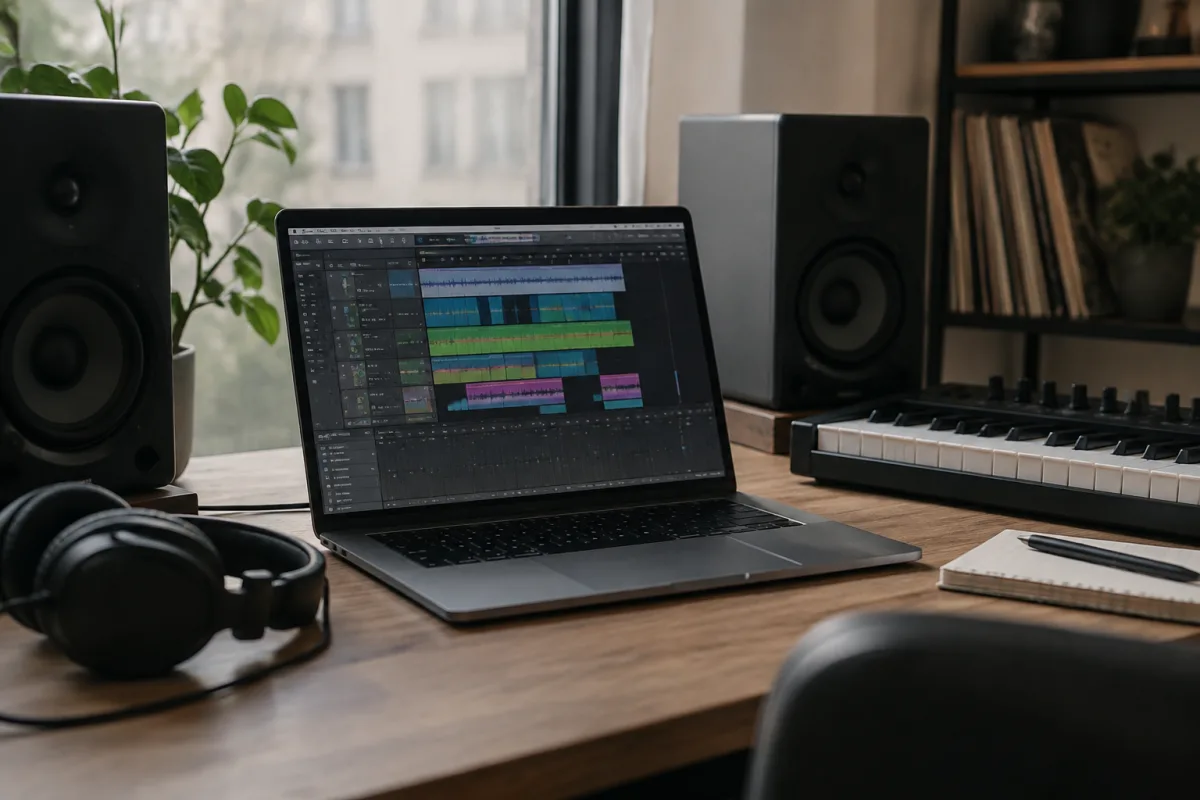
Choosing a DAW for Mac is one of the most important decisions you'll make as a producer or musician, yet it can feel overwhelming. There are dozens of options at every price point, each with different strengths, and what works for a film composer might not suit a hip-hop producer. This guide cuts through the noise and shows you exactly what to look for when buying a DAW for Mac, so you end up with the right tool, not just the most popular one.
Start Here: Understanding Your Workflow
Before comparing DAW for Mac options, ask yourself three honest questions: What kind of music do you make? How many simultaneous tracks do you typically need? How important is collaboration with producers on other platforms? Your answers will narrow the field dramatically.
If you produce electronic music and rarely bounce to other studios, your DAW for Mac needs are different from someone doing film scoring with a team spread across Windows and Mac. If you record live instruments, you'll prioritise audio quality and editing. If you work entirely in MIDI and loops, your priorities shift again. Get crystal clear on your actual workflow before you start shopping.
Essential Specs to Check When Buying a DAW for Mac
When evaluating any DAW for Mac, look at these non-negotiable features:
| Feature | Why It Matters | What to Look For |
|---|---|---|
| Maximum track count | Limits how large your sessions can grow without hitting performance walls | Minimum 64 tracks; 256+ if you plan complex arrangements |
| Audio engine stability | Determines whether your DAW for Mac handles CPU-heavy sessions smoothly or crashes | Check user forums for crash reports; read reviews on real sessions |
| MIDI editing tools | Essential if you work with virtual instruments or remote musicians | Look for piano roll, note editing, quantisation options |
| Built-in plugins | Saves money on third-party purchases; affects your initial investment | Count instruments and effects; compare to your current library |
| File format compatibility | Determines whether you can collaborate with studios using other systems | Can it export and import standard formats like WAV, MIDI, XML? |
| Third-party plugin support | Limits what you can add to your DAW for Mac later | Check which plugin formats it supports (AU, VST, VST3) |
DAW for Mac Price Tiers: Finding Your Sweet Spot
Digital audio workstations for Mac fall into distinct price brackets, and each tier has genuine reasons for its cost.
Under £100. Budget DAW for Mac options are often entry points or hobby tools. They work fine for learning production basics, but expect fewer built-in sounds, simpler mixing tools and less powerful automation. Good for absolute beginners; you may outgrow them within a year.
£100–300. This tier includes many professional-grade DAW for Mac products used by working producers. You get serious editing tools, solid built-in instruments and effects, and room to grow. Most hobbyists and semi-professionals settle here.
£300+. Top-tier DAW for Mac software offers the most flexibility, largest plugin ecosystems, best audio engines and fullest feature sets. The jump in price reflects years of development and a larger user community. Only essential if you're working professionally or have highly specific needs.
Subscription vs. perpetual licence. Some DAW for Mac products charge monthly; others charge once. Calculate: if a monthly DAW for Mac is £10/month, you'll spend £240 over two years, at which point a perpetual licence might have paid for itself. Factor in free updates (included with subscriptions, sometimes charged as upgrades with perpetual licences).
Pitfalls to Avoid When Choosing Your DAW for Mac
Thousands of producers have made these mistakes; don't repeat them:
- Buying based on what your friend uses. A DAW for Mac that's perfect for someone mixing podcasts is wrong for someone producing orchestral music. Only pick based on your own workflow.
- Assuming the most expensive DAW for Mac is the best for you. Professional studios use expensive software, but professionals also have specific workflows; a beginner in a premium DAW often flounders because there's too much power and too few guardrails.
- Ignoring third-party plugin compatibility. Many small DAW for Mac tools use unusual plugin formats that limit what you can add later. Before buying, check whether the ecosystem of plug-ins you want to use will actually work.
- Forgetting about upgrade costs. Some DAW for Mac software charges for major version jumps; others ship free updates forever. The cheapest upfront price might not be the cheapest over five years.
- Not testing before buying. Most DAW for Mac options offer free trials or demo periods. Spend two full weeks in a trial before committing — what feels right in a video tour might frustrate you daily in real use.
- Buying a DAW for Mac for Mac exclusivity. If there's any chance you'll ever collaborate on Windows or need to move sessions to another system, ensure your DAW for Mac can export to standard formats (OMF, AAF, MID, WAV). Avoid proprietary lock-in.
Your Next Step: The Trial Period
Once you've narrowed your choices to two or three DAW for Mac candidates, download the free trial and work in each one for at least two weeks. Create a real session — not a toy project, but something you actually care about. Record audio, write MIDI, build a mix. Notice which interface makes sense to you, which workflow feels natural, and which one you reach for without thinking.
The right DAW for Mac isn't the one with the most features or the highest price tag. It's the one that gets out of your way and lets you make music without friction. That's the one worth buying.
After You Buy: Protect Your Investment
Once you've settled on your DAW for Mac, keep your eye on upgrade cycles and watch user-community forums for version-specific issues. Most established DAW for Mac software publishes a roadmap; knowing what's coming helps you decide whether to upgrade immediately or wait. Register your purchase with the manufacturer to ensure access to support and future updates.
If you're curious about how your chosen DAW compares to other tools, or want a deeper dive into the history and capabilities of different platforms, check out the complete guide to DAW for Mac, which covers available options at every price point and explores use cases in detail. But for now, your focus should be the trial period — that's where you'll find your answer.



Comments