


DAW for Mac article
Daw For Mac for Beginners: A Complete Guide
Starting music production on Mac is genuinely approachable. This beginner's guide covers DAW selection, equipment needs, and the confidence-building path from first recording to real capability.
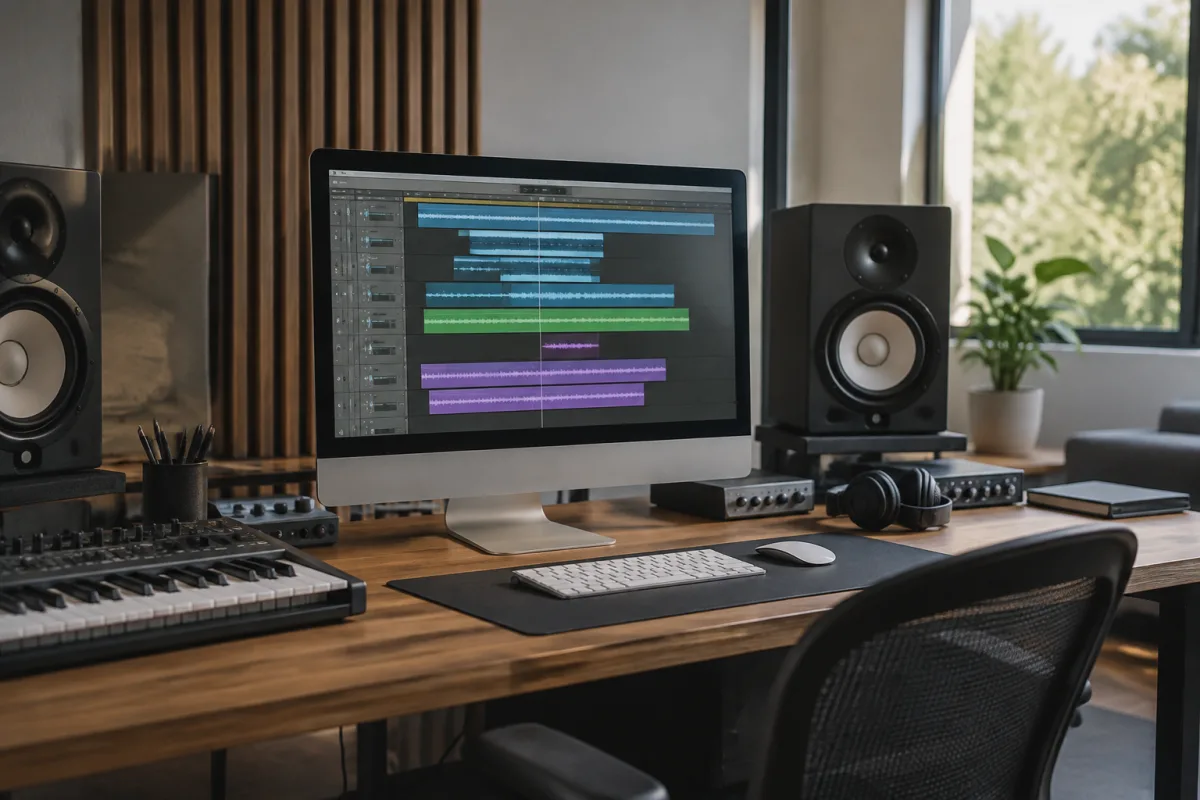
Starting with a DAW on Mac feels like learning a foreign language. You're staring at a screen full of tools, buttons you don't recognise, and menus that seem designed by someone assuming you already know what you're doing. But here's the honest truth: using a DAW on Mac is genuinely approachable if you start with the right software and understand what you're actually trying to do. This guide is written for someone who's never opened a professional music production app, someone intimidated by the apparent complexity but genuinely interested in recording and arranging music. You'll learn which DAWs actually suit beginners, what you can realistically accomplish on Mac in your first month, common pitfalls that derail new producers, and how to build genuine confidence without being paralysed by feature overload.
Why Mac and DAWs Work Well Together
Mac computers have a reputation for being music production machines, and that reputation is earned. Apple's tightly integrated hardware and software mean that professional audio software works reliably on Mac. AU (Audio Units) plugin compatibility is straightforward; latency is generally lower than on Windows with equivalent hardware; and the user interface design philosophy that Apple applies to everything tends to carry into music software on Mac as well.
The practical upshot: you don't need to become a computer expert to run music software on Mac. It just works. That's not nothing for a beginner trying to focus on creativity rather than technical troubleshooting.
Which DAW Actually Suits a Beginner on Mac?
The DAW market is crowded, and every manufacturer claims their software is beginner-friendly. Here's what actually works:
- GarageBand (free): Apple's built-in DAW. Genuinely capable for learning basic recording and arrangement. Limited for serious production work, but excellent for the first month of understanding how DAWs work. You already own it; try it before spending money elsewhere.
- Logic Pro X (£200 one-time purchase): Professional-grade software at a reasonable price point. Comes with excellent sounds and plugins. Interface is approachable but grows with your skills. Used in professional studios worldwide. Buying once and learning deeply is a smarter path than jumping between free options.
- Ableton Live (£350–600 depending on edition): Designed for electronic music production and live performance. Interface is genuinely intuitive for beginners. Less suited for traditional recording workflows but excellent for learning sound design and arrangement.
- Reaper (£70 license, 60-day fully-featured trial): Ridiculously affordable professional DAW. Steeper learning curve than Logic, but exceptional value and deeply customisable. Great for second-stage learning once you've grasped basics.
For a genuine beginner on Mac, GarageBand (free) → Logic Pro X (£200 one-time) is the sensible progression. You learn the fundamentals at no cost, then upgrade to professional-grade software without relearning basics on different UI. The investment is minimal compared to hardware.
What You Actually Need Beyond the DAW
Opening a DAW and expecting to record professional music is like buying a guitar and expecting to play fluently immediately. You need equipment alongside the software:
- Audio interface: Connects your microphone/instruments to your Mac and your Mac to speakers. USB interfaces (£100–300) work perfectly for beginners. Nothing complex; just a quality connection that handles your microphone and outputs to headphones or speakers.
- Microphone: If you're recording vocals or acoustic instruments, a decent condenser microphone (£100–200) beats trying to record through your Mac's built-in mic. The built-in mic is genuinely unusable for serious recording.
- Headphones or monitors: You need to hear what you're recording and mixing. Studio headphones or monitors (not consumer headphones) give you accurate sound for decision-making.
- A microphone stand and pop filter: Cheap essentials (£20–30 total) that let you record hands-free and reduce plosives on vocals.
Total beginner investment: Mac + DAW + audio interface + microphone + headphones is roughly £500–800. That's not inexpensive, but it's the genuine minimum for recording quality material. Don't try to save money by skipping the audio interface or using cheap headphones; those false economies undermine everything else.
Getting Started: Your First Recording Session
Open GarageBand (or your chosen DAW). You'll see a blank project. Here's what actually happens next:
- Create a new "Audio Recording" track. This prepares the DAW to record from your microphone input.
- Click the record button. The DAW is now listening to your microphone input.
- Speak or sing into the microphone. You should see levels responding on the track's input meter. If nothing happens, check that your audio interface is connected and selected as the input source in system preferences.
- Stop recording. You've now captured an audio file into the DAW.
- Adjust the track level (fader on the left) so the recording sits at a reasonable volume in your project. You're not done; you've just begun.
That's recording. The production work—editing, arranging, adding effects, mixing—comes next. But understanding this basic flow is genuinely half the battle for a beginner. Recording works because you're just capturing sound; the complexity comes from shaping what you've captured.
Common Beginner Mistakes on Mac and DAWs
- Assuming the DAW will teach you: Software is a tool, not a teacher. You need external learning: tutorials, books, or courses. Sit down with documentation or YouTube tutorials and follow along. The DAW won't tell you how to use it well.
- Using your Mac's built-in speakers for monitoring: Laptop speakers are thin, coloured, and give you terrible information about your mix. Invest in headphones or monitors immediately. Mixing on laptop speakers produces mixes that sound wrong everywhere else.
- Recording without setting levels properly: Too quiet and your recording has an ugly noise floor. Too loud and you clip and distort. Spend 30 seconds setting proper input levels before you record. Your input meter should sit in the green at about –6 dB on peaks, not maxing out.
- Trying to use every feature immediately: A professional DAW has thousands of options. You need maybe five of them to get started: record, arrange, mix volume, add reverb, export. Learn those deeply before exploring. The rest comes gradually.
- Not backing up your projects: DAW projects are files. Files get corrupted, Macs crash, data is lost. Use Time Machine (built into Mac) to back up automatically. Losing hours of work teaches expensive lessons.
- Switching DAWs constantly: Every DAW has a learning curve. Jumping from Logic to Ableton to Reaper every month means you never develop genuine skills in any of them. Commit to one and learn it properly. Switching is a time sink masquerading as exploration.
Understanding CPU Load and Performance
As your projects grow (more tracks, more plugins, more effects), your Mac's processor works harder. Eventually, your DAW might slow down or drop audio. This is "CPU load," and it's a real limitation even on powerful Macs.
For a beginner, this won't be an issue for months. You're recording simple projects with a handful of tracks and basic effects. But understand that it exists. As you grow, you'll learn techniques like "freezing" tracks (rendering them to audio) and "bouncing" to manage CPU load. For now, just record and arrange freely. The limitation only matters once you're creating complex projects.
Learning Resources: Where to Actually Get Better
Your DAW has built-in help, but that's reference material, not education. Real learning comes from:
- YouTube tutorials specific to your DAW: Search "[DAW name] tutorial for beginners" and watch someone experienced walk you through the basics. Seeing it on screen beats reading instructions.
- Books on music production: "The Art of Mixing" by David Gibson or "Music Production in Logic Pro" (DAW-specific) are excellent. Reading someone's thoughtful explanation often clarifies confusing concepts better than video.
- Course platforms (Udemy, Skillshare): Structured courses take you through production methodology step by step. Cost is typically £20–50 per course; the structure and pacing help enormously.
- Recording and mixing your own work: The best teacher is project-based learning. Record a song, mix it, listen on multiple systems, improve. Repeat. Theory only sticks once you've applied it and heard the results.
Plan to spend your first month learning, not producing masterpieces. Understanding your DAW, developing proper technique, and building workflow confidence matters more than finishing a song quickly.
Mac-Specific Advantages for Beginners
Mac offers some genuine advantages for music production beginners. Audio latency (delay between playing an instrument and hearing it recorded) is typically lower on Mac than Windows, which makes recording instruments genuinely easier. AU plugin compatibility means more free and affordable plugins are available. Time Machine backup keeps your work safe without manual effort. And frankly, the aesthetic design of Mac applications makes spending hours producing music slightly less painful than on generic Windows software.
These aren't huge advantages, but they compound when you're learning. Less technical troubleshooting means more focus on music itself.
For a comprehensive overview of DAW options on Mac and how to choose the right software for your production goals, see our complete guide to DAWs for Mac.


Comments