


Line 6 Pedal article
Line 6 Pedal for Beginners: A Complete Guide
Line 6 pedals sound great straight out of the box. This beginner's guide walks you through setup, factory presets, and how you can't accidentally break anything.
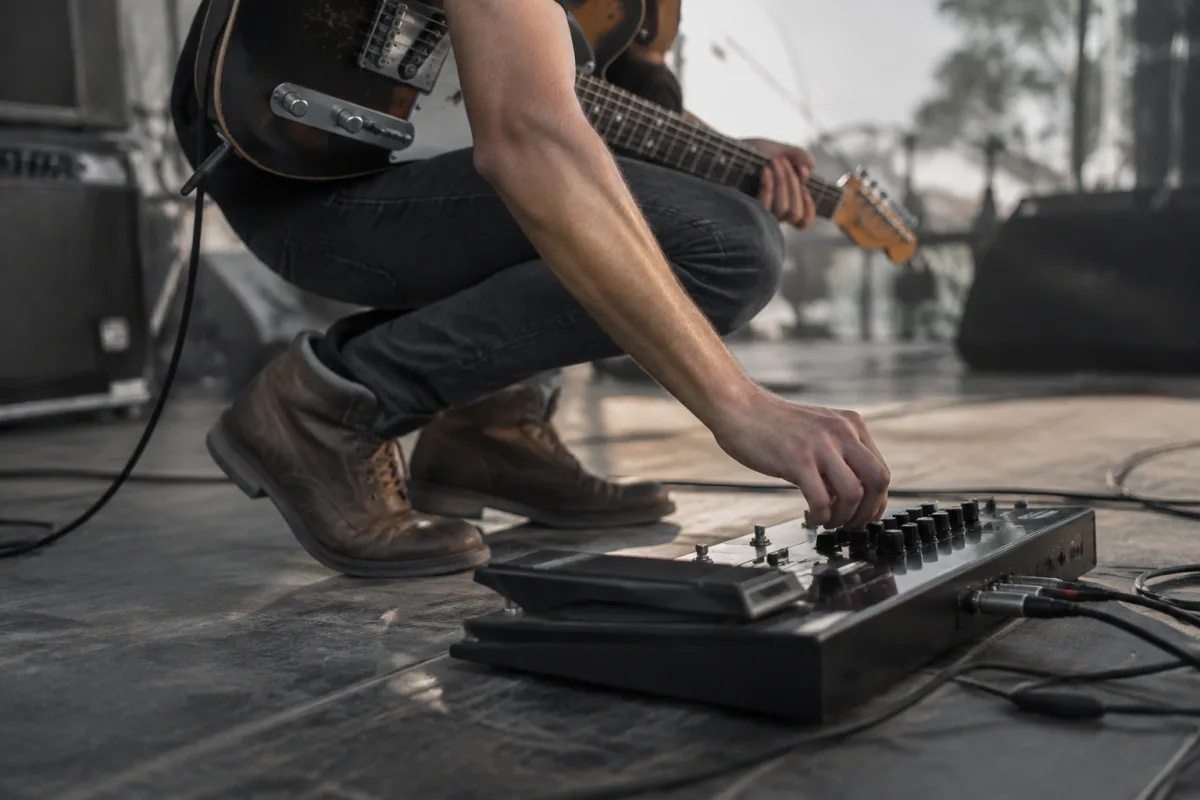
If you've just received your first Line 6 pedal or are thinking about purchasing one, you might be feeling slightly intimidated. So many buttons. So many menus. So many presets you could accidentally overwrite. Here's the encouragement you need: Line 6 pedals are genuinely beginner-friendly, and thousands of guitarists with zero technical background use them daily. This guide walks you through setup, basic operation, common worries you probably shouldn't have, and how to get great sounds within your first hour.
What a Line 6 Pedal Actually Does
A Line 6 pedal is a guitar effects processor designed to sound good straight out of the box. Unlike complicated effects units that demand hours of menu diving, Line 6 pedals ship with excellent preset sounds. Plug in your guitar, plug in your amp, switch on, and you get good tones immediately. The pedal models famous amplifiers and effects—so a Line 6 Helix can sound like a vintage Fender, a Marshall stack, or hundreds of other legendary tones. For beginners, this is liberating. You don't need to understand EQ, impedance, or signal flow to sound professional. You just select a model you like and play. The complexity is there if you want to dive into it, but you're not forced to.
Basic Setup: Simpler Than You Think
Setting up a Line 6 pedal for the first time requires only three connections: guitar cable from your instrument, audio outputs to your amp or monitor, and power. That's it. No special software required, no computer needed. Beginners often overthink this, expecting complications. There aren't any. Plug your guitar in, connect outputs, switch on, and you're ready to play. Some Line 6 pedals have USB connections for advanced editing, but you can completely ignore those while you're learning. The physical knobs and buttons on the pedal itself are all you need.
Getting Sound: The Intimidating Menu
Opening a Line 6 pedal for the first time reveals lots of options—effects chains, amp models, cabinet simulations, and parameters. Beginners panic. Don't. You're not expected to use all of this. Start with factory presets. Every Line 6 pedal ships with dozens of professionally designed sounds. Select one that appeals to you and play through it. Familiar rock sounds, blues tones, clean ambient textures—they're all in there. Spend a week playing with the presets before touching anything. This alone teaches you what the pedal can do and builds your confidence. Once you're comfortable, you can start tweaking. But tweaking is optional. Many players get exactly what they need from presets and never venture into the menu beyond that.
The Knob Turn Fear: You Can't Break Anything
Beginners often worry that turning a knob will permanently damage a preset or break something. You can't. Line 6 pedals let you edit sounds and then choose to save or discard changes. If you twist every knob and make a horrible mess, you can always return to the original preset with one button press. Nothing is permanent unless you explicitly save it. This freedom is actually the point. Play around. Experiment. Try ridiculous settings just to hear what happens. This is how you learn what each parameter does. The worst thing that happens is you make a bad sound, laugh at yourself, and go back to a preset you liked.
Common Beginner Worries (You Can Ignore Most)
Beginners worry about accidentally overwriting factory presets. You won't. Line 6 pedals usually protect factory presets from overwriting—they live in read-only memory. You can create new presets and edit existing ones without touching the originals. Beginners also worry about updating firmware (the software inside the pedal). Update it when the manufacturer releases patches, but it's not urgent. It happens via USB, takes minutes, and doesn't hurt anything when done properly. You also worry about breaking connections or accidentally changing settings during a performance. Most Line 6 pedals have a lock function to prevent accidental changes. Enable it before you gig. Finally, beginners worry they won't understand the technical language—impedance, latency, digital vs. analogue. Ignore it. You don't need to understand impedance to play great sounds. The pedal handles it automatically.
The First Real Performance: You're Absolutely Ready
A common beginner worry: "Am I experienced enough to use this on a gig?" The answer is yes, after one rehearsal. Pick a few presets you like, load them into the pedal, and perform. Line 6 pedals are built for live use by professionals. They've handled stadium concerts, recording studios, and bedroom rehearsals for years. Your only job is selecting a sound and playing well. The pedal itself does everything else reliably. Many beginners have their best performances using Line 6 presets because they stop worrying about tone and focus on playing music. That's the whole point.
Cable and Connection Worries
You need a guitar cable, an audio cable from the pedal to your amp, and power. Use standard audio cables—nothing special required. Some players get fancy with expensive cables expecting better tone. Standard cables work perfectly. The connection itself is the important bit. Audio cables are audio cables. Avoid coiling cables very tightly, as this can damage them over time, but otherwise they're incredibly robust. If you're using a Line 6 pedal with an audio interface and monitoring system, most manuals include clear diagrams showing how everything connects. When in doubt, check the manual for your specific model. Line 6 publishes excellent setup guides.
The Headphone Output: Practice Silently
Many Line 6 pedals have a headphone output, letting you practice silently. This is surprisingly useful. You can spend an hour exploring presets and experimenting without bothering anyone. This alone makes a Line 6 pedal worth having if you live in a space where volume is an issue. Plug in headphones, explore sounds, get familiar with the pedal's capabilities, and build confidence. When you're ready for full amp volume, everything transfers directly.
Avoiding the Common Pitfall: "I'll Learn Everything Before Using It"
The biggest mistake beginners make is reading the entire manual before playing. Don't. Pick up the pedal, select a preset, plug in, and play. Learn by doing. Read the manual later when you're curious about specific features. You'll learn faster this way and stay motivated. Technical manuals are dense and boring. Your instinct and ears are better teachers than dense documentation. Play first, read later.
The Joy of Exploring
Once you're comfortable with basic operation, exploring Line 6 pedals becomes genuinely fun. You discover amp models you never expected to like. You find combinations of effects that inspire new musical ideas. You realise that the tone you've been chasing for years is just two preset adjustments away. Some of your best musical moments will come from stumbling onto a preset or setting you weren't looking for. That's the gift of modern effects processors—endless exploration.
When to Dive Deeper (You'll Know When)
After a few weeks of playing presets and simple tweaks, you might want to dig deeper. You'll notice you want to combine effects in specific ways or adjust tone to match a recording you love. That's when you dive into advanced editing—amp stacking, effect chains, custom tone design. But this happens naturally only when you're ready. Beginners who try to master every feature immediately get frustrated and quit. Beginners who play first and explore gradually grow into the technology at their own pace. Neither hurries, but the second approach stays motivated.
Connecting to Your Tone
Here's the real truth about Line 6 pedals: they're not complicated at all. They're just equipment that lets you explore sounds. Your job is playing well and listening carefully. The pedal handles everything else. When you feel overwhelmed by options, remember that most of the world's greatest guitarists started without any effects processor. They played through whatever was available and made it sound good. Now you have a box with hundreds of excellent sounds. Your only job is playing music. That's genuinely it. If you want a deeper dive into advanced editing and custom tone design for Line 6 pedals, the complete guide to Line 6 pedals covers everything. But for now, simply play. The pedal is ready. You're ready. Just make music.
Your Line 6 pedal is waiting. Plug it in, select a sound, and play. You're not going to break it. You're going to discover something beautiful.


Comments