


Big Knob Studio Mackie Buying guide
Big Knob Studio Mackie: A Complete Buyer's Guide
Discover whether the Big Knob Studio Mackie fits your studio setup, learn the key specs that matter, and get expert buying advice to choose the right monitor controller.
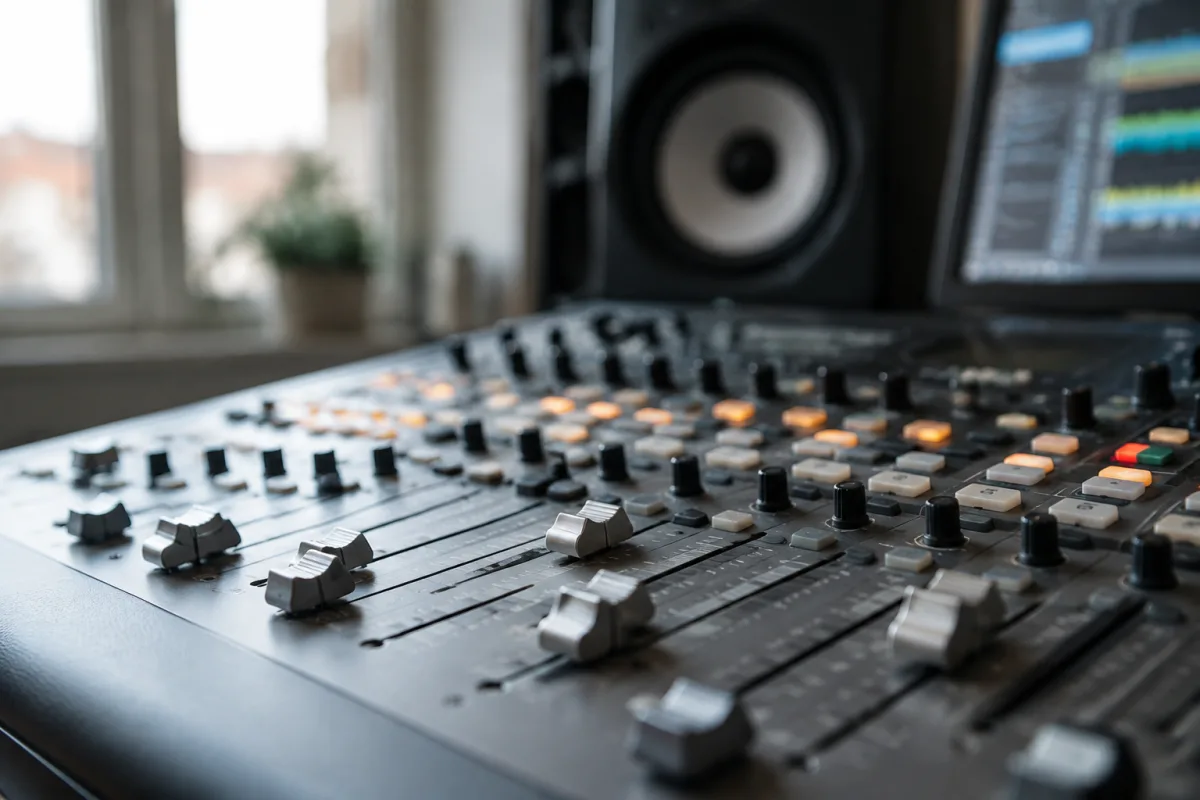
Finding the right monitor controller for your studio is crucial, and if you're considering a Big Knob Studio Mackie, you're looking at one of the most sensible choices available. This buying guide focuses on what actually matters when choosing this piece of gear—how to know if it suits your setup, what features deliver real value, and how to avoid expensive mistakes.
Who Should Buy a Big Knob Studio Mackie?
The Big Knob Studio Mackie is purpose-built for home studios, project studios, and small commercial rooms. If you're recording vocals, mixing tracks, producing beats, or doing voiceover work, and you need accurate monitoring you can trust, this controller belongs in your chain. It's particularly valuable if you work with multiple sets of speakers, need to switch between stereo and surround configurations, or want precision headphone monitoring alongside speaker output.
This isn't a universal solution—some setups don't need it at all. If your audio interface handles monitoring adequately and you're using only one pair of speakers, a simpler interface might suffice. But if you're serious about mixing and need a dedicated monitor controller with routing flexibility, the Big Knob Studio sits at a genuinely useful price point and feature set.
Key Specs to Evaluate Before Buying
Understanding the specifications helps you judge whether this device fits your room and workflow. Here are the specs that actually matter:
- Input Channels: Check whether it accepts the sources you're using—analogue XLR, RCA, or both. The Big Knob Studio Mackie typically offers multiple input options, which is good versatility.
- Output Assignments: How many independent outputs can it route to? If you want to monitor speakers and headphones separately, or drive multiple speaker pairs, confirm the routing options.
- Headphone Power: Measured in milliwatts, this affects how loud your headphones play. Check if your headphones' impedance (measured in ohms) aligns with the unit's rated power—low-impedance headphones may play louder than high-impedance ones.
- Latency: If you're using analogue inputs (not USB), latency is irrelevant. If USB monitoring is part of your setup, check the specs for any digital delay that might affect your tracking or monitoring experience.
- Physical Size and Rack Mount: Measure your desk or rack space. The Big Knob Studio is compact enough for most desks, but verify it fits your exact workspace before buying.
- Control Surface Feel: The main knob should feel responsive and smooth. If possible, test one before buying, or check reviews from people who've used it daily—tactile feedback matters more than specs on paper.
Price Tiers: Value vs. Budget
The Big Knob Studio Mackie sits in the mid-range category of monitor controllers, typically pricing between £200–£400 depending on your region and retailer. Here's how it compares to alternatives:
Budget tier (under £150): Basic passive volume controls or simple USB interfaces with monitoring. These work but offer limited routing, minimal headphone power, and no speaker switching. Good only if you have an extremely simple setup.
Mid-range tier (£150–£400): The Big Knob Studio lives here, alongside competitors like the MOTU Monitor 8 and RME Babyface. At this level, you get solid build quality, flexible routing, adequate headphone power, and real monitoring workflows. This is where serious home and project studios live.
Professional tier (£400+): Studio-grade monitor controllers with advanced features, precision calibration tools, and premium build. You're paying for refinement and features most bedroom producers don't need.
The Big Knob Studio Mackie offers the best value in the mid-range—you're not paying for unnecessary complexity, but you're getting a dependable, feature-complete controller that handles real workflows without compromise.
What to Check Before Purchasing
Don't just order online without considering these practical points:
Connectivity to Your Interface: Does your current audio interface's output (analogue XLR or RCA) match the Big Knob Studio's inputs? Check the back panel of both devices. If your interface only has digital ADAT or Dante outputs, you'll need a different approach.
Your Headphone Impedance: Find the impedance rating of your monitoring headphones (usually printed on the earcup or in the manual). Match it against the Big Knob Studio's rated headphone power. This affects how loud and clean your headphone mix sounds.
Speaker Calibration: This controller doesn't calibrate your speakers—that's a separate task. Before buying, check if your room might benefit from acoustic treatment. Expensive monitoring gear can't fix poorly treated rooms, so know your limitations.
Future Expansion: Will you add a second pair of nearfield speakers? A surround setup? A subwoofer? Check the Big Knob Studio's output routing to confirm it handles your growth plans.
Warranty and Support: Mackie offers decent warranty coverage. Verify what's included in your region and how support works—this matters if something fails during critical work.
Common Buying Mistakes to Avoid
Plenty of people regret their monitor controller purchase. Here's how to avoid their mistakes:
Mistake 1: Buying without testing your room first. A fancy monitor controller can't fix acoustic problems. Ensure your room is ready before investing in precision monitoring—you'll waste money otherwise.
Mistake 2: Assuming it replaces acoustic treatment. The Big Knob Studio improves your monitoring workflow, not your room's physics. Both matter.
Mistake 3: Choosing based on price alone. Cheaper controllers feel cheap and often fail early. The Big Knob Studio's mid-range price reflects genuine quality—you're not overpaying, but you're not penny-pinching either.
Mistake 4: Ignoring input/output compatibility. Before buying, trace your entire signal path: where does your audio come from, what's its format, and does the Big Knob Studio accept it? Incompatibility is the biggest source of buyer's remorse.
Mistake 5: Buying without a backup plan. If your monitor controller fails, you'll lose monitoring immediately. Some professionals keep a simple USB interface as backup, just in case.
Comparing to Similar Options
If you're narrowing down your choice, here's a quick comparison of direct competitors in the same price range:
| Feature | Big Knob Studio Mackie | MOTU Monitor 8 | RME Babyface Pro |
|---|---|---|---|
| Price Range | £200–£350 | £250–£400 | £300–£500 |
| Analogue Inputs | Yes | Yes | Yes |
| Speaker Pairs Supported | 2–3 | 3 | 2 |
| Headphone Outputs | 1–2 | 2 | 2 |
| Built-in Audio Interface | No | Yes | Yes |
| Best For | Studios with existing interface | All-in-one flexibility | Professional workflows |
The Big Knob Studio Mackie works best if you already have a solid audio interface and just need a dedicated monitor controller. If you want everything in one box, the MOTU Monitor 8 or Babyface Pro might suit you better, though you'll pay more. For a deeper understanding of the full product landscape and technical details, explore the complete guide to Big Knob Studio Mackie.
Making Your Decision
The Big Knob Studio Mackie is worth buying if you need a reliable monitor controller, your budget sits in the mid-range, and your studio has headroom for a dedicated control surface. It's not the cheapest option, but the build quality justifies the cost—you'll use this device multiple hours daily, so durability matters more than saving £50.
Before ordering, trace your signal path, check all connections, verify headphone compatibility, and confirm your room is treated adequately. Ensure you're not buying this to solve acoustic problems—it won't. If all those boxes tick, the Big Knob Studio Mackie will reliably improve your monitoring workflow and give you confidence in your mixes.
Start with the assumption that you need this if you're mixing seriously in any format. Then work backward—if your current setup already delivers accurate, distortion-free monitoring you trust, you might not need it. But if you're second-guessing your mixes, switching between speakers constantly, or struggling with headphone monitoring, a Big Knob Studio Mackie is a smart, sound investment.



Comments