


Zoom Mics Buying guide
Zoom Mics: A Complete Buyer's Guide
Choosing between Zoom microphone models doesn't have to be confusing. This guide focuses on what matters: your use case, compatible inputs, realistic features, and budget.
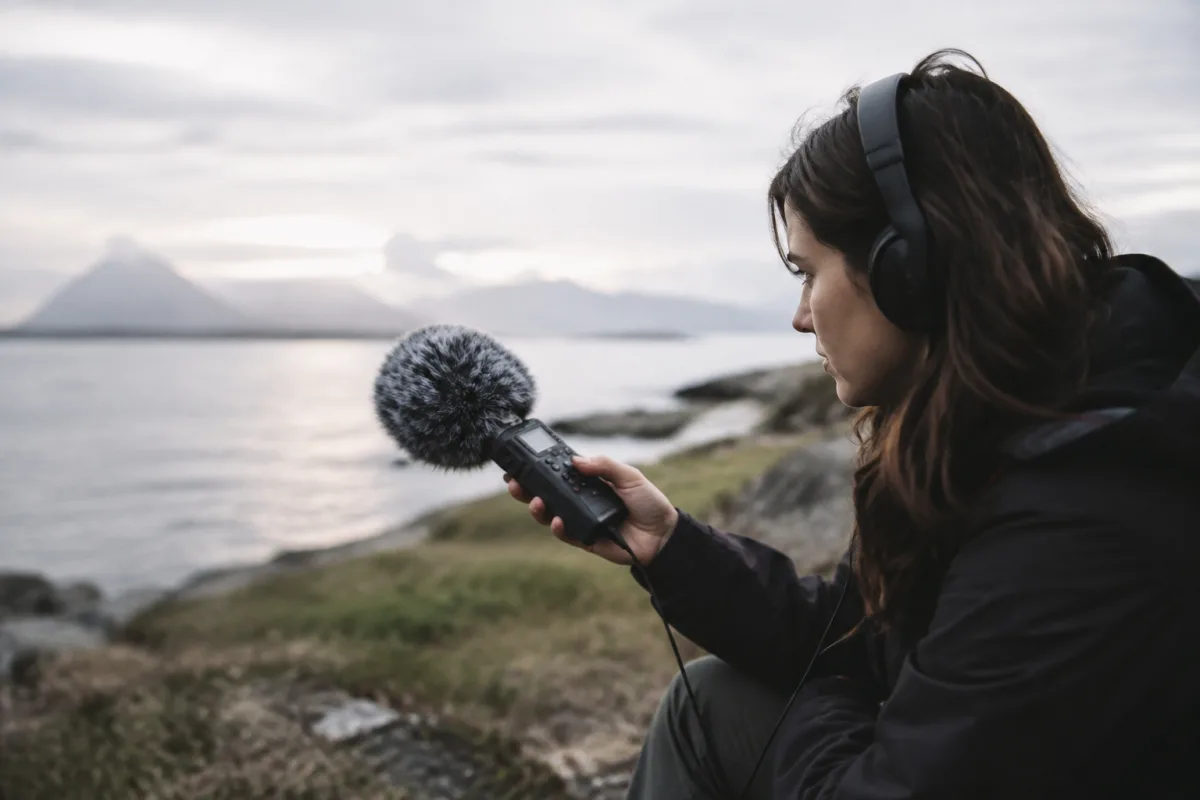
Zoom mics are workhorses in the recording industry, favoured by content creators, musicians, and field recordists for their compact size and surprising sound quality. But choosing between models can be confusing. Should you buy the H5 or H6? Is the compact LAV-type mic suitable for your needs, or do you need something more robust? This buying guide cuts through the marketing and focuses on what actually matters when selecting a Zoom mic: your intended use, the specs that affect sound quality, compatibility with your existing gear, and how to avoid paying for features you won't use.
Understanding Zoom's Mic Lineup
Zoom makes several distinct categories of microphones, and confusing them is the first mistake buyers make. The H-series (H5, H6, H8) are portable audio recorders with built-in microphones—full devices for recording in the field. The external mics like the SSH-6 are shotgun mics you attach to cameras or recorders. The ZDM-1 is designed for podcasting. The LAV-type mics attach to clothing for hands-free recording. Each serves a different purpose, and buying the wrong one wastes money. Before comparing specs, identify your actual use case. Are you recording live music performances? Recording podcasts from a desk? Capturing ambient sound for video? Capturing dialogue during interviews? Each demands different tools.
The Core Specs That Actually Matter
Zoom publishes impressive spec sheets with frequency response ranges, signal-to-noise ratios, and impedance numbers. Most of this is marketing noise. Focus instead on these three things: frequency response (how well it captures your source), self-noise (how much hum the mic adds), and input options (how it connects to your setup). Frequency response between 50Hz and 20kHz covers virtually all instruments and vocals—anything tighter is niche. Self-noise below 25dB is clean for studio work; below 30dB works fine for live recording. Input impedance matters only if you're connecting specialist equipment; standard audio gear plays nicely with any Zoom mic. Specs like "digital zoom" and "wireless capability" are nice-to-haves, not essentials. Don't let them influence your decision unless you genuinely need them.
Size and Form Factor: Portable vs. Stationary
Zoom's strongest selling point is portability. If you're recording at a desk or in a studio, portability is irrelevant—get the larger, better-sounding model. If you're moving around—recording live gigs, field recording, capturing outdoor sound—compact size and battery efficiency matter enormously. The H5 weighs 280g and runs on AA batteries for hours. The H6 is slightly heavier but offers more inputs and features. Shotgun mics are smaller still, designed to mount on cameras. Before choosing, test weight and size in person. A 500g recorder feels light until you're carrying it across a festival site for six hours. Conversely, a tiny recorder might compromise on screen size and controls—you'll fumble with menus when you need to adjust settings quickly.
Input and Output Options: What Connects to What
This is where buyers often trip up. Different Zoom mics support different connectors and input types. The H5 has a 1/8-inch mic input and line input. The H6 adds an additional mic input and XLR input. Shotgun mics connect via 3.5mm jack. Before buying, list every device you'll connect: a guitar, a microphone, a keyboard, a camera. Then check whether the Zoom mic you're considering actually has compatible inputs. A mic with only 1/8-inch inputs won't work with professional XLR microphones without an adapter, and adapters introduce signal degradation. If you plan to connect multiple sources simultaneously, you need multiple inputs. If you're recording only your voice or a single instrument, one input suffices. This is where the H6 justifies its higher price—more input flexibility for complex setups.
Sound Quality Comparisons You Can Actually Hear
Zoom's self-noise specs and frequency response charts don't tell the full story. Real sound quality depends on the built-in preamp quality, bit depth (16-bit vs. 24-bit recording), sample rate support, and whether the device records to loss-less formats. Most Zoom mics record at 16-bit/44.1kHz, which is CD quality and fine for most uses. Higher-end models record at 24-bit/96kHz for studio-grade quality. The difference is audible only if you're mixing, mastering, or working with high-end playback systems. For live recording, podcasting, and field work, 16-bit/44.1kHz is completely sufficient. Listen to sample recordings from different Zoom models on YouTube before committing. Your ear matters more than spec sheets. What sounds clear and punchy to you is the right choice, regardless of what the numbers say.
Battery Life and Power Scenarios
Nothing is worse than a recorder that dies mid-session. Zoom's H-series recorders run on AA or AAA batteries and last 10-25 hours depending on usage and battery type. USB-powered models sacrifice portability for reliability—useful only if you'll record at a desk connected to power. Solar charging options exist but are gimmicky; don't base your purchase on them. Calculate your actual use: if you record for 3 hours once a week, any Zoom mic with 10+ hour battery life works. If you record full days at live events, buy one with at least 15 hours of battery life and carry spares. USB-rechargeable models mean you're tied to charging schedules, which complicates workflow. AA batteries are more flexible—you grab fresh batteries from any shop.
Price Tiers and What You Get
Zoom mics range from £80 to £400+ depending on model. Budget models (under £150) like the H5 or basic external mics cover most needs. Mid-range models (£150-250) like the H6 add features and inputs, justifying the cost if you need them. Premium models (£250+) target professionals and specialists—you don't need them unless you're recording high-value content regularly. Buying an expensive model as a "future-proofing" investment rarely pays off. You upgrade when your current mic can't handle a new workflow, not to avoid upgrading later. Many buyers regret spending £300 on a Zoom mic they use once a month when a £100 model would have sufficed. Start at the bottom of your budget tier, prove the workflow, then upgrade when you genuinely run into limits.
Common Pitfalls to Avoid
Buyers often mistake high track count (number of simultaneous audio channels) for necessity. You don't need 6-track recording for a solo podcast or live band recording. Two simultaneous tracks cover 90% of real-world use. Buying a model with 4-track capability because it exists means paying for complexity you'll never use. Similarly, features like built-in WiFi, Android app control, or onboard mixing sound impressive but rarely get used. You'll configure settings once and forget they exist. Don't pay premium prices for convenience features that don't directly improve sound quality. Another pitfall: buying a Zoom mic expecting it to replace a professional large-diaphragm condenser microphone. Zoom mics sound great for their size and portability; they don't sound like studio mics. If you need studio-quality recording at your desk, buy a proper condenser mic and interface, not a portable Zoom recorder.
Compatibility with Your Existing Setup
Before purchasing, verify that your Zoom mic connects smoothly to devices you already own. If you use an older camera, check whether newer Zoom models have matching connectors. If you've invested in a particular microphone standard or preamp, ensure the Zoom mic supports it. Some Zoom mics connect via USB to computers, some via mini-jack to cameras, some via XLR to mixers. Incompatibility means buying adapters or replacement gear. A 30-minute pre-purchase compatibility check saves frustration later. Search compatibility forums for your specific camera model or mixer. Find user reviews mentioning your exact setup. If someone else with identical gear struggled with your prospective purchase, you probably will too.
Table: Zoom Mic Models at a Glance
| Model | Primary Use | Inputs | Battery Life | Price Range |
|---|---|---|---|---|
| H5 | Portable multitrack recording, live gigs | 1x 3.5mm mic + 1x line | 15 hours | £80-120 |
| H6 | Complex multitrack, field recording | 2x 3.5mm mic + XLR | 20 hours | £150-200 |
| SSH-6 Shotgun | Camera mounting, film/video audio | 3.5mm jack input | 25 hours | £120-150 |
| ZDM-1 | Desk podcasting, streaming | USB input | Mains powered | £100-130 |
| H8 | Premium portable recording | 3x 3.5mm + 1x XLR | 25 hours | £250-350 |
Testing Before You Buy
If possible, borrow or test a Zoom mic before purchasing. Recording stores sometimes allow trial periods. If not, buy from a retailer with a good return policy and test it with your actual equipment and workflow. Record a familiar piece of music or speech, listen on your normal monitoring setup, and assess whether the sound meets your needs. Most Zoom mics take 10-15 minutes to evaluate properly. Don't return it after 2 minutes—give it a real trial. If it doesn't work for you, return it and try the next model up. This costs time but saves money and frustration long-term.
New vs. Refurbished vs. Used
New Zoom mics from authorised retailers include manufacturer warranty (usually 2 years). Refurbished models from Zoom's official channels cost 20-30% less and carry partial warranty. Used models from private sellers are cheapest but carry no warranty. If you're buying your first Zoom mic and uncertain of your needs, buying new makes sense—you can return it risk-free if it's wrong. Once you know you'll keep a model, buying used or refurbished later saves money on future purchases. Avoid third-party marketplace sellers claiming refurbished status without proof; counterfeits exist, particularly for popular models.
Making Your Decision
You're ready to buy a Zoom mic once you've answered these questions: What will I actually record? How portable must it be? What devices will it connect to? What's my realistic budget? What sound quality do I genuinely need? Answer these honestly and the right model becomes obvious. Most buyers can stop at the H5 or H6. Professionals and specialists with complex workflows need models like the H8. Don't let marketing hype and impressive spec sheets override practical need. A cheaper model that fits your workflow perfectly beats an expensive model with features you'll never use. If you want to dive deeper into comparing zoom mics for specific use cases, the complete guide to zoom mics provides detailed model reviews and technical comparisons. For now, clarify your use case and match it to the spec list above. You'll make the right choice.
Your perfect Zoom mic is waiting. It's likely not the most expensive model or the one with the most features—it's the one that fits your actual workflow. Buy that one, and you'll spend years getting excellent recordings without regret.


Comments