


Measurement Microphone article
The Ultimate Guide to Behringer Ecm8000 Measurement Microphone
Measurement microphones are precision instruments for capturing accurate acoustic data without colouration. Discover how the Behringer ECM8000 transforms your studio monitoring and room tuning.
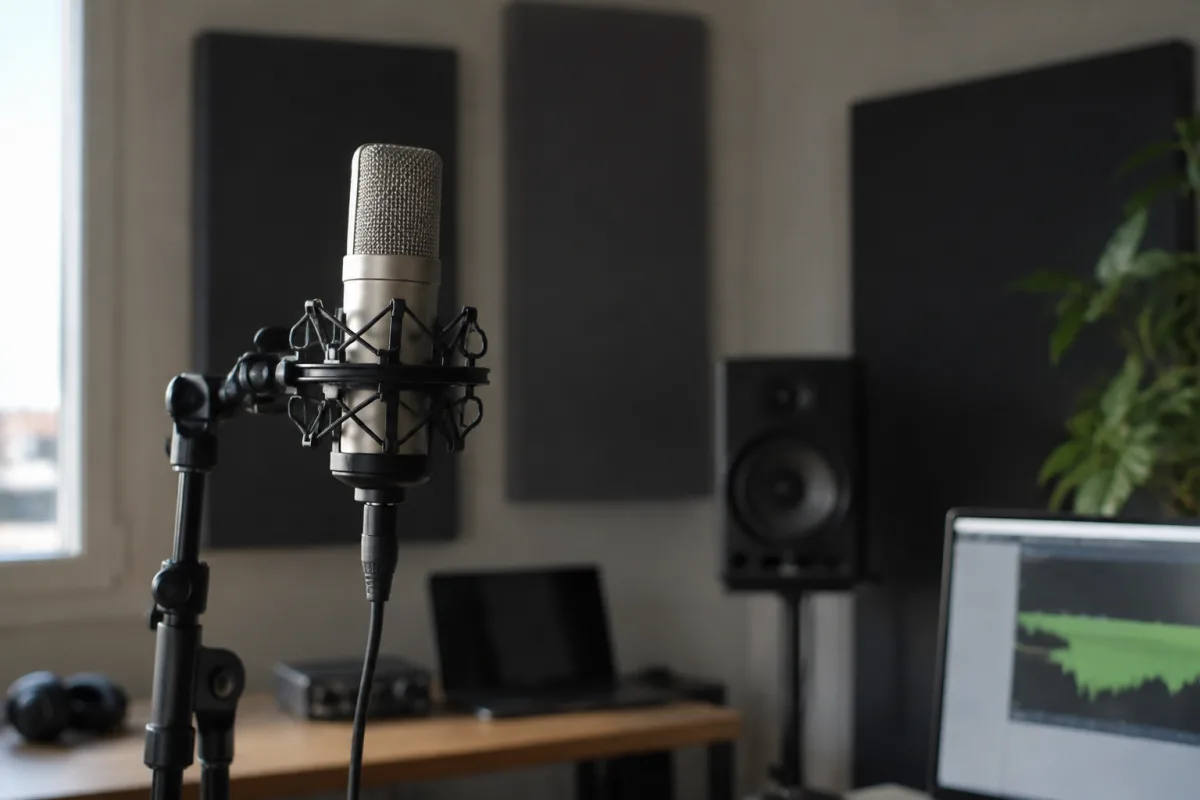
What is a Measurement Microphone?
A measurement microphone is a precision instrument designed to capture the actual acoustic properties of a space or audio system with minimal colouration. Unlike studio microphones tailored for musical warmth or character, measurement mics are built for absolute accuracy. They translate sound into electrical signals with exacting fidelity, making them essential for acoustic analysis, room tuning, speaker testing and studio monitoring. If you're serious about understanding what your speakers are truly doing in a room, a measurement microphone is invaluable.
The Behringer ECM8000: An Overview
The Behringer ECM8000 stands out as one of the most accessible measurement microphones on the market. Priced affordably compared to laboratory-grade alternatives, it delivers professional-calibre frequency response and a flat polar pattern that makes it reliable for critical listening environments. The ECM8000 features a half-inch cardioid condenser capsule, 20 Hz to 20 kHz frequency response, and comes with a calibration file that lets software like REW (Room Eq Wizard) correct for any minor inherent variations.
Key Specifications
- Capsule type: Half-inch, cardioid condenser
- Frequency response: 20 Hz – 20 kHz (±4 dB, typical)
- Output impedance: 200 Ω (balanced XLR)
- Sensitivity: −37 dBV/Pa (typical)
- Maximum SPL: 130 dB (1% THD)
- Power requirements: 12–52 V phantom power via XLR
How Measurement Microphones Work
A measurement microphone captures sound and converts it into an electrical signal that audio analysis software can examine. The microphone's diaphragm vibrates in response to air pressure fluctuations, and those vibrations are translated into voltage proportional to the incoming sound. Most measurement mics are calibrated by the manufacturer, meaning their frequency response is documented and can be adjusted for in software to ensure absolute accuracy across the audible spectrum.
The Behringer ECM8000 comes with a calibration file (.txt) that records any minor peaks or dips in its response. When you import this file into REW or similar software, the programme automatically corrects for those variations, so the measurements you read on screen reflect genuine room and speaker behaviour rather than microphone quirks.
Why Use a Measurement Microphone?
Room Acoustics Analysis
The biggest use for measurement mics in small studios is room analysis. You position the microphone at ear level in your listening position, run a measurement sweep (usually a logarithmic chirp or pink noise), and capture how your room colours the sound. You'll spot bass nodes, reflections, standing waves and other acoustic problems that your ears alone might miss or misinterpret. Armed with that data, you can treat the room (bass traps, diffusers, absorption) intelligently rather than guessing.
Speaker Calibration
Pro monitoring setups use measurement mics to ensure each speaker in a surround array delivers the same acoustic pressure at the listening position. A calibrated mic lets you check that your left and right speakers match, and that your subwoofer integrates seamlessly with the main pair rather than booming or leaving a gap. This is especially valuable if you're treating multiple listening positions or mixing for broadcast and film.
Acoustic Treatment Verification
After hanging absorption panels or bass traps, a measurement mic gives you proof that the treatment actually worked. You capture the room before and after, compare the curves, and see exactly how much low-end control or high-frequency damping you've gained. This removes the guesswork and helps you decide whether you need more treatment.
Behringer ECM8000 Strengths and Limitations
What It Does Well
The ECM8000 is genuinely flat across the midrange and highs, making it perfect for mid-sized studios and project rooms. Its cardioid pattern rejects rear and side reflections, so you get a clearer picture of what's happening at the listening position without picking up too much room chatter. The included calibration file and stand adapter make it straightforward to set up. Most crucially, the price point means professionals and serious amateurs can afford accurate measurements without spending several hundred pounds.
Limitations to Know
The ECM8000 is not a laboratory standard. Its ±4 dB tolerance means it may not catch tiny anomalies that a multi-thousand-pound reference mic would reveal. The cardioid pattern, whilst useful, is also narrower than an omnidirectional measurement mic, so if you're analysing a large control room or outdoor space you might miss wider reflections. Finally, the included stand is lightweight; you'll want to secure it on a tripod or boom arm to avoid vibration coupling through a desk.
Essential Measurement Microphone Techniques
Mic Placement and Orientation
Always position a measurement mic at ear level, roughly where your head sits when you're mixing or monitoring. Angle it slightly upward to catch the direct sound from your speakers. Avoid placing it near walls, corners or reflective surfaces, and keep cables away from the mic body to prevent handling noise and vibration. A pop filter or foam windscreen reduces air movement sensitivity, though neither is critical indoors.
Multiple Measurements
Take measurements at several positions—left, centre and right of your listening area, and perhaps slightly higher and lower. This gives you a clearer picture of the room's behaviour across the stereo field and vertical plane. Average those curves to find the true character of your room rather than trusting a single point.
Working with REW
REW (Room Eq Wizard) is the standard free software for measurement mic analysis. Import your ECM8000 calibration file, run a logarithmic sweep or maximum-length sequence (MLS) measurement, and REW will graph the room's frequency response, waterfall decay (showing how reverb dies away), and impulse response. Most software also calculates target curves so you can design acoustic treatment to hit realistic goals.
Alternative Measurement Microphones
If the ECM8000 doesn't suit your needs, consider these alternatives:
- Rode NT1: A general-purpose cardioid mic with published frequency response; less specialised than the ECM8000 but widely available and affordable.
- Earthworks M50: A true measurement-grade microphone; more expensive, but used in professional acoustics labs.
- Dayton Audio iMM-6: A budget measurement option with good documentation; less precise than the ECM8000 but adequate for casual room analysis.
- UMIK-1: A USB measurement microphone with built-in analogue-to-digital conversion; handy if you want one device rather than a mic plus preamp.
Getting Started with Your ECM8000
Once you have your measurement microphone, start by capturing a baseline measurement of your room with speakers off, then with them on at your normal monitoring level. Compare the two to see how much your room is adding. Next, take measurements at different positions to understand the stereo field. If you've already treated your room, measure again and compare against the baseline. Most importantly, give yourself time to learn the software—REW has a steep learning curve, but online tutorials and the manual will help you interpret the data accurately.
Conclusion
A measurement microphone like the Behringer ECM8000 transforms room and speaker tuning from guesswork into science. For the price, it offers exceptional value and reliability, making professional acoustic analysis available to home studios and smaller facilities. Whether you're chasing accurate mixes, setting up a new monitoring system or verifying acoustic treatment, a measurement mic is one of the smartest investments you can make for mixing and mastering.




Comments