


Novation Synth Buying guide
Novation Synth: A Complete Buyer's Guide
Choosing a Novation synth depends on your workflow, experience level, and budget. This guide compares models across size, features, and price, helping you find the right fit without overspending.
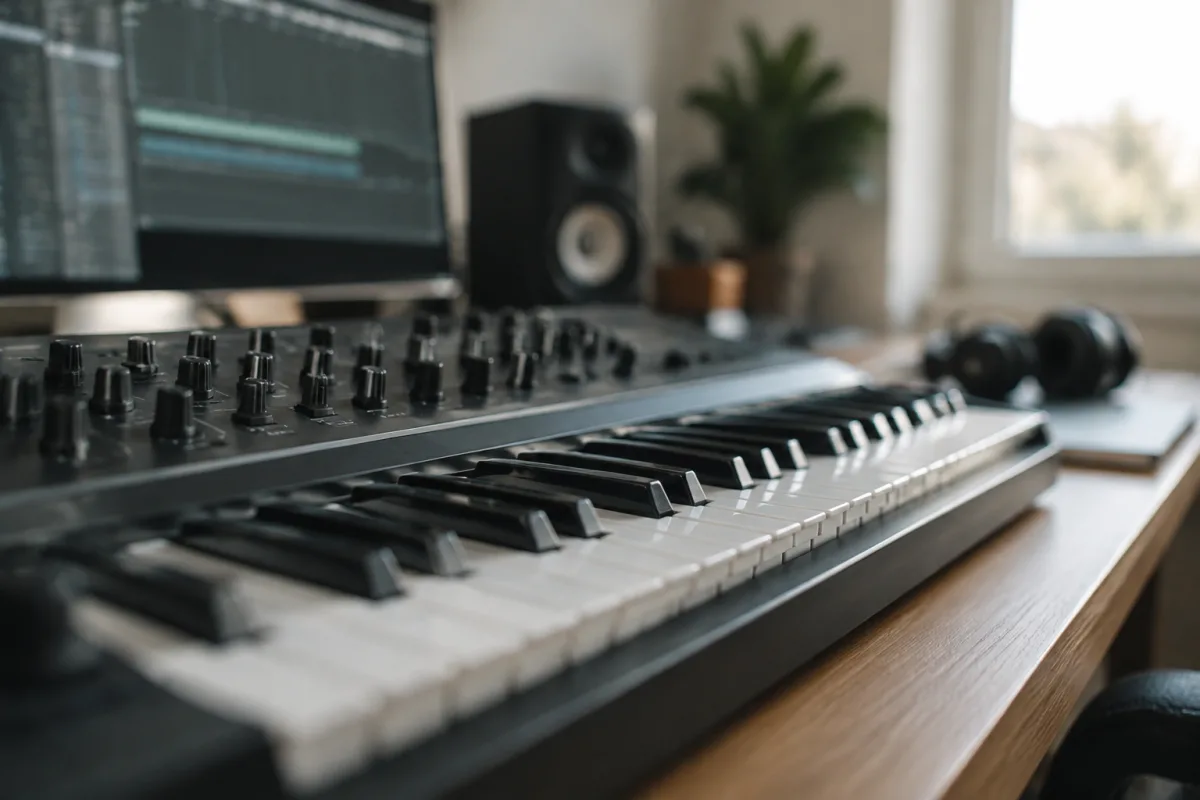
Choosing the Right Novation Synth for Your Setup
Novation makes excellent synthesizers across multiple price points and form factors. Finding the right Novation synth depends on your setup, experience level, and creative priorities. This buying guide helps you evaluate Novation synth options and make an informed purchase.
Size and Workflow: The Key Decision
Models vary dramatically in size, from tiny portable units to full-featured keyboard workstations. Before comparing specs, decide how you'll use your instrument. Are you composing at home with a DAW, performing live with a band, or jamming on-the-go? A unit perfect for live performance might frustrate you in the studio, and vice versa.
Compact and portable. The Novation mininova and ultranova (retired but still available second-hand) are small, lightweight, and perfect if you need portability. These compact Novation synth models sacrifice some immediacy — fewer physical knobs per function — but offer rich sounds and affordable pricing.
Mid-size with hands-on control. The Bass Station and Bass Station II are designed for beat-makers and producers who want direct access to synthesis parameters. These sit between mini units and full keyboards, striking a balance between portability and hands-on control. Ideal for studio composition.
Full keyboard. Larger models (such as the Nova series) offer a full 61-key keyboard, extensive assignable controls, and maximum expressiveness. Choose this size if keyboard playing is central to your workflow and you have a dedicated studio space.
Polyphony and Voices
Check how many voices — simultaneous notes — the device can play. Most models range from 4 to 12 voices. For monophonic bass lines, 4 voices suffice. For chord-based composition or layered performances, aim for 8+ voices. Running out of voices mid-performance sounds amateur; having headroom feels professional.
Also check the unison mode specifications. Many units offer unison (stack multiple voices on a single note for thickness), which reduces available polyphony but creates iconic, punchy sounds. Understand the tradeoff before committing.
Synthesis Architecture: Understanding What You Get
Not all units use identical synthesis engines. Some feature classic subtractive synthesis (oscillators, filters, envelopes), others include FM or granular modes, and many offer hybrid approaches. The architecture determines which sounds are quick to programme and which require deep tweaking.
Subtractive synthesis (filters shape oscillators) is intuitive and well-understood. Instruments built on subtractive architecture are ideal for beginners because the signal path — oscillator to filter to output — matches traditional synthesis learning.
FM synthesis (modulation between oscillators) creates brighter, more metallic tones but has a steeper learning curve. If you're new to synthesis, subtractive is safer; if you have prior FM experience, units with FM capability open creative options.
Hybrid or multi-engine approaches (common in newer models) combine multiple synthesis types. This flexibility is powerful but can overwhelm beginners. Clarify whether the model emphasises one synthesis type or balances several equally.
Effects and Sound Design Depth
The built-in effects significantly affect the sound character. Most models include reverb, delay, chorus, and a multi-mode filter. Look for specifications on:
- Filter types: Lowpass, highpass, bandpass, notch. More filter options mean greater tonal flexibility.
- Modulation sources: LFOs (low-frequency oscillators), envelopes, arpeggios. These modulate oscillators and filters to create evolving, dynamic sounds.
- Effects chain: Can you layer effects or are they limited to one-at-a-time? A flexible effects chain is more powerful.
- Wavetable editing: Some high-end models allow custom wavetable creation, massively expanding sonic possibilities.
Connectivity and Integration
Consider how the device connects to your existing gear. Essential connections include:
- MIDI in/out: Connect to a controller, DAW, or other instruments.
- Audio outputs: Separate outputs for individual sound design versus stereo summed output.
- USB: Some models include USB MIDI and audio, simplifying integration with a computer-based studio.
- CV/Gate: Modular enthusiasts need control voltage inputs/outputs for patching into larger modular systems.
Don't pay for connectivity you won't use, but ensure the instrument connects to your workflow without adapters or compromises.
Price Tiers and Value
Novation synth pricing spans a wide range:
- Budget (£150–400): Compact Novation synth units like the mininova (second-hand). Limited controls but genuine synthesis and excellent value.
- Mid-range (£400–900): Bass Station series and portable keyboards. Strong sound design, hands-on control, and good build quality.
- Premium (£900–2,000+): Full-featured models with extensive knobs, displays, and advanced synthesis. Justified if you rely on the instrument professionally.
The mid-range represents the best value for most musicians. Models in the £400–900 bracket offer professional-grade sound, reasonable control immediacy, and durability without premium pricing.
Common Mistakes When Buying
Avoid these pitfalls when evaluating your options:
Chasing novelty. The latest model is not necessarily better than the previous generation. Older models (like the mininova) remain capable instruments. Don't upgrade just because new marketing exists.
Ignoring workflow fit. An instrument optimised for live performance may frustrate you in a studio. Conversely, a complex synthesis engine is wasted if you only need basic bass tones. Match the tool to your actual needs.
Underestimating learning time. Synthesis is not intuitive. Budget time to master the architecture and workflows; that mastery unlock is where value emerges. Switching instruments too quickly prevents deep familiarity.
Assuming sound quality correlates to price. An expensive model sounds better in general, but not always for your specific musical goals. Listen to recordings of models in your price range and judge by ear.
Before You Commit
If possible, spend time with the model you're considering — in a shop or borrowed from a friend. Reading specs is necessary but incomplete; your hands need to feel the keyboard weight, the encoder responsiveness, and the menu layout. An instrument that feels good in your hands is one you'll actually use.
For deeper exploration of synthesis capabilities and classic models, read the complete guide to Novation synths.


Comments