


Light Up Key Keyboard Buying guide
Light Up Key Keyboard: A Complete Buyer's Guide
Light up keyboards make learning more interactive, but are they right for you? This guide covers specs to check, price tiers, common mistakes, and how to choose wisely.
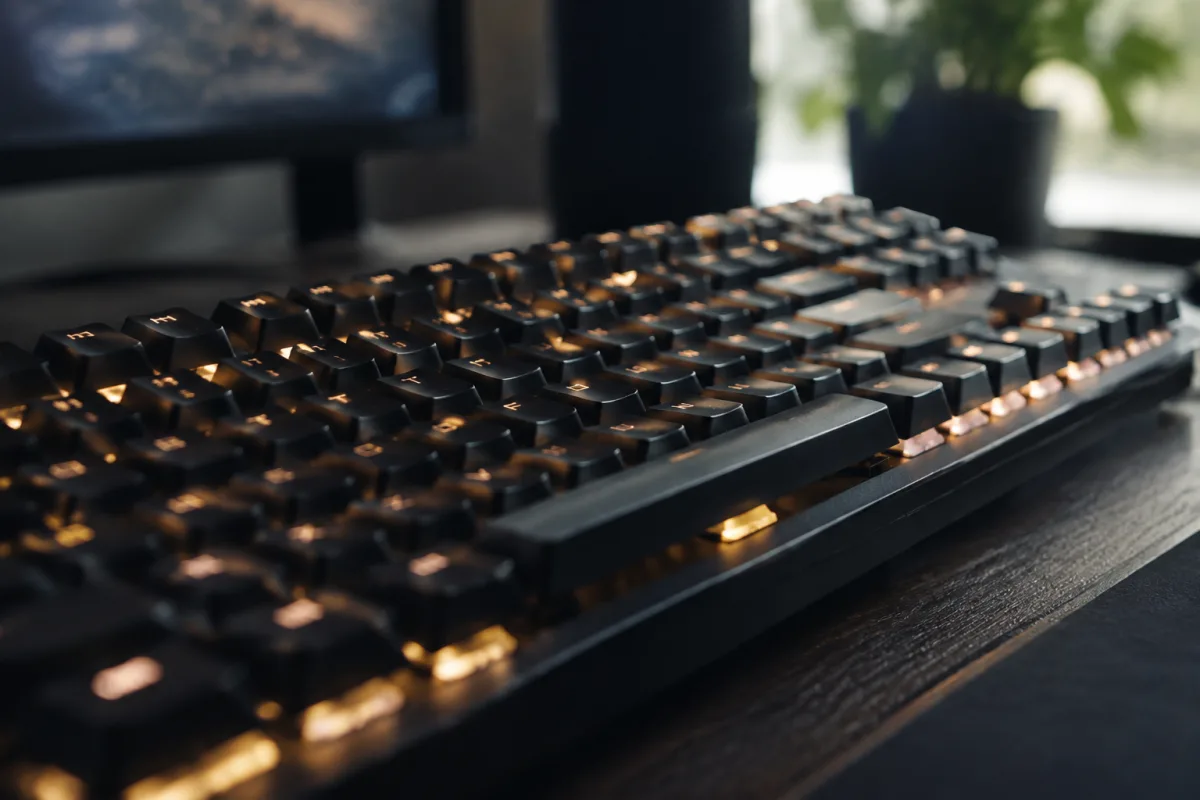
Light up key keyboards have become increasingly popular with music learners who want visual guidance as they play. The illuminated keys show you where to press and what to play next, making learning more interactive and engaging. If you're considering buying one, you're probably wondering whether the light-up feature actually helps learning, what specs to look for, and which models offer genuine value. This guide helps you make an informed purchasing decision.
Understanding Light Up Key Keyboards and Their Benefits
A light up key keyboard uses LED technology to illuminate specific keys, either to show note positions or to guide you through pre-programmed songs. This visual feedback appeals strongly to beginners who find traditional notation intimidating. The lights create a game-like experience that can make practice more engaging.
The light-up feature works best as a supplement to proper instruction, not a replacement for it. A good light up keyboard helps you visualize the keyboard layout and reinforces finger placement. But it won't teach you music theory, reading, or genuine technique. Understand this distinction before deciding if a light up keyboard is right for you.
Key Specifications to Evaluate
Before purchasing a light up key keyboard, check these important specifications:
- Number of keys: Light up keyboards typically come in 37, 49, 61, or 88 keys. More keys offer more versatility. 61 keys is a good balance for learning without overwhelming complexity. 88 keys mimics a full piano. Start with 49–61 for most learners.
- Quality of light-up system: Not all light-up systems are equal. Look for bright, clear LEDs that illuminate the entire key surface. Dim or partial illumination defeats the purpose. Read reviews about visibility quality before buying.
- Learning software or app integration: The best light up keyboards connect to apps or software that provide structured learning. Some models work with Synthesia or other popular learning software. Verify your intended keyboard supports the apps you plan to use.
- Sound quality: Light up keyboards vary greatly in sound quality. Some have excellent piano and synth sounds; others are tinny and cheap. Listen to samples before purchasing. Better keyboard action and speakers cost more but make playing more rewarding.
- Keyboard action: Does it have weighted keys (similar to acoustic pianos)? Semi-weighted? Unweighted (like synthesizers)? Weighted action is best for learning traditional piano technique. Lighter action is acceptable for learning melodies.
- Built-in sounds and recording: How many different instrument sounds does it have? Can you record your playing? Recording is useful for reviewing practice sessions.
- Connectivity options: Does it connect via USB, MIDI, Bluetooth? Good connectivity lets you use the keyboard with learning software on computers or tablets.
- Power source: Battery-powered keyboards are portable but require regular charging. AC-powered keyboards don't have this limitation. Decide which suits your situation.
- Portability and weight: If you'll move the keyboard between rooms or locations, weight and size matter. Lighter keyboards are easier to transport but might sacrifice sound quality and key count.
Light Up Keyboard Price Tiers and What to Expect
Understanding pricing helps you make a purchase aligned with your budget and needs:
- £50–150: Budget light up keyboards with basic features. The light-up system works, but build quality is modest. Sounds are often cheap. Good for absolute beginners testing the waters, but limitations become apparent quickly with regular practice.
- £150–300: Mid-range light up keyboards with better sound quality and more reliable light-up systems. More substantial build, better connectivity options. Suitable for serious learners committing to regular practice.
- £300–600: Professional-grade light up keyboards with excellent sound engines, weighted action, comprehensive learning software integration. Build quality is high. Suitable for long-term learning and performance.
- £600+: Premium light up keyboards and stage instruments with exceptional sound and action. Only necessary if you're transitioning to professional performance.
Common Purchasing Mistakes With Light Up Keyboards
Buyers often make these avoidable errors:
- Buying a keyboard with a poor light-up system that defeats the purpose: The whole point is the illumination. If it's dim or unreliable, the keyboard is worse than a regular keyboard. Choose models with highly-rated light-up systems.
- Assuming the light-up system replaces proper instruction: It doesn't. Pair your light up keyboard with lessons or a structured learning app. The lights guide your hands; a teacher or app guides your understanding.
- Choosing a keyboard with too many or too few keys: 49–61 keys is ideal for most learners. Fewer keys are limiting; significantly more keys are overwhelming. Choose based on what you'll actually use.
- Ignoring build quality for the sake of budget: A £60 light up keyboard will frustrate you with cheap sounds and poor feel. The £150–300 range offers much better value. Budget accordingly.
- Not checking software compatibility: Verify your chosen keyboard works with Synthesia, Simply Piano, or your intended learning app. Incompatibility means the light-up system can't guide you through lessons.
- Assuming light up keyboards are only for beginners: Some professional keyboardists use light-up keyboards for reference during complex compositions. They're legitimate tools for all skill levels.
Light Up Keyboards Versus Traditional Keyboards
A light up keyboard costs more than an equivalent traditional keyboard. Is it worth it? If you respond well to visual learning and the lights keep you engaged in practice, yes. If you prefer traditional learning or find the lights distracting, a regular keyboard serves you better. Consider your learning style before deciding.
Making Your Light Up Keyboard Purchase
Define your budget and commitment level. If you're serious about learning, invest £200–400 in a mid-range light up keyboard with good sound and reliable illumination. Verify it works with your chosen learning software. Check that the keyboard action and sounds appeal to you in person. Then commit to regular practice—the light-up system is a tool that only works if you use it.
For more information about light up keyboards and how they fit into comprehensive learning plans, explore our complete guide to light up key keyboards. Choose the keyboard that matches your learning style, and you'll have a practice partner that keeps you engaged and motivated.


Comments