

Behringer Interface Buying guide
Behringer Interface: A Complete Buyer's Guide
If you're looking to upgrade your home studio, choosing the right Behringer interface requires evaluating technical specifications that actually matter for your work. Our buying guide walks you through inputs, preamps, latency, and price tiers.
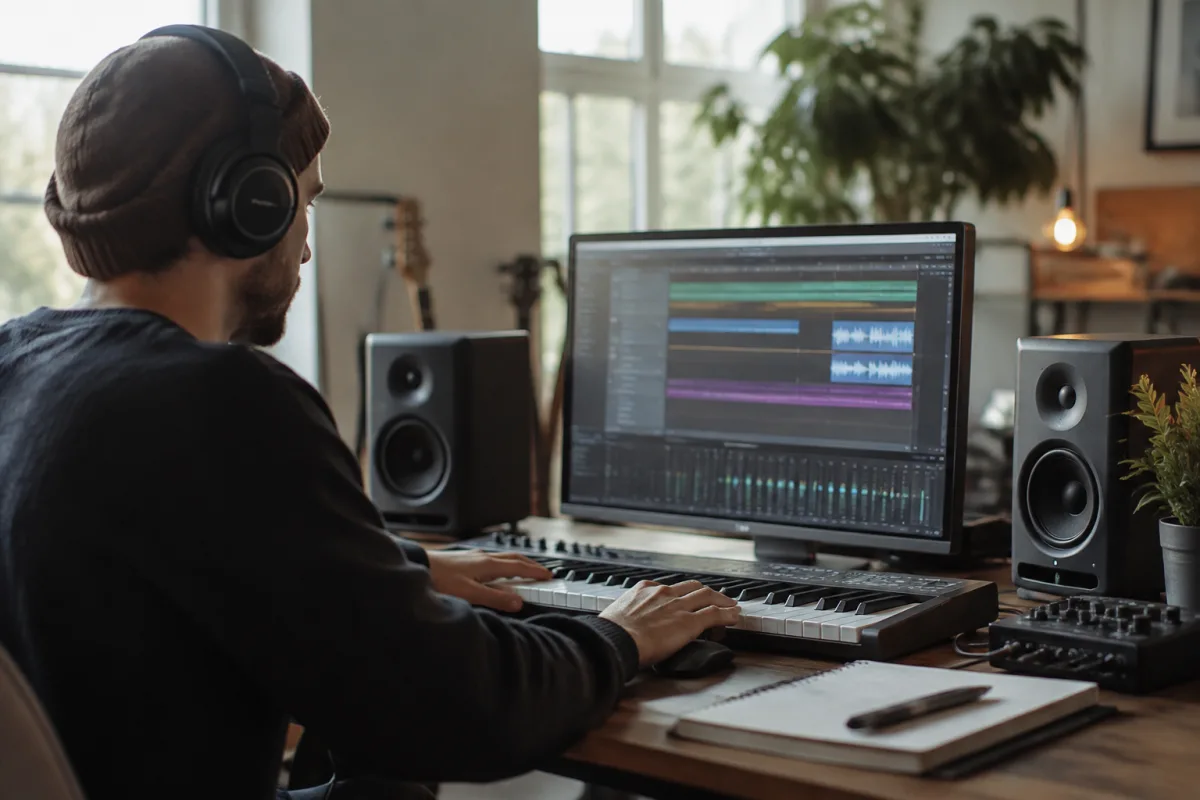
If you're looking to upgrade your home studio or build one from scratch, choosing the right Behringer interface can make all the difference to your recording quality and workflow. With so many models available at different price points, knowing what to prioritise when comparing Behringer interfaces is essential.
What to Look For When Buying a Behringer Interface
The best Behringer interface for you depends on your specific needs and budget. Rather than simply looking at brand reputation, you need to evaluate the technical specifications that matter for your work. Consider how many simultaneous recordings you need, what types of instruments you'll connect, and whether you require professional-grade preamps or if budget-friendly options will suffice.
Input and Output Counts That Match Your Workflow
When shopping for a Behringer interface, the first thing to check is how many inputs and outputs you actually need. A solo vocalist or guitarist might get by with a single Behringer interface featuring just two inputs, whilst producers working with multiple instruments simultaneously need more connectivity. The good news is that Behringer offers models ranging from 2-in-2-out units up to larger interfaces with eight or more simultaneous inputs.
Look at your typical recording session: Are you recording one track at a time or layering multiple instruments? Do you need headphone outputs for each band member? Count your requirements before deciding, as buying too small forces expensive upgrades later.
Preamp Quality and Gain Structure
All Behringer interface models include microphone preamps, but the quality varies significantly across their range. Entry-level Behringer interface units use simpler preamp designs that work perfectly well for most beginners and bedroom producers. Mid-range models add better noise floors and slightly more gain headroom. Professional-grade Behringer interfaces feature Class-A preamps with lower self-noise and superior headroom for hot sources like screaming guitars or punchy drums.
Pay special attention to the noise floor specification listed in the technical details. Lower numbers mean less hiss in your recordings. A good benchmark is anything under -130 dB EIN (equivalent input noise) for budget units, though professional models often achieve -140 dB or better.
Connection Types: USB vs Thunderbolt Considerations
Behringer interface models use different connection standards, which affects speed, latency, and compatibility. USB 2.0 connections suit most home studios and deliver reliable performance at a lower price point. USB 3.0 and USB-C models offer faster data transfer, allowing lower buffer settings and reduced latency, which matters if you're playing virtual instruments or monitoring through plugins.
Thunderbolt interfaces are rare in the Behringer range but offer the absolute lowest latencies. Check your computer's ports before buying—forcing yourself to use dongles adds cost and complexity. If you work on a laptop with limited connectivity, factor in the price of USB hubs or adapters.
Sample Rate and Bit Depth: Practical Recording Limits
Entry-level Behringer interface models typically record at 44.1 kHz and 48 kHz, which is perfectly adequate for most work. Professional models also support 96 kHz and higher. Here's the honest truth: unless you're mastering classical recordings or working in high-end studios, 48 kHz is the industry standard and higher sample rates rarely make an audible difference for most music.
All modern Behringer interface options support 24-bit recording, which gives you excellent dynamic range and headroom. Avoid anything less than 24-bit resolution.
Driver Support and Software Stability
Before ordering a Behringer interface, check the manufacturer's driver support for your operating system. Look for recent updates—old drivers often cause latency issues, crackling, or incompatibility with new OS versions. Windows users should verify that the latest drivers work with your Windows version, whilst Mac users should check macOS compatibility carefully.
Read reviews specifically mentioning driver stability. Some Behringer interface models have reputations for rock-solid drivers, whilst others occasionally require workarounds or alternative driver versions.
Price Tiers and What You Get at Each Level
Budget Behringer interface options (under £100) deliver basic functionality for hobbyists and songwriters. You'll get one or two inputs, USB connectivity, and decent preamps for the money. Mid-range models (£100–£300) add more I/O, better preamps, and sometimes professional features like S/PDIF connections. Premium Behringer interface units exceed this and compete with high-end brands, offering Class-A preamps and extensive I/O for serious studios.
Don't assume more expensive always means better for your needs. A £150 Behringer interface might serve you perfectly well for years, whereas spending £500 on unnecessary features wastes money.
Monitoring Latency and Real-Time Performance
When recording instruments with software effects, latency matters enormously. Look for Behringer interface models with low-latency monitoring features—ideally below 10 milliseconds total latency. Some models offer DSP mixing directly on the interface, allowing you to monitor effects without computer processing delay.
Check whether the model includes direct monitoring (often called "zero-latency" monitoring) and how easily you can blend input and playback signals in the mixer software.
Common Mistakes to Avoid When Buying
Many buyers choose a Behringer interface based solely on price or appearance, then struggle with limitations they didn't anticipate. Avoid buying based on what you think you might need in future—stick to what you actually require today. Don't overlook the included software; some Behringer interface packages include essential DAW licenses or plugins that affect the true value.
Check return policies before purchasing, especially if buying online. A 30-day return window lets you test whether the Behringer interface truly fits your workflow before committing.
Compatibility With Your Existing Gear
Verify that your microphones, cables, and monitors work with your chosen Behringer interface. If you have vintage XLR mics, confirm the preamp can handle typical microphone levels. If you're using balanced TRS monitor speakers, check that the Behringer interface offers appropriate outputs.
For more comprehensive information about audio interfaces in general, see our complete overview of sound interfaces.
Making Your Final Decision
The ideal Behringer interface balances your current needs with reasonable future flexibility, all within your budget. Make a checklist of essential features, then compare models methodically. Look beyond price and read reviews from working professionals who share your recording style. Most importantly, focus on the technical specifications that matter to your setup rather than chasing every marketed feature.


Comments