


Stem Splitter Buying guide
Stem Splitter: A Complete Buyer's Guide
Whether you're remixing tracks or creating karaoke versions, selecting the right stem splitter requires understanding the technology's capabilities. This buying guide helps you choose intelligently.
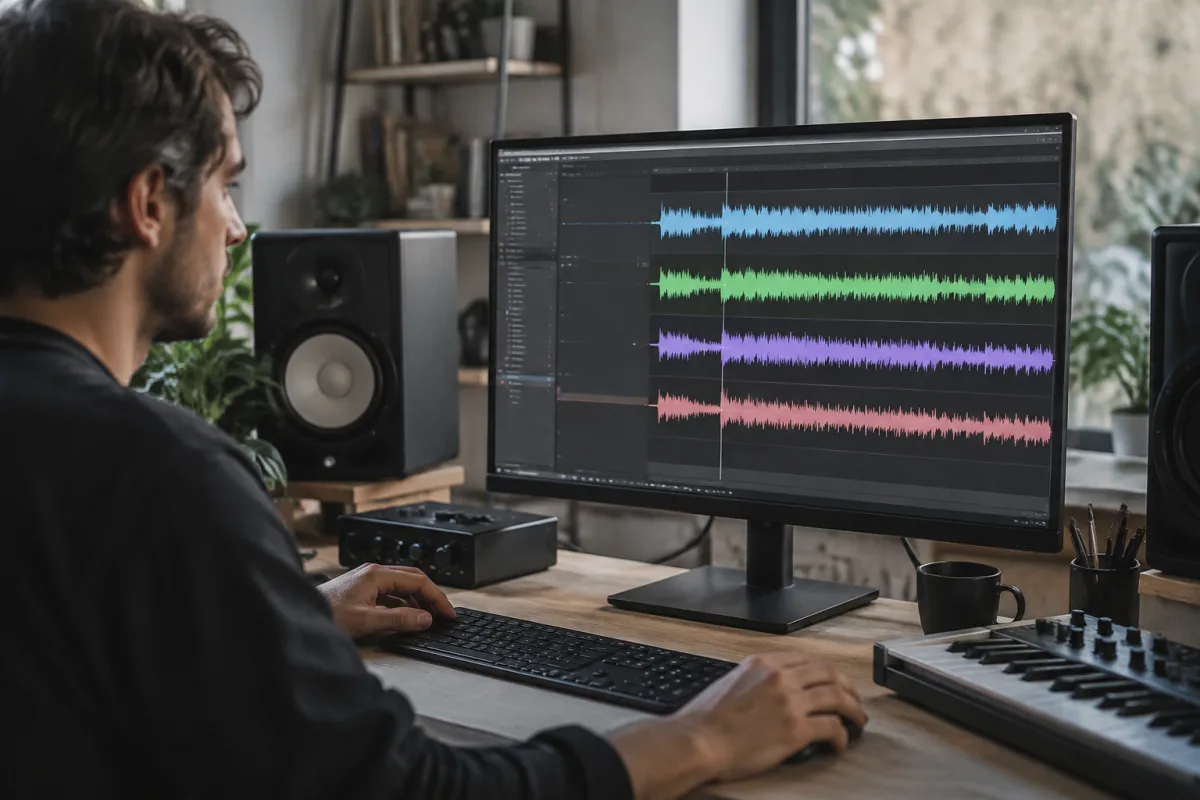
A stem splitter separates audio recordings into individual components—vocals, drums, bass, and instruments—providing creative possibilities from finished mixtures and commercial recordings. Whether you're remixing tracks, creating karaoke versions, studying production techniques, or recovering isolated elements, selecting the right stem splitter requires understanding the technology's capabilities and limitations. This buying guide helps you choose a stem splitter that delivers practical value for your specific workflow without unnecessary expense.
Understanding How a Stem Splitter Works
A stem splitter uses artificial intelligence technology to analyse complete audio recordings and mathematically separate them into component stems. Rather than working from multitrack recording sessions, stem splitter software reverses the mixing process by identifying patterns, frequencies, and acoustic properties that indicate where vocals, drums, bass, and other instruments exist within a mixed track. Understanding this distinction is crucial: a stem splitter works with finished mixes, not original recordings.
Important for buyers: no stem splitter achieves perfect separation. Voices occasionally carry instrumental bleed. Drums sometimes include residual bass. A quality stem splitter provides usable stems for most purposes despite these imperfections. Compare stem splitter options based on their separation quality in your specific use cases rather than expecting laboratory-perfect results.
Stem Splitter Software Categories and Price Points
Stem splitter options range from free web-based services to professional desktop software. Free stem splitter tools online provide basic separation functionality suitable for casual remixing and learning purposes. Entry-level paid stem splitter software (£20-50) offers improved separation quality and offline processing. Mid-range stem splitter options (£50-200) include professional-quality separation and integrations with music production workflows. Professional stem splitter tools (£200+) target studios requiring batch processing, maximum separation quality, and advanced features.
Many users overestimate the stem splitter they need. If you're occasionally splitting tracks for learning or creating remixes, a free or entry-level stem splitter serves you excellently. Professional grade stem splitter software justifies cost only if you're processing dozens of tracks regularly or need exceptional separation quality.
Key Characteristics Distinguishing Stem Splitter Options
When evaluating different stem splitter choices, examine these practical features:
- Separation quality: Some stem splitter software produces cleaner vocal isolation. Others excel at drum separation. Test your specific use case (separating pop vocals versus isolating drums from jazz recordings) before purchase.
- Processing speed: Web-based stem splitter tools process remotely and depend on server capacity. Desktop stem splitter software runs locally but may require powerful computers.
- Audio file format support: Verify your stem splitter handles MP3, WAV, FLAC, or other formats you work with regularly.
- Output stem count: Basic stem splitter software separates into 4-5 stems (vocals, drums, bass, piano, other). Advanced stem splitter tools offer 6+ stems or customisable stem counts.
- Integration with DAWs: Professional stem splitter software integrates directly with production workstations. Basic tools require manual import/export.
Selecting the Right Stem Splitter for Your Workflow
Your actual use case determines whether a stem splitter investment makes sense:
Casual remixing and learning: Free web-based stem splitter tools provide perfectly adequate separation. Don't spend money when free options serve your needs.
Semi-professional remixing or karaoke creation: Entry-level stem splitter software balances quality and cost. You'll notice separation improvements justifying modest investment.
Professional remix or sample library creation: Mid-range stem splitter software provides consistency and reliability for regular processing workflows.
High-volume production or mastering preparation: Professional stem splitter tools with batch processing and premium separation quality justify investment for studios processing many tracks.
Avoiding Common Stem Splitter Purchasing Mistakes
Learn from others' experiences when selecting a stem splitter:
- Overestimating separation perfection: No stem splitter eliminates instrumental bleed completely. Plan your workflow around accepting imperfect stems rather than expecting pristine isolation.
- Choosing by marketing claims alone: Stem splitter marketing often exaggerates separation quality. Test with your specific music genres and recording styles before purchasing.
- Ignoring latency and processing time: Some stem splitter software takes hours processing long tracks. Verify processing speed matches your workflow expectations.
- Neglecting audio quality consistency: A stem splitter that works excellently on pop vocals might fail on lo-fi hip-hop or live recordings. Test your specific music before committing.
- Assuming higher price equals better results: More expensive stem splitter software sometimes achieves only marginal improvements over budget alternatives for your specific use cases.
Evaluating Stem Splitter Options Before Purchase
Before committing money to a stem splitter, most quality options offer trial periods or free tiers. Process several representative audio examples from your actual music library. Listen critically to stem quality, especially in challenging passages where vocals and instruments overlap. Does the stem splitter effectively isolate your target elements? How much unwanted bleed affects usability? This practical testing reveals whether a stem splitter serves your needs far better than marketing descriptions.
Understanding Stem Splitter Processing Limitations
Certain music genres and production styles challenge stem splitter technology more than others. Heavily produced pop music with clearly separated elements splits more reliably than live recordings or lo-fi productions. Orchestral recordings and jazz combos present stem splitter challenges due to instrument timbral overlap. Understanding your music's characteristics helps predict how well a stem splitter will perform on your material.
Features That Justify Premium Stem Splitter Pricing
These characteristics genuinely justify investing in professional stem splitter software:
- Customisable stem counts: Creating more granular stem separations (isolating piano separately from guitar) offers production flexibility.
- Batch processing capabilities: Processing hundreds of tracks efficiently requires professional stem splitter tools.
- Best-in-class separation quality: Certain professional stem splitter tools deliver demonstrably superior isolation in your music genres.
- DAW integration and automation: Professional workflow integration saves time with regular processing.
Making Your Stem Splitter Selection
After evaluating options with test processing, commit to a stem splitter matching your actual workflow needs and budget. Start with entry-level options if you're uncertain about your requirements. You can always upgrade to professional tools later if your workflow demands increase.
For comprehensive information about different stem splitter approaches and detailed tool comparisons, explore the ultimate guide to stem splitters, which covers advanced techniques and specialised applications.
A stem splitter succeeds when it provides genuinely useful stems for your creative purposes, even if imperfect. By honestly assessing your needs, testing before purchase, and selecting appropriate professional levels, you'll find a stem splitter that meaningfully extends your creative possibilities without overcomplicating your workflow.


Comments