


Steinberg Media article
Steinberg Media for Beginners: A Complete Guide
Steinberg media software is powerful and industry-standard, but for beginners it can feel daunting. This guide shows you exactly how to pick the right product and get up and running without frustration.
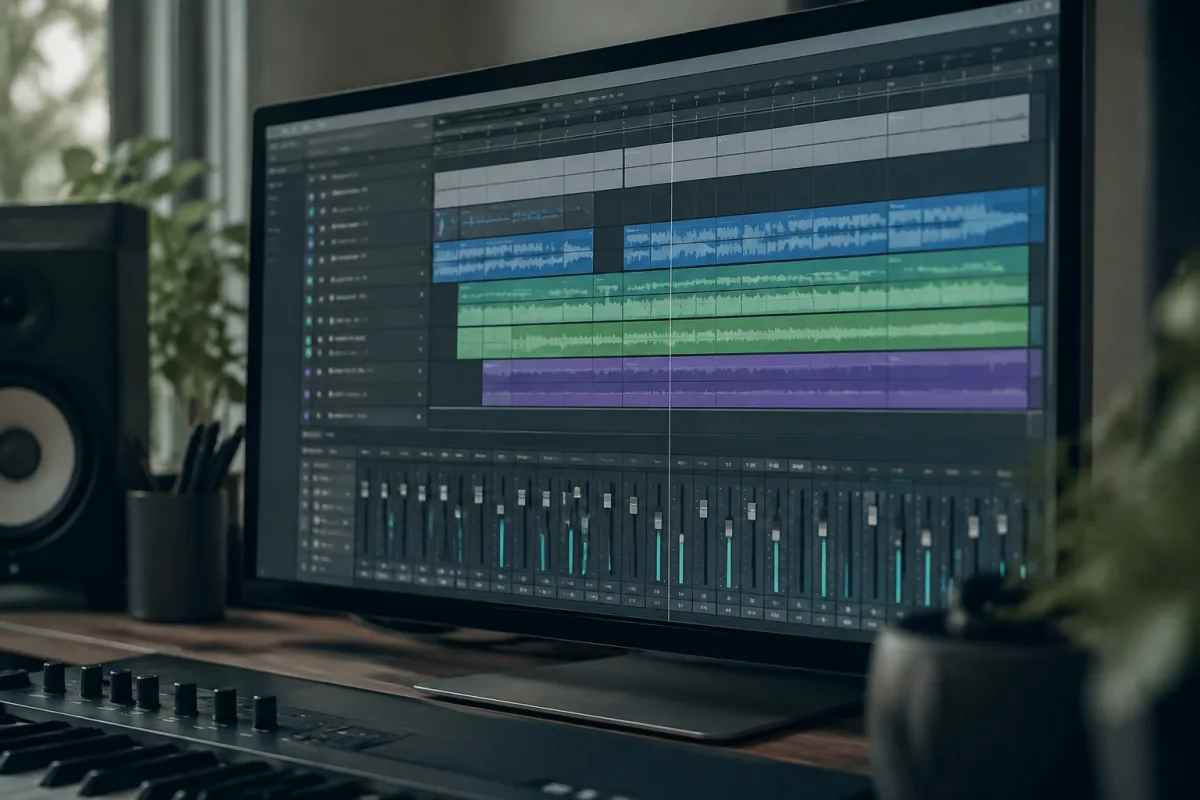
Thinking about exploring Steinberg's software but not sure where to start? You've landed at the right place. Steinberg media tools are industry-standard, but for beginners they can feel daunting. This guide cuts through the confusion and shows you exactly how to pick the right Steinberg product for your needs and get up and running without frustration.
What Is Steinberg Media Software, Really?
Steinberg is a German company that makes some of the world's most respected music production software. When people talk about Steinberg media, they're usually referring to their range of digital audio workstations (DAWs) and audio editing tools. The main product most people recognise is Cubase, but Steinberg also makes WaveLab for mastering and audio editing, Dorico for notation, and several other tools.
The good news for beginners is that despite its professional reputation, Steinberg media software is genuinely approachable. You don't need to be an expert to make music or record audio with it. The learning curve is real, but it's gradual and rewarding.
Which Steinberg Media Product Should You Choose?
This is the key decision for beginners. Steinberg offers different versions of its software at different price points, and choosing the right one saves you money and frustration.
- Cubase Elements. The entry-level DAW. Perfect if you're just starting to make music or record at home. It has all the core features you need without overwhelming you with options.
- Cubase Artist. The middle ground. More instruments and effects than Elements, better workflow tools, and enough depth to grow into. Most serious hobbyists use this version.
- Cubase Pro. The full-featured professional version. Don't buy this as your first Steinberg media software unless you genuinely know you need advanced scoring, video sync, or unlimited MIDI tracks.
- WaveLab. If your focus is recording, editing and mastering audio (not making music), WaveLab is the Steinberg product you want. It's brilliant for podcasters, engineers, and anyone working with finished recordings.
- Dorico. For music notation and composition on paper. Completely separate from Cubase. Only relevant if you write sheet music.
For 99% of beginners starting out with Steinberg media, Cubase Elements is the right choice. It's affordable, genuinely capable, and won't overwhelm you with features you don't understand yet.
Getting Started: The First Hour
Once you've installed your Steinberg product, the first hour matters. Here's what to do, in order:
- Fire up the software and let it scan your audio inputs and outputs. Don't panic if it takes a moment—it's just getting to know your equipment.
- Open one of the built-in templates. Don't start from a blank canvas. A template gives you a sensible starting point with some instruments already loaded.
- Play the keyboard or trigger a drum pad to hear sound coming back. This is your "hello world" moment—if you can hear something, everything is working.
- Record a quick test: hit record, play something simple, stop, and listen back. You're getting familiar with the workflow, not making a masterpiece.
- Spend the next 30 minutes clicking around and exploring. Nothing you do at this stage is destructive. Get a feel for where things live in the menus.
That's genuinely all you need for the first session. You're building familiarity, not mastery.
Common Beginner Traps with Steinberg Media
The same mistakes come up again and again when people start with Steinberg. Here's how to avoid them:
Treating it like it should be intuitive. Steinberg media software has a learning curve. It's not poorly designed—it's just feature-rich. Expecting it to work like GarageBand is setting yourself up for frustration. Accept that you'll need to learn, and you'll enjoy it much more.
Buying the wrong version. Newcomers often buy Cubase Pro "to be future-proof" and then feel lost. Buy Elements or Artist. You can upgrade later if you genuinely outgrow it. Most producers never need Pro.
Ignoring keyboard shortcuts. Steinberg media software rewards learning shortcuts. It might seem slow at first, but spending an hour learning the ten most common shortcuts will make you 50% faster within a week.
Not using presets. Every Steinberg instrument and plugin comes with hundreds of presets. Don't try to build sounds from scratch as a beginner. Load a preset, tweak one or two parameters, and learn how they work. This is how professionals actually work.
Assuming you need every plugin. Steinberg media bundles come with lots of effects and instruments. You don't need them all. Master three or four tools thoroughly before trying to learn the rest.
The Best Learning Resources
Steinberg itself provides excellent free tutorials. Before you buy a course or spend time on YouTube, watch the official Steinberg media documentation videos. They're genuinely well-made and solve real problems. YouTube channels dedicated to Cubase are brilliant too, but start with the official stuff.
One honest tip: buy a month of access to a dedicated training course after your first week. It accelerates learning dramatically and costs about £15. Without structured guidance, you'll waste time figuring out things that someone else has already solved.
Your First Real Project
After a few days of exploration, try making something small and complete. Maybe record a simple melody, add a drum loop, and export it. Don't aim for perfection. Aim for done. Finishing a small project teaches you more about Steinberg media workflow than weeks of tutorial-watching.
For a deeper technical look at Steinberg media and what's available, our complete guide to Steinberg media covers the full product ecosystem in detail.
Conclusion
Steinberg media software is powerful, and yes, there's a learning curve. But thousands of beginners start with Cubase Elements every year and go on to create genuinely brilliant music. Pick the right version for your needs, expect the learning process, and enjoy building something. Within a few weeks, you'll feel right at home.


Comments