


Steinberg Media Buying guide
Steinberg Media: A Complete Buyer's Guide
Buying Steinberg media means understanding what the company's virtual instruments and sound libraries deliver, what you actually need, and how to build a collection that fits your creative style and budget.
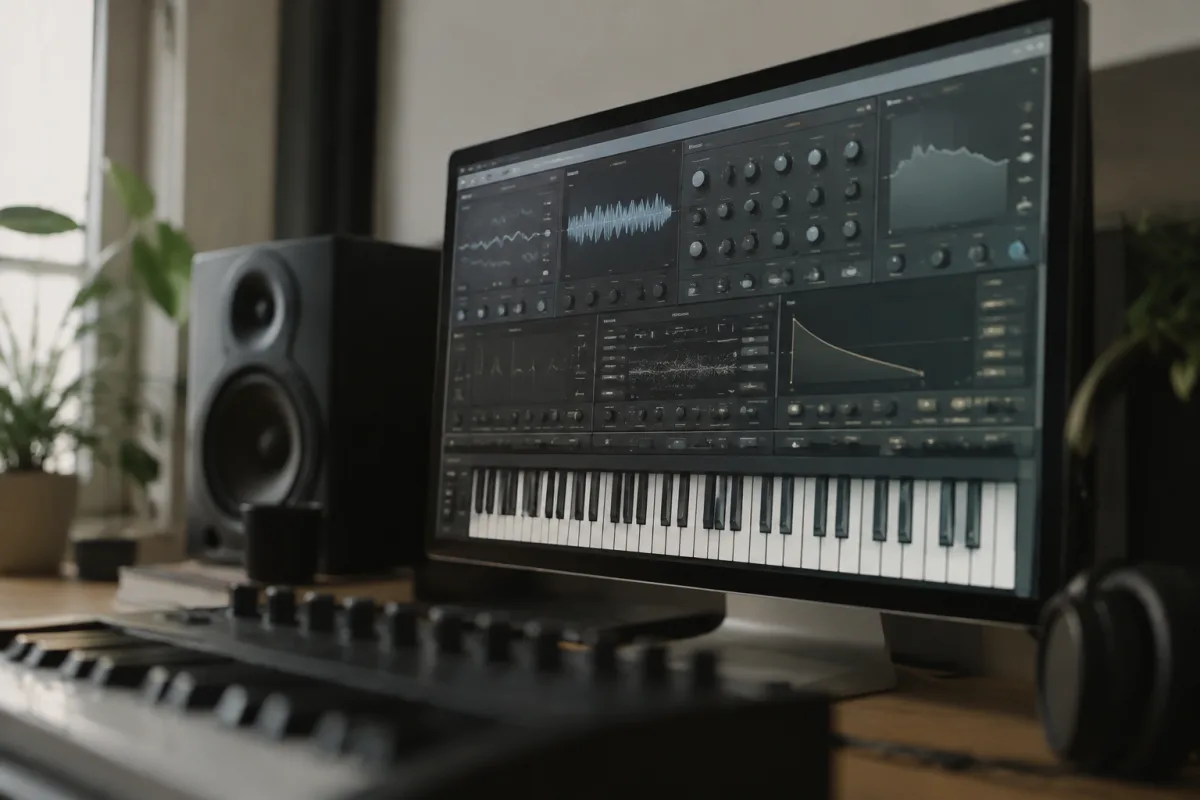
Steinberg media—the company's extensive library of virtual instruments, sample packs, loops and sound content—offers genuine creative tools, but knowing what to buy and what you actually need is crucial. With dozens of products ranging from comprehensive instrument packages to specialist collections, it's easy to overspend on content you won't use or under-invest in the tools that'll define your workflow. This guide walks you through Steinberg's media offerings, what each type delivers, the real differences between products, and how to build a collection that matches your style and budget without redundancy.
Understanding Steinberg's Media Categories
Steinberg organises its media into broad categories: HALion instruments (their main sampler and synthesiser platform with bundled sounds), GrooveAgent (drum and percussion content), Padshop (physical modelling synthesiser), Retrologue (virtual analogue synthesis), and specialised sound packs for everything from orchestral samples to electronic loops. Additionally, they offer REDsonic and Loopmasters content libraries compatible with Cubase. Each product family has its own scope and use case.
The core question is whether you need a comprehensive instrument platform (like HALion Sonic) or specialist tools for specific genres. Most producers benefit from a solid multi-purpose instrument; specialists (orchestral composers, hardcore sound designers, electronic producers) often add single-purpose products for depth.
HALion: The Central Instrument Platform
HALion is Steinberg's flagship sample-based instrument, available in multiple editions: Sonic (the entry-level sampler with a good general sound library), HALion (the full production version with extensive editing), and HALion Sampling (dedicated to creating your own patches from custom samples). HALion Sonic is sufficient for most producers—it covers pianos, guitars, synths, drums, orchestral instruments and electronic sounds competently. It's the sensible default.
HALion (full) adds advanced synthesis controls, convolution reverb and deeper customisation if you'll spend hours crafting sounds. That's valuable if sound design is central to your work; otherwise, HALion Sonic delivers 90% of the results. HALion Sampling matters only if you're regularly recording your own samples and want to transform them into playable instruments—a specialist tool, not essential for most users.
Drum Content: GrooveAgent and Alternatives
GrooveAgent is Steinberg's drum instrument, offering preset kits, patterns and customisation. The base version is decent for general production; premium versions add more kits and deeper pattern libraries. If drums are essential to your style (hip-hop, electronic, pop production), investing in a dedicated drum product makes sense. If you use drums occasionally, GrooveAgent's base edition or HALion Sonic's drum sounds are usually adequate.
The choice depends on your genre priorities. Electronic and urban producers benefit from deeper drum tools. Songwriters and film composers use drums less and often default to what comes with their DAW or a general instrument like HALion.
Specialised Instruments: When to Invest
Retrologue (analogue synthesiser emulation) and Padshop (physical modelling synth) are superb tools but niche. Buy Retrologue if you're creating pad textures, lead synths or classic analogue sounds regularly—it's powerful and fun. Skip it if you barely use synthesisers. Padshop is for experimental sound design; most producers never need it.
Orchestral sample libraries from Steinberg (or Loopmasters partnerships) are valid only if you're scoring orchestral music. They're expensive, storage-intensive, and useless outside that context. Don't buy them "just in case"; buy when you have a specific project demanding authentic orchestral sounds.
Sound Packs and Loop Libraries
Steinberg offers genre-specific sound packs and loop collections. These are single-purchase additions—a kit for hip-hop, a pack for techno, a set of indie rock loops. They're useful if a pack directly addresses your current workflow; generic loop packs rarely inspire. Download demos or watch previews before committing; loop content is personal—what suits one producer sounds generic to another.
Loop libraries are most valuable for rapid prototyping or when you're venturing into a new genre. Experienced producers often find them limiting; you end up sounding like everyone else using the same loops. Sound design from blank instruments is more creative, even if slower.
Cross-Compatibility and DAW Integration
Steinberg media is primarily designed for Cubase, but most products work in any DAW as VST plugins (Windows) or AU/VST (Mac). REDsonic and Loopmasters content designed for Cubase works elsewhere; you just lose any tight integration features. If you're using a Cubase system, integration is seamless. If you're in Ableton, Logic or another DAW, verify compatibility before buying specialist products—they'll work, but you lose some convenience features.
Bundled Versus À La Carte Buying
Cubase Pro includes HALion Sonic and GrooveAgent SE (the lite version). If you already own Cubase, you have a solid foundation and rarely need to buy additional Steinberg media immediately. Cubase Studio adds Retrologue and Padshop. Studio users can often skip standalone purchases entirely.
Buying Steinberg media standalone makes sense if you want deeper versions of instruments you own (upgrading from HALion Sonic to HALion full) or if you're targeting a specific creative gap. Never buy just to fill a collection; buy when you'll actually use it.
Storage and System Requirements
HALion and its instrument collections are sample-based, meaning they install large sound libraries to your drive. A typical instrument takes 1–5 GB. Orchestral libraries can exceed 50 GB. Before buying, ensure your storage can accommodate the download and you're willing to allocate space. Solid-state drives speed up sample loading; external drives work for archival but load slower. Plan your drive space alongside your purchase.
Trial Before Committing
Steinberg offers trials for most products; download and test them in your DAW before buying. A trial period reveals whether an instrument genuinely fits your workflow or is impressive-sounding but unused. This is more honest than watching demo videos.
Budget Considerations and Pricing Strategy
HALion Sonic costs around £100–150 standalone (often included with Cubase). The full HALion is £300+. Specialised instruments (Padshop, Retrologue) are £80–150 each. Sound packs range from £20 to £100. A realistic budget for a complete Steinberg media setup—HALion full, GrooveAgent premium, a couple of specialised tools, plus a few sound packs—is £600–1,000. For most producers, HALion Sonic (£100–150) plus whatever comes with Cubase is sufficient and costs far less.
Watch for educational discounts if you're a student; Steinberg offers significant savings. Also, seasonal sales (Cyber Monday, summer promotions) can cut prices by 20–30%. There's rarely urgency to buy at full price.
Common Mistakes to Avoid
Buying every sound pack and instrument to fill gaps is the most common trap. You end up with dozens of tools you barely play. Start with a core instrument (HALion Sonic is ideal) and add only when you identify a specific creative need. Quality over quantity.
Another error is assuming more expensive equals better. Padshop is expensive and brilliant for synthesis, but if you don't do synthesis, money wasted. Buy specific to your workflow, not to hype or prestige.
Lastly, downloading enormous orchestral libraries when you're not scoring orchestral music is storage waste. Be honest about what you'll use.
Building Your Steinberg Media Collection Gradually
Start with Cubase (which bundles Sonic and basic instruments) and use what's included for months. Once you identify a gap—"I need a better synth" or "I want deeper drums"—then buy. This approach means you buy only what you'll use and discover your actual needs instead of guessing. A thoughtfully built collection of three or four Steinberg products beats a chaotic pile of thirty unused packs.
Conclusion
Buying Steinberg media is best approached as a gradual investment in tools you'll actively use, not as filling gaps speculatively. HALion Sonic and what comes with your DAW are a solid start. Add specialised instruments only when you have specific creative reasons. Avoid loop packs unless they directly inspire your current work. For a deeper exploration of Steinberg media and its broader context in digital music production, see the complete guide to Steinberg media.



Comments