


Music Software Reason Buying guide
Music Software Reason: A Complete Buyer's Guide
Buying music production software is a big decision. Our guide walks you through choosing Reason, comparing price tiers, checking compatibility, and avoiding common mistakes.
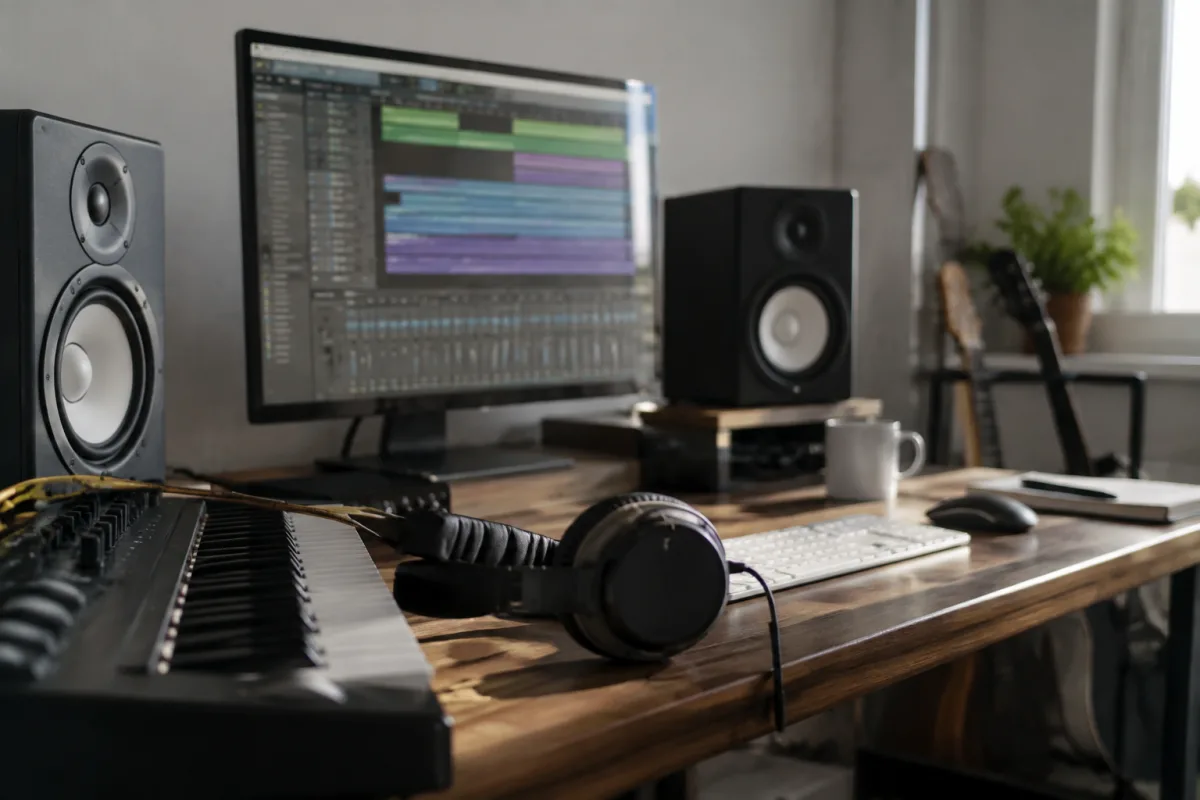
Buying music production software is one of the most important decisions a producer can make, and Reason stands out as one of the most cohesive ecosystems on the market. Whether you're upgrading from a trial or switching from another DAW, understanding what to look for will help you get the best value for your investment.
Choose Your Price Tier: Subscription vs Perpetual Licence
Reason is now available through two main pricing models, and your choice depends on your workflow and budget. The monthly or annual subscription gives you access to the latest version with continuous updates, all the plugins in the Reason ecosystem, and cloud storage. If you prefer owning your software outright, you can still purchase a perpetual licence for a one-time fee, though this won't include every new feature as they're released.
For beginners or those testing the waters, Reason+ (the subscription) offers the best value because you're never locked out of updates, and the bundled sounds, presets and effects are worth the monthly cost alone. Professional studios or those on a strict budget may prefer perpetual licences, though you'll miss out on Rack Extensions and some newer tools.
System Requirements: Don't Ignore Them
Before you click "buy", check that your computer can actually run Reason smoothly. The software requires a reasonably modern processor and adequate RAM—at least 8GB for comfortable operation, 16GB if you're working with large sessions. Reason runs on both macOS and Windows, but the performance isn't identical; Mac users with M-series chips should confirm compatibility, whilst Windows users need to check the specific processor requirements.
Storage space matters too. Reason itself takes about 5GB, but the sound libraries and installed extensions can easily double that. If you're working from a small SSD, factor in plenty of headroom before installation.
Audio Interface and MIDI Controller Compatibility
Reason works brilliantly with nearly every audio interface and MIDI controller on the market, but not equally. Core functionality is stable across all setups, yet some specialised controllers—like Elektron gear or Novation controllers—have native integration that makes workflow faster. Test compatibility through the Reason Forums before buying an expensive controller if integration matters to you.
Audio latency is crucial. With a good interface (16ms or lower latency), Reason is responsive for live playing and recording. Budget interfaces sometimes add unnecessary latency, so that's a spec worth checking before purchase.
What Features Matter for Your Style?
Reason includes an excellent built-in suite of instruments and effects, but here's where you need to honestly assess your needs. If you produce electronic music, hip-hop or experimental work, the stock sounds and tools are genuinely world-class. If you're after acoustic simulation or classical orchestration, you might want to budget for additional third-party instruments.
The Reason Rack is where it gets interesting. It's a modular, virtual studio rack, and some producers love the flexibility whilst others find it overkill. If you want to build complex signal chains and patch things creatively, the Rack is brilliant. If you prefer simplicity, Reason's simplified view mode hides that complexity entirely.
Common Pitfalls to Avoid
Many new Reason users make the same mistakes. First, underestimating CPU load—Reason is efficient, but loaded with third-party Rack Extensions, sessions can slow down fast. Test your setup on a smaller session first. Second, skipping the learning curve by forcing your old habits into it wastes weeks. Budget time to learn the Reason way. Third, forgetting that Reason's sampler is powerful but requires patience to master; grab tutorial packs if sampling matters to you.
Finally, don't assume you need the latest version immediately. If you're using Reason 12 productively, upgrading to the newest version won't transform your music overnight. Reason's core strength is stability across versions.
Getting the Most from Your Purchase
Once you've decided on Reason, look at the extras. The Reason Companion Apps (mobile apps for sketching ideas) are free with your account, and the Splice integration means unlimited cloud backup of sessions and sounds. These bonuses alone justify the subscription for many producers.
Factor in support and community resources. Reason has an exceptionally active forum and a huge YouTube community. If you value accessible tutorials and peer support during the learning phase, this is a genuine advantage.
Compare your final cost against competitors. For a full-featured DAW, Reason is competitively priced against Ableton Live, Logic Pro, and Studio One—but the perpetual licence option gives flexibility that pure subscription models don't. Work out what matters most to you: always-current software, lower upfront cost, or the peace of mind of outright ownership.
For a full overview of what Reason is and how it compares across the broader music software landscape, see our complete guide to music software reason.
Bottom Line
The best version of Reason for you depends on your budget, your workflow style, and whether you value continuous updates. Start with a free trial—Reason's generous 30-day trial lets you test the full feature set—and ask yourself honestly whether its workflow suits your production style. If you're buying for professional use or long-term learning, the subscription is hard to beat. If you're cautious about costs, a perpetual licence paired with careful MIDI controller selection will still give you a powerful, enduring studio setup.


Comments