


Download Pro Tools Buying guide
Download Pro Tools: A Complete Buyer's Guide
Downloading Pro Tools means choosing between multiple versions and licensing models. This guide cuts through the confusion and matches each option to your actual needs and budget.
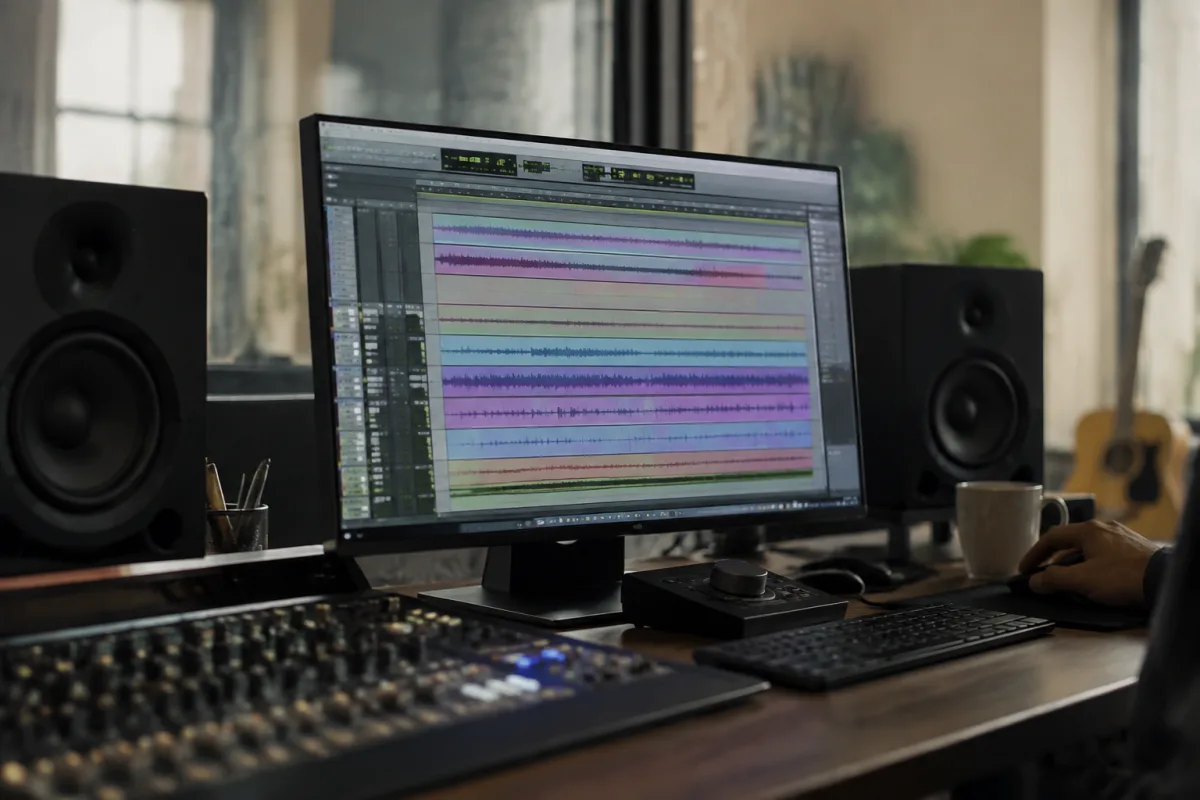
Downloading Pro Tools feels straightforward until you realise there are multiple versions, licensing models, and pricing tiers to choose from. Whether you're a home bedroom producer, a student, or a professional studio engineer, selecting the right version to download determines both what you'll pay and what capabilities you'll actually access. This guide cuts through the confusion by walking you through every option available and matching it to your real-world needs.
Understanding Pro Tools Licensing Models Before You Download
Pro Tools isn't a simple one-size-fits-all download. Avid offers several distinct licensing approaches, each fundamentally changing your relationship with the software. Understanding these models before you click download is essential.
Subscription Model: Pro Tools Perpetual + Updates
Pro Tools now operates primarily on a subscription basis called "Pro Tools Perpetual + Updates." This isn't a monthly rental; it's a one-time purchase of a perpetual licence to a specific version, plus an annual subscription for updates and cloud features. You download a base version (currently Pro Tools 2024) and maintain access as long as you keep your annual update subscription current. If you stop paying, you retain the software but lose updates and cloud collaboration features.
This model costs around £290–350 annually for the full version, depending on your region. The advantage is price predictability and access to the latest features. The disadvantage is that you're committed to the annual cost or you'll fall behind rapidly as Avid releases new capabilities.
Educational Licensing: Pro Tools for Students
If you're enrolled in a qualifying music production programme, you can download Pro Tools at a significant discount or completely free, depending on your institution's agreement with Avid. Student versions are often fully featured and perpetual, though sometimes limited to educational use only. Verify with your school's IT or music department before downloading—many students miss out on free or discounted access simply because they don't ask.
Pro Tools Carbon: The New Entry-Level Option
Recognising a gap in the market, Avid introduced Pro Tools Carbon as a more affordable entry point. Carbon is a streamlined version with most core recording and editing tools, omitting some advanced features like advanced automation and certain plugins. Carbon costs significantly less than the full version—around £80–100 annually or a one-time purchase option. For bedroom producers, podcasters, and singers recording demos, Carbon is often sufficient and keeps your subscription costs manageable.
Pro Tools | Studio: The Mid-Range Choice
For a step between Carbon and the full version, Studio offers additional plugins, third-party instrument compatibility, and higher track counts at a middle price point. Studio sits at roughly £180–220 annually, making it sensible for producers stepping up from bedroom setups to something with more professional polish and plugin variety.
Perpetual Licenses: Older Versions (Sometimes Still Available)
You can still purchase perpetual licences to older Pro Tools versions (typically 2022 or earlier) from resellers. These one-time purchases never expire, but you get no access to current features or updates. Perpetual older versions cost £600–1200 depending on version and source. This option appeals only to professionals who need rock-solid stability in proven versions and have no interest in new features.
System Requirements and Download Considerations
Before downloading, verify that your computer meets Pro Tools' minimum specifications. Pro Tools is demanding. Both Mac and Windows versions require recent operating systems—typically the last two to three macOS versions or Windows 11. Older machines may not support the current versions at all.
RAM requirements start at 8 GB but jump to 16 GB or 32 GB for professional work with heavy plugin loads. Storage space for Pro Tools itself is modest (around 5–10 GB), but you'll need significantly more for sample libraries and project files. GPU acceleration is optional but increasingly valuable as Pro Tools leans toward it for real-time performance.
Check Avid's official compatibility list before downloading. Downloading a version your system cannot run is a frustrating waste of time.
Choosing the Right Version for Your Situation
- Home Hobbyist: Pro Tools Carbon or Pro Tools Studio provides excellent value. You'll get everything needed for demos, sketches, and personal projects without excessive cost.
- Full-Time Professional Studio: The standard Pro Tools with annual updates is worth the cost. You need access to advanced mixing tools, unlimited tracks, and current plugin compatibility.
- Student or Academic: Always investigate educational pricing through your institution. Free or heavily discounted access changes the equation entirely.
- Niche User (Podcast, Voice-Over, Live Recording): Carbon may suffice unless your workflow demands specific advanced features. Try the free trial first to confirm.
- Tech-Phobic or Stability-Obsessed: Consider a perpetual older version if available—though support and compatibility will fade over time.
Avoiding Common Pitfalls When Downloading Pro Tools
Many users make preventable mistakes when choosing which version to download. Being aware of these traps saves both money and frustration.
Don't download the latest version just because it's newest. If your system doesn't meet specs or your workflow relies on older plugins, a newer version brings only incompatibility. Similarly, don't assume that more expensive means better for your needs. Pro Tools Studio is overkill for podcasters; Carbon is honestly sufficient. You're paying for features you won't use.
Watch out for fake or illegitimate download sites. Pro Tools must be downloaded from Avid's official website or through an authorised reseller. Torrent sites or suspicious third-party download pages are high-risk for malware and invalid licences.
Another common error is forgetting that subscription Pro Tools requires activation and ongoing account management. You can't download it and ignore it; you must activate it online and track your renewal dates. Calendar reminders save you from accidentally losing access mid-project.
The Download and Activation Process
Once you've decided which version to download, the process is straightforward. Create an Avid account on their official site, purchase or register your licence, and download the installer for your operating system. Installation takes 10–15 minutes on modern machines. After installation, launch Pro Tools and log in with your Avid account credentials. The software will activate and you'll be ready to start your first project.
Keep your Avid account email and password secure. You'll need it every time you update, re-install, or move Pro Tools to a new machine.
Free Trial: The Smart First Step
Avid offers a 30-day free trial of the full Pro Tools with all features active. If you're uncertain which version suits you, download and use the trial first. This risk-free period reveals whether Pro Tools fits your workflow, whether your system handles it comfortably, and whether you'll actually use the software regularly before spending any money.
For detailed technical guidance and broader context about Pro Tools beyond just the download decision, consult our complete guide to downloading Pro Tools, which covers installation, troubleshooting, and long-term setup strategies.
Making Your Download Decision
Selecting which Pro Tools version to download comes down to three questions: How much can you spend annually? What features do you genuinely need? And does your system meet the requirements? Answer these honestly, and you'll find a version that delivers value without waste. Many users start with Carbon or a free trial, then upgrade to Studio or the full version as their ambitions grow. That's a sensible path and avoids over-investing in software before you're certain you'll use it.


Comments