


Sample Rate article
Sample Rate for Beginners: A Complete Guide
Starting with music production doesn't mean understanding every technical detail. Sample rate is one of those terms that feels daunting, but choosing the right one is straightforward—and then you can forget about it.
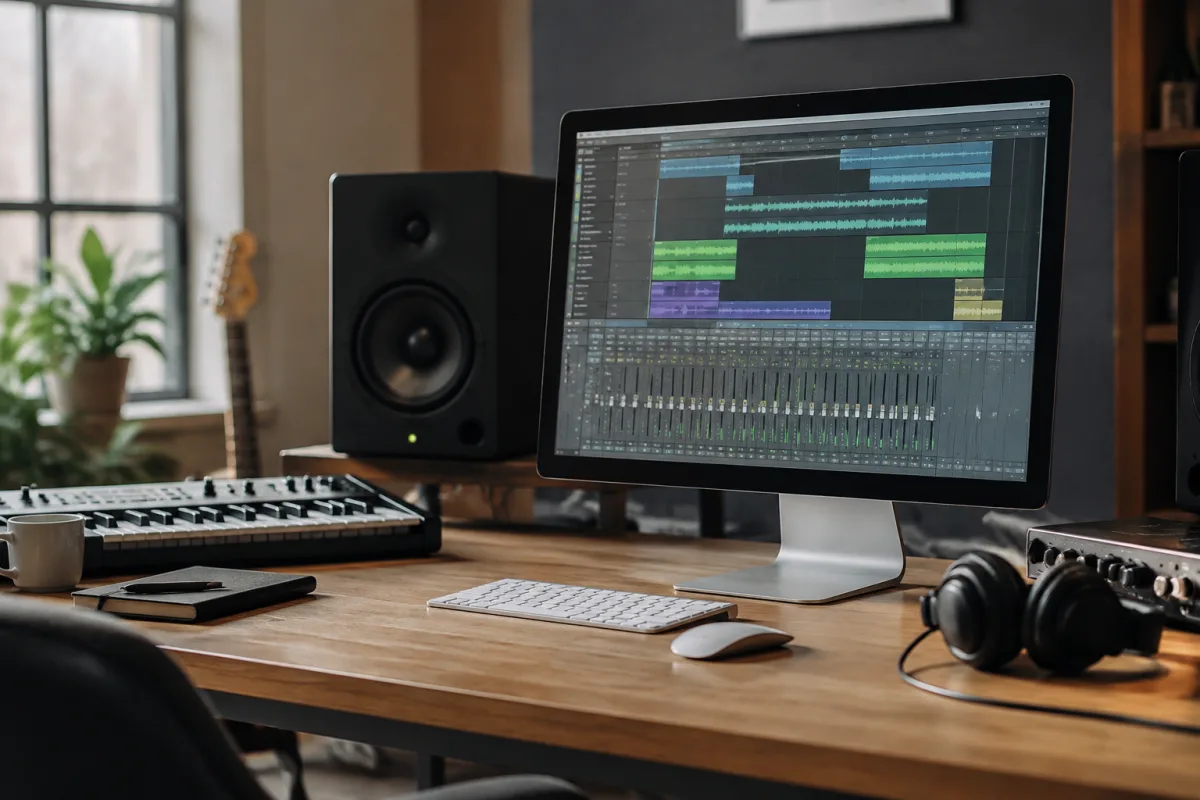
Starting with music production software can feel daunting, and sample rate is one of those terms that pops up immediately—often without much explanation. The good news: you don't need to overthink it. This guide is for anyone beginning their journey in a DAW, unsure whether they're setting things up correctly or worried they might break something by choosing the wrong number.
Why Sample Rate Matters (and When It Actually Doesn't)
Every piece of digital audio starts with the same basic process: the software captures tiny snapshots of sound, called samples. The sample rate is simply how many of those snapshots it takes every second. Think of it like a photograph: more photos per second gives you smoother motion, but you also use more storage.
The most important thing to know upfront: for most beginner projects, your sample rate won't make or break your music. Pick one, stick with it, and move on. You can change it later if you need to.
The Beginner's Sample Rate: Start Here
If you're just beginning, use 44.1 kHz or 48 kHz. That's it. These are the industry standards for a reason—they sound excellent, they're compatible with virtually everything (streaming services, video, CDs), and they won't slow your computer down.
- 44.1 kHz—the CD standard, perfect for music you plan to release online or as a download.
- 48 kHz—the video standard, ideal if you're making music for film, YouTube or any visual media.
If your project involves video, choose 48 kHz. If it doesn't, choose 44.1 kHz. You're done deciding.
What About Higher Sample Rates?
You may see options for 96 kHz or 192 kHz. Professional studios and audio engineers sometimes use these for specific reasons—mainly when recording live instruments with expensive microphones, or when making mastered audio that will be used in many different contexts. The trade-off: these higher rates use more CPU power and create much larger files.
For a beginner learning composition, sound design or beat-making, higher sample rates are unnecessary and will only slow things down. You can always record at 44.1 or 48 kHz and produce excellent, professional-sounding music. Leave the higher sample rates for later, when you have a specific reason to use them.
Setting Your Sample Rate (It's Usually Automatic)
When you open your DAW for the first time, it has already chosen a default sample rate for you—often 44.1 kHz. Most of the time, you don't need to change it. However, if you want to check or adjust it:
- Look for a settings or preferences menu (usually under File or Edit).
- Find the section called "Audio" or "Audio Interface".
- You should see "Sample Rate" as a dropdown or number field.
- Choose 44.1 kHz or 48 kHz depending on your project type.
- Close the settings and carry on—you won't need to touch this again unless you change projects.
If your DAW and audio interface disagree about the sample rate, your audio might sound distorted or skip. The easiest fix is to make sure both are set to the same rate. Check your interface's hardware control panel as well as your DAW settings.
Common Beginner Mistakes (and How to Avoid Them)
Here are the pitfalls that catch new producers and how to sidestep them:
- Mixing and matching. Don't record one track at 44.1 kHz and another at 48 kHz in the same project. Set one rate at the start and stick with it for the entire session.
- Switching mid-project. Once you've been working on a track for an hour, changing the sample rate can cause problems. Pick one and leave it alone.
- Chasing the "professional" sound. A beginner making music at 44.1 kHz with a decent microphone and good ear will always beat someone using 192 kHz with poor technique. Focus on the music itself, not the numbers.
- Ignoring your interface settings. If you own an external audio interface (an external USB device), make sure it's also set to the same sample rate as your DAW. Mismatches are a common source of confusion.
When to Think About Sample Rate Later
Once you've finished a few projects and you're comfortable with your DAW, you might want to experiment with sample rate in specific situations. For example, if you're recording live vocals or acoustic guitar with a high-quality microphone, a higher sample rate can capture more detail. If you're composing for film and the producer specifies 48 kHz, that's your answer. But for now, as a beginner, this is not something you need to worry about.
The Bottom Line
Sample rate is one of those technical details that can feel intimidating at first, but it's actually straightforward once you understand it. Your DAW has a default sample rate, and it's almost certainly fine for what you're doing. Beginners should use 44.1 kHz for music-only projects or 48 kHz if there's video involved—then forget about it and focus on making great music. You've got the right setup, and you're ready to start creating. Trust the process, and come back to sample rate only if you have a specific, practical reason to change it.
FAQ
This FAQ section will be generated and appended by the publishing system.


Comments