


Piano VST Buying guide
Piano Vst: A Complete Buyer's Guide
Overwhelmed by piano VST choices? Learn which features matter, how to evaluate sound quality honestly, and which price tier suits your workflow.
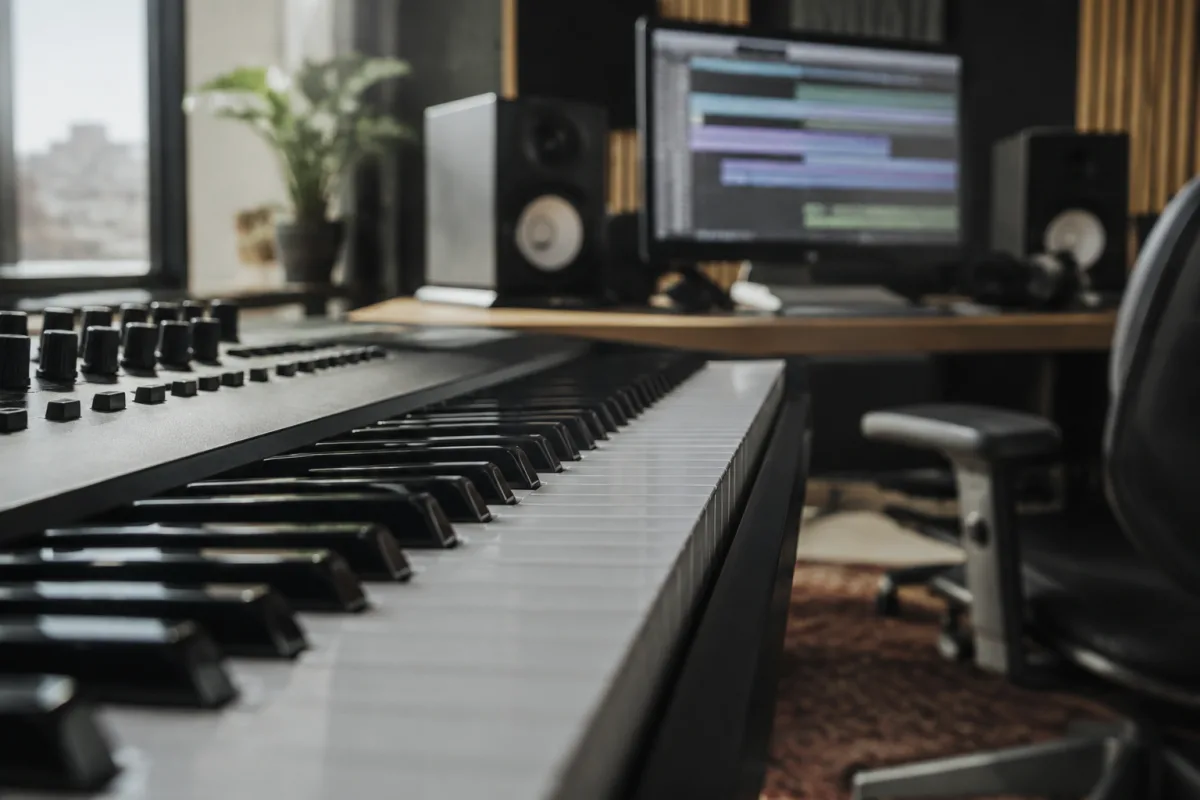
Choosing a piano VST (virtual software instrument) is one of the most important decisions music producers and composers make—the piano is central to so many genres—and the marketplace is overwhelming. Options range from free, basic tools to £500+ sampled pianos that rival concert grand recordings. This guide shows you exactly what matters when choosing a piano VST, how to evaluate sound quality honestly, and where to find good value across every budget.
What a Piano VST Actually Is
A piano VST is a software plugin that simulates a real piano. It sits in your DAW (music production software), responds to MIDI input (typically from a keyboard controller), and outputs piano sound. Unlike a backing track or a loop, a piano VST is an instrument you play in real time—your playing dynamics, timing, and expression control the output.
Piano VSTs come in two flavours: sampled pianos (recordings of real pianos processed into playable instruments) and modelled pianos (mathematical simulations of how pianos work). Most are sampled because they sound more realistic. The best sampled pianos use thousands of recordings of individual key presses, velocity layers, and pedal positions to create authentic piano response.
Price Tiers and What Each Delivers
Piano VSTs cluster into five distinct price bands. Understanding what each tier offers prevents overspending or undershooting your needs:
- Free (£0). Completely free piano VSTs like Spitfire Audio's free piano, Keyzone Classic (included with many DAWs), or open-source projects like ViPiano. Limited sound quality, basic piano model, but playable and useful for sketching ideas. Good for learning or casual use; not for professional production.
- Budget (£20–80). Affordable piano VSTs like Addictive Keys Light (£59), Ivy Audio JustAudio (£50), or older piano samples from established makers. Decent sound quality, multiple piano models, reasonable CPU efficiency. Excellent value for indie composers and producers. Gap between budget and mid-range is noticeable but manageable.
- Mid-range (£80–250). Professional-grade piano VSTs: Native Instruments Komplete 14 (with multiple pianos, £200), Xpand!2 (£99), or premium piano packs. Sound quality is noticeably better than budget options. Multiple piano models (grand, upright, vintage, modern). Good enough for commercial releases and film soundtracks. Industry-standard for many composers.
- Premium (£250–400). High-end sampled pianos: Spitfire Audio's pianos (£200–300), Vienna Instruments (£200+), or Crafted Sounds' collections (£300+). Exceptional sound quality, extensive sampling and customisation, premium-grade recordings from renowned pianos (Steinway, Yamaha, Bösendorfer, etc.). Used by professional film and game composers.
- Flagship (£400+). Ultra-premium pianos: Reason Studios Wavedrum (when bundled), top-tier Spitfire collections, or specialist tools like Ravenscroft 275 (a £400 lovingly detailed Bösendorfer model). Sound is as close as digital gets to playing a real concert piano. Overkill for most producers; essential for some professionals.
For most producers, mid-range (£80–250) is the sweet spot. You get genuinely professional sound without flagship pricing.
Core Features That Actually Matter
When evaluating piano VSTs, focus on these features:
- Sound quality and realism. Listen to demos and compare directly. Poor pianos sound thin, plasticky, or unresponsive. Good pianos have resonance, natural decay, and believable hammer action. This is where your ears are the expert—trust them.
- Multiple piano models and samples. A VST with only one piano model is limiting. Good VSTs include grand piano, upright, vintage, and modern options. Different pianos suit different genres and moods. Variety is valuable.
- Pedal behaviour. The soft pedal and sustain pedal should change the sound authentically, not just hold notes. Poor piano VSTs have fake-sounding pedal action; good ones simulate real sustain pedal resonance and soft-pedal colour shifts. Test this specifically.
- Velocity layers and dynamics response.** A piano should respond differently when you play softly versus hard. Does the VST sound like one recording stretched across all dynamics, or does it layer different velocity recordings for realistic dynamics? The better the VST, the more authentic the dynamics response.
- CPU efficiency.** Some piano VSTs are greedy—they demand high CPU, causing lag or dropouts on older computers. Check CPU requirements against your hardware. Budget pianos are usually efficient; premium pianos sometimes require a newer computer.
- GUI responsiveness and latency.** Latency (delay between pressing a key and hearing the note) should be minimal (under 20ms ideally). Poor latency makes performance frustrating. Check user reviews for latency complaints before buying.
- Host compatibility.** Does the VST work in your DAW? Most are VST3 or AU (macOS) compatible with major DAWs, but check before buying. Some older pianos are VST2 only and won't work in newer systems.
Free vs. Paid: Is Paid Actually Worth It?
The honest truth: free piano VSTs sound noticeably worse than paid ones. If you're composing film scores or producing professional albums, the difference matters. If you're sketching ideas or making background music for videos, a free piano is perfectly adequate.
Upgrade from free to paid when:
- You're recording piano for commercial release
- Piano is a central element (not just background filler)
- You work in genres where piano quality is part of the aesthetic (jazz, classical, film music, indie)
- You're collaborating with other musicians who expect professional sound
If you're sketching ideas, using piano for rhythm sections in electronic music, or just learning production, free is genuinely sufficient. Don't overspend before you know if you'll actually use it.
Common Beginner Mistakes When Buying
Save yourself money and frustration:
- Buying based on brand name alone.** A big DAW company or famous synthesiser maker doesn't automatically make good piano VSTs. Spitfire Audio is excellent; some other famous names are mediocre for piano. Listen to demos and reviews, not just brand reputation.
- Confusing "piano library" with "piano VST."** Some companies sell piano sound libraries for their own proprietary software (like Spectrasonics' Omnisphere). These work only within that ecosystem, limiting flexibility. Standalone piano VSTs that work in any DAW are more versatile.
- Ignoring system requirements.** Some premium pianos require a modern computer with plenty of RAM and disk space. Check before buying—an expensive piano on an underpowered computer causes frustration.
- Not testing before buying.** Most piano VSTs offer trial versions (usually 14–30 days) with no limitations except a watermark. Use the trial for at least a week. If you're not using it by then, you won't use the paid version either.
- Assuming one piano fits all styles.** A classical-optimised Steinway emulation might sound wrong in funk or pop. Different genres benefit from different pianos. Look for VSTs offering variety.
- Overlooking preset customisation.** Some piano VSTs let you edit reverb, tone, and pedal response; others are fixed. The ability to tweak makes pianos more flexible. This matters if you work across genres.
Sound Quality Testing: How to Evaluate Honestly
Before committing money, evaluate sound quality properly:
- Listen on studio monitors or good headphones, not phone speakers.** Cheap speakers mask sound quality differences. Piano VSTs are an investment—evaluate on decent monitoring.
- Play slow, sustained chords and listen to resonance.** Let a chord ring for 5–10 seconds. Does it sound natural and evolving, or does it fade abruptly? Piano resonance is the hardest thing to get right digitally; it's a good test of quality.
- Test velocity dynamics by playing the same note at different speeds.** Soft, then loud. Does the tone change authentically, or does it just get louder? Good pianos model tonal change with dynamics; bad pianos just adjust volume.
- Try using the sustain pedal and listening to how it changes the sound.** With the pedal, all strings should resonate together. Without it, the piano should sound shorter and tighter. This is where mediocre VSTs fail—they fake it.
- Compare multiple pianos at the same price point.** Download trials of 2–3 piano VSTs in your budget range and test them on the same material. Differences become obvious when you compare directly.
Where to Invest: Honest Recommendations
Depending on your situation:
- Bedroom producer, learning production: Spitfire Audio's free piano or Keyzone. No money spent, and either is good enough to learn on.
- Indie composer, commercial releases: Addictive Keys (£59) or Xpand!2 (£99). Professional sound quality without premium pricing. Both are industry-respected.
- Professional soundtrack composer or scoring: Spitfire Audio's pianos (£200–300) or Vienna Instruments (£200+). Sound quality and customisation justify the investment.
- Jazz or classical work:** Ravenscroft or Noire Piano (jazz-optimised). These specialise in authentic response and tone. Worth the premium if piano is your primary instrument.
Start with a free trial. Use it for at least a week in actual music-making. If you're still using it after a week, buy it. If you've abandoned it, it's not right for you—no amount of fancy features will change that. For detailed comparisons and deeper technical information about piano VSTs, see our complete guide to piano VSTs.
FAQ
Do I need an 88-key weighted keyboard to use a piano VST? No. You can play a piano VST with a computer keyboard, a cheaper controller, or even an unweighted 25-key keyboard. Weighted keys and 88 keys feel more like a real piano and make expression easier, but they're not required. Start with what you have; upgrade later if you decide you need it.
What's the difference between a piano VST and a synth with a piano sound? Piano VSTs are specifically optimised for emulating real pianos—samplings, resonance modelling, pedal behaviour. Synths with piano sounds are generic attempts to simulate piano within a broader synthesiser engine. Piano VSTs sound more authentic for realistic piano; synth pianos are better for experimental or electronic piano sounds.
Can I use a piano VST live in a concert? Yes, but you need a stable setup: a laptop, a MIDI controller, and ideally an audio interface connected to the venue's speakers or monitors. Many professional pianists use piano VSTs live. Test your setup thoroughly before performing—crashes mid-concert are career-damaging.
How much disk space do piano VSTs take? Free and budget pianos: 100–500MB. Mid-range: 500MB–2GB. Premium: 2–5GB. High-end Ravenscroft or similar: up to 20GB. Check before downloading—make sure you have the space.
Can I combine multiple piano VSTs in one song? Yes, absolutely. Layer different pianos for texture, use one for left-hand and another for right-hand, or stack multiple for richness. Many professional scores use multiple piano VSTs. Each VST uses CPU, so monitor your computer's load.
Is a piano VST or a real acoustic piano better? For learning and practice, an acoustic piano is superior—the mechanical feedback and true feel teach proper technique. For composition and recording, a good piano VST is convenient, flexible, and sufficient. For performance, an acoustic piano is more prestigious; a VST is portable. Use both if you can.


Comments