


Multiband Compressor Plugin Buying guide
Multiband Compressor Plugin: A Complete Buyer's Guide
A buying guide for multiband compressor plugins. Understand band count, crossover flexibility, and how to choose the right plugin for your mixing tasks.
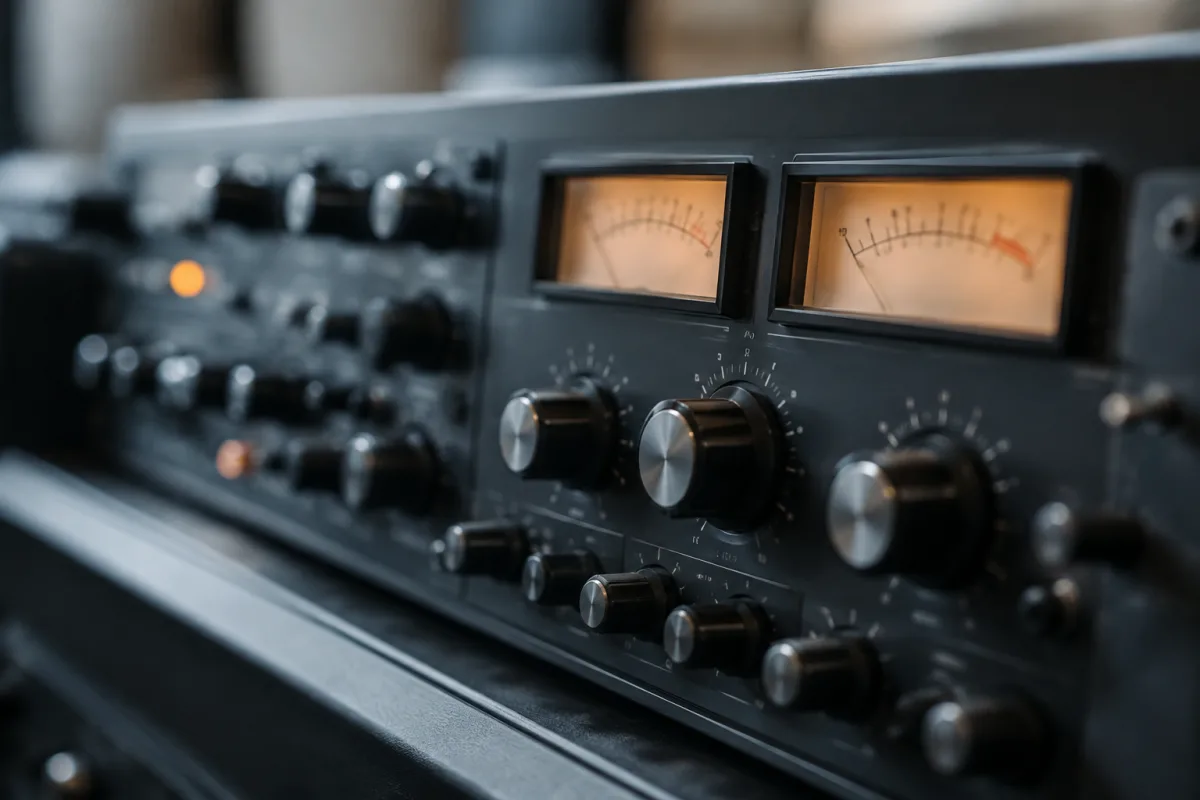
Buying a multiband compressor plugin feels like navigating a foreign language if you've never used one. Most DAWs come with a standard compressor that works on the entire frequency range. A multiband compressor plugin does something radically different: it splits your audio into separate frequency bands and compresses each one independently. The payoff is surgical tone shaping, better mastering control, and the ability to solve problems a standard compressor can't touch. This guide shows you exactly what to evaluate before you buy so you end up with a multiband compressor plugin that actually fits your workflow.
Understanding What a Multiband Compressor Plugin Actually Does
Imagine a standard compressor as a volume bouncer at a club—when the music gets too loud, it turns the whole thing down. A multiband compressor plugin is more like hiring separate bouncers for different frequency ranges. The bass bouncer only turns down the bass if it gets too loud. The mids bouncer watches the midrange. The highs bouncer handles the top end. Each band can have its own threshold, ratio, and attack time. This surgical approach lets you tame a boomy kick, control sibilance in vocals, or manage excessive low-end rumble without affecting the rest of the mix.
Key Specs to Check Before You Buy
Number of Bands
This is the first decision. A 3-band multiband compressor plugin (lows, mids, highs) is simple and works for most mixing tasks. Four or five bands give you more granular control but also more complexity. Six or seven bands enter specialist territory—useful for mastering or surgical corrective work, but overkill for general mixing. For your first multiband compressor plugin, start with 3 or 4 bands. You can always upgrade later if you need more.
Frequency Range and Crossover Flexibility
Can you choose where each band splits from the next? A rigid 3-band system with fixed splits at 200 Hz and 2 kHz might not suit your material. The best multiband compressor plugins let you set the exact crossover frequencies. A vocal mix benefits from different splits than a drum mix. Check that your target plugin allows you to adjust these.
Compressor Controls Per Band
Each band should have independent threshold, ratio, attack, release, and makeup gain. Some cheaper multiband compressor plugins lock certain parameters. If all bands share the same attack time, you've sacrificed flexibility. Look for full per-band control—it matters when you're fine-tuning.
Metering and Visualisation
Can you see what's happening in real time? The best multiband compressor plugins show you the audio waveform with each band colour-coded, display the amount of gain reduction happening, and show frequency response visually. Without good metering, you're flying blind. Budget options sometimes skip this; don't accept poor visibility.
CPU Efficiency
A lightweight multiband compressor plugin uses 2–5% CPU at typical settings. Heavy hitters, especially mastering-grade ones, can use 10–15% per instance. If you plan to use multiple multiband compressor plugins (vocals, drums, bus compression), CPU cost matters. Test with your exact DAW and buffer settings.
Single-Band vs Multi-Band: Know When to Buy
Before you rush to buy a multiband compressor plugin, ask yourself: would a standard compressor do the job? For vocals, a single-band compressor often works perfectly. For a boomy kick that doesn't need the rest of the drum kit compressed, a standard compressor is faster and easier. A multiband compressor plugin shines when you need to treat multiple frequency ranges differently in the same source—a vocal with both excessive sibilance and boominess, or a room mic with low-end rumble and harsh mid-range.
Use Cases: When to Buy a Multiband Compressor Plugin
Vocal correction: Tame sibilance in the upper mids without compressing the entire vocal. Add gentle compression to the low end to control proximity effect. A multiband compressor plugin is ideal for this.
Bass guitar: A multiband compressor plugin lets you compress the low fundamentals hard whilst leaving the high-mid definition untouched. Standard compression flattens everything.
Drum bus: Control excessive low-end thump without sacrificing the attack and presence of the kick and drums. Compress only the low band hard; leave the rest alone.
Mix bus and mastering: The most common use case. A well-configured multiband compressor plugin on your master bus can control dynamic range intelligently across the spectrum. Mastering-grade multiband compressor plugins are purpose-built for this.
Price Tiers and What You Actually Get
Budget tier (£30–80): Basic 3-band multiband compressor plugins with standard controls. They work, but metering is often minimal and CPU efficiency varies. Decent for learning the concept.
Mid-range (£80–250): Solid 4-band systems with good visual feedback, more flexible crossover controls, and efficient CPU usage. Most professional home studios work here. Waves C6, iZotope Ozone, and Fabfilter Pro-MB sit at the higher end of this tier.
Mastering-grade (£250+): Obsessively optimised multiband compressor plugins with pristine sound quality, advanced metering, and surgical controls. Used in professional mastering studios. You only need this if mastering or top-tier mixing is your daily work.
Comparing Popular Multiband Compressor Plugins
Before buying, research specific models online. Watch a five-minute walkthrough video. Listen to before-and-after examples. A multiband compressor plugin that looks impressive in specs might sound clinical and transparent (which you want for mastering) or warm and musical (which you might prefer for mixing). Sound quality is genuinely subjective.
Read user reviews for workflow complaints. Does the GUI feel cluttered? Is it CPU-hungry? Can you automate the parameters? These practical details matter more than raw feature lists.
Avoid Common Pitfalls When Buying
Don't assume more bands is always better. A well-tuned 3-band multiband compressor plugin outperforms a poorly configured 7-band system. Simplicity often wins. Don't buy the most expensive option thinking it'll solve all your problems—a £200 multiband compressor plugin works brilliantly if it suits your workflow. Don't neglect the free trial. Test every multiband compressor plugin you consider on your actual mixes with your actual material.
The Bottom Line on Buying a Multiband Compressor Plugin
A multiband compressor plugin is genuinely useful, but only if you have a real problem it solves. A vocalist with harsh sibilance, a bass player whose tone rides up and down, a mix bus that needs intelligent control across the frequency spectrum. Don't buy a multiband compressor plugin because it sounds cool or because a famous engineer uses one. Buy it because you've identified a specific task it'll handle better than your current toolkit.
For more context on how multiband compression works under the hood, read our complete guide to multiband compressor plugins, which covers signal flow, frequency splitting, and advanced techniques in detail.


Comments