


MIDI Packs article
Midi Packs for Beginners: A Complete Guide
MIDI packs can accelerate your learning and inspire new ideas, but only if you use them correctly. This beginner's guide shows you how to leverage MIDI packs without sacrificing creativity or relying on shortcuts.
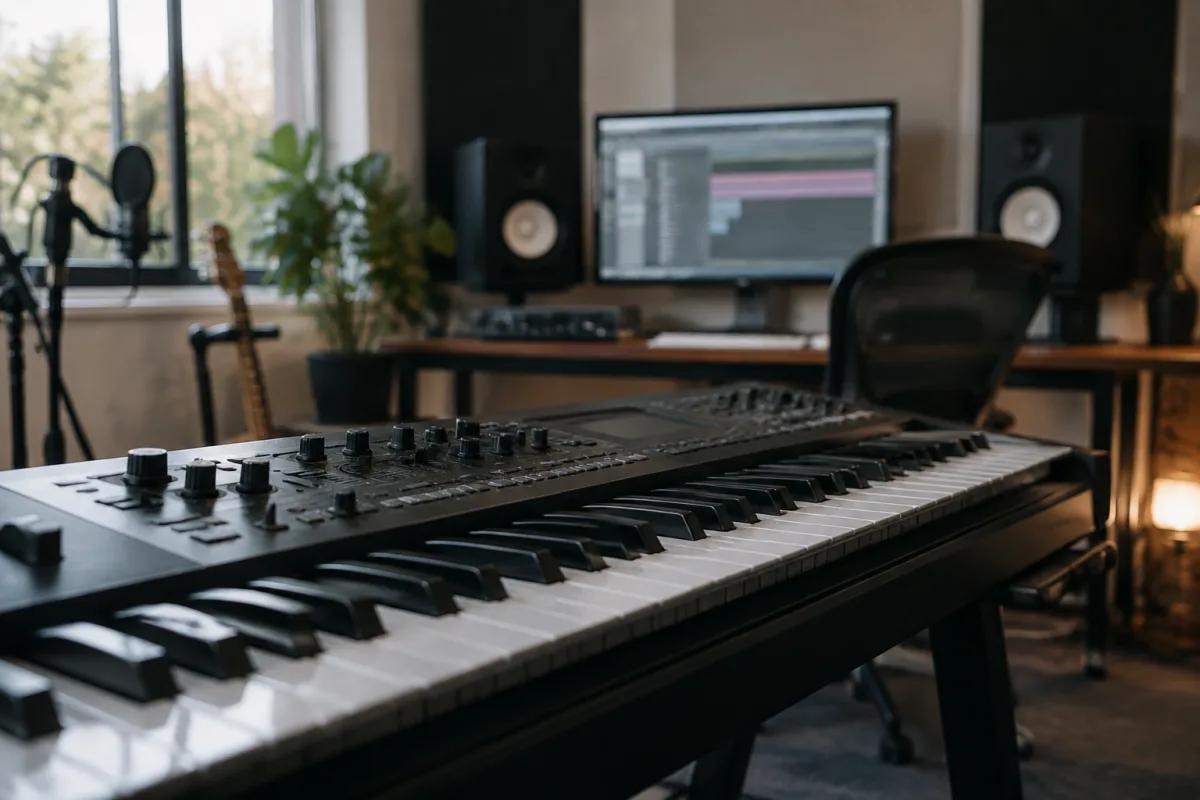
If you're just starting to produce music, the idea of composing every note from scratch can feel overwhelming. That's where MIDI packs step in. These ready-made collections of musical phrases, melodies and chord progressions can accelerate your learning and spark creative ideas. This guide explains what MIDI packs actually are, how they work and how beginners can use them effectively without stifling their creativity.
What MIDI Packs Actually Are
MIDI packs are collections of recorded musical performances saved as MIDI data. MIDI is a format that stores note information—which note to play, how long to hold it, how hard to strike it—rather than audio. Think of MIDI as sheet music in digital form: it tells your synthesiser or virtual instrument *what* to play, but not *which* sounds to use.
A typical MIDI packs product contains dozens or hundreds of short musical ideas: chord progressions, basslines, drum patterns, vocal phrases and full arrangements. A MIDI packs file might contain a 4-bar progression in G major, ready to drop into your DAW and modify as needed.
Why Beginners Use MIDI Packs
MIDI packs serve several purposes when you're learning to produce:
- Learning by example: Studying MIDI packs teaches you how experienced producers construct progressions, build tension and resolve phrases. Open a MIDI packs file in your DAW and study it note by note.
- Speeding up the composing process: If you've got a 2-hour session and want to focus on sound design and arrangement rather than composing from nothing, a good MIDI packs starting point gets you going fast.
- Overcoming creative block: Sometimes the hardest part is that first progression. A MIDI packs library gives you dozens of starting points; use one as a springboard, then modify it until it's uniquely yours.
- Genre education: MIDI packs themed around specific genres (house, trap, lo-fi hip-hop) teach you the harmonic and rhythmic patterns that define each style. This is invaluable knowledge when you're learning.
- Saving time on repetitive tasks: MIDI packs often include drum loops and hi-hat patterns you can layer under your own melodic ideas, taking the tedium out of quantising and timing.
Types of MIDI Packs for Different Styles
MIDI packs come in many flavours. Here's what to look for when choosing:
| MIDI Packs Type | What It Contains | Best Use |
|---|---|---|
| Chord progression MIDI packs | 4–8 bar harmonic sequences, usually 3–5 variations each | Building the foundation of a track; learning harmonic theory |
| Drum loop MIDI packs | Beat patterns ready to use or modify | Creating rhythmic texture quickly; learning groove and timing |
| Melodic line MIDI packs | Basslines, lead melodies, arpeggios and synth lines | Layering melodic elements; practicing arrangements |
| Full arrangement MIDI packs | Complete song structures with drums, bass, chords and melody | Learning full song structure; producing a complete track rapidly |
| Genre-specific MIDI packs | Progressions and patterns following genre conventions | Learning the rules of a specific style (house, trap, dubstep, etc.) |
How to Use MIDI Packs Without Losing Your Originality
The biggest fear beginners have about MIDI packs is that they'll end up copying everyone else's work. This is legitimate—many amateur producers do drop a MIDI packs loop into their track unchanged. Here's how to use MIDI packs creatively:
- Use it as a starting point, never the destination: A MIDI packs chord progression is valuable only if you modify it. Transpose it, shift the octaves, remove a note or two, adjust the rhythm. Make it yours.
- Layer MIDI packs ideas together: Take a drum pattern from one MIDI packs pack, a bassline from another and a chord progression from a third. Combine them in unexpected ways and suddenly nothing sounds generic.
- Velocity and timing humanisation: Most MIDI packs are perfectly quantised, which sounds robotic. Open the MIDI editor and add subtle timing variations and velocity changes. This tiny effort transforms the sound.
- Study, don't copy: Before using a MIDI packs idea, sit with it for 20 minutes. Play it in different keys, listen to how the notes interact, understand *why* it works. Then close the file and compose something inspired by it, without looking back.
- Credit your sources: If you release a track built significantly from MIDI packs, consider crediting the pack. Some MIDI packs products require this; others make it optional. Either way, it's good practice and transparent.
Common Beginner Mistakes With MIDI Packs
Watch out for these pitfalls:
- Buying too many MIDI packs at once: One high-quality MIDI packs collection is worth 10 mediocre ones. Start with one, master it, and buy another only when you've exhausted the first.
- Using MIDI packs from different decades in the same track: A MIDI packs drum loop from the 1990s mixed with 2020s chord voicings creates stylistic chaos. Choose one era and commit.
- Forgetting that MIDI packs need sound design: A MIDI packs idea sounds generic with default sounds. Use your own synthesiser presets, effects and instruments. The MIDI is just the skeleton; your sound design is the body.
- Ignoring MIDI packs documentation: Some MIDI packs come in different tempos or keys. Read the pack notes. If the MIDI packs are in D minor at 120 BPM and you need E flat major at 95 BPM, plan the conversion before you start.
- Stacking MIDI packs without removing notes: Beginners layer multiple MIDI packs progressions vertically, creating harmonic clashes. Learn to edit and reduce; less is usually better than more.
Where to Find Quality MIDI Packs
MIDI packs vary wildly in quality. Some come from Grammy-nominated producers; others are generated randomly by algorithms. Buy MIDI packs from established platforms (Splice, Prime Loops, Loopmasters) or directly from producers you respect. Read reviews, listen to free sample packs first, and invest gradually.
The Real Value of MIDI Packs
MIDI packs are not a shortcut to producing genius. They're a tool. A carpenter buys stock timber; they don't grow trees. Likewise, MIDI packs give you raw material. Treat them as educational resources and compositional springboards, not as the finished article.
For a deeper dive into composition theory and how to work with MIDI, see our complete guide to MIDI packs and how professional producers use them.
Use MIDI packs to accelerate your learning, break through creative blocks and study how experienced musicians think. Then, gradually, use them less as you internalise the patterns and develop your own voice. That's the healthy relationship with MIDI packs for a growing producer.


Comments