


Mastering Suite Buying guide
Mastering Suite: A Complete Buyer's Guide
Choosing a mastering suite means prioritising accuracy, transparency, and professional standards over flashy features. Learn how to evaluate metering capabilities, processing quality, and workflow integration to invest in the right mastering tool.
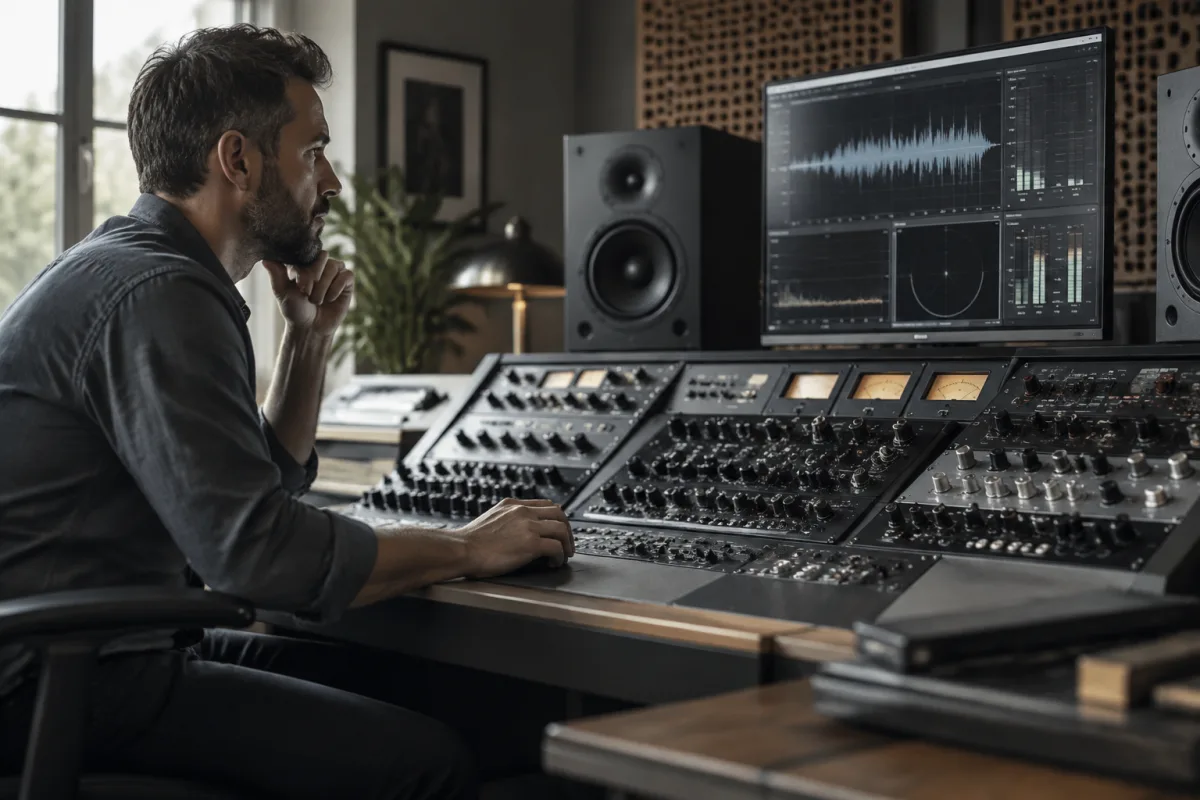
Purchasing the right mastering suite is one of the highest-stakes software decisions for serious music producers. A mastering suite determines how your final mixes translate to all playback systems—earbuds, car speakers, studio monitors, and streaming services. Unlike general music production tools, mastering suites demand precision in frequency analysis, dynamic processing, and loudness metering. This buying guide examines what distinguishes quality mastering suites from mediocre options, what features genuinely matter, and how to avoid paying for capabilities you'll never use.
Understanding What a Mastering Suite Actually Does
A mastering suite is a collection of professional-grade audio processors and metering tools designed specifically for the final mix stage. It differs fundamentally from standard DAW tools or general audio plugins. A quality mastering suite includes linear-phase EQ (which doesn't distort phase relationships), multiband compression, spectrum analysers, loudness metering to international standards, and dithering tools for reduced bit depth conversions.
Many producers mistake a mastering suite for a collection of fancy effects. Real mastering suites prioritise accuracy, transparency, and adherence to professional standards. They often include fewer "shiny" features and more surgical tools that reveal problems in your mix rather than cover them up. Understanding this philosophical difference—clarity over gloss—helps you evaluate whether a given mastering suite suits your workflow.
Essential Features and Technical Specifications
When comparing mastering suites, these specifications separate professional tools from consumer-grade approximations:
- Metering accuracy: Look for mastering suites that measure loudness to ITU-R BS.1770-4 standards and include LUFS metering. Streaming services like Spotify and Apple Music use LUFS normalisation, so accurate loudness metering is non-negotiable for modern production.
- EQ algorithm: Linear-phase EQ (or zero-latency options) is essential in mastering suites; standard minimum-phase EQ introduces phase distortion and changes your mix's perceived balance.
- Processing quality: High-resolution processing (32-bit or 64-bit floating-point) with dither support ensures conversions to 16-bit or 24-bit masters don't degrade audio quality.
- Analysis tools: Real-time spectrum analysers, spectrograms, and correlation metering help you spot balance issues and mono compatibility problems.
- Dynamics processing: Multiband compression and surgical compression controls allow precise shaping of problem frequencies without disrupting the overall mix balance.
- Limiting and safety: A transparent brickwall limiter prevents clipping during final export—essential for mastering suites handling multiple projects daily.
Standalone vs. Plugin Mastering Suites
Mastering suites come in two formats: standalone applications and plugin collections for your DAW. Standalone mastering suites offer advantages like dedicated workflows, superior metering displays on wider screens, and isolation from your DAW's processing overhead. They work with audio files directly, making them ideal for mastering engineers handling projects from various sources.
Plugin-based mastering suites integrate directly into your DAW workflow, eliminating the need to export and re-import audio files. This streamlines your process if you're mixing and mastering within the same session. However, plugin formats vary (VST, AU, AAXP), so confirm compatibility with your DAW and operating system. A mastering suite that only works on Mac is useless if you're on Windows, and vice versa.
Noise Floor and Low-Level Performance
Professional mastering suites excel at handling quiet passages and low-level signals with precision. Budget options often exhibit noise floor issues—subtle distortions or noise introduced by the processing chain itself—which compromise your final mix. Listen for transparent processing across your entire dynamic range, not just normal mix levels. A mastering suite that sounds great on loud passages but fuzzy on quiet intros or fadeouts isn't worth the investment.
Price Tiers and What Each Delivers
Budget mastering suites (£0–50) often provide basic metering and processing but lack professional-grade accuracy. They're fine for learning mastering concepts, but professional results demand better. Mid-range options (£50–200) deliver legitimate mastering-grade tools with accurate metering, linear-phase processing, and transparent dynamics control. These suit serious producers mastering their own work or small labels on modest budgets. Premium mastering suites (£200–800+) include extensive tool collections, network-capable metering, and customer support suitable for professional mastering studios.
Many professional mastering engineers use premium suites costing £500–2000+, but that investment is justified when mastering becomes your primary revenue source. For producers mixing their own music occasionally, mid-range mastering suites (£100–300) provide excellent value.
Common Purchasing Mistakes to Avoid
Many producers buy expensive mastering suites without understanding their existing DAW's capabilities. Modern DAWs (Pro Tools, Logic, Ableton) include competent metering and processing tools. Before investing in a separate mastering suite, test your DAW's functionality thoroughly. The upgrade cost isn't worthwhile if you won't use the additional capabilities.
Another common error is assuming the most expensive mastering suite is "the best." Professional mastering engineers often prefer specific tools based on workflow preferences and sonic character, not price alone. Boutique mastering suites sometimes outperform expensive comprehensive packages for specific use cases.
Don't overlook learning curve and community resources. Mastering suites with extensive tutorials, active forums, and responsive customer support become more valuable long-term than abandoned software with minimal documentation.
Evaluating Sonic Characteristics and Transparency
Before purchasing any mastering suite, run your own mix through the mastering processors. Quality mastering suites should be audibly neutral—you should hear your mix clearer and more detailed, not fundamentally changed. Colouration is fine if it's intentional (some engineers love the sonic character of certain tools), but transparency is essential for critical decisions.
Test the mastering suite on mixes you know well. If your favourite reference track suddenly sounds harsh or muddy through the suite's EQ, that's a red flag. Professional mastering suites should enhance clarity and control without imparting obvious character to transparent mixes.
Making Your Investment Decision
Start by defining your mastering workflow. Are you mixing and mastering in one session, or working with finished mixes? Are you mastering just your own material, or handling client work? Do you need portability across studios, or will you work from one location? These questions determine whether you need standalone software, plugins, or a hybrid approach.
Next, identify your must-have features: accurate loudness metering is non-negotiable for modern streaming; linear-phase EQ is essential for transparent frequency shaping. Less critical features (spectrograms, surround sound metering) depend on your specific needs. For a complete overview of mastering tools and techniques, see our ultimate guide to mastering suites.
Finally, prioritise transparency over features. A simple, transparent mastering suite with accurate metering beats a feature-packed package that colours your mix. Test before committing, understand your DAW's built-in capabilities first, and remember that mastering skill and critical listening matter far more than expensive tools. The best mastering suite is the one you'll actually use to achieve professional, translatable results across all playback systems.


Comments