


Guitar VST Buying guide
Guitar Vst: A Complete Buyer's Guide
A buying guide to choosing the right guitar VST for your needs. Understand amp modelling, impulse responses, CPU cost, and which plugins suit your genre.
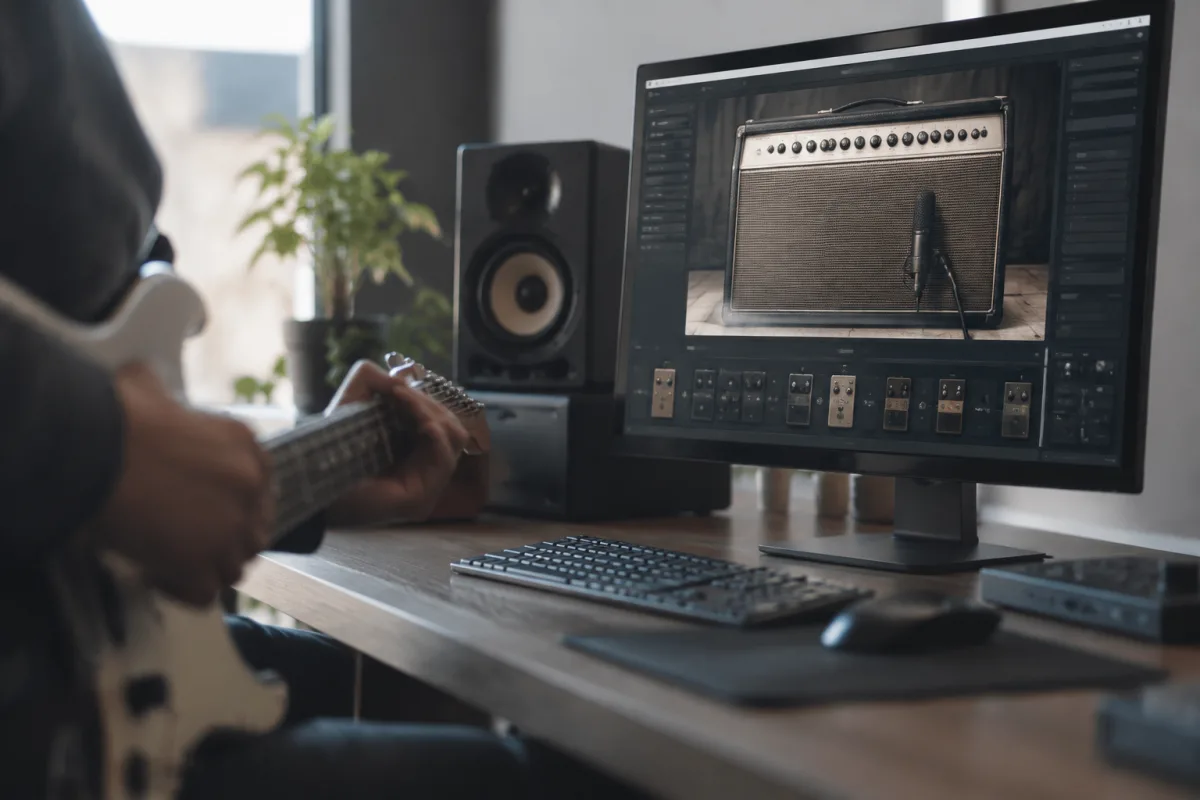
Choosing a guitar VST is like stepping into a shop with hundreds of pedals on the wall—you need to know what you're listening for. The best guitar VST for someone recording death metal won't suit a fingerstyle folk artist. This guide cuts through the hype and shows you exactly what to evaluate before you buy, so you end up with something genuinely useful rather than another shelf-ware plugin gathering dust.
Understanding What a Guitar VST Actually Does
A guitar VST is a software emulation that models guitar amplifiers, cabinet resonances, pedal effects, or sometimes the guitar itself. Most guitar VSTs focus on amp and cabinet simulation—they take the raw signal from your interface and colour it the way a real amp and speaker would. Some include built-in effects chains. A few model vintage tube amps with obsessive detail; others focus on modern high-gain tones. The key difference between a cheap guitar VST and an expensive one usually isn't the number of features—it's how genuinely it captures the tone character you're seeking.
Amp Modelling vs Impulse Responses: The Core Choice
When you shop for a guitar VST, you'll encounter two main architectures.
Amp modelling digitally recreates the tube dynamics, transformer saturation, and speaker breakup of a real amplifier. When you hit it hard, it responds like a real amp would—the tone changes, gets thicker, the compression tightens. Modelled VSTs from Kemper, Line 6, and Neural DSP feel alive and responsive. They demand a bit more CPU, but the payoff is tone that breathes and reacts to your playing.
Impulse responses (IRs) are audio snapshots of how a real speaker and microphone sound at a specific moment. An IR-based guitar VST records a mic'd amp cabinet and replays that static tone. IRs are lightweight, quick, and some sound superb—there's no latency wobble or CPU strain. The trade-off is that the tone is static. Hit the strings hard and the tone doesn't shift the way a real amp does. Many pro musicians layer IRs (alternating between several) to simulate dynamics. It works, but it's a workaround.
Core Specs to Check Before Buying
CPU Usage
A heavy-duty modelled guitar VST can eat 15–30% of a single CPU core. If your computer is already at 60% usage from your DAW and samples, adding a guitar VST will cause dropouts and latency spikes. Lightweight IRs might use only 3–5%. Know your system's headroom before you commit. Run a CPU monitor whilst tracking and leave at least 20% free.
Latency
The best guitar VST in the world is useless if it adds 50ms of latency—you'll hate playing through it. Modern amp modellers introduce 1–5ms, which is imperceptible. IRs are essentially zero-latency. Check the specs and, more importantly, test it with your actual hardware and DAW buffer settings. What works on a friend's setup might lag on yours.
Presets and Customisation
A guitar VST with 500 factory presets sounds great until you realise none of them quite hit the tone you want. Good presets save time, but the ability to tweak—to swap amp heads, change cabinet choices, dial EQ, adjust mic distance—matters more. Some guitar VSTs are preset players; others are deep customisation tools. Know which you need.
Amp Selection
Does the guitar VST model just one amp (limited but focused) or fifteen (overwhelming choice)? The best guitar VST for a specific genre often models just 2–3 amps obsessively rather than trying to be everything. A dedicated high-gain guitar VST with two killer metal amps beats a generalist plugin with thirty mediocre ones.
Cabinet and Microphone Choices
The cabinet and mic placement dramatically shape the final tone. A guitar VST offering cabinets from Marshall, Bogner, and Friedman with mic placement options (on-axis, off-axis, room mics) gives genuine creative control. Some plugins lock you to one cabinet choice. Flexibility here matters if you're tracking multiple guitars and want tonal variety.
Genre and Tone Specialisation
Here's the trap many producers fall into: they buy a guitar VST marketed as "everything" and end up with a competent generalist that doesn't excel anywhere. A dedicated guitar VST designed for one genre usually sounds better in that genre than a universal plugin.
- High-gain metal: Seek a guitar VST modelling 5150s, Marshalls, or boutique heads. Neural DSP and Quad Cortex plugins own this space.
- Classic rock: A guitar VST emulating Vox, Marshall, or Fender tube amps. Overloud TH3, Amplitube, and Positive Grid Bias work well here.
- Bluesy, crunchy tones: Look for a guitar VST modelling lower-wattage amps where natural breakup happens at reasonable volumes.
- Clean, crystalline tones: A guitar VST with excellent Fender or Vox amp emulations and top-tier cabinet modelling. Amp simulation quality matters more for cleans.
- Experimental, ambient: Some guitar VSTs focus on effect stacks and modulation rather than amp realism. Boss ME-50 emulations or plugins built around effects chains work here.
Interface Workflow and Usability
A guitar VST that looks like a tangled circuit board is daunting. You'll avoid tweaking and stick to presets. Simple, visual interfaces invite experimentation. Can you drag and drop effect order? Does changing amps feel intuitive? Some guitar VSTs (Neural DSP plugins, for instance) nail this; others bury essential controls three menus deep. Spend five minutes testing the GUI on YouTube before committing. You'll use that interface hundreds of times.
Integration with Your DAW
Does the guitar VST play nicely with your recording setup? Test with your actual interface, buffer size, and DAW. Some guitar VSTs have quirks with certain DAWs—Reaper loves everything, but a plugin rock-solid in Pro Tools might glitch in Ableton. Pre-purchase testing (free trials, friend's copy) saves heartbreak.
Price Tiers and Genuine Value
Budget tier (£20–60): Amp simulators like STL Igniter, Voxengo Boogex, or free plugins like LePou Plugins. Lightweight, functional, often surprisingly good. Perfect for learning or casual recording. Trade-off: fewer amp models, lower fidelity.
Mid-range (£60–200): Bias FX, Amplitube, Overloud TH3, and Neural DSP entry-level bundles. This is where most serious home producers land. Strong tone character, decent CPU usage, enough customisation to feel creative without overwhelming.
Professional (£200+): Kemper profiler plugin, Fractal Audio's Axe-Fx III in plugin form (when available), Quad Cortex plugins. Obsessive amp and cabinet modelling, brilliant tone, but steep entry price. Justified only if that specific tone is central to your work.
The Single Most Important Test
Before buying, track a test riff with the guitar VST. Rough it—no perfect takes. Does the tone inspire you to keep playing, or does it feel sterile and phoned in? A technically impressive guitar VST that kills your motivation isn't worth the money. The best guitar VST is the one you'll actually use, not the one with the best specs.
For more detailed technical background, read our complete guide to guitar VSTs, which covers amp technology and signal chain design in depth.


Comments