


Brass VST Buying guide
Brass Vst: A Complete Buyer's Guide
Finding a brass VST that sounds realistic means understanding articulations, legato quality and expression control. This guide breaks down price tiers and key specs so you buy the right brass VST for your orchestrations.
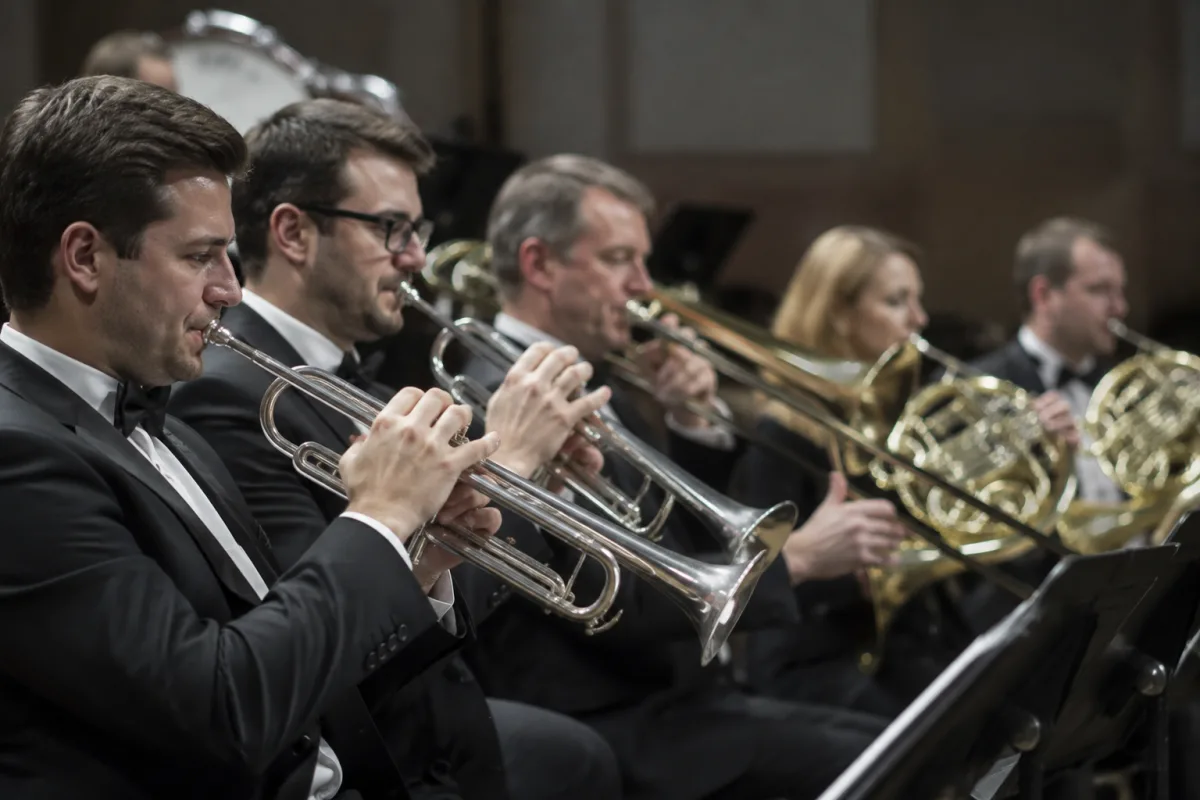
A convincing brass VST can elevate a film score or orchestral arrangement from adequate to exciting. But choosing the right brass VST means understanding what separates a genuinely playable instrument from an expensive fancy loop player. This buying guide walks you through the key specifications, price points and pitfalls so you can find a brass VST that actually sounds like live brass instead of a digital caricature.
What Makes a Brass VST Sound Realistic
A brass VST is a sample library of recorded trumpet, trombone, French horn or tuba performances, packaged with software controls that let you compose with them. The best brass VST tools capture not just the note itself but the character of how brass instruments actually behave: the attack, vibrato, dynamic changes, and the subtle differences between a long held note and a staccato stab.
Quality brass VST design focuses on these factors: how many different articulations are sampled (legato, staccato, sustained, bent notes), how much expression control the interface provides, and whether the samples include realistic breath sounds and subtle imperfections that make brass VST sound human rather than mechanical.
Price Tiers and What They Represent
Brass VST libraries span a wide range, and the price ladder reflects genuine differences in quality and flexibility:
| Price Range | Sample Library Size | Articulation Count | Common Use Cases |
|---|---|---|---|
| £30–£80 | 1–3 GB | 5–10 (basic brass VST covering common techniques) | Background textures, sketch stage, tight budgets |
| £80–£200 | 3–10 GB | 10–20 (solid brass VST range for most contexts) | Indie film, semi-professional orchestration, most indie composers' choice |
| £200–£500 | 10–30 GB | 20–40 (comprehensive brass VST with full expression control) | Professional film scoring, broadcast, detail-oriented mockups |
| £500+ | 30 GB–several TB | 50+ (world-class brass VST with exceptional nuance) | Top-tier film and television, orchestras that need to sound indistinguishable from live |
The jump in price reflects not just more samples but better microphone technique, more meticulous editing and, crucially, more articulations. A brass VST at £400 might include a legato transition sample between every semitone in its range; a £80 brass VST might interpolate between major intervals. The result is subtle but audible when you're crafting a solo trumpet line.
Essential Specifications When Evaluating a Brass VST
Beyond price, these technical details determine whether a brass VST will work in your project:
- Articulation range: How many different playing techniques does the brass VST cover? Staccato? Short notes? Legato transitions? Glissandos? Extreme dynamics (from barely audible to full fortissimo)? A good brass VST should offer at least 12–15 distinct articulations; premium brass VST tools offer 30+.
- Legato quality: This is critical. When a brass VST transitions between two notes, does it sound smooth or robotic? Listen closely to demos. Poor legato is the biggest tell that a brass VST is synthetic.
- Vibrato control: Real brass players vary vibrato speed and depth by musical context. Top brass VST libraries let you modulate vibrato with your MIDI controller. Budget brass VST tools might lock you into a preset vibrato speed.
- Dynamic responsiveness: Does the brass VST respond properly to MIDI velocity? Harder playing should sound louder and brighter. A brass VST that doesn't respond to velocity dynamics will sound flat and lifeless.
- Breath and articulation sounds: Professional brass VST instruments include breath attacks, key clicks and other subtle human noises. These details sell the illusion; budget brass VST tools often omit them.
- CPU efficiency: Some brass VST tools stream samples from disk; others load everything into RAM. Check your computer's specs before committing. A massive brass VST can overwhelm lower-spec machines.
Common Mistakes Beginners Make When Buying Brass VST
Avoid these pitfalls:
- Buying a brass VST without testing it first: Almost every brass VST developer publishes a free trial or demo. Download one, spend 30 minutes with it in your own DAW with your own sounds, and then decide. Online demos can be misleading.
- Assuming the most expensive brass VST is always the best: A £500 brass VST is overkill if you're layering it under strings and never using it as a soloist. Match the brass VST quality tier to your actual use case.
- Ignoring CPU load: A high-end brass VST can use 15–20% of your CPU per instance. If your computer is already struggling, an expensive brass VST will make things worse. Budget accordingly or plan a hardware upgrade.
- Buying multiple brass VST libraries simultaneously: One good brass VST is better than three mediocre ones. Master a single brass VST library before branching out. You'll work faster and sound more cohesive.
- Using only the default presets: A brass VST's default settings are often a compromise. Spend time tweaking: adjust vibrato, add breath sounds, shape the dynamics. A good brass VST responds dramatically to subtle parameter changes.
Legit Evaluation Checklist
Before you commit money to a brass VST, work through this checklist:
- Sound character: Does the brass VST sound "brassy" or synthetic? Play a long legato line and listen critically.
- Expression control: Can you shape vibrato, breath and dynamics with your MIDI controller, or are you locked into presets?
- Playability: Open the demo and compose a simple 8-bar solo. Does the brass VST feel natural to play, or do you fight the interface constantly?
- System requirements: Does the brass VST fit your computer's specs without requiring an upgrade?
- Support and updates: Does the developer release updates? Will they support new OS versions? Poor support is a red flag.
- Compatibility: Does the brass VST work as VST / AU / AAX in your DAW? Some older brass VST tools lack modern plugin support.
Who Should Buy Which Brass VST Tier
Budget brass VST (£30–£80): You're learning composition or you need texture under other instruments. A budget brass VST stacks nicely under strings; use it as a rhythmic element rather than a featured voice.
Mid-range brass VST (£80–£200): You're scoring indie films, composing for games or crafting semi-professional orchestration. A mid-range brass VST is flexible and sounds credible for most contexts. This is where most working composers invest.
Premium brass VST (£200–£500): You're producing broadcast television, high-end film or detailed orchestral mockups that clients will scrutinise. A premium brass VST sounds professional and offers serious expression control.
Ultra-premium brass VST (£500+): You're creating mockups that compete with live orchestration or you're scoring major studio productions. A top-tier brass VST is an investment, but it's the only option when perfection is required and budget allows.
Making Your Final Decision
Brass VST quality has improved dramatically over the past decade, and even mid-range options sound respectable. Start by identifying your actual needs: Will you use this brass VST as a solo line or background texture? How much expression control do you need? Do you have the disk space and CPU headroom?
Then, download free trials of three brass VST libraries in your target price range. Spend at least an hour with each one. Compose a short passage, test the legato transitions and shape some vibrato. Whichever brass VST feels most natural to play is probably your best bet. Buy that one, use it extensively and don't look for another until you've truly mastered it.
For detailed comparisons of top brass VST options and technical breakdowns, see our complete guide to brass VST libraries and how they work.
The right brass VST investment will serve your compositions for years. Choose carefully, test thoroughly and invest in the tier that matches your ambitions—not the one with the flashiest marketing.


Comments