


Music Production App article
Music Production App for Beginners: A Complete Guide
Music production apps democratise music creation. This beginner's guide covers what production apps do, realistic expectations, your first steps, and how to avoid common mistakes.
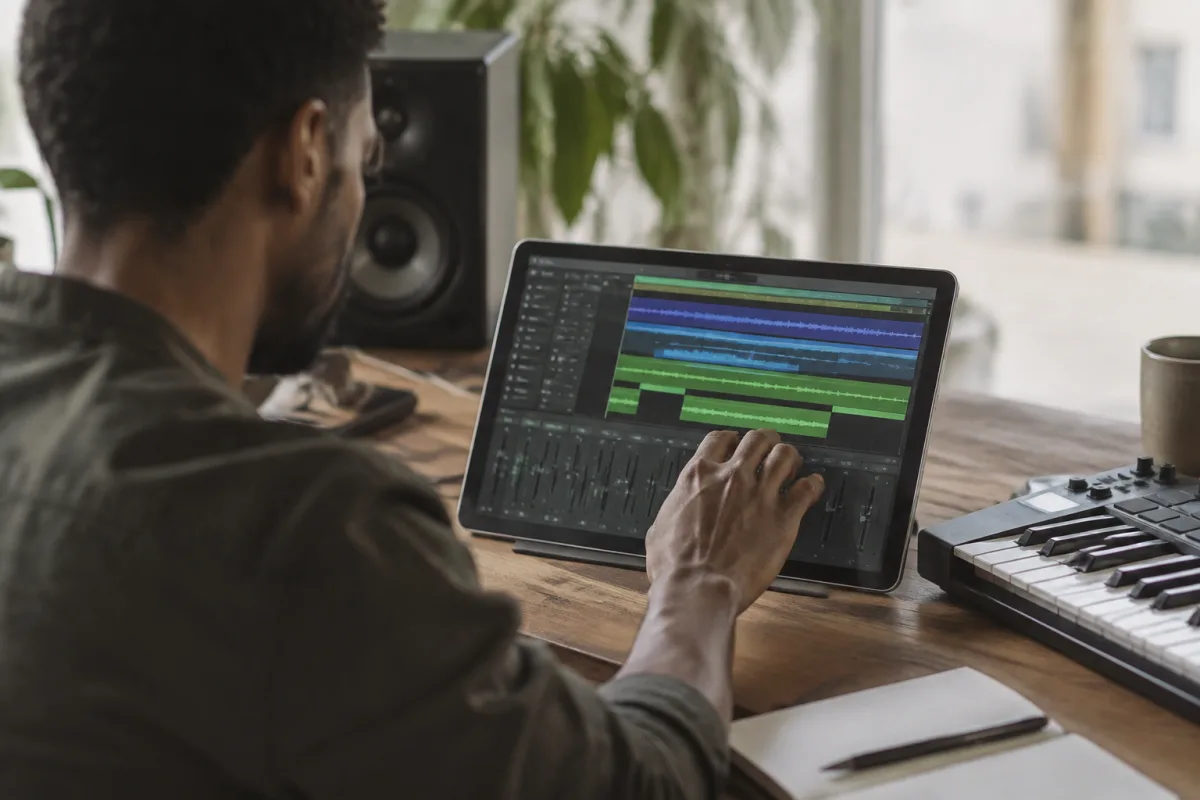
You don't need a room full of expensive gear or a degree in music production to create music. Music production apps—whether on your smartphone, tablet, or desktop—democratise music creation in ways that seemed impossible ten years ago. But starting with a music production app can feel overwhelming. Where do you begin? What features matter? What's the learning curve actually like? This guide walks you through your first steps with music production apps, helping you understand what these tools can do, what to expect as you learn, and how to avoid the common pitfalls that discourage beginners.
Understanding What Music Production Apps Actually Do
First, demystify what music production apps are. A music production app is software that lets you create, arrange, record, and mix music. Most include:
- A digital audio workstation (DAW): The core workspace where you arrange music, record instruments, and mix. Think of it as your studio's mixing desk and tape machine combined.
- Virtual instruments: Software that sounds like drums, pianos, guitars, synths, and thousands of other instruments. You don't need actual instruments—the app provides them.
- Audio recording capability: Plug in a microphone, and you can record your voice, acoustic guitar, or any sound source directly into the app.
- Effects and processing: Tools for adding reverb, delay, compression, and other effects that shape how your music sounds.
- Mixing tools: Volume controls, panning, EQ (tone adjustment), and metering to balance all your elements and make the finished mix professional.
All of this exists in one piece of software. You don't need separate hardware or tools. That integration is music production apps' greatest strength.
Why Start With a Music Production App?
Here's why beginners often gravitate toward production apps instead of full desktop DAWs:
- Low barrier to entry: Most quality production apps cost £5–50 as a one-time purchase or subscription. You're not spending £200+ before you know if you'll actually use it. You can experiment affordably.
- Everything is self-contained: No external hardware, no complex setup, no compatibility headaches. Download, install, create.
- Beginner-friendly interfaces: Production apps prioritise intuitive design over maximum flexibility. You get powerful features without overwhelming complexity.
- Instantly gratifying: You can create a beat and hear something musical within your first 30 minutes. This motivation is crucial for beginners. Success early keeps you engaged.
- Portable creativity: Some apps run on tablets or phones. You can create anywhere—your bedroom, a café, a train journey. This freedom appeals to beginners who are still exploring whether music production is "for them."
What to Expect Learning a Music Production App
Realistic expectations prevent discouragement. Here's the typical learning arc:
Week one: Everything feels complicated. The interface is crowded. There are more buttons than you've ever seen. Don't panic. You're not supposed to understand everything immediately. Stick with one tutorial and follow along exactly. Don't improvise.
Week two: You've created something recognisable. Not professional, but genuinely musical. You can string together loops, layer sounds, and create a structure. This is huge progress and genuinely exciting. Your creativity is translating into sound.
Week three: You're discovering how different tools shape your sound. EQ makes things brighter or darker. Reverb adds space. Effects add character. You're developing instinct about what each tool does.
Week four and beyond: You're using the app naturally. You know where things are. You can create something from scratch without referencing tutorials every step. Your ear is developing. You hear problems and know how to fix them (or you know where to look).
Getting Started: Your First Session
Here's how to start confidently:
- Choose an app (see below for guidance on selection).
- Download and install it.
- Ignore your instinct to explore every menu. Instead, find the app's official "Getting Started" or "First Project" tutorial.
- Follow that tutorial exactly. Don't improvise. Don't skip steps. Just follow along.
- Create a second project and follow the same tutorial again. This repetition builds muscle memory and understanding.
- On your third or fourth project, start improvising slightly while still using the tutorial's framework.
- Only after completing five or six projects should you start watching topic-specific tutorials (like "how to mix drums" or "how to create a bass line").
This methodical approach prevents overwhelm and ensures you're building on solid foundations.
Choosing Your First Music Production App
The market offers dozens of options. Here's how to narrow down:
For mobile devices (iPad, Android tablet): Look for apps with built-in tutorials and generous free trials. Quality varies wildly. Download three or four free or trial versions and spend an afternoon with each one. Pick whichever feels most intuitive and sounds best. Notable options include GarageBand (free on iPad), Ableton Live Lite on iPad, and various budget DAWs adapted for tablets.
For desktop computers: Budget options (£30–60) offer everything you need to learn. Skip the temptation to "future-proof" by buying expensive professional-grade software now. You'll appreciate budget software's simplicity as a beginner. Professional software offers power you won't need for months.
Purchasing strategy: Start with a budget option (£0–50). Learn for three months. Then upgrade to professional-grade software if you've genuinely committed to music production. You'll know better what features you actually need.
Common Beginner Mistakes
Learning from others' missteps saves frustration:
- Buying expensive professional software immediately: You'll feel overwhelmed and probably abandon it. Start cheap and upgrade later.
- Trying to learn everything at once: Focus on basic beat-making and arrangement for your first month. Learn mixing concepts in month two. Advanced production techniques come later. Sequencing your learning prevents overwhelm.
- Skipping tutorials and trying to figure it out alone: Every production app has learning resources. Use them. Struggling alone wastes hours and breeds frustration. Tutorials fast-track you to success.
- Expecting your first creations to sound professional: They won't. This is normal. Professional producers spend months or years developing taste and technique. Judge your progress by improvement, not by comparison to professional music.
- Using the first sound or sample without adjustment: Production apps ship with thousands of sounds. Most beginners grab a preset and use it unchanged. Instead, explore how adjusting parameters shapes the sound. This experimentation teaches you more than any tutorial.
- Creating without headphones or monitors: Your device's built-in speaker is worse than useless—it's actively misleading. Invest £30–50 in decent headphones or small speakers immediately. You can't learn mixing on bad playback.
- Trying to record a vocal when you should be learning beat-making: Vocals add complexity. Master beat arrangement and basic mixing first. Record vocals once you understand the fundamentals.
The Minimum You Need to Know Before Starting
You don't need to understand these concepts before downloading an app, but knowing them going in helps:
- BPM (Beats Per Minute): The speed of your music. 90 BPM is slow; 120 BPM is medium; 140+ BPM is fast. Different genres have different standard tempos. You'll set this in your app before creating.
- Tracks: Separate layers in your arrangement. One track for drums, one for bass, one for melody. Separating them lets you adjust each independently.
- MIDI: "Musical Instrument Digital Interface." It's how you trigger virtual instruments. You don't compose MIDI—you control which notes play and when. Don't overthink this term. You'll understand it naturally through use.
- Sample rate: The technical specification of audio quality. 44.1 kHz is the CD standard; 48 kHz is also professional. Just accept your app's default. You'll adjust this only if you know why you need to.
Three Months from Now
After three months of regular practice (even just 30 minutes daily), you'll be amazed at progress. You'll understand beat structure, how different elements layer, and how mixing shapes final sound. You'll have created dozens of songs, even if none are "finished" yet. You'll know whether serious music production appeals to you—or whether it's just a casual interest.
For a comprehensive overview of music production apps, their features, and detailed comparisons, see the complete guide to music production apps. But right now, as a beginner, focus on choosing an affordable option, following tutorials faithfully, and letting your ear develop.
Your First Step
Music production isn't magic or talent—it's a skill you develop through practice. Music production apps make that practice accessible and affordable. Download one today, follow the official tutorial, and create something. You'll be amazed how quickly you progress from "I don't know what I'm doing" to "I made that."



Comments