


Luna DAW article
The Ultimate Guide to Luna Daw
Universal Audio's LUNA is a cloud-connected DAW focused on recording and mixing with authentic analog character. Learn how its workflow and plugin ecosystem compare.
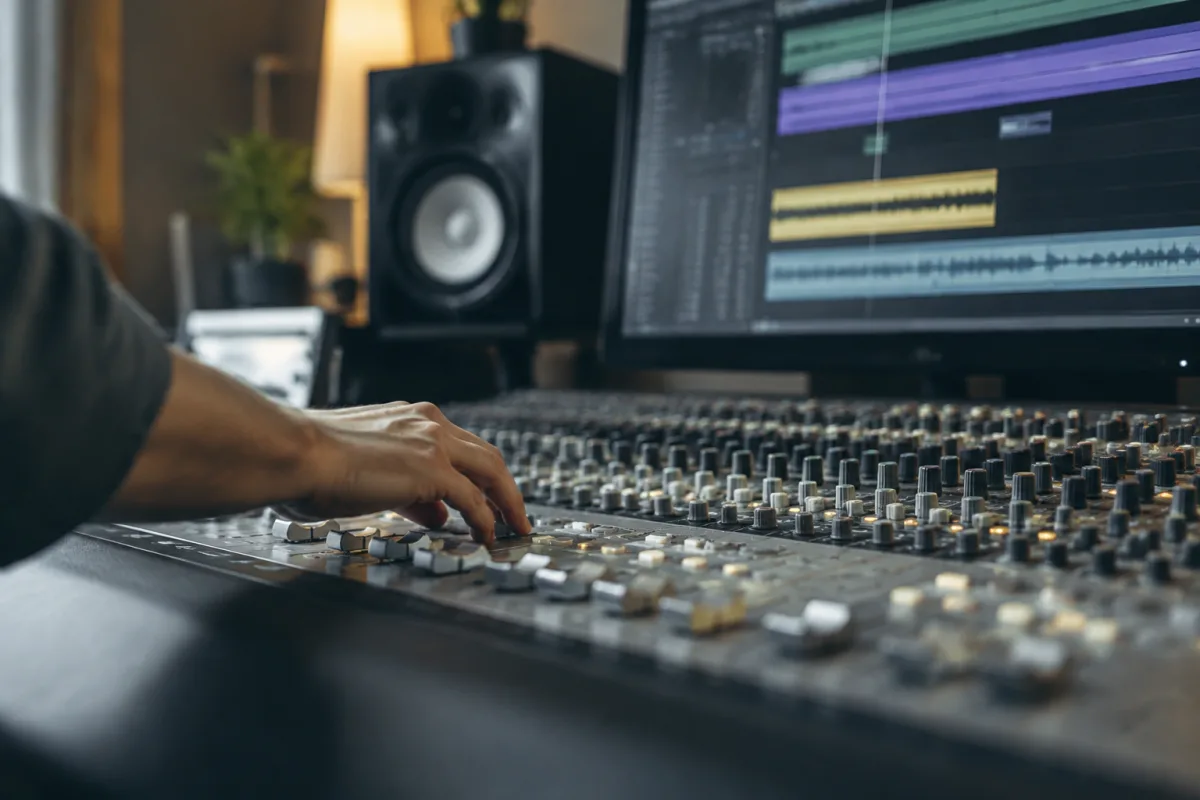
Universal Audio's LUNA is a cloud-connected digital audio workstation that takes a different approach from traditional DAWs. Rather than chasing the longest feature list, LUNA prioritises analog-inspired recording and mixing workflows, seamless hardware integration with Universal Audio's interfaces, and a clean, purposeful interface. If you're a recording engineer or mixer who values straightforward signal flow and sonic character over maximum flexibility, LUNA is worth serious consideration.
Launched in 2020, LUNA has evolved steadily with regular updates. Recent versions added expanded workflow features, AI-assisted tools, and better cross-platform support. It's not designed to be all things to all producers—it has a specific philosophy and audience.
What Sets LUNA Apart
LUNA emphasises analog-modeled recording and mixing. The interface is built around channel strips, summing and tape-related processing rather than the modular, extensible racks found in some competitors. This design philosophy appeals to recording engineers and mixers who think in terms of console workflows rather than infinite customisation.
Cloud connectivity is central to LUNA's identity. Your sessions live in Universal Audio's cloud, accessible across machines and enabling collaboration without file passing or version confusion. You can start a mix on your studio machine and continue on a laptop, with sessions synced automatically. This is powerful for mobile workflow but requires a stable internet connection and trust in cloud storage.
Hardware integration is another defining feature. If you own a Universal Audio interface, LUNA's integration is seamless—your interface settings, channel assignment and monitoring flow naturally into the DAW. This tight coupling makes LUNA particularly attractive to users already invested in Universal Audio's ecosystem.
Recording and Mixing Capabilities
LUNA supports multitrack audio recording, MIDI editing, arrangement and mixing. It's not limited to a single task; you can track a full band, arrange a complete song and mix it all within the same session. The interface emphasises clarity and workflow speed rather than overwhelming you with options.
Built-in channel-strip processing includes EQ, compression and other essential tools. Universal Audio's decades of experience with analog console design is evident in how these processors are modelled and presented. They're meant to sound and feel like high-end studio gear, not generic digital approximations.
Tape simulation and other analog-inspired effects are core to LUNA's character. These tools colour and character your mix in ways that appeal to engineers who value the warmth and saturation associated with tape and classic outboard gear.
LUNA Free and LUNA Premium
LUNA is available in a free version and a subscription-based Premium tier. The free version is genuinely capable—you can record, arrange, mix and export. Premium adds access to Universal Audio's entire library of software emulations, UAD plugins, additional processing and expanded collaboration features.
For hobbyists and learners, LUNA Free is a serious option. For professional engineers and studios, Premium's access to high-end UAD plugins justifies the subscription cost. Pricing varies by region and subscription length, so check Universal Audio's current offers.
Plug-In Support and UA's Ecosystem
LUNA's native plug-in support includes VST and Audio Units on macOS. However, LUNA's real power lies in access to Universal Audio's own plugin collection—a library of carefully modelled classic hardware including Neve consoles, Studer tape machines, Manley gear and hundreds of other classic studio tools.
These plugins are proprietary to Universal Audio's UAD ecosystem and are not available as standalone purchases for other DAWs. If you want authentic emulations of specific hardware, the UAD collection is unmatched. This creates a practical advantage for LUNA users—the best-in-class plugins for your needs are built into the subscription.
System Requirements and Cross-Platform Support
LUNA requires macOS and Windows systems with sufficient processing power. The software relies on cloud connectivity, so a reliable, reasonably fast internet connection is essential. This is a meaningful requirement for users working in remote locations or on unstable networks.
Cross-platform support means sessions started on Mac can move to Windows and vice versa. Cloud sync handles the heavy lifting, so you're not manually managing files.
Learning Curve and Workflow Adjustment
LUNA's console-like interface appeals immediately to recording engineers but may feel constraining to producers accustomed to modular, highly flexible DAWs. The trade-off is intentional: simplicity and signal clarity win over maximum customisation.
If you're new to DAWs, LUNA's straightforward layout is actually an advantage—fewer options mean a gentler learning curve. If you're experienced and expect to build complex custom signal chains or use hundreds of third-party plugins, LUNA may feel limiting.
Who Should Consider LUNA
Recording engineers and mixers: Particularly those who value analog-inspired workflows and console-like signal flow. LUNA's focus on recording and mixing aligns with your priorities.
Universal Audio interface users: If you already own a UA interface, LUNA's native integration offers convenience and sonic coherence.
Analog gear enthusiasts: LUNA's emulations of classic hardware and tape simulation appeal to you. The UAD plugin collection represents some of the best analog modelling available.
Collaboration-focused teams: LUNA's cloud architecture and real-time session sharing support distributed workflows where team members work remotely.
Beginners: LUNA Free offers simplicity and clarity without overwhelming choice.
The Bottom Line
LUNA is not a universal DAW trying to do everything. It's a focused tool designed for recording, mixing and analog-inspired character. Cloud connectivity and hardware integration make sense for specific workflows. Premium pricing for the full ecosystem is justified if you value authentic hardware emulations. If you prize straightforward signal flow, beautiful analog modelling and seamless hardware integration over maximum flexibility, LUNA deserves a trial.





Comments