


DJ Software for Mac Buying guide
Dj Software For Mac: A Complete Buyer's Guide
A practical guide to selecting the right DJ software for your Mac. Understand major platforms, evaluate features, avoid common mistakes, and find the software that matches your DJing style and budget.
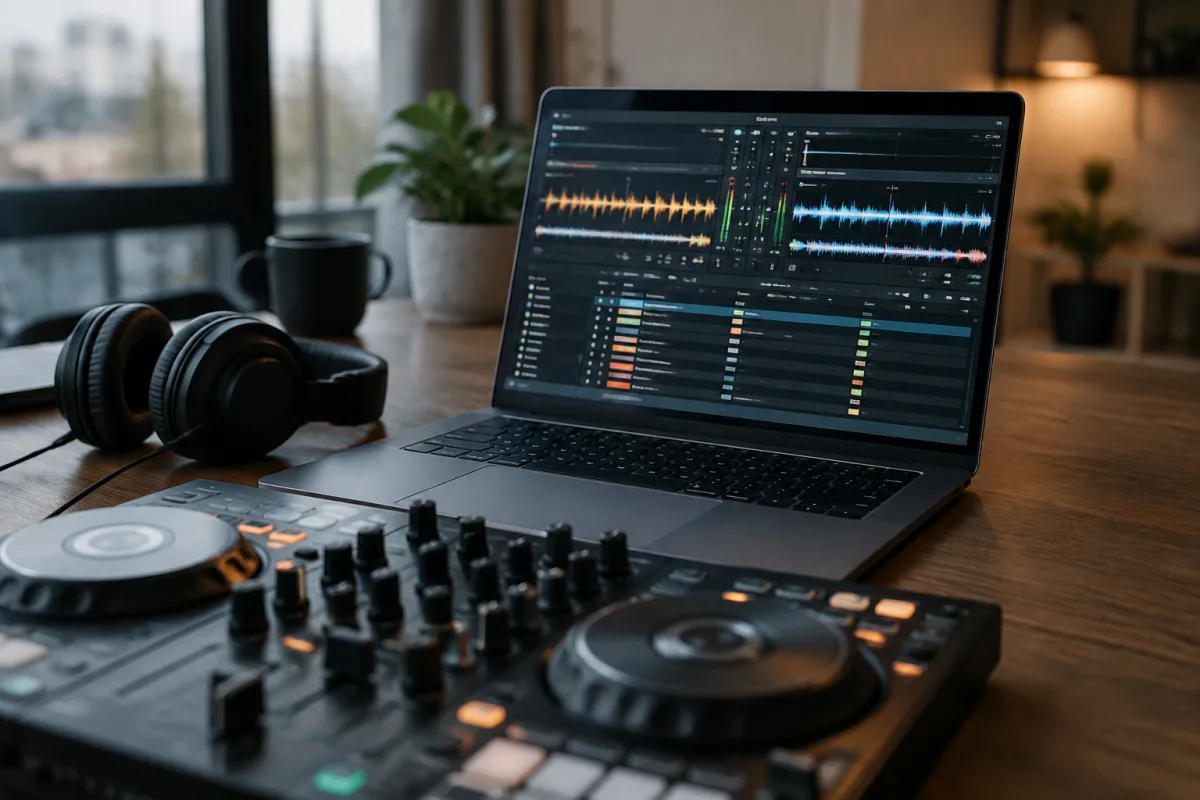
Choosing the right DJ software for Mac requires understanding what each platform offers, how they integrate with your hardware, and which features actually matter for your DJing style. With several quality options available, each with different strengths, budgets, and learning curves, the decision isn't as straightforward as picking the most popular choice. This guide helps you navigate the options, understand what specifications and features genuinely matter, and make a confident purchase that supports your DJing for years to come.
Understanding DJ Software for Mac Options
The DJ software for Mac market is mature and diverse. Major options include Serato, Virtual DJ, Traktor, Rekordbox, and several smaller alternatives. Each platform has distinct characteristics, controller support, price points, and community ecosystems. Understanding the fundamental differences helps you narrow your choices quickly rather than becoming overwhelmed by endless options.
Key Considerations Before Buying DJ Software for Mac
Hardware Compatibility: Before choosing DJ software for Mac, decide what equipment you'll use. DJ controllers work with most platforms, but deep integration varies significantly. Some controllers come with specific software bundles or offer discounted pricing with certain platforms. Check whether your preferred hardware officially supports each DJ software option before purchasing.
Music Library Format: Your existing music collection format matters. Do you use MP3, WAV, FLAC, or streaming services? Some DJ software for Mac handles file formats more flexibly. If you rely on specific music sources or formats, verify compatibility before committing.
Learning Curve: Different DJ software for Mac has different learning curves. Some emphasise intuitive interface design and are approachable for beginners; others prioritise advanced features for experienced DJs. Be honest about your starting point and learning speed.
Budget Reality: Determine what you'll actually spend before evaluating options. DJ software ranges from free to £400+. Don't assume expensive equals better—many excellent DJ software options exist at moderate prices, and free alternatives work well for casual users.
Comparing Major DJ Software for Mac Platforms
Serato DJ: Known for reliability, industry adoption, and intuitive interface. Serato DJ software for Mac is popular with mobile DJs, club DJs, and radio stations. The software integrates well with Serato controllers but also works with third-party equipment. Excellent scratching capabilities and hot cue systems. Mid to high price tier. Best for: club DJs, turntablists, professionals.
Virtual DJ: Versatile platform with strong loop and effect capabilities. Virtual DJ software for Mac offers good value and extensive hardware support. Known for user-friendly interface and quick learning curve. Mid price tier with flexible purchasing options. Best for: beginners to intermediate DJs, mobile performers, versatile styles.
Traktor by Native Instruments: Professional-grade software with tight integration to Traktor controllers. Traktor software for Mac excels at electronic music, complex beat synchronisation, and high-end production features. Steeper learning curve but powerful capabilities. Mid to high price tier. Best for: electronic music specialists, club DJs, producers.
Rekordbox by Pioneer: Industry standard in professional club environments. Rekordbox software for Mac is essential if you want to DJ on Pioneer equipment commonly found in clubs. Comprehensive features but steep learning curve and highest price tier. Best for: serious club DJs, career-focused professionals.
Essential Features to Evaluate
Library Management: Can the DJ software for Mac efficiently organise your music library? Look for automatic tagging, BPM detection, hot cue saving, and loop storage. Good library management saves hours of preparation time. Test this with sample DJ software for Mac before purchasing—a weak library system frustrates users constantly.
Effects and Filters: Different DJ software offers varying effect quality and quantity. Some include basic effects adequate for most DJs; others provide dozens of effects for complex sound design. Decide how important creative sound manipulation is for your DJing. Advanced effects don't matter if you won't use them.
Controller Integration: Verify that your chosen DJ software for Mac works smoothly with your planned hardware. Test integration in free trials or demos before purchasing. Some platforms offer tighter hardware integration than others.
Sampling and Loops: How does the DJ software for Mac handle sampling and looping? Some platforms excel at creative looping for live performance; others treat it as secondary functionality. If looping is central to your style, evaluate this carefully.
Video Mixing: Some DJ software for Mac includes video mixing capabilities, important for wedding DJs and club environments. Others exclude video entirely. Determine whether you need this feature.
Price Tiers and Value Assessment
Free DJ Software for Mac: Completely free options exist, including Serato Lite and various lightweight alternatives. These are perfect for trying DJing without investment, learning basics, and casual home use. Limitations include reduced feature sets and smaller music library support. Excellent starting point for beginners unsure about commitment.
Budget DJ Software for Mac (£80–£180): Entry-level paid options provide core DJing functionality, multiple effects, and decent controller support. Suitable for hobby DJs, bedroom producers, and beginners serious about learning. Some free-to-paid upgrades fall here, offering gradual feature unlocking.
Mid-Range DJ Software for Mac (£180–£350): Professional-quality DJ software with comprehensive features, excellent hardware integration, and strong community support. Most working DJs use this tier. Excellent value for serious performers and professionals.
Premium DJ Software for Mac (£350+): High-end software often bundled with professional hardware. Rekordbox and top-tier Traktor packages fall here. Justified for career DJs in specific hardware ecosystems or demanding professional environments.
Common Buying Mistakes to Avoid
Choosing Based on Popularity Alone: Market share doesn't equal best choice for you. The most popular DJ software for Mac might not suit your style or hardware. Evaluate based on your specific needs, not general popularity.
Buying Without Testing First: Most quality DJ software offers free trials or free versions. Download and test before purchasing. A week with demo software reveals far more than reading reviews or watching videos. Your hands-on experience matters most.
Underestimating Hardware Requirements: DJ software for Mac is relatively lightweight, but some high-end options demand modern processors and RAM. Check system requirements before purchasing, especially if your Mac is several years old. Compatibility problems are frustrating and expensive to resolve.
Ignoring Controller Bundle Deals: Buying DJ software and controller separately is often more expensive than purchasing bundles. Many manufacturers offer significant discounts when controller and software are purchased together. Check bundles before buying separately.
Assuming Expensive Software Is Always Better: Premium DJ software for Mac isn't necessarily superior for your situation. Expensive software excels in specific scenarios—professional clubs, premium hardware ecosystems, or advanced techniques. Moderate-priced options frequently outperform expensive software for typical DJing needs.
Trying Before You Buy
Free Trial Periods: Most major DJ software for Mac offers 30-day trial versions or free lite versions. Download these before purchasing full versions. Spending two weeks with trial software teaches you more about workflow, learning curve, and suitability than weeks of research.
Borrowing Equipment: If possible, borrow a friend's controller and DJ software for Mac and spend time practising. Real hands-on experience with your planned setup beats theoretical evaluation.
YouTube Tutorials: Watch setup and performance videos of your top choices. See how intuitive the interface feels to first-time users and whether workflows match your thinking.
After Purchase: Maximising Your Investment
Once you've purchased DJ software for Mac, invest time learning it thoroughly. Most beginners use only 10% of available features. Spend a few weeks reading tutorials, practising library management, and exploring effects. This investment transforms adequate software into professional tools.
Join community forums and user groups related to your chosen DJ software for Mac. Learning from experienced users accelerates your skill development and helps you discover hidden features and workflow tricks.
Exploring Further
For deeper technical information about different DJ software platforms, features, and technology comparisons, read our comprehensive guide on DJ software for Mac explained with detailed features and platform comparisons. That resource covers technical specifications and platform differences in depth—this guide focuses on helping you make the right purchasing decision for your situation.
Confidence in Your DJ Software Choice
The DJ software for Mac market is healthy with several quality options. You won't go wrong choosing among established platforms if you evaluate based on your specific hardware, music style, learning goals, and budget. Download trials, test thoroughly, and choose the platform that feels most natural to you. That confidence carries into your performance, making you a better, happier DJ.


Comments