


Chord Chart Software article
Chord Chart Software Mac: A Complete Guide
Digital chord chart software revolutionises how musicians work with songs, offering instant transposition, easy sharing, and seamless collaboration — from simple transposer apps to comprehensive notation platforms.
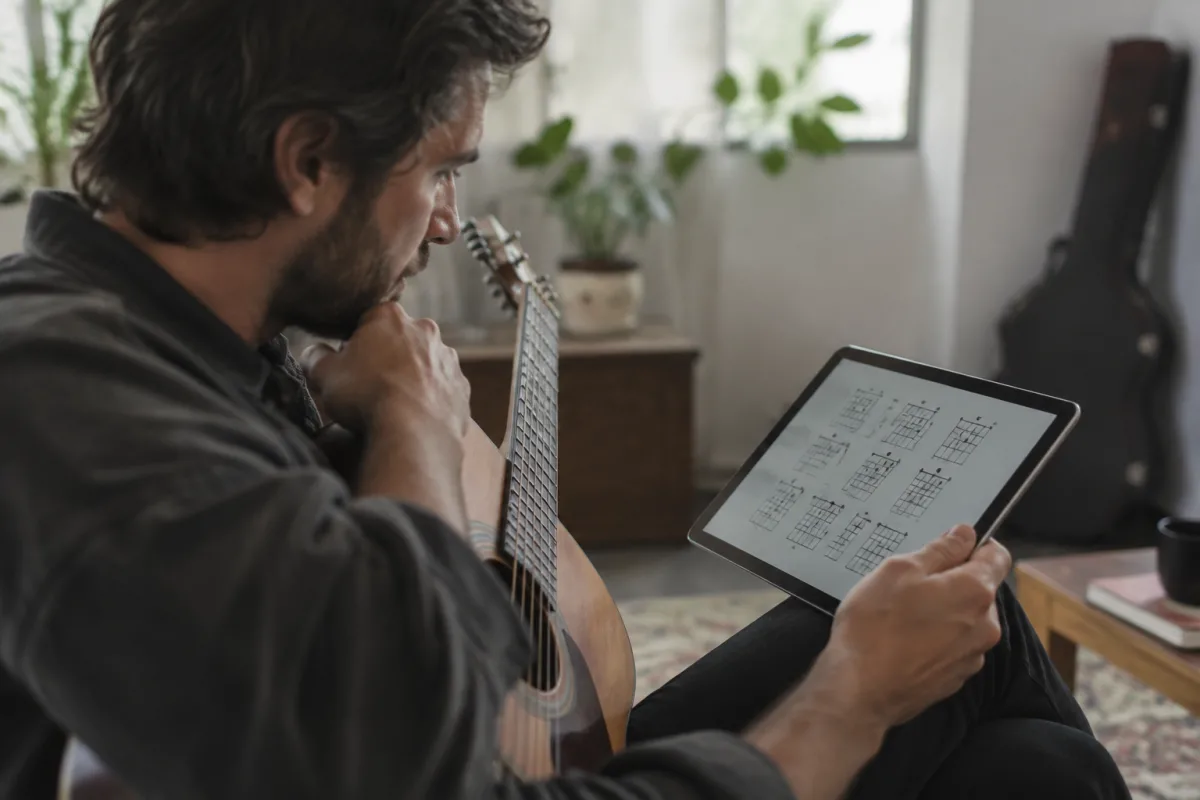
Learning and performing music becomes considerably easier when you have the chords displayed clearly in front of you. This software has revolutionised how musicians at every level work with songs, making it simple to transpose keys, share arrangements, and collaborate with other players. Whether you're rehearsing for a gig, teaching students, or learning a new tune, chord chart software offers flexibility and functionality that printed sheet music simply cannot match.
What Is Chord Chart Software?
Chord chart software is a digital tool that allows musicians to create, edit, display and manage chord charts for songs. Unlike traditional printed charts, it offers interactive features like real-time transposition, audio playback, and the ability to synchronise chords with lyrics. These applications range from simple, straightforward interfaces to comprehensive music notation platforms with extensive libraries of pre-made charts.
The core function is to display chord progressions and song structures in a readable format, typically showing the chord name above the corresponding lyrics or musical phrase. This makes it invaluable for guitarists, pianists, bass players and singers who need quick reference during performances or practice sessions.
Key Features to Look For
Modern chord chart software includes several essential capabilities that enhance the musician's workflow:
- Transposition: Instantly shift a song to any key without manually recalculating every chord — particularly useful when accompanying singers with varying vocal ranges.
- Chord Libraries: Access to thousands of pre-existing charts, often user-generated and community-verified.
- Audio Integration: Many platforms link to or include audio playback, allowing you to hear the original song whilst reading the notation.
- Capo Suggestions: Software can recommend optimal capo positions for easier playing.
- Synchronisation: Some tools sync chords with lyrics in real-time, keeping everything aligned as the song plays.
- Export Options: Print charts, create PDF files, or export to other music notation applications.
- Collaboration: Cloud-based platforms enable musicians to share and co-edit arrangements online.
- Mobile Support: Many options offer smartphone and tablet apps, letting you access charts during band rehearsals or performances without paper.
Popular Platforms and Their Strengths
Several standout platforms dominate the market, each with distinct strengths tailored to different musicians' needs. Ultimate Guitar offers the largest library for those looking to find existing chords quickly. ChordPro provides an open format for maximum compatibility. Soundslice excels at interactive learning with embedded video and tempo control. MuseScore suits those needing full notation capabilities. Chord Transposer prioritises simplicity and speed, whilst Chordify specialises in automatic chord detection from audio.
When selecting among chord chart software options, consider whether you'll primarily search for existing arrangements or create original ones. Desktop applications like MuseScore offer professional output for publication-ready scores. Web-based and mobile solutions prioritise real-time collaboration and transposition, making them perfect for rehearsals and live performance.
Choosing the Right Tool for Your Needs
Selecting an appropriate application depends on your specific needs and musical context. Consider your primary use case: are you searching for thousands of existing charts, or do you primarily create original arrangements? Are you performing solo, or do you need to share files with a full band?
Budget also matters considerably. Many applications are free or freemium (free with optional premium features), whilst professional notation software can cost hundreds of pounds. The best approach is to start with free options to understand your workflow, then upgrade if your needs evolve.
Using Chord Chart Software Effectively
Maximising value requires a bit of discipline and familiarity with your chosen application. First, learn the transposition and sharing features thoroughly — these are often where the real time savings happen. Second, develop a system for organising your collection, whether by key, setlist or song difficulty, so you can retrieve them quickly during rehearsals.
When using your software on stage or in rehearsal, ensure your device is reliably powered and positioned where you can read it comfortably without losing sight of your bandmates. Many musicians pair a tablet or laptop with a foot pedal or wireless page-turn remote to advance through songs hands-free.
Advantages Over Printed Charts
Digital chord chart software offers numerous benefits compared to traditional paper. Transposition is instantaneous — a ten-second job on a tablet would take several minutes with pencil and paper. Storage is vastly more efficient: your entire repertoire fits in a pocket-sized device. Collaboration is seamless: instead of hand-annotating copies for each band member, you share a single digital file that everyone can access and follow in real-time.
Moreover, this software integrates audio feedback, allowing you to hear the progression whilst you read, which accelerates learning and helps you internalise the harmonic movement. This immediate auditory reinforcement is something printed charts simply cannot provide.
Learning Curves and Community Support
Most applications are deliberately designed to be intuitive, with simple interfaces for common tasks. However, more advanced features—such as custom notation, complex time signatures, or detailed MIDI editing—may require tutorial time or documentation review. Fortunately, the most popular applications have extensive online tutorials, forums and community support.
Newcomers often find the learning curve gentle, especially when starting with straightforward tools like Chord Transposer or Ultimate Guitar. These applications require minimal setup; you can be reading or creating chords within minutes.
Integration with Your Music Workflow
Modern solutions increasingly integrate with other digital music tools. Some platforms connect seamlessly with DAWs (Digital Audio Workstations), allowing you to reference chords whilst arranging in Ableton, Logic or Reaper. Others integrate with backing-track libraries or metronome apps, creating a unified environment for rehearsal and composition.
This interconnectedness means your chord collection is no longer isolated files but part of a broader creative ecosystem. You can pull a chart into a DAW, add drums and bass, record your arrangement, and export everything as a single project—all without leaving your computer.
What the Future Holds
Artificial intelligence is beginning to influence development across the sector. Some newer applications use machine learning to analyse audio and suggest chord progressions automatically, making it easier to transcribe songs by ear. Real-time collaborative features are becoming increasingly sophisticated, with some platforms offering live jam sessions where musicians in different locations can play together whilst following the same digital notation.
Cloud storage and synchronisation are now standard expectations, ensuring your charts are accessible from any device and automatically backed up. As technology advances, chord chart software will likely integrate even more seamlessly with audio production tools and performance equipment.
Conclusion
Chord chart software has become an indispensable tool for modern musicians, whether you're a casual player learning cover songs or a professional touring musician managing complex setlists. The ability to instantly transpose, easily share, and conveniently access your entire repertoire from a single device represents a genuine leap forward from traditional paper. Whether you opt for a simple transposer app or a comprehensive notation platform, the right choice will streamline your practice, improve your performances, and make collaboration more efficient than ever before.





Comments