


Ableton Suite Download article
Ableton Suite Download for Beginners: A Complete Guide
Downloading Ableton Suite is straightforward once you know what to expect. This guide covers system checks, the installation process, first launch, and how to avoid common beginner mistakes.
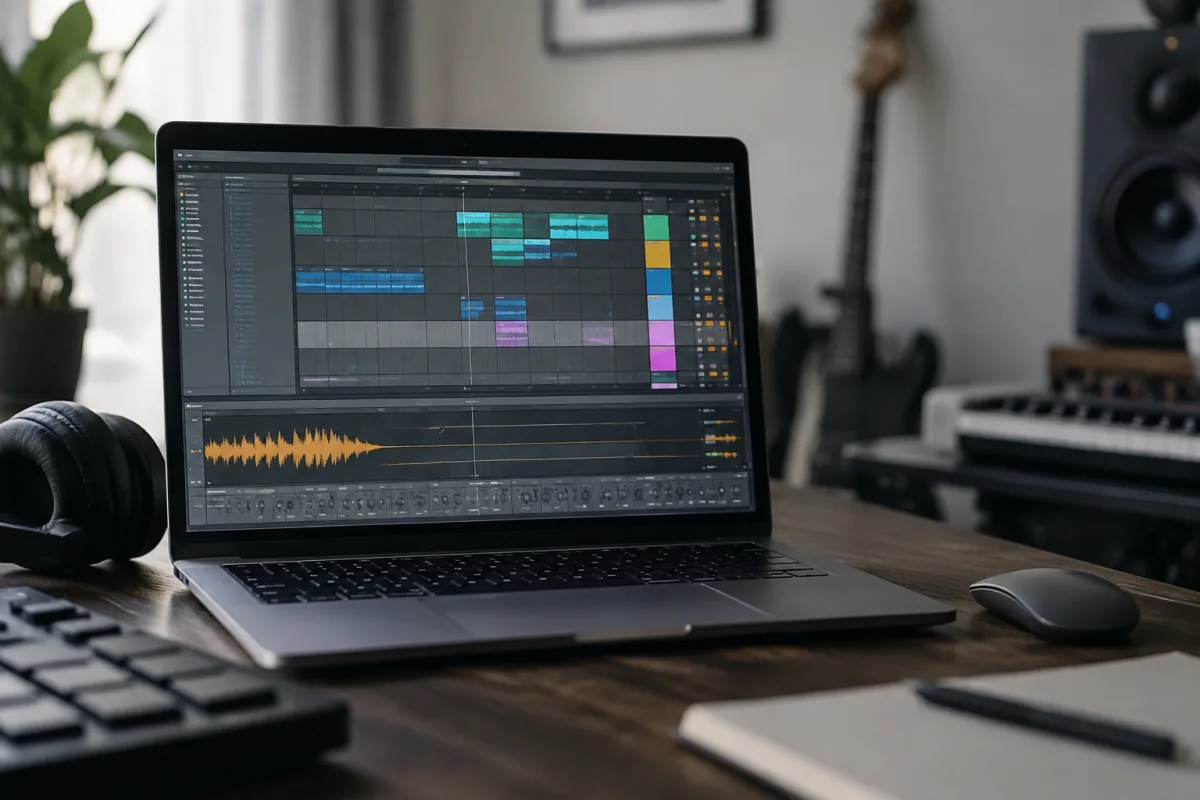
Ableton Suite Download for Beginners: A Complete Guide
If you've decided to start making music and you're ready to download Ableton Suite, this guide is for someone who's never done this before and feels a bit nervous about getting it right. I'm going to walk you through exactly what you need, how to get it installed, what happens after you press download, and how to avoid the mistakes that trip up first-timers. The process is genuinely straightforward once you know what to expect.
Do You Need Ableton Suite, or Something Else?
Before you download anything, pause and ask whether Suite is what you actually want. Ableton makes three levels of their software: Live Intro (the free/cheapest version), Live Standard (mid-level, around £400), and Live Suite (the full package, around £600). Suite includes everything: the core Live application, Max for Live (a advanced programming environment), and all the extra instruments and effects.
For a complete beginner, honestly, Live Intro or Standard is probably enough to start learning. Suite is the premium package aimed at professionals and people doing advanced programming. If you're just learning how to make beats or arrange a song, you don't need Suite yet. You can upgrade later once you know whether you'll actually stick with music production.
That said, many beginners jump straight to Suite because they want access to everything immediately. That's fine—there's nothing wrong with it. Just know that Suite costs more and has far more features than you'll use in month one. Your learning curve will be longer because there are more options to explore.
System Requirements: Check Before You Download
Ableton Suite needs a computer capable of handling audio processing. You need at least 4GB of RAM (8GB is better). Your hard drive needs at least 6GB of free space for the installation, plus more space for audio recordings and projects. On Windows, you need Windows 10 or later. On Mac, you need macOS 10.11.6 or later (though newer versions work better).
Check your computer's specs before you start the Ableton suite download. On Windows, right-click "This PC" and check Properties. On Mac, click the Apple menu and select "About This Mac." You'll see your RAM and operating system version. If you don't meet the minimum requirements, you'll waste time on an Ableton suite download that won't run.
Your internet connection matters for downloading Ableton Suite. The software is about 3GB; on a slow internet connection, this can take hours. A broadband connection (at least 5 Mbps) should handle an Ableton suite download in under an hour. If your internet is slow, download at a time when no one else is streaming or downloading.
Getting Your Ableton Suite Download: The Official Way
Go to ableton.com and click the download link on their homepage. You'll be asked to create an account or log in if you already have one. Enter your email address and create a password. This account is how Ableton tracks your license.
Once logged in, you'll see a form asking for your details. Be honest—Ableton doesn't care if you're a beginner or professional; this information just helps them understand who uses their software. Select your operating system (Windows or Mac) and the language you want.
Click "Download" and the installer file will start downloading. This is the setup file, not the actual software; the actual software installs after you run the setup file. The Ableton suite download takes ten minutes to an hour depending on your internet speed. Your browser will save it to your Downloads folder by default.
Running the Installer: The First Real Step
Once the download finishes, find the installer file in your Downloads folder. On Windows, it's a .exe file. On Mac, it's a .dmg file. Double-click the file to open it.
On Windows, a security prompt may appear asking if you want to allow this program to make changes to your computer. Click "Yes." This is normal; the installer needs permission to put files in your system folders.
On Mac, you'll see a folder containing the Ableton installer. Double-click the installer icon inside. You'll need to enter your computer password; this is your Mac login password, not your Ableton password. Enter it and click install.
The installation takes a few minutes. You'll see a progress bar. Don't interrupt it; let it finish completely. Once it's done, you'll get a message saying installation is complete. Click "Finish" or "Done" depending on your operating system.
Launching Ableton Suite for the First Time
You now have Ableton Suite installed on your computer. Find it in your applications folder or search for it. On Windows, search for "Ableton Live" in your Start menu. On Mac, search for it in Spotlight (Command+Space, then type "Ableton").
Click to open it. The first time you launch Ableton Suite, it will ask you to log in with the account you created during download. Enter your email and password. Click "Sign In."
Ableton will then run "Audio Driver Setup." On Windows, this means installing the ASIO driver (a way for Ableton to communicate with your sound card). This takes a minute. On Mac, this usually happens automatically without you doing anything. Once setup is complete, you'll see the main Ableton Suite window.
The window shows a lot of buttons, knobs, and menus. This looks overwhelming. Don't panic. Every person learning Ableton Suite feels this way on day one. You're going to ignore most of this for now.
The Essential First Steps: What to Do Right Now
When you first open Ableton Suite, set up your audio interface. Go to Preferences (on Windows, click Options menu then Preferences; on Mac, click Ableton menu then Preferences). Click the Audio tab. In the "Audio Input Device" dropdown, select your sound card or USB audio interface if you have one connected. Leave "Audio Output Device" set to your default speakers.
Then click the MIDI tab. Here you can set up any MIDI keyboards or controllers you own. If you don't have any yet, skip this step. Most beginners don't have MIDI hardware when they start; you can add it later.
Close Preferences and you're ready to make something. Create a new project by clicking File menu, then "New." Ableton will open a blank session. Now you have a place to start making music.
Avoiding Beginner Download Mistakes
Don't download from anywhere except ableton.com. Torrents, key-sharing sites and unofficial sources are pirated versions or contain malware. The legitimate purchase is £600, but it's legal and you get updates, support and a good conscience. That matters.
Don't try to run Ableton Suite without an internet connection after installation. Ableton verifies your license online occasionally. If you're permanently offline, it might refuse to launch. One internet check per month is normal and necessary.
Don't assume you need to buy expensive add-ons or Max for Live extensions immediately. When you launch it, you'll see suggestions to buy more stuff. Ignore them for now. Learn the core software first. You can buy extensions when you know what you actually need.
Don't skip the setup steps because you want to jump straight into making music. Audio driver installation takes three minutes and makes it work correctly. Skip it and you might get weird sound problems that are frustrating to fix later.
What Happens After Download: Your First Session
You now have Ableton Suite installed and open. Spend your first session just exploring. Don't worry about making a masterpiece. Click on the different buttons. Load a drum rack (click the Drums tab on the left). Click the drum pads with your mouse. Make noise. Play around.
This is genuinely how everyone learns—by clicking stuff and hearing what happens. There's no wrong button at this stage. Nothing you do will break anything. Undo (Ctrl+Z on Windows, Cmd+Z on Mac) reverses any change.
After twenty minutes of playing, try this: click Create menu, select "Audio Track." Now you can record your own voice, guitar, or any sound from a microphone. Click the record button and try singing or playing something into your computer's microphone. Listen to what you recorded. This is how Ableton Suite works—record sounds, arrange them, process them.
Finding Learning Resources
Ableton includes free tutorials inside the software. Click Help menu, then "Learn About Live." This opens a guided introduction to the basics. It's genuinely good—made by Ableton itself, so it's accurate and well-paced.
YouTube has thousands of Ableton Suite tutorials for beginners. Search "Ableton Suite for beginners" and you'll find step-by-step videos. Channels like Busy Works Beats and Ableton have dozens of free tutorials. Watch one per day and practice what you learn.
The Ableton community on Reddit (r/ableton) is welcoming to beginners. Ask questions there; people are helpful and remember what it felt like to be new. Official Ableton forums are also friendly and moderated.
Your Next Steps: After Downloading and Installing
Once you've downloaded Ableton Suite and got it running, your real learning begins. Spend your first week just playing with it—load sounds, make beats, record ideas. Don't worry about being good. Experimentation is how you learn.
After a week, pick one tutorial and follow it completely. Make something following the steps. Then make something of your own, using what you learned. This cycle—learn, copy, create—is how beginners build confidence with new software.
Our complete guide to Ableton Suite download covers deeper technical details, alternatives to Suite, and advanced setup options once you're ready to explore further.
Conclusion
Downloading Ableton Suite is the first real step toward making music on your computer. The process is straightforward: check your computer specs, download from ableton.com, run the installer, set up audio, and start exploring. You don't need to understand everything immediately. Experimentation and curiosity will teach you far more than rushing to learn every feature. Give yourself permission to be a beginner. Every music producer you've ever heard started exactly where you are now, with Ableton Suite installed and absolutely no idea what they were doing. You're already ahead because you took the step to download it.



Comments