


Gear for Music Buying guide
Gear For Music: A Complete Buyer's Guide
Buying music gear can be overwhelming. This guide covers what to consider, where to buy and how to make smart choices that match your actual needs.
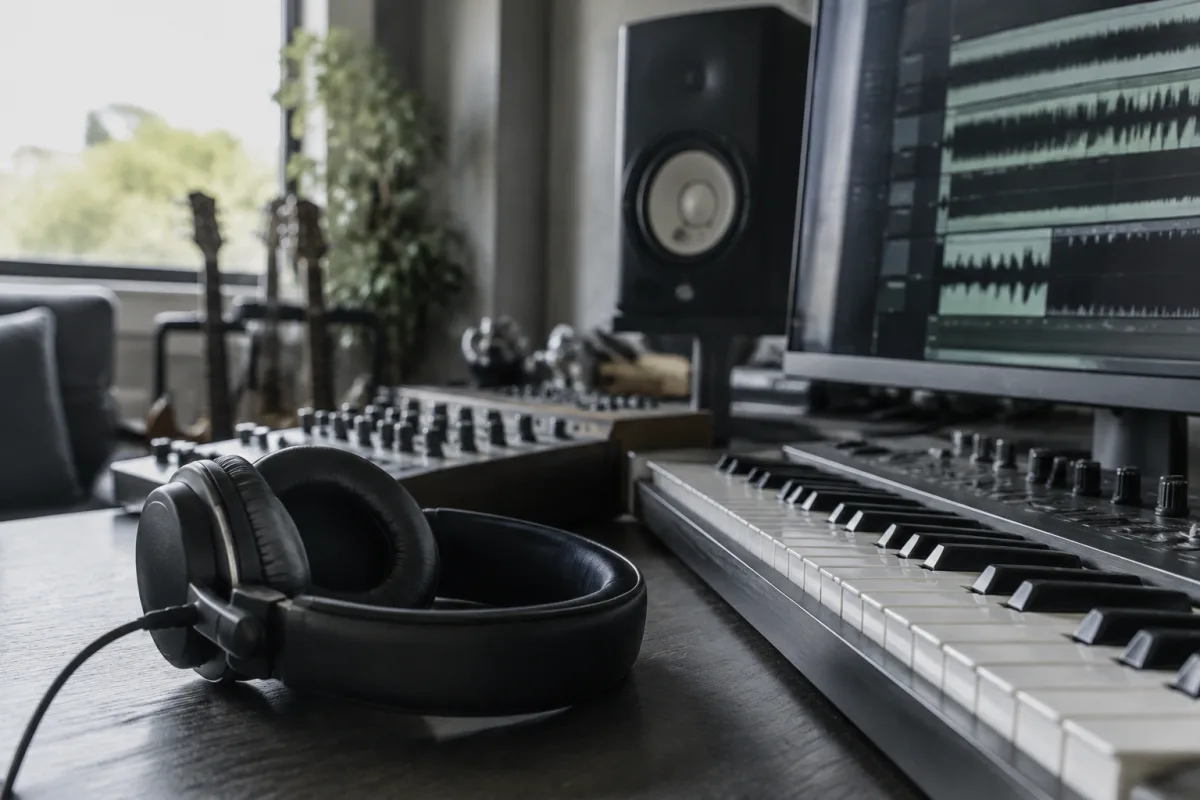
Music gear can be overwhelming. Whether you're starting a home studio, setting up for live performance or simply trying to upgrade your practice setup, the sheer variety of options makes gear buying bewildering. Cables, stands, microphones, interfaces, pedals, amps—each has dozens of models at different price points, and it's easy to waste money on the wrong choice. This guide walks you through what to consider when buying music gear, so you can make confident decisions that suit your actual needs and budget.
Understand Your Real Need First
Before you buy anything, get crystal clear on what you're trying to achieve. Are you recording vocals in a bedroom? Setting up a small PA for acoustic gigs? Building a pedalboard? Upgrading your monitor speakers? Your specific use case determines what gear actually matters. Many beginners buy impressive-sounding equipment only to discover it doesn't solve their problem.
Write down your goal in one sentence. "I want to record my guitar and vocals together at home." "I need a reliable mic for live vocals." "I need a stand for my music while practising." That clarity focuses your shopping and prevents impulse purchases.
Determine Your Budget Realistically
Set a total budget before you start looking. Music gear has no natural price ceiling—you can spend £100 or £10,000 on a microphone. Without a budget, you'll feel drawn to the most expensive option and wonder if you're missing out.
For most musicians starting out:
- Entry-level (£0–£50): Basic, reliable, gets the job done. Good for testing whether you need this gear at all.
- Mid-range (£50–£200): Quality improves noticeably; this is where most hobbyists and part-time musicians get good value.
- Professional (£200–£1000+): Used by studios and touring professionals. Often unnecessary for home use.
Decide which tier fits your situation and your commitment level. Buying entry-level to test, then upgrading to mid-range when you know what you need, is smarter than overspending on professional gear you might hate.
Key Questions for Any Piece of Gear
When evaluating a specific item, ask these questions:
Does It Solve Your Problem?
Not "is it good?" but "does it do what you need?" A £1000 microphone won't help if your room is noisy and untreated. A fancy audio interface is pointless if you're not recording. Match the solution to your actual problem, not an imagined problem.
Is It Reliable?
Read recent user reviews specifically mentioning durability and longevity. Cheap gear that breaks in three months is expensive. Mid-range gear from reputable manufacturers usually outlasts entry-level by years. Check warranty length—most reputable brands offer 1–2 year warranties; fly-by-night manufacturers often don't.
Will You Actually Use It?
Honestly. If you've never recorded before, do you really need a £200 interface? If you hate sitting at a desk, is that expensive music production software worth it? The best gear is the one you'll actually pull out and use.
Is the Brand Established?
Buy from known manufacturers when possible. Brands like Shure, Yamaha, Audio-Technica, Behringer, Rode and others have track records. You'll find reviews, replacement parts, and support. Unknown "Chinese brand XYZ" might be cheaper but offers no recourse if it breaks.
Can You Return It If It Doesn't Work?
Check the shop's return policy before buying. Most reputable retailers (Amazon, Thomann, Sweetwater, Gear4Music) allow 14–30 day returns. Dodgy sellers with strict no-return policies are red flags.
Do You Need the Extras?
Gear often comes as a bundle (camera + lens + tripod) or solo. Sometimes bundles save money; sometimes you're paying for things you don't need. Buy only what you need unless a bundle genuinely offers value. Similarly, don't buy high-end professional features you'll never use—a basic interface with the specs you need is fine.
Where to Buy Gear
Specialist Online Retailers
Thomann, Sweetwater, Gear4Music, Amazon Music Store. Advantages: huge selection, competitive prices, easy returns, customer reviews. Disadvantages: shipping times, can't physically handle before buying.
Local Music Shops
Independent music stores or chains. Advantages: expert staff advice, handle before buying, supporting local business, faster pickup. Disadvantages: potentially higher prices, smaller selection.
Manufacturer Direct
Some brands (Audient, SSL, MIDAS) sell direct. Advantages: sometimes cheaper, fresher stock. Disadvantages: limited selection, no return options at some manufacturers.
Second-Hand Markets
eBay, Reverb, local selling sites. Advantages: 30–50% cheaper, access to discontinued models. Disadvantages: no warranty, buyer beware on condition, potential scams. Only buy used from sellers with strong reviews.
Common Gear-Buying Mistakes
- Buying the "best" gear without testing: Professional equipment isn't automatically better for your situation. Test or rent before committing.
- Buying too much too soon: A beginner home studio doesn't need sixteen outboard effects. Start minimal; add only when you hit limitations.
- Ignoring compatibility: That microphone looks great—but does it work with your audio interface? Check compatibility before buying.
- Cheap cables: False economy. Cheap cables fail, introduce noise and die quickly. Spend £10–20 on decent cables; they last years.
- Buying the trendy gear everyone else has: Instagram hype doesn't mean it's right for you. Choose based on your needs, not fashion.
- Skipping research and buying on brand name alone: Even good brands have poor models. Read reviews for the specific item, not just the brand.
- Not considering room acoustics: Expensive speakers won't sound good in an untreated room. Budget for acoustic treatment if needed.
Building Your Gear Setup Step by Step
Rather than buying everything at once, build gradually:
- Month 1: Buy one essential item that solves your core problem.
- Month 2–3: Use it extensively; identify any genuine limitations.
- Month 4+: Only buy additional gear if it solves a real problem you've identified through use.
This approach saves money (you avoid impulse purchases), prevents waste (you only buy what you actually use) and builds a thoughtful setup instead of a random collection.
Checking Specs and Technical Requirements
You don't need to be an engineer, but understand basic specs:
- Impedance (microphones, cables): Low impedance (XLR) is standard for professional audio. Match your cable impedance to your devices.
- Frequency response (speakers, microphones): 20Hz–20kHz covers the full range humans can hear. Wider response is nice but not necessary for most uses.
- Bit depth and sample rate (audio interfaces): 24-bit, 48kHz is professional standard and widely supported. Overkill for home use; 16-bit, 44.1kHz works fine.
- Connectivity (cables, adapters): Does your interface have USB-C or USB-B? Does your microphone need XLR or USB? Check before buying.
You don't need to memorise specs. Just check that your devices will physically connect and work together.
For comprehensive information on music gear and equipment recommendations, see our complete gear for music guide.
Final Thoughts
Smart gear buying starts with clarity: what's your real goal? Then be honest about your budget and needs. Buy from reputable brands, check reviews, and test if possible. Start simple; add only when you hit genuine limitations. Most great music is made with humble gear used thoughtfully—not with the most expensive equipment. Buy smart, stay focused on your actual needs, and you'll build a setup that serves you well.


Comments