


Network Streamer article
Network Streamer for Beginners: A Complete Guide
If you're nervous about diving into wireless audio, you're not alone. Setting up a network streamer is simpler than most people expect.
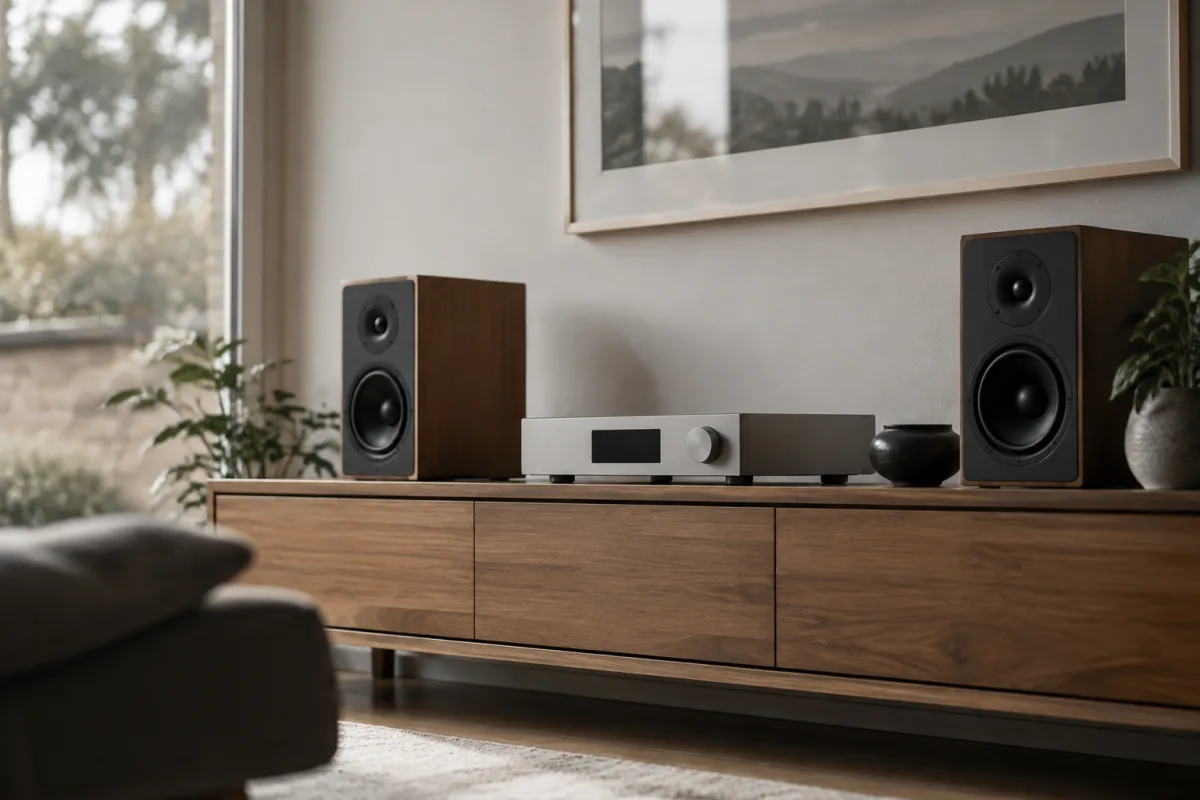
If you're nervous about diving into wireless audio, you're not alone. Setting up a network streamer might seem technically intimidating, but it's genuinely simpler than most people expect. This guide walks you through everything a beginner needs to know, breaking down the jargon and showing you the easiest path to enjoying music from your phone or computer through your home speakers.
What Exactly Is a Network Streamer?
A network streamer is simply a device that receives audio from the internet or your home network and sends it to your speakers. Think of it as a bridge between your digital music library (Spotify, Apple Music, your personal collection) and your existing amplifier or speakers. Unlike the intimidating hi-fi terminology, here's the simple truth: it's just a box that plays music wirelessly. No special cables needed, no complicated settings required. It connects to your WiFi network and starts working almost immediately.
Beginner's Easiest Starting Point
Don't overthink this. The simplest way to start is buying a budget-friendly network streamer (£150–300) and plugging it into your existing stereo system or powered speakers. Most beginners regret not starting here—it eliminates paralysis and lets you learn what you actually want. Popular entry-level options are plug-and-play compatible with popular music services like Spotify, Tidal, and Apple Music. You won't need to learn networking jargon or worry about technical specifications; these devices handle everything automatically.
Common Beginner Mistakes to Avoid (So You Don't Have To)
| Mistake | What Happens | How to Avoid It |
|---|---|---|
| Assuming WiFi issues are the streamer's fault | Cutting out, dropouts, poor connection | Check your router's signal strength first. Weak WiFi isn't the streamer's problem. |
| Buying a standalone network streamer with no amplifier | Expensive equipment that won't produce sound | Confirm you have a receiver or powered speakers before purchasing. |
| Plugging it into the same overloaded outlet | Interference, dropouts, poor sound quality | Use a dedicated mains outlet away from other devices. |
| Ignoring software updates | Compatibility issues, security risks | Enable automatic updates or check monthly for new versions. |
The Three Easy Steps to Get Started
Step one: unbox your network streamer and place it near your amplifier or speakers. Most devices include clear quick-start guides with pictures—follow those. Step two: connect to your home WiFi using the manufacturer's app (it walks you through this automatically). Step three: open your favourite music app, select your network streamer as the playback device, and start playing music. That's genuinely it. No networking knowledge needed, no complex configuration menus to navigate.
Honest Talk About What Beginners Face
Here's encouragement: most network streamer issues resolve within 10 minutes. Your connection drops occasionally? Restart the router (truly universal tech magic). The app can't find the device? Forget the WiFi connection and reconnect. Sound cuts during playback? Move the streamer closer to your router. Ninety percent of beginner "problems" disappear once you understand these three troubleshooting steps. You're not going to permanently break anything—technology is resilient.
What You Actually Need Before Buying
First requirement: working WiFi in the room where you want music. Second requirement: either an amplifier, stereo receiver, or powered speakers to connect to. Third requirement: a music service subscription (or local music files you own). That's literally all. You don't need networking qualifications, engineering experience, or previous audio equipment experience. If you've connected a device to WiFi before, you already have the skills needed for a network streamer.
Budget-Friendly Beginner Options
Entry-level network streamers (£100–250) deliver excellent value and won't stress your wallet if you discover audio streaming isn't your thing. Mid-range options (£250–600) add refinements like higher-quality audio processing and more streaming service integrations. Premium choices (£600+) suit music enthusiasts later upgrading after they've learned what they want. As a beginner, start at the bottom and upgrade only if you discover you love it—this approach removes decision paralysis.
Taking Your First Steps Confidently
Here's your permission to start small and imperfect. Buy an affordable network streamer, set it up tonight, and enjoy your favourite music tomorrow. Don't wait for the "perfect" knowledge or equipment—beginners learn fastest by doing. If something confuses you, the manufacturer's support forum and online communities are bizarrely helpful. For deeper context on how network streamers fit into complete audio systems, explore everything you need to know about network streaming. Start now, learn as you go—that's the beginner's superpower.


Comments