


Tc Electronic Guitar Effects article
Tc Electronic Guitar Effects for Beginners: A Complete Guide
TC Electronic makes approachable guitar effects for players of all levels. If you're just exploring effects, this guide walks you through which TC pedals suit beginners and how to use them.
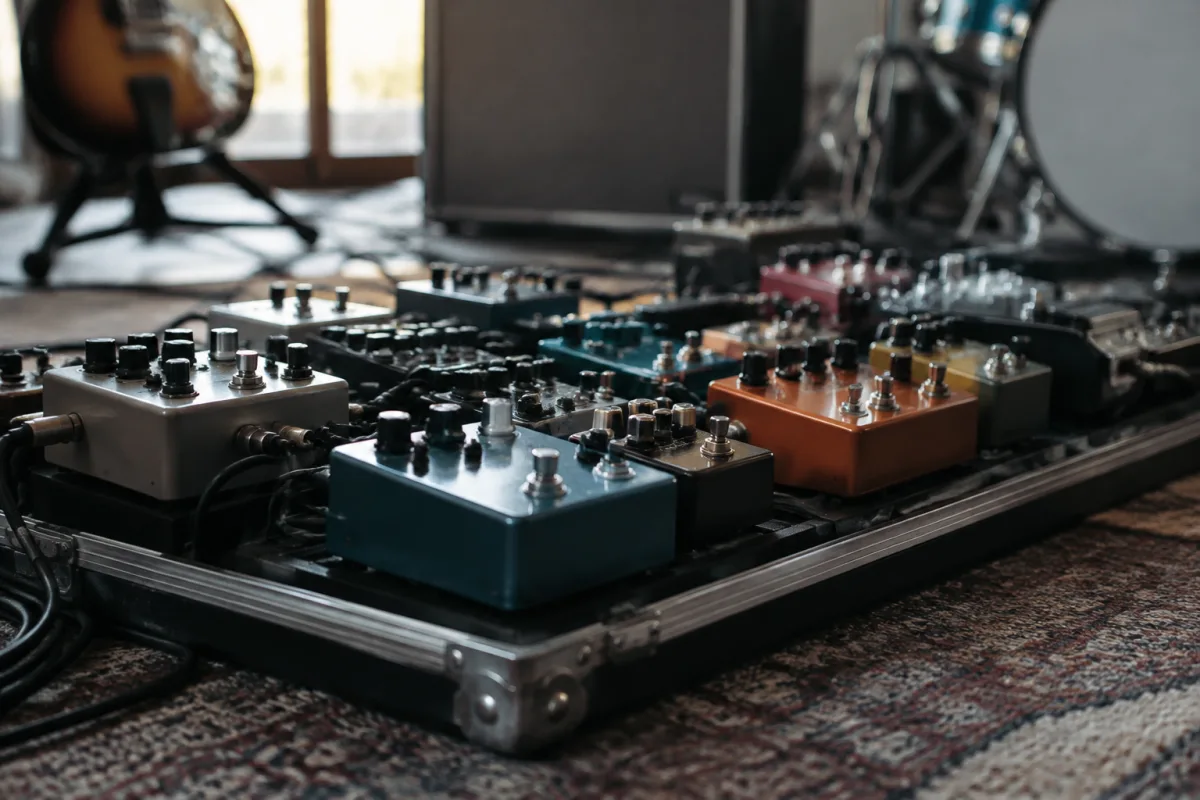
TC Electronic makes some of the most approachable guitar effects pedals on the market, with a reputation for clean sound quality and intuitive design. If you're just starting to explore guitar effects and wondering where TC Electronic fits, this guide is for you. We'll walk you through what makes these pedals special, which ones suit beginners best, and how to get the most from your first TC Electronic purchase without getting lost in complexity.
Why Beginners Love TC Electronic
TC Electronic has spent decades building guitar effects for professionals and home players alike. What sets them apart for beginners is this: their pedals do what they claim, without requiring an engineering degree to operate. Whether you pick up a single compact pedal or a multi-effects unit, TC Electronic prioritises intuitive layouts and great-sounding presets. You'll find yourself making music on day one, not troubleshooting menus on week three.
As a beginner, you're probably asking: "Do I really need effects?" The honest answer is no, but guitar effects open doors. They let you explore new sounds, inspired by your favourite guitarists, and experiment with your own tone. TC Electronic makes that exploration straightforward.
The TC Electronic Range for Beginners
TC Electronic makes several categories of effects products. Here's what each does and which might suit you:
Single Pedals
These are individual effects — a reverb, a delay, a distortion, a tuner. Each does one job very well. For a beginner, a single pedal is a brilliant starting point. You're not overwhelmed with options; you can focus on learning how that one effect works. TC Electronic's single pedals sit in a sweet spot: high quality, relatively affordable (£80–200), and extremely reliable. Guitarists often build their pedalboard over years, starting with one TC Electronic pedal and adding more as their skills and taste develop.
Multi-Effects Units
A multi-effects unit packs dozens of effects into one box — reverbs, delays, distortions, modulations, amp simulations, all accessible from a single screen. The advantage: you get everything in one purchase. The potential pitfall: there's a lot to explore, and it's easy to get lost. TC Electronic's multi-effects units (like the Plethora range) are beginner-friendly because the interface is logical and the factory presets are genuinely usable. Many beginners choose a multi-effects unit if they want versatility without buying multiple pedals.
Amp Modellers
These simulate the sound of classic guitar amplifiers — a way to get expensive amp tones through a single floor unit or pedal. The Plethora X3 and similar TC Electronic amp modellers combine amp simulation with effects, making them ideal if you play guitar through a computer interface or direct into mixing equipment. For purely acoustic bedroom practice, you might not need this yet, but many beginner bedroom producers favour amp modellers for bedroom recording and silent practice.
Which TC Electronic Product to Start With?
Choosing your first TC Electronic gear comes down to your situation and budget. Here's a practical decision tree:
If you have a tight budget (under £150)
Pick a single compact pedal in an effect you're curious about: a reverb, a delay, or a tuner. TC Electronic's compact pedals (like the Hall of Fame 2, Plethora X1, or M100) are reliable workhorse units. A reverb or delay gives you a flavour of how effects colour your tone, without being overwhelming.
If you have a moderate budget (£150–400)
Consider a dedicated multi-effects pedal or a proper single-pedal. Many beginners in this range gravitate toward the Plethora X1 or a combination of two or three single pedals. This gives you creative flexibility and room to grow without financial overstretch.
If you're investing £400+
A Plethora X3, Plethora Tone Print, or a full Plethora multi-effects processor makes sense. You're getting the full TC Electronic ecosystem, amp modelling, expression pedals, and enough effects variety to last you years. This is a "keep it for life" purchase.
Getting Sound from Your First TC Electronic Pedal
When your TC Electronic pedal arrives, here's the beginner's path:
- Unbox and charge it (if battery-powered) or plug in the power supply.
- Connect your guitar input to the "In" jack (usually on the left).
- Connect your amp or headphones/interface to the "Out" jack (right).
- Power on. Most TC Electronic pedals boot quickly.
- Press the footswitch to turn the effect on. You should hear the effect apply to your guitar tone immediately.
- Use the knobs or touchscreen to adjust parameters: the wetness of the reverb, the delay time, the effect intensity. Every change is audible.
That's genuinely all you need. Most TC Electronic pedals ship with excellent presets that work straight out of the box. Spend a week just cycling through presets and getting familiar with how the pedal responds.
The Three Beginner Controls That Matter
Even if your TC Electronic pedal has a dozen parameters, these three are what you'll use most:
Wet/Dry Mix (or "Blend")
This controls how much of the effect you hear against your original dry guitar sound. Beginners often turn the wet signal all the way up, and then wonder why their guitar sounds unrecognisable. Start with 30–50% wet and adjust to taste. You want the effect to colour your tone, not erase it.
Effect Intensity or Depth
For reverb, this is room size. For delay, it's the amount of repeats. For distortion, it's the drive level. This single knob changes the character of the effect dramatically. Turning it up doesn't always sound better; experiment and let your ears decide.
Tone or Colour
Most TC Electronic effects let you adjust the "character" — brightening or darkening the effect, tightening or loosening it. This is your creative playground. Tweak it until the effect sits naturally with your tone.
Common Beginner Mistakes with TC Electronic Pedals
Mistake 1: Activating Multiple Effects at Once
Multi-effects units like the Plethora let you layer effects. A beginner sometimes activates reverb *and* delay *and* distortion all at maximum intensity, resulting in a chaotic wall of sound. Start with one effect. Master it. Add a second only when you're confident. Most professional guitarists use 2–4 effects simultaneously, not eight.
Mistake 2: Ignoring the Presets
Your TC Electronic pedal ships with presets programmed by professional sound designers. These are *not* training wheels; they're a shortcut to great sounds while you're learning. Use them. Modify them. Learn from them. Then, once you understand the landscape, program your own.
Mistake 3: Chasing Settings Instead of Playing
It's easy to get lost in menus on a multi-effects unit, tweaking parameters endlessly. But the real learning happens when you're playing music through the effect. Spend 80% of your time playing and 20% programming. Your ears will develop faster.
Mistake 4: Not Saving Your Settings
TC Electronic pedals let you save custom presets (usually called "TonePrints" on their products). If you create a sound you love, save it immediately. Many beginners fiddle with settings, create something brilliant, forget to save, and never recreate it. Don't be that person.
Integrating TC Electronic into Your Rig
Whether you're connecting a single pedal or a multi-effects unit, the signal chain is straightforward: Guitar → TC Electronic → Amp (or Interface/Headphones).
If you have multiple effects and want to expand later, TC Electronic pedals play nicely with other brands. You can daisy-chain single pedals using patch cables. Many beginners start with one TC Electronic pedal, add other brands, and eventually specialise their rig based on their taste and budget.
Learning Resources
TC Electronic includes printed manuals with most pedals, and their website has video tutorials for every product. Spend an hour watching their "Getting Started" videos before you feel lost. Most of your questions have already been answered, and the videos are genuinely beginner-friendly — they don't assume you know what reverb is or how a delay works.
For deeper exploration into TC Electronic effects and how they fit into the broader world of guitar effects, the complete guide to TC Electronic guitar effects covers the full product line, tone-shaping techniques, and professional workflows.


Comments